Including integrated Google slides, live caption translation, and one central calendar.
Users told us live events didn't always feel smooth to run, with limited reach, complex workarounds, and frequent scheduling difficulties.
So we got to work addressing each of these issues directly, resulting in 10 distinct improvements to live events in Vimeo.
Here they all are.
Before you go live
See all your live events in one calendar
Released March 24, 2026
See all your scheduled and active live events in one single calendar. Monitor your concurrent streams, get proactive conflict warnings, and prevent scheduling failures before they happen.
Google slides, integrated natively in Vimeo
Released June 3, 2026
No more downloading PDF slides or sharing a fragile Chrome tab—you can now present Google Slides directly in your live event.
Translate live captions in real time
Released May 13, 2026 (Enterprise users)
Captions on your live events can now be translated in real time into 99 languages. Select your languages pre-event, and viewers can instantly switch between them.
Multiple-track audio for live events
Released June 15, 2026 (Enterprise users)
Run a single live event with multiple interpreter audio tracks, so viewers can choose their preferred language without separate streams.
Run live captions in 99 languages
Released May 12, 2026
Auto-generated captions for live events now support 99 languages (up from 5), with significantly higher accuracy thanks to a new AI model.
While you're live
Avoid audio issues with real-time warnings
Released June 3, 2026
Speakers now get instant alerts when something goes wrong with their audio, like talking while muted, headphones disconnecting, or mic levels dropping.
See mic levels in broadcast settings
Released June 12, 2026
Your broadcast settings now show a live audio meter, so you know your audio is working before and during your broadcast.
Keep your chat drafts when switching roles
Released June 3, 2026
Switching between speaker and audience roles no longer wipes your in-progress chat message, so you pick up exactly where you left off.
See your live viewer count from backstage
Released June 1, 2026
Producers and speakers can now see a live viewer count from backstage, without having to go on-stage to check.
Easily access chat when live
Released June 2, 2026
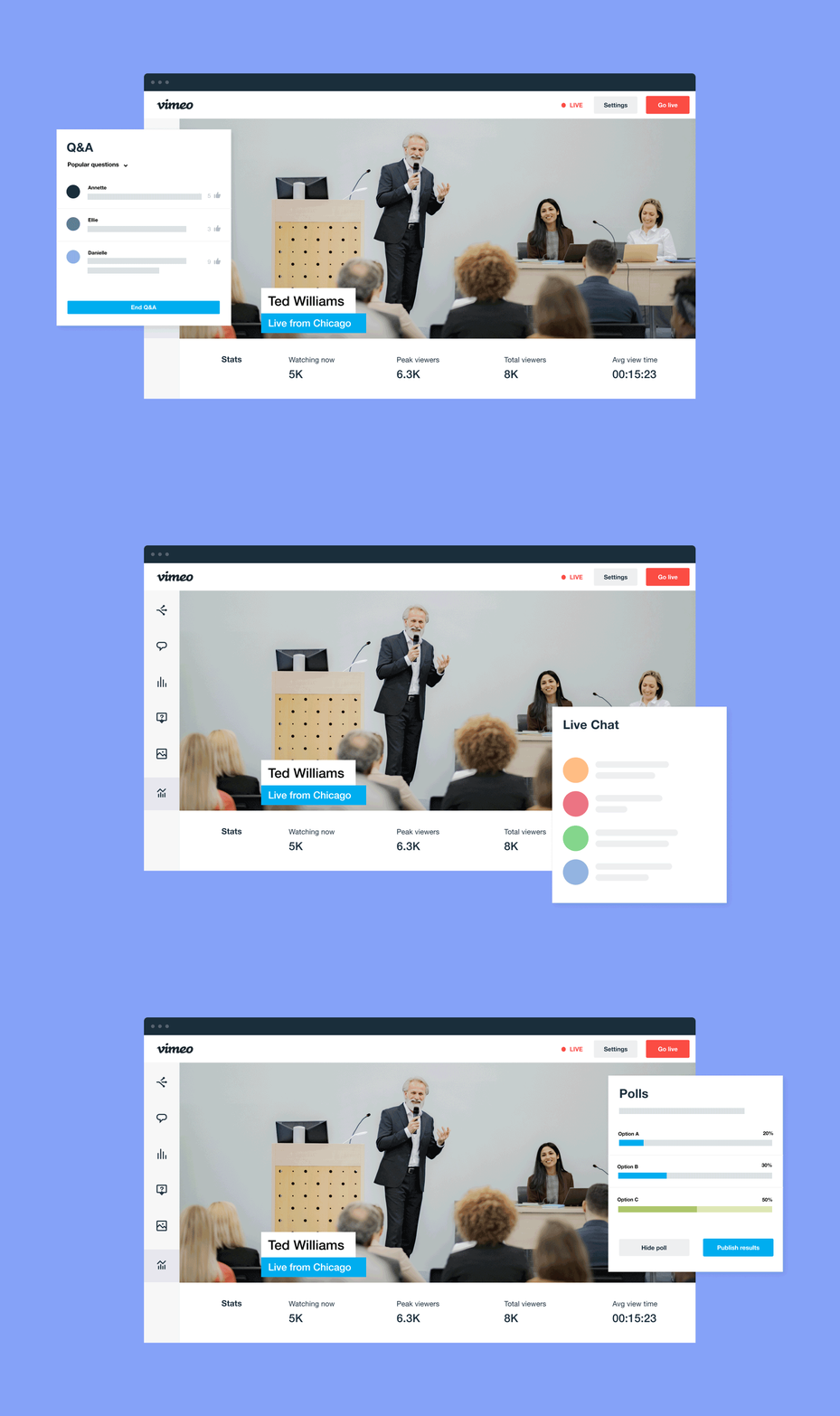
The live chat is now much more prominent during streams, so you can find and use it without interrupting your flow.
We’re improving the parts of Vimeo you use most, with the aim of making it simple, stable, and intuitive.
You can follow all these improvements at vimeo.com/product-updates.