Videos play a key role in many marketing and content strategies, offering engaging visuals that gets people excited. But high-quality, original videos can be time-consuming to create, and video editing is often the most labor-intensive step.
Fortunately, AI video editing tools save a lot of resources, and let you scale your output without lowering standards. Unlike AI video generation tools, these editors help you work efficiently while still putting human creative effort at the core.
This article outlines what to look for, and lists seven of the best AI video editors you can add to your video creation workflow.
Picking the best AI video editor
When choosing an AI editor for your video content, consider:
- Accessibility: A tool that’s easy for anyone to use allows your entire team to pitch in, and avoids the need to hire third-party video experts.
- Desired level of AI involvement: Some tools generate entire video rough cuts, while others focus on polishing and finalizing your own drafts.
- Video enhancement options: AI-powered video editors may automatically generate translations and captions, and let you enhance content with special effects and transitions.
- Quality control: Your tool should support high-quality footage and a range of resolutions, so you can present great content and reuse it on multiple platforms.
- Hosting and sharing features: With some AI editors, you also get video hosting and sharing options. An all-in-one tool like Vimeo lets you house the entire video creation and management process in a single place.
Create and manage videos with Vimeo AI →
How to make AI-assisted videos: 7 platforms
Here are seven AI video editing tools that suit a variety of needs and use cases.
1. Vimeo
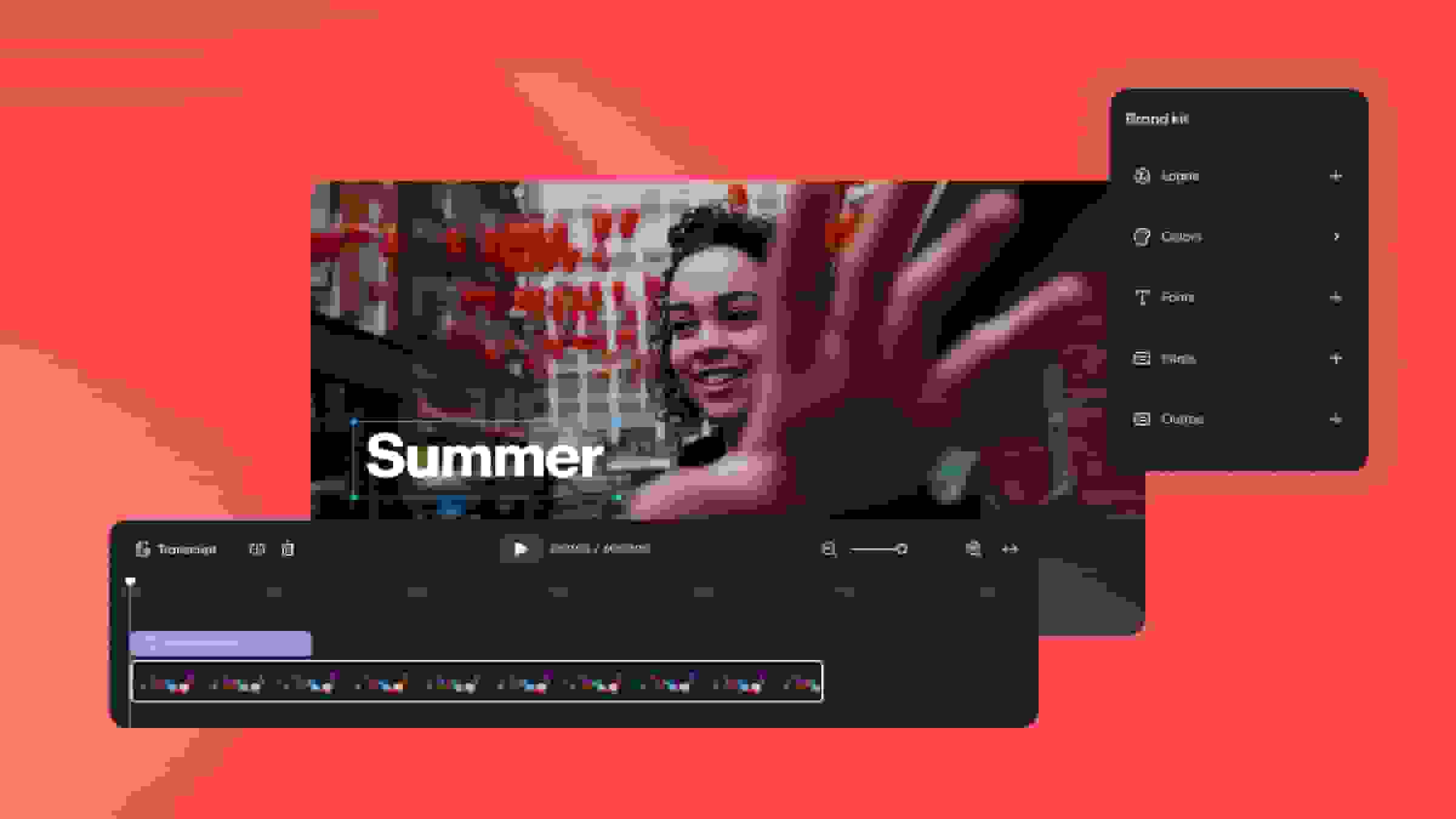
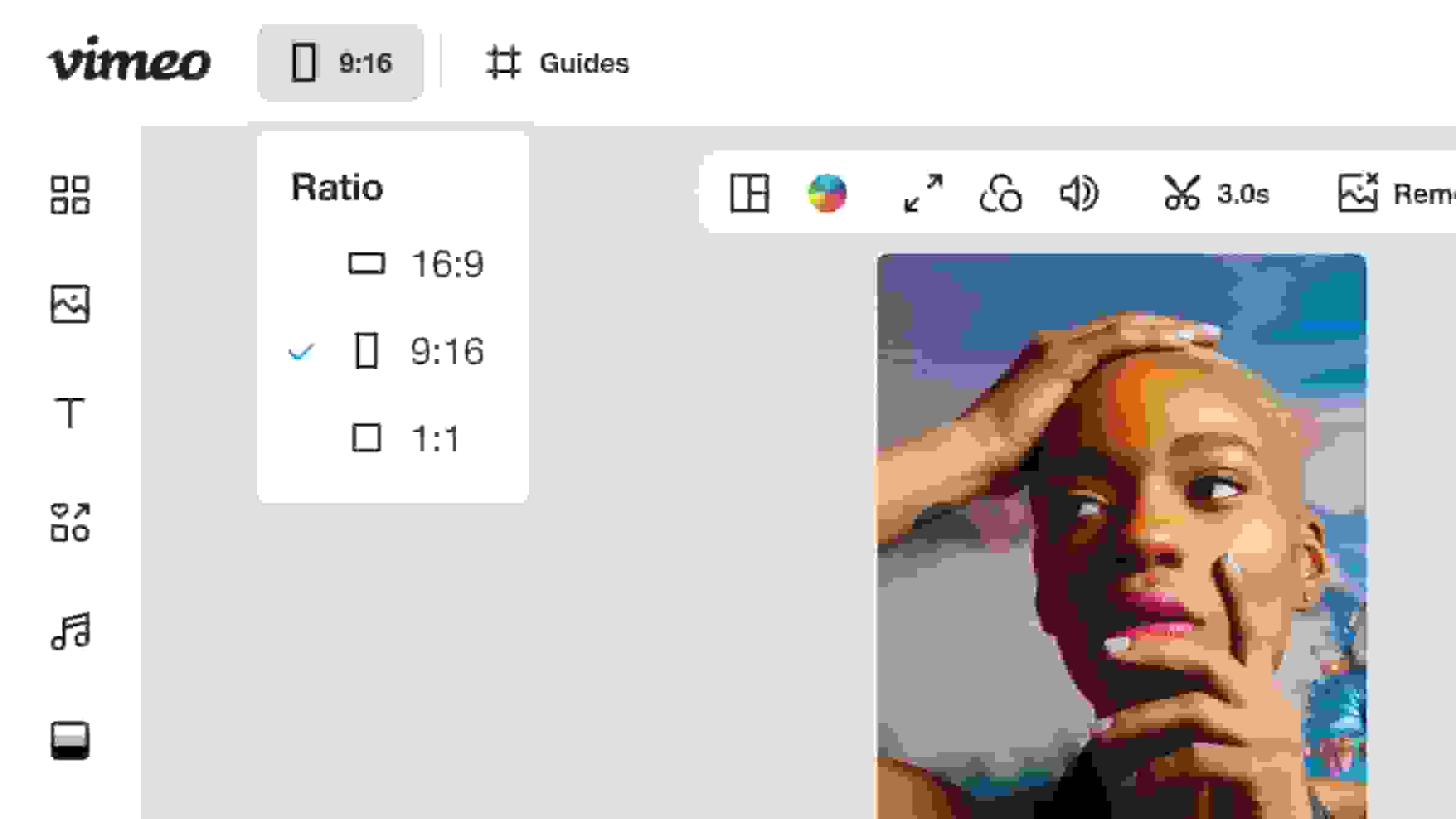
Vimeo AI is a versatile tool that helps you take rough video footage and polish it into a quality final product. Text-based editing lets you make changes fast by modifying the video’s transcript, which offers precise control for pros and accessibility for less experienced marketers and creators.
In addition, Vimeo can automatically generate dubs and subtitles, translations, sections and chapters, and meta descriptions. This makes it much simpler to manage large video collections, whether you’re producing for a paying audience or internal use. You can even generate highlight reels and enable Ask AI to let viewers search long content.
And if you also use a traditional video editor like Adobe Express, Vimeo’s integrations help centralize your projects. After you edit a video in one tool, you can export it to the other, including comments from review pages.
Pricing: Plans start at $12/month, and all tiers provide access to AI transcription and translation tools. For professional AI editing features, you’ll want the Advanced plan at $75 per month or a custom Enterprise subscription.
Enhance your next project with Vimeo AI →
2. Invideo
Invideo is a generator that takes a simple word prompt and makes AI videos to provide a starting point for your projects. The results are fairly generic but high quality, and work well for simple use cases and visual reference material.
You also get a selection of video creation tools, like a free online video editor with templates and auto-generated scripts. Invideo’s tools prioritize ease of use and speed, making this platform a solid choice for amateur video editors and internal communications.
Pricing: The free plan gives you one AI credit per week, while paid subscriptions start at $28/month.
3. CapCut
With CapCut, you can generate videos from text prompts, automatically create captions and metadata, and touch up videos with special effects. This makes it an all-purpose solution that fits a variety of project types, and it’s relatively easy to learn.
On the other hand, CapCut’s pricing isn’t very transparent, and paywalls may interrupt your workflows. For example, generating videos costs credits, and you’ll have to pay an additional cost to upgrade storage if you want to export the final products.
Pricing: There’s a free plan with basic access to some AI tools, and paid subscriptions start at $19.99/month (along with additional fees for storage space, plugins, and credits).
4. Filmora
Filmora is video editing software with AI features for both generating and finalizing videos. This platform can create videos using provided images and audio files, then lets you enhance the drafts with a library of pre-made effects, such as animated visuals and color correction.
If all you need is AI video editing software, Filmora gets the job done. However, it won’t help you with other steps in your video creation workflow. You’ll still need a platform like Vimeo to host videos securely and publish them on multiple channels.
Pricing: AI features require an Advanced subscription, which starts at $4.16/month for Windows and $5.83/month for MacOS. You get 1,000 AI credits per month and can purchase more.
5. Descript
Descript’s browser-based editor features an AI assistant called Underlord that automates several video editing tasks. This assistant can generate a new script or suggest edits to an existing one, apply templates complete with transitions and layouts, and generate B-roll to enhance your projects.
All-in-all, Descript is a capable AI-powered editor that fits neatly into many video creation workflows. Just keep in mind that you’ll still need a hosting platform for collaborating on and publishing content. In addition, limitations on export quality can make this platform less ideal for highly professional videos.
Pricing: The Hobbyist subscription gives access to a few AI tools for $16/month, while the Creator subscription ($24/month) offers more AI credits and full access to Underlord.
6. Flixier
Flixier is a simplified AI editing tool that can finalize your videos with several pre-made templates and visual effects. This platform is useful for automating some video creation steps, such as applying layouts and generating subtitles. It also supports real-time collaboration so larger teams can edit and review content in parallel.
However, you’ll want to pay close attention to the limits on Flixier’s subscription tiers, as they can be restrictive. For example, the Pro subscription only supports resolutions up to 1080p and 50 GB of cloud space. There are also limits on the amount of credits you can spend and videos you can export per month.
Pricing: The free plan gives you 500 credits per month and limited access to AI tools, but to make full use of the platform you’ll need at least a Pro subscription starting at $10/month.
7. Vyond
Vyond is an enterprise solution with a video editing suite tailored for large teams. This tool specializes in creating and editing business-centric videos, such as presentations, training modules, and marketing assets, and it has a large library of templates, effects, and AI avatars.
As a complex platform, Vyond has a fairly steep learning curve, and it can take time and expertise to get exactly the results you want. Subscription costs are also fairly high, even though this tool lacks additional video management features like hosting or a customizable player.
Pricing: Plans start at $58/month, with the lowest level offering a single user access to basic AI video editing tools and 10,000 monthly credits.
FAQ
What video editor is better than CapCut?
CapCut offers many AI tools, but locks many of them behind paywalls and plugins. More user-friendly services like Vimeo make it easier to access similar features, while supporting additional steps in the video creation and management process. Vimeo provides AI video tools like text-based editing and script generation, and it also helps you publish videos and track engagement.
Is AI going to replace video editors?
While AI can be very good at precise editing and visual generation, it won’t fully replace human video editors, because it lacks creativity and doesn’t understand context or composition. AI is best used as a tool for teams to save time and automate tasks like generating captions and dubs/subtitles.
Which AI tool lets you edit videos for free?
Several AI video editing tools offer free tiers, but they have strict limitations. For example, Flixier is one of the best free AI video editors, but its monthly credits will only get you a few minutes of subtitles or a handful of generated images. Alternatives like Vimeo have low-cost subscription plans that provide access to powerful AI editing tools, such as script generation and text-based editing.
What are the best AI-powered video editors?
The best video editor is one that helps your team create high-quality content at large volumes, and makes the most of AI capabilities without removing the human element. Vimeo is built for new and advanced video editors who need a reliable platform for creating, editing, hosting, and sharing content.
With Vimeo’s complete solution, you can upload video content and use AI to automatically generate scripts. Text-based editing lets you make quick and precise edits, and you can enhance your videos with features like captions and chapters. Plus, you get hosting and distribution tools integrated right into the platform, along with professional templates and assets, collaboration support, Analytics, and fully customizable video players.