Live streaming has one of the highest ROIs in content marketing, but finding success with this format depends mainly on your streamer toolkit. The quality of your broadcast is critical, as most users will abandon a buffering, pixellated feed within 90 seconds.
Content creators, educators, and businesses need modern live streaming software that’s high-quality, reliable, and customizable to capture and engage their audiences. In this article, we’ll explore what makes good streaming software and the pros and cons of the best streaming software so you can make an informed decision about the right tool for your needs. We’ll also highlight the advantages of Vimeo Streaming, a feature-rich platform for your brand content.
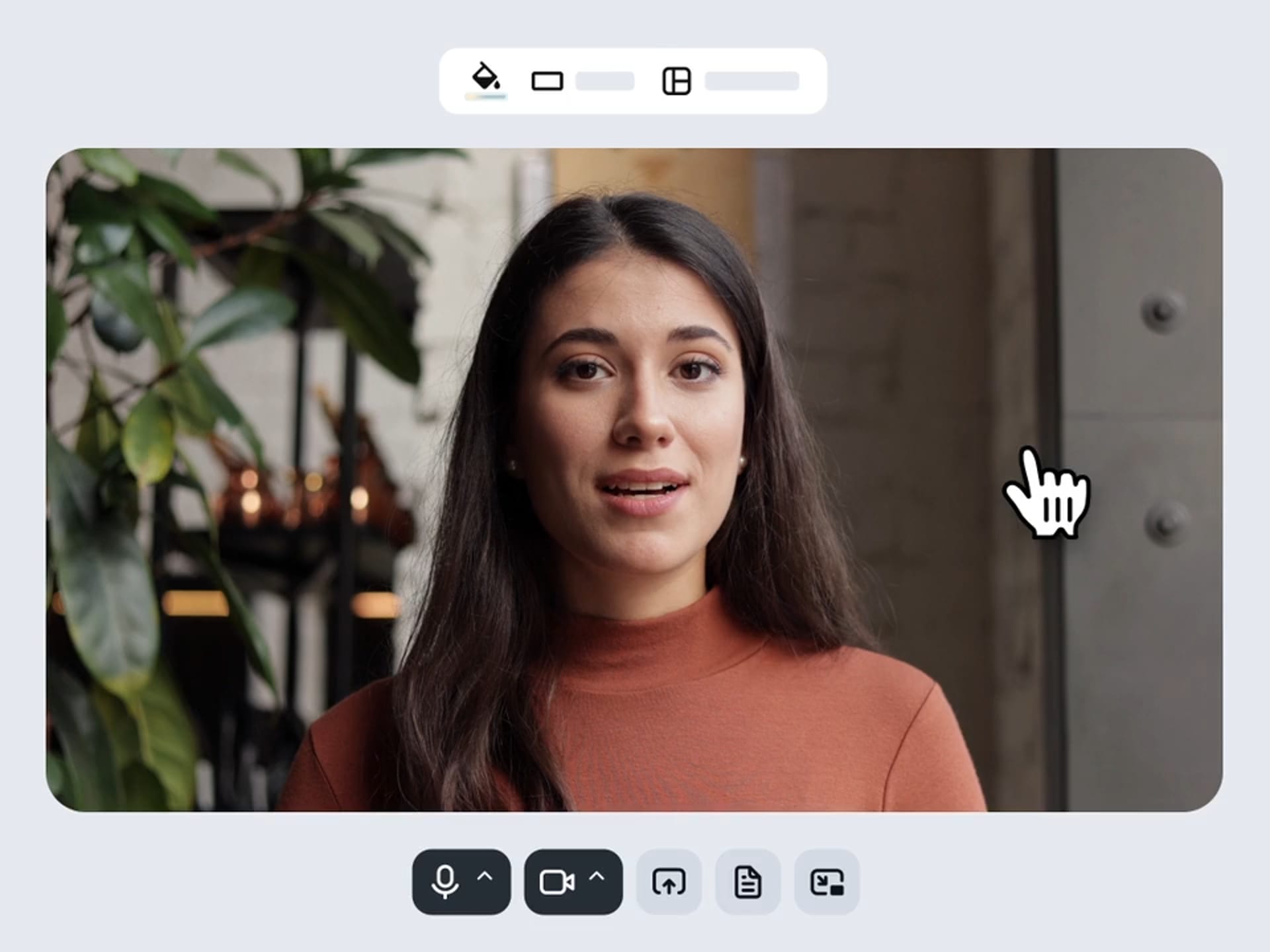
Streaming software lets you create professional-grade viewing experiences when broadcasting live or on-demand video content. It goes beyond the basic tap-and-go live recording features on popular platforms like YouTube and Twitch, offering robust engagement and customization.
Content creators can use streaming software to manage the full lifecycle of their live streams, from capturing and encoding video to transmitting and distributing it. At the same time, streamers have robust features at their fingertips to:
- Achieve higher-quality resolution
- Brand the stream appearance
- Encode footage for diverse digital formats
- Distribute the stream across multiple channels
- Manage multiple camera sources and streams
- Monetize, engage, and analyze audience behavior
How does streaming software work?
Essentially, streaming software helps creators manage end-to-end technical set-up for live streams of all kinds:
- Video capture: The software draws input from your video and audio sources (such as a webcam and microphone).
- Encoding: It compresses video data into compatible digital formats (either the real-time messaging protocol [RTMP] or the secure, reliable transport [SRT]).
- Transmission: The encoded video is pushed to your chosen streaming platforms.
- Delivery: Those streaming platforms make video content available to users.
- Playback: Users view and engage with the video across regions and devices.
9 capabilities to look for in streaming software
Your streaming software platform’s qualities play a significant role in the success of your live broadcast. Here are nine features you’ll need to create the ideal viewer experience and engage your audience in real time.
1. High-quality video resolution
The best live streaming software offers high-quality resolution for crisp frames. This is especially important for gaming streamers, sports broadcasts, and other detail-heavy streams. Vimeo goes one step further by delivering four streaming resolutions — SD, HD, full HD, and 4K — to meet viewer needs dynamically.
2. Encoding options
Encoding compresses raw video into digital formats. It’s crucial to find a live streaming software that encodes without sacrificing quality. The right live encoder or codec will strike the balance between transmission speed, bitrate, and stream quality.
3. Multistreaming distribution
Brands and content creators need to simulcast across their primary social channels, such as TikTok, Meta, and LinkedIn. The best video streaming software enables simultaneous distribution and the ability to tailor streams to every platform and audience.
4. Monetization
Monetizing your live stream is straightforward when you have a suite of in-platform options. For example, Vimeo offers multiple monetization models, including subscription (SVOD), transactional (TVOD), and hybrid approaches, to fit your goals.
5. Audience engagement
Engagement tools like live chat and analytics can help you learn directly from your audience. Identifying when viewers are most active in chat and when they are most likely to leave can help you improve your next stream.
6. Analytics
Viewer count isn’t the only data point you can glean from analytic tools. Advanced analytics help you get deep insight into your viewers during and after your stream. The best software for streaming unlocks metrics such as view count and average percent watched, so you can share them with those who matter most afterward.
7. Security
Security should always be a priority for your live videos, especially for sensitive and paid content. Look for streaming software with enterprise-grade protocols, including encryption, secure CDNs, and digital rights management (DRM).
8. Integrations
Live streaming software with third-party integrations can streamline content creation workflows. Take stock of your current software and cloud-based platforms, such as Dropbox and Shopify, and identify which streaming software offers the most significant overlap with your integrations.
9. Advanced studio tools
Wow your audiences with AI-powered features and other advanced video production tools. With Vimeo, you can automatically generate scripts, build better video SEO, and edit every detail on the go.
Live streaming software vs. hardware encoders
Professional content creators and studios used to rely solely on hardware encoders to prepare their streams, even though they were expensive and inefficient. Modern live stream software offers a simpler and more versatile alternative to hardware.
Here’s a quick overview of the differences:
Feature | Software encoder | Hardware encoder |
Main advantage | More versatile | More reliable |
Cost | Cost-effective with some free options | High cost with custom hardware |
Customization | High | High initially, limited after creation |
Ease of use | User-friendly | Technical know-how required |
Encoding times | Slower | Faster |
Latency | Higher (depending on local resources) | Lower (requires a dedicated device) |
What are the best software options for video streaming?
With so many options for recording, streaming, and sharing your work, you can check out our top list of live streaming software platforms that may suit your needs. We’ll discuss pros, cons, and best use cases so you can pinpoint the best choice for your brand.
Vimeo
Vimeo is an all-in-one streaming platform for producing, hosting, and distributing live broadcasts. It’s a user-savvy option that delivers a cinematic viewing experience, customizable to your brand identity. Best of all, it has the monetization and engagement features you need to grow your audiences worldwide.
Best for: Professional content creators, educators, and brands who could benefit from advanced controls like monetization and high security standards.
Pros
- Browser-based live production tools — no coding knowledge required
- 4K video quality, diverse encoding options, and multi-platform distribution capabilities directly from Vimeo’s editor
- Monetize options such as subscriptions, pay-per-view, transactional events, sponsorships, and more
- Rich analytics and audience engagement tools with a built-in dashboard and API integrations
- Ability to safeguard your content with DRM-level advantages like geoblocking
- Features to win over new audiences with multi-device support, AI-powered translations, payment in multiple currencies, and more
Cons
- Some higher pricing than casual streaming options
Explore Vimeo Live Streaming →
YouTube
YouTube Live is a popular streaming platform for up-and-coming content creators looking to reach a broad audience. It offers a suite of user-engagement features and basic monetization, but doesn’t include an advanced creator toolkit or customization options.
Best for: Casual content creators seeking to get discovered organically by new audiences on YouTube.
Pros
- Basic engagement tools (such as live chat and live reactions)
- Some monetization options in members-only streams and side-by-side ads
- Post-stream editing through a built-in editor
- Wide discoverability through SEO and YouTube’s existing user base
- AI-powered highlights for reusing content
- Cost-effective plans
Cons
- Lower video quality
- Multi-platform sharing is technically difficult
- No advanced tools for monetization, engagement, or security
Compare Vimeo and YouTube →
Zoom
Live streaming on Zoom is a solid pick for corporate meetings and webinars that require basic customizations without the higher costs of more advanced tools.
Best for: Low-stakes meetings, training sessions, and webinars where audience engagement isn’t a priority.
Pros
- Basic multi-platform sharing
- A handful of engagement features — live Q&A, chat, and polls
- Some branding and watermarking available
- More cost-effective than studio-level tools
Cons
- No analytics for viewership insights
- Video quality isn’t designed for large audiences
- No monetization options available
Connect Vimeo and Zoom →
Kaltura
Kaltura is a streaming platform vendor designed explicitly for large-scale learning and corporate environments. It boasts top security and LMS integrations, along with basic brand customization and engagement tools.
Best for: Educational settings, such as lectures and virtual conferences, where advanced branding and engagement aren’t a must, but solo hosting is.
Pros
- Education-oriented integrations with LMSs, CRMS, and marketing tools
- Excellent security and access control
- Quality is maintained for large audiences
- Some branding features for a tailored look
- Basic audience interactivity (polls)
Cons
- Lower video quality
- The user interface isn’t intuitive
- No multi-distribution features to social media channels
Compare Vimeo and Kaltura →
Dacast
Dacast is a sleek streaming software platform for brands keen to set up high-quality, secure, and monetized live streams. Although it has some advanced features, Dacast’s lack of video editing and audience engagement tools may be a sticking point for some content creators looking to keep everything on one platform.
Best for: Brands looking to balance high-quality live streams with affordability that don’t need all-inclusive features.
Pros
- Top-grade live streaming quality
- Ability to simulcast to social platforms
- Lots of monetization options (including SVOD, TVOD, and AVOD)
- Excellent security
Cons
- No video editing or AI tools
- Limited audience engagement tools (chat only)
- Some analytics, but no user-level insights
- Premium cost
Compare Vimeo and Dacast →
OBS Studio
OBS Studio is a free-to-use, open-source option for live streaming. While OBS Studio offers basic brand customization and up to 4K video quality, it lacks the user-friendliness and robust features of other platforms.
Best for: Niche tutorials and presentations that would benefit from high-quality video but don’t need any bells or whistles.
Pros
- Free to use
- Good video quality, up to 4K
- Some basic brand customization and engagement features
- Compatibility with social channels, including Twitch, YouTube, and Meta
Cons
- Clunky interface with manual settings
- No video editing tools
- Very basic stats panel
How to choose the best streaming software
Selecting the best live streaming software isn’t one-size-fits-all. Carefully consider your brand goals and technical requirements to find the most suitable option. For example, brands that prioritize their social channels would benefit from multi-stream set-ups, social media integrations, and custom branding.
Best streaming software by use case
Although every business has unique priorities, here are our top picks for the most common live streaming use cases:
- Professional-quality video production: Vimeo
- Beginners: YouTube
- E-learning: Kaltura
- Entertainment: Vimeo and Dacast
- Niche content: OBS Studio
- Corporate meetings/presentations: Zoom
Overall, Vimeo is the best live streaming software for growing brands that require advanced controls without deep technical knowledge. You can build your audience with Vimeo’s professional-grade features, including brand customization, monetization, and engagement capabilities.
Choose Vimeo to build your streaming business
Streaming software is the cornerstone of building high-quality, engaging live viewing experiences across your channels. These tools can also power your growth strategy through easy-to-use monetization and analytics options.
Whether you’re a content creator, educator, or brand, Vimeo has all-encompassing features to create a high-quality, multi-platform live stream that reaches and engages new audiences. Go live with your next broadcast on Vimeo Streaming to maximize your ROI.