Waiting for an upload to finish can bog down your video publishing workflow. Delays and missed deadlines can disappoint your audience, so finding the fastest way to upload videos is crucial to keep your viewers engaged.
In this article, you’ll find several techniques on how to get a higher upload speed so you can publish your videos faster on popular platforms Vimeo and YouTube, and store them in Google Drive.
Why video upload speed matters
After you’ve spent days or weeks editing your video, an hour-long upload time might feel like nothing. But when you have a collection of ten videos to post, the deadline for a contest ending in 30 minutes, or a captive audience waiting impatiently for your next content update, upload time can make a meaningful difference.
Uploads are the final step of your video creation process, so it’s important to finish strong. Taking the time to optimize your upload speed beforehand will save you effort and stress before you face any challenges. That extra peace of mind can help you focus your resources where it matters most: creating top-tier videos your audience will enjoy.
4 factors influencing video upload speed
Upload speeds vary, with seemingly random dips on an otherwise fast connection that can slow the process significantly. But there are technical reasons these slowdowns happen.
Together, these four factors can tell you why your video file is taking so long to upload:
- Internet connection: The biggest influence on upload speed is your internet connection, particularly its bandwidth and stability. If other devices or programs are using your connection, there’s less bandwidth available for your upload, so there isn’t as much power to dedicate to it.
- File size and format: When there’s more data in your video, either in its file size or format, upload speeds drop. A 4 GB 4K resolution video takes significantly longer to upload than a modestly sized file in 1080p, for example.
- Device performance and browser: Your device and browser are responsible for processing the upload and sending it over your internet connection. Generally, desktop computers do this faster than mobile devices, and stand-alone apps are more efficient than a browser, because desktops and apps can put more power toward your upload. If your speeds are still struggling, optimize your setup by closing unused tabs and programs.
- Platform restrictions and limits: Your video platform of choice might be throttling your upload speed, so verify that your subscription tier supports the fastest upload speeds. Some platforms have daily file size limits or cap speeds below your internet’s capabilities. In some cases, uploading to a storage platform like Google Drive can make it easier for the platform to receive the file.
Store and secure uploads on Vimeo →
How to upload to Vimeo faster
Vimeo stands out among other video platforms for plenty of reasons, but one important difference is that it doesn’t limit upload speeds. Here are a few techniques to help you make the most of that freedom:
- Desktop uploader: Vimeo’s in-browser desktop site can help you avoid bottlenecks caused by mobile device’s slower processing speeds.
- Keep file sizes manageable: When editing your video, keep the file size in mind. Larger files take longer to upload. If you can, opt for a lower bitrate, resolution, or frame rate to reduce the file size.
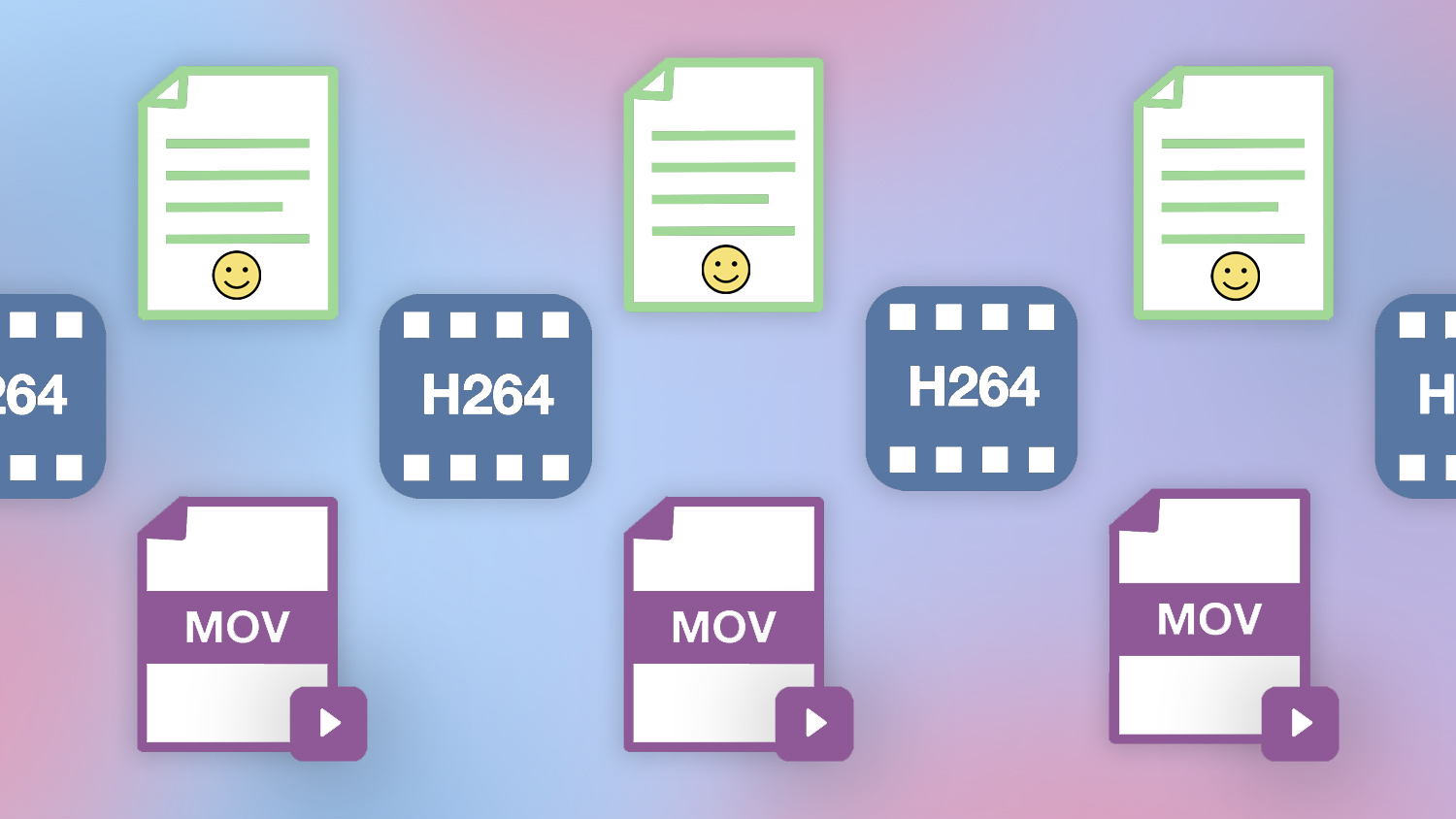
- Optimized formats and codecs: Export your videos in MP4 or H.264 formats using codecs, which automatically optimize files for fast upload speeds.
- Resize and compress videos: Use Vimeo’s video resizer to compress files into smaller formats without affecting the video quality if codecs don’t make them small enough.
- Check your internet connection: If your video file is as compressed as possible and you’re still struggling with slow upload speeds, reset your router and turn off other devices or software that might be taking up bandwidth.
Vimeo’s API can streamline your workflow, making it that much faster to get to the actual uploading process when you’re under a tight deadline.
How to upload a video to YouTube faster
YouTube upload speeds vary greatly based on how busy their servers are and who else is uploading. The best way to improve your speed on YouTube is to upload your videos during off-peak hours when fewer people are competing for bandwidth.
Speeds are better overnight and midday on weekdays, so you’ll miss the window for peak audience viewing hours (generally 2 to 4 p.m. EST). But no matter when you upload, YouTube won’t allow files bigger than 256 GB or videos longer than 12 hours.
How to upload a video to Google Drive faster
Google Drive isn’t a video hosting platform, but it can store your video files to share among peers and serve as a midpoint before you post videos to places like Vimeo. This can improve your final speed slightly, but know that Google Drive isn’t optimized for fast uploads in the same way Vimeo and YouTube are.
Like YouTube, Google Drive dynamically throttles upload speeds based on how many people are using it at the same time. To spend less time waiting for your file to finish, try uploading during off-peak hours late at night and early in the morning. You can also get better speeds through the Google Drive desktop app, which handles large files better than the browser.
Another important point is that Google Drive has an upload limit: 750 GB over 24 hours. Make sure that your file is under that size before you start. If you have an hours-long video essay or short film and haven’t compressed the file yet, you might get partway through an upload before it fails or pauses and can’t resume until the next day.
Try Vimeo’s Google Drive integration →
FAQ
Why is it taking forever for my video to upload?
Many factors affect your video upload speed, with your internet connection having the largest impact. If you’re experiencing slow video upload speeds, try the following troubleshooting steps:
- Reset your router: Resetting your router will clear any idle connections that could be unnecessarily taking up bandwidth.
- Restart your device: Other software and programs running in the background might be unknowingly using your bandwidth. Restart your device and keep other programs closed until the upload is complete.
- Compress the video: The right compression method reduces the video’s file size so it uploads faster.
- Upgrade your internet service plan: If nothing helps your upload speeds, look into your current internet plan. It could be a service provider limit that’s throttling your uploads, and a plan with faster upload speeds could help.
Is it better to zip or compress a video before uploading?
Compressing a video file can greatly reduce file sizes and improve upload speeds. Zipping a file is good for bundling multiple files, but doesn’t have much of an impact on file size. (Google Drive also doesn’t accept zipped files.) To improve your video upload speeds, compress files with efficient video codecs such as MP4 or H.264.
How long does it take to upload a 1 GB video to Google Drive?
You can upload a 1 GB video file to Google Drive in as little as 15 minutes if you’ve optimized your setup. However, it can take up to an hour if you have other devices on the same network or if Google Drive is experiencing a high volume of uploads.
Optimize video uploads with Vimeo
The fastest way to upload videos is to use a fast internet connection, reduce bottlenecks, and upload to a hosting provider that doesn’t throttle your speed.
Vimeo won’t limit upload speeds due to factors beyond your control, making it the best video platform for fast uploads. With Vimeo, veteran and beginner creators alike get equal access to fast, reliable servers that’ll have your video uploaded and optimized as quickly as possible.