How review tools simplify Daniel Obzejta’s video workflow

Big fan of words in all formats — especially Vimeo videos! — and all things two wheels.
Kate O'Connor Morris
Daniel Obzejta is a filmmaker who relies on video review tools when collaborating with a wide range of clients.

Daniel Obzejta’s work spans many sides of the film industry, and he’s no stranger to collaboration. His clients include HBO, Netflix, USA, Yves Saint Laurent, and VICE, to name a few.

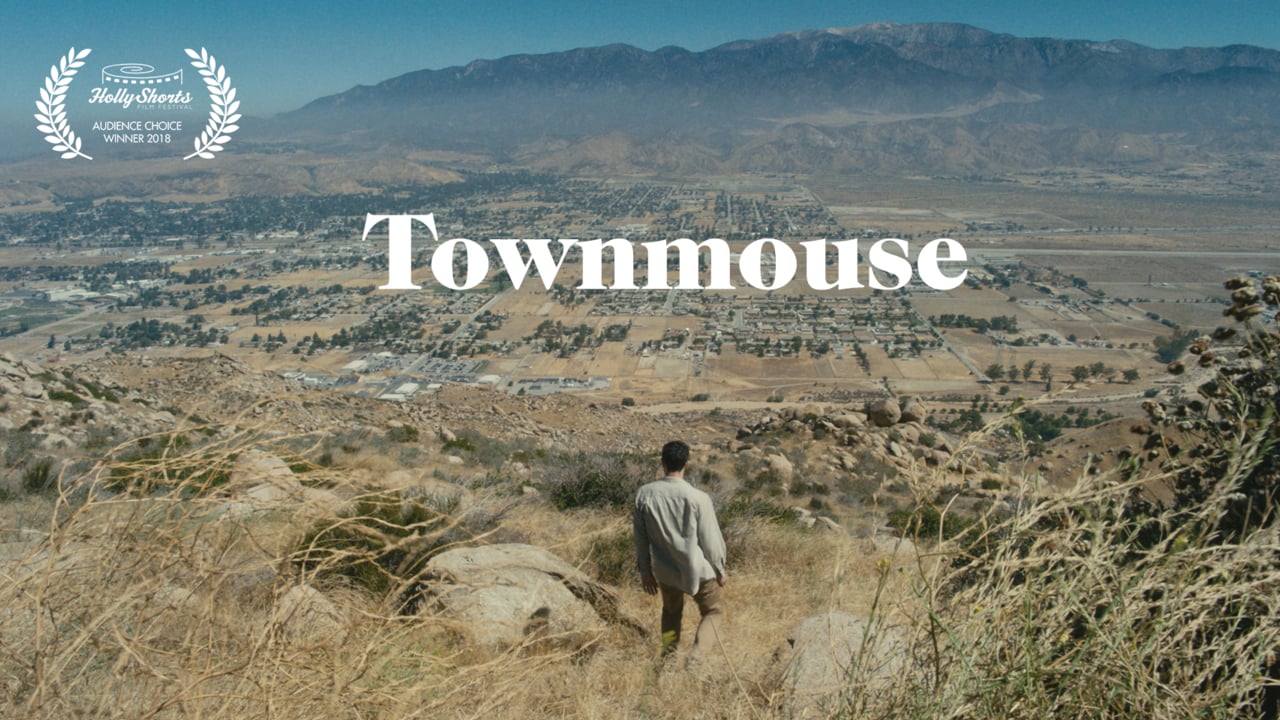
In many ways, Daniel Obzejta is the epitome of the kind of creator we wanted to empower with Video Review Month — a month of our collaboration tools, totally free. The good news is, he already uses them. Like, he uses them all the time. Here’s how Daniel uses our review tools to simplify his post-production workflow. Vimeo: Tell us why you love review tools, how much time it saves you, what life was like in the days before review tools. Daniel: The Vimeo review page is a game-changer. Wrangling notes and feedback from a client or collaborator used to be a pretty convoluted process. I would send a password protected link to a video, they would painstakingly jot down the timecode that corresponded to their notes, and then we would pass emails back and forth until everyone was happy and the video had been uploaded a slew of times. This old process was a bummer for a myriad of reasons. For one, it left a lot of room for confusion. Exactly which shot did the client want omitted? How do they know I’d ingested and addressed all their notes?  The new review tool makes it easy for people to comment on exact frames, and for me to click and navigate to those frames quickly and respond to them within the same interface. It’s a faster process and it ensures nothing falls through the cracks. Additionally, the old process was a lot to ask of someone. Giving notes on a cut is a time consuming task, and I want to be sensitive to that. For my last short “Townmouse,” I sent rough cuts to TV and feature directors whose time I didn’t want to waste (giving feedback is an act of kindness, after all). They were nice enough to transcribe timecodes so I knew which shot they thought lingered too long, or which joke they thought truly awful. Now they can just comment in the bar right alongside the video, which would make our conversation about the work a one-stop shop.

Five things you need to make a killer brand and/or music video? 1. A unique concept. 2. A crew of like-minds and able-hands. 3. Inertia. 4. Coffee. 5. Courage to completely change everything you set out to do. You have worked with some top entertainment companies. What would you say are key ingredients for collaborating and incorporating client feedback? Making sure everyone feels listened to. It’s important to put any form of ego aside and let the best idea on the table win, no matter who or where it comes from. This ensures that the whole will be greater than the sum of its parts. What’s the craziest piece of feedback you’ve ever gotten? “Can you make the cuts quicker. Like that Bieber video! Have you seen that Bieber video?” How critical is feedback to the post-production process? Staring at a screen in solitude for hours at a time can totally obliterate my objectivity. I have to let others take a look inside and share their thoughts.

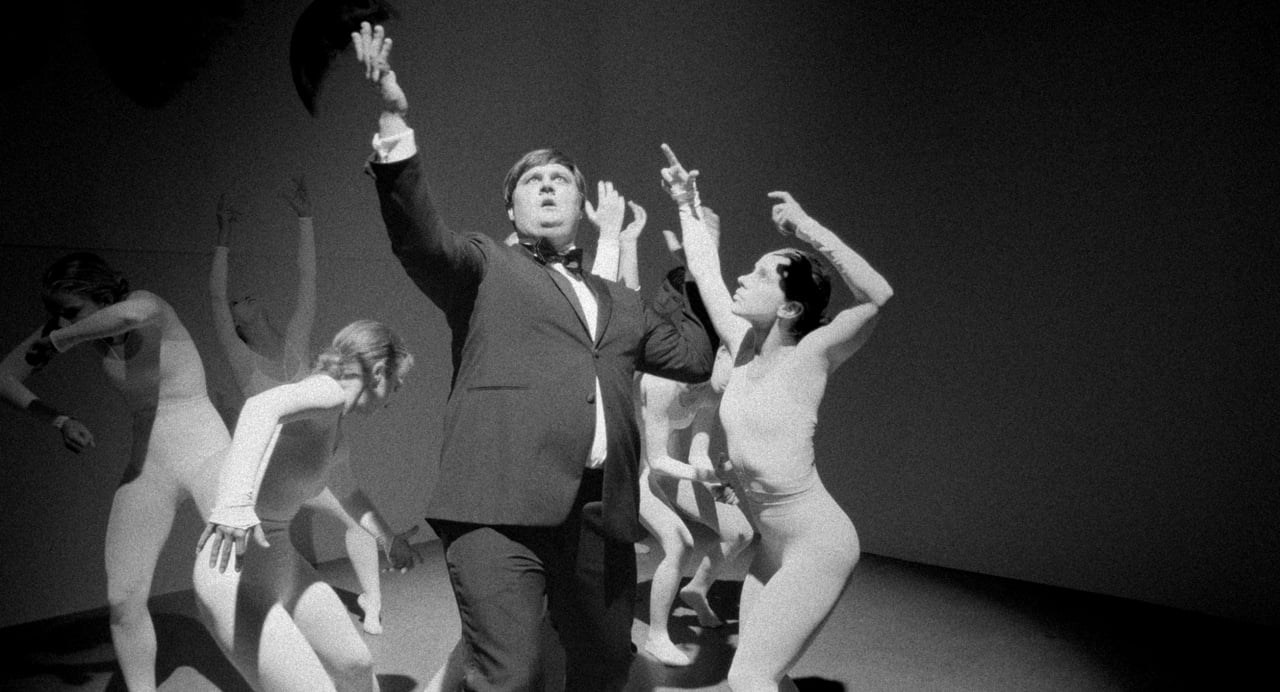
How do review tools help with your workflow? I used review tools on the last music video I made “Up To You” for Jordan Lewis, and it ensured that the musician and I were in complete agreement after every cut. The video consists of an infinity zoom through a series of rooms, a trick I achieved by placing each shot on a separate layer in After Effects, keying out the green screen windows we constructed on set, and parenting the layers to each other as they scale up. This approach created a delicate house of cards — one small tweak in the top layer would create a cascade of changes (read: problems) down the subsequent 99 layers. So being absolutely clear with the musician about what changes we wanted to make was paramount. How has Vimeo impacted your work process? Vimeo is not only a clean and high-performance platform to organize and present my work, it’s also a vibrant and rich community to discover ideas and collaborators. Learn more about our collaboration tools, and see exactly what we’re offering for Video Review Month.

More from the Vimeo blog

Vimeo’s LinkedIn Integration Benefits

Vimeo’s LinkedIn integration: how to connect and engage using professional videos

Vimeo vs on24

Vimeo vs ON24: which video platform should you choose?

Use Vimeo’s guide to create a video commercial online. Learn tips to save money and automate parts of the marketing video production process.

How to make a commercial

Launching a video production company? Learn tips from Vimeo expert, Christopher Hoerdemann, on how to market and grow your business.

How to market your video production business

SRM Carver and Son needed to get the word out about their latest products. The solution? A high-converting video with style to spare.

How one video helped this company boost sales by nearly 30%

Get every team member aligned on an enterprise-level video platform with features like single sign-on, dedicated account management, and uptime SLAs.

Meet Vimeo Enterprise: Video for the modern business

From live streaming cameras to tripods, set you (and your team) up for a stress-free live event with our live gear guide.

The best gear for your live videos

As lovers of Couch Mode and Watch Later already know, there are tons of ways to watch Vimeo videos on your TV. And now we've added another! More

Chromecast + Vimeo for iOS = video viewing magic