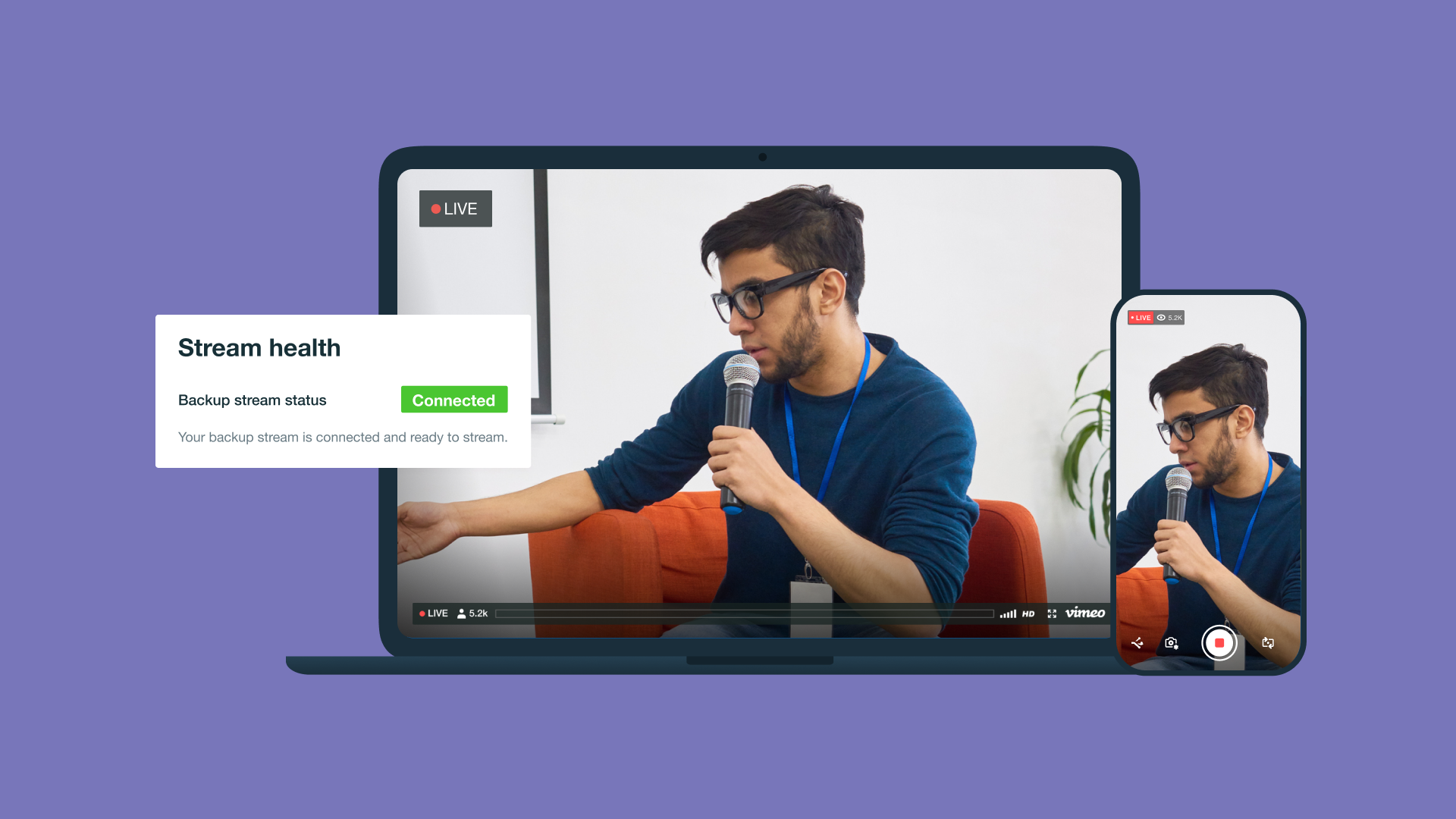
Live streaming video quality depends on more than the platform’s capabilities and the viewer’s device: The back-end technology that prevents interruptions like lagging and buffering can make or break a viewing experience. With rapid improvements in online video quality, audiences want a high-resolution, glitch-free experience, and creators need reliable video delivery solutions to meet those expectations.
HTTP Live Streaming (HLS) is today’s main video delivery protocol. Originally launched by Apple in 2009, HLS remains a core technology used to power live content on Vimeo, YouTube, Twitch, and more.
Whether you’ve just started a streaming channel or you’re a professional looking for deeper insight into optimizing your video streams, this article will help you get the most out of HLS.
What’s HTTP Live Streaming (HLS)?
To effectively understand what HLS is, it’s important to first know the basics of live streaming.
Live streaming is the process of transmitting video to user devices through the internet in real time. Video live streaming typically segments a larger video file into smaller chunks, which allows for instant playback. Then, it’s delivered to the viewer's devices through a digital video platform.
Since Flash was phased out in 2020, most video platforms use HTTP5 video players to use HLS on desktop and mobile. Unlike other protocols, which often use specialized private servers, HLS delivers video playback through public web servers by streaming over an HTTP protocol. HTTP is how web browsers and servers interact, so live streaming over HTTP means smaller video chunks can quickly transfer from the streamer to the viewer.
This data exchange over the web offers reliable video quality across platforms, adaptive bitrate transmission, and unmatched scalability, making HLS streaming the new industry standard for online video delivery.
How does HLS work?
HLS is currently the gold standard for online video streaming. To give you more insight into the protocol behind live streams, here’s how HLS works:
- Encoding: An HD HLS encoder converts and compresses a video signal into a format that’s suitable for transmission, like H.264/AVC. It’s recorded in different resolutions (like 1080p, 720p, and 480p) for later adaptive bitrate streaming (ABR).
- Segmenting: The encoder breaks the video into small segments (usually six to 10 seconds) to safeguard against network issues during playback.
- Delivery: The segments are organized into a plain-text manifest file, or .M3U8 file, that offers information and directions for the online video player. The video player takes this information and plays each segmented clip in order.
- Adaptive playback: The media player automatically adjusts video quality based on viewers’ bandwidth and network speed to ensure the best playback performance.
With the help of a global content delivery network (CDN) and adaptive bitrate player, Vimeo uses HLS to produce smooth HD and 4K video streams. Vimeo’s live streaming tool handles the technical details of HLS, making HD 4K streaming possible without needing extra technical knowledge. When you don’t have to worry about operating complex systems, you’ll have more time to focus on creating great content.
Automate HLS delivery with Vimeo live streaming →
What’s adaptive bitrate streaming in HLS?
ABR is one of the core technologies that makes HLS possible. It creates multiple versions of the same video at different bitrates, so video players are able to automatically adjust bitrate based on network strength.
There are a few things that determine video quality:
- Resolution: The number of pixels in a screen (expressed by width x height or, casually, just height). For example, a video with a 1080p resolution displays 1920 x 1080 pixels.
- Bandwidth: The maximum capacity of a network connection to transmit data.
- Bitrate: The amount of data used per second to encode a video stream (measured in bits).
In order to stream high-quality video, the bitrate needs to be compatible with the streamer and viewer’s network bandwidth. The higher the bitrate, the more bandwidth is necessary to achieve smooth, uninterrupted audio and video. What makes ABR unique is that it can adjust a video to be in the best resolution for each individual network.
Let’s say a creator is live streaming a video from a platform with HLS. When a viewer with high-speed Wi-Fi joins the stream, the video player delivers the video in a high-bitrate, 4K resolution format. If the viewer then moves the device to a different location with a slower internet connection, HLS will lower the bitrate and adjust to a lower resolution, like 1080p, that impacts the viewing experience the least.
While ABR can lower the sharpness and clarity of the playback, it helps reduce network crashes so the viewer can continue watching the stream uninterrupted.
What other protocols are commonly used for streaming?
HLS is the most common and widely used streaming protocol, but it’s far from the only one. Here are a few other common alternatives to HLS you may see:
- MPEG Dynamic Adaptive Streaming over HTTP (MPEG-DASH): An open-source protocol similar to HLS with more flexibility but less native support for Apple devices.
- Real-Time Messaging Protocol (RTMP): An older protocol that works well for interactive live streams where responsiveness is important, like live broadcast sports, but it’s not supported by many modern browsers or mobile devices.
- WebRTC: A protocol designed for low-latency performance that’s best used for interactive streaming (like webinars, meetings, and remote conferences) when real-time communication without delays is essential.
FAQ
Is HLS supported on all devices?
HLS is supported broadly by most modern devices, including almost every web browser, major mobile smartphone providers, and smart TVs. Some older devices and browsers may lack the software required to support HLS, but it’s usually possible to install browser extensions or third-party software to enable compatibility.
What’s the ideal bitrate for HLS streaming?
There isn’t a single bitrate that’s considered ideal for HLS streaming. While a high bitrate can produce excellent video quality in high-bandwidth environments, a bitrate that’s too high for the bandwidth can lead to lags and buffering.
What you’re streaming can also influence the ideal bitrate, including:
- How dynamic the content is
- The uploader and viewer’s network speed
- The video’s resolution
A fast-paced soccer game requires a higher bitrate than a corporate lecture, for example, because the game has much more movement and requires finer details only possible with higher resolutions.
HLS uses ABR to adjust the bitrate in real time depending on the viewer’s network speed, which produces a better audience experience, even if the video isn’t quite as visually sharp.
Stream HD webinars with Vimeo →
What are common issues with HLS streaming?
While HLS streaming is broadly reliable across platforms and devices, nothing is perfect. It’s important to be aware of HLS’s most common issues so you and your team can make the best possible decisions for your content if troubles arise.
Here are a few of HLS’s most common problems:
- Low-cache hit ratio: CDNs, which allow you to stream globally, require cache (temporary local data storage). A low-cache hit ratio means that the CDN servers are retrieving data from the original source too often, which can cause delays and buffering for long-distance viewers. This is typically caused by errors in cache settings or your platform simply not having large enough cache storage.
- Wrong segment size: Before you begin your stream, most platforms ask you to choose the length of each segment. (The standard size for modern HLS streams is six seconds.) Segments that are too small can lead to too many requests in the CDN, which can overload the server, like a low-cache hit ratio, while segments that are too large tend to result in increased latency and playback interruptions.
- Index errors: Manifest playlist files sometimes run into formatting errors, which can cause the stream to cut out or stop loading when the player attempts to retrieve a segment.
The best way to prevent these issues is to work with a trusted platform that offers real-time HLS video support like Vimeo.
Power your streams with Vimeo’s HLS technology
If you’re looking for scalable, reliable solutions with virtually universal compatibility, then using HLS is key. But HLS can be complex to manage, especially for busy creators and media enterprises. Finding the right platform that simplifies the process without flattening video quality is critical.
Vimeo uses modern AI-powered streaming tools, multi-bitrate encoding, and detailed playback analytics tools, which boost the quality of your content and free up your time. We handle all the technical aspects of HLS so you can focus on the content that matters to you and your audience.