Audiences have a lot of streams to choose from — if you want to keep their attention, at a minimum, you’ll need great content and quality, reliable streaming. Your streaming encoder plays a big role in that second factor, as it’s the tech you’ll use to turn raw video footage into a usable digital format.
To share professional content at the highest resolution and bitrate, you’ll need the right hardware streaming encoder and a robust video hosting platform like Vimeo. This article explains how streaming encoders work and explores the top options.
Understanding streaming encoders
A live-streaming encoder compresses raw video footage in real time for distribution on platforms such as Vimeo, YouTube, and Twitch. The higher the quality of your encoder, the more efficient the compression will be, resulting in crisper images and lower latency.
Streaming encoders are also crucial because they:
- Compress video using encoding codecs, like H.264/AVC, H.265/HEVC, and AV1, which are widely compatible with browsers and streaming services.
- Maintain synchronization between audio and video feeds to ensure that sounds and voice lines stay synced with their visual cues.
- Enable multi-stream capabilities by encoding content correctly for each platform and simultaneously broadcasting to multiple destinations.
- Transmit data to streaming platforms using protocols such as RTMP and RTMPS to ensure reliable, secure connections.
For the best effect, you’ll need to pair your chosen encoder with high-quality video hosting software. Vimeo’s RTMP/RTMPS compatibility lets you connect any encoder securely and use it to broadcast low-latency streams.
Hardware vs. software encoders: Key differences
Hardware video encoders are the gold standard for professional live streaming, but with sufficient processing power, software encoding is also a viable option. Here are the main differences between hardware and software encoders.
Hardware encoders
Most hardware encoders are external, portable devices that plug into your recording equipment. They’re essential for enterprise-grade streaming, and they’re also great for field use when you're on location and don't have access to a high-powered computer.
Hardware encoders provide:
- Consistent performance: Their processors are optimized for high throughput and low latency, unlike typical general-purpose CPUs.
- Reduced CPU strain: Hardware encoders handle the resource-intensive task, freeing your CPU to run other software as needed.
- Built-in cooling and redundant power: High-grade hardware encoders feature thermal and power solutions that keep them operating at maximum performance for hours.
- High-resolution 4K and HDR support: To stream 4K and HDR video, you need a dedicated hardware encoder with HDMI and SDI inputs, as well as the specs to handle high-resolution footage without latency.
Software encoders
Software encoders use your computer’s processing power and are a more accessible and affordable option. While there are expensive paid tools like Adobe Media Encoder, there are also free and open-source platforms like OBS Studio. You don’t need to purchase any hardware in either case, but the output quality isn’t as consistent.
Still, software encoders offer advantages like:
- Flexible configuration and plugin support: Software encoders are easier to configure for your unique streaming setup, thanks to integrations and plugins.
- Compatibility with webcams and screen capture: Software encoders can capture any video or audio sources connected to the same device, making it easy to put together a scene with consumer-grade peripherals.
- Convenience for smaller teams and on-the-go setups: With a reasonably powerful device and an internet connection, software encoders can get you streaming in minutes with acceptable picture quality and latency.
Top streaming encoders for professional live streaming
Here are some of the best hardware and software encoders on the market, along with a brief description of their standout features.
5 best hardware encoders
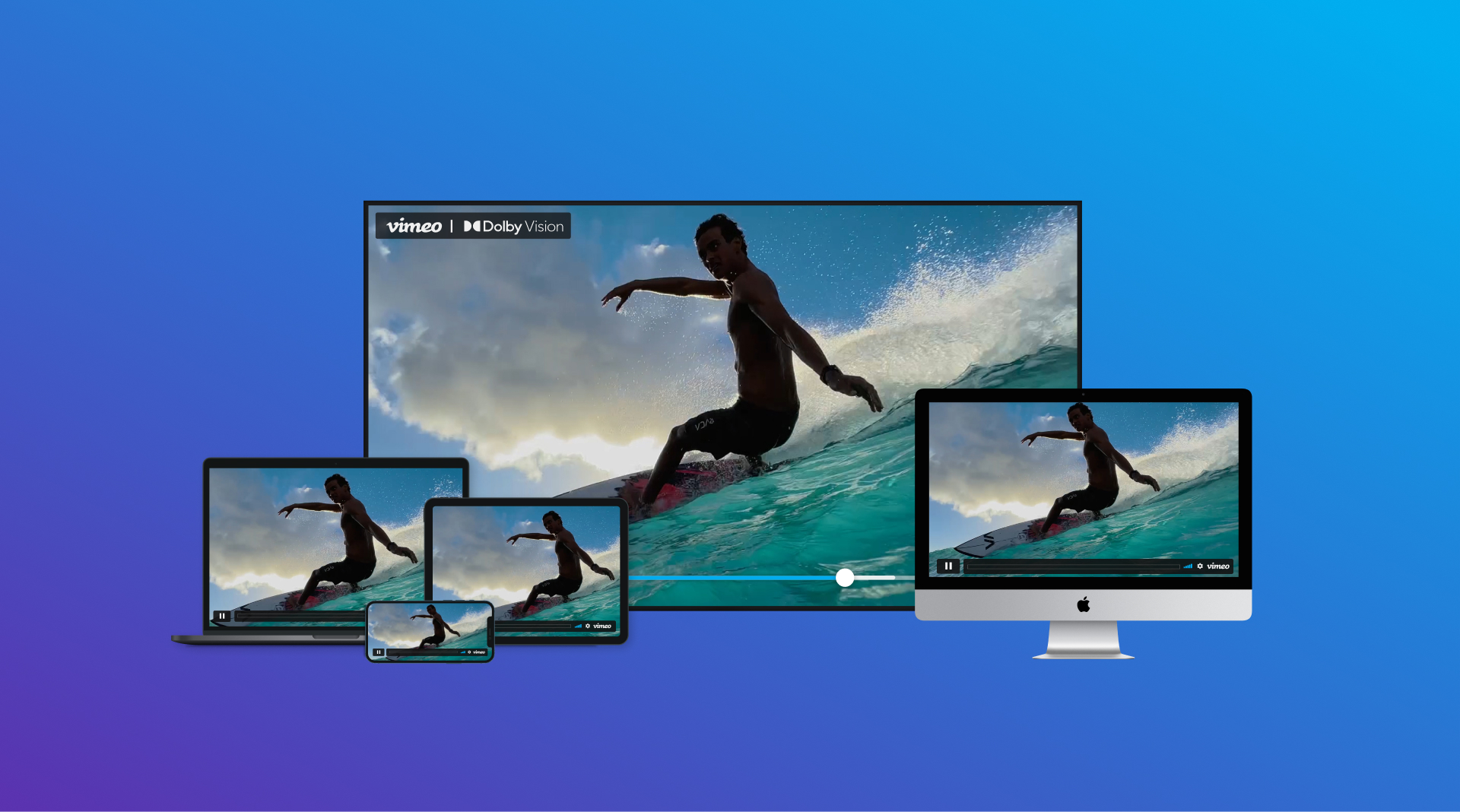
Hardware encoders are the go-to pick for high-quality, professional streams. To make full use of these tools, you’ll also need a platform like Vimeo Streaming that supports 4K, HDR live streaming.
Stream professional-grade content with Vimeo →
1. Teradek Prism
The Teradek Prism line of hardware broadcast encoders can stream high-quality video from any location. They offer on-prem and portable devices that connect directly to your streaming platforms or Teradek’s cloud service.
Key features:
- Portability: The Prism Jetpack and Mobile devices are optimized for on-location broadcasting, with powerful, small-form-factor solutions that support cellular connections.
- Scalability: The Prism Rack devices are stackable IP streaming encoders for big-budget video productions, with extensive connectivity options.
2. Magewell Ultra Stream SDI
Magewell Ultra Stream SDI is an H.264 streaming encoder that simplifies live broadcasts with an intuitive, plug-and-play setup. It has HDMI and SDI inputs, multiple internet connectivity options, and a dedicated app. This hardware encoder only streams up to 1080p, but it can broadcast that signal to two platforms simultaneously.
Key features:
- Beginner-friendly: You can use the on-device buttons, a browser-based interface, or a smartphone app to control the device, and all options are designed for simplicity and ease of use.
- Affordable: These devices are only available through resellers, but they’re usually priced around $500.
3. Blackmagic Streaming Encoder
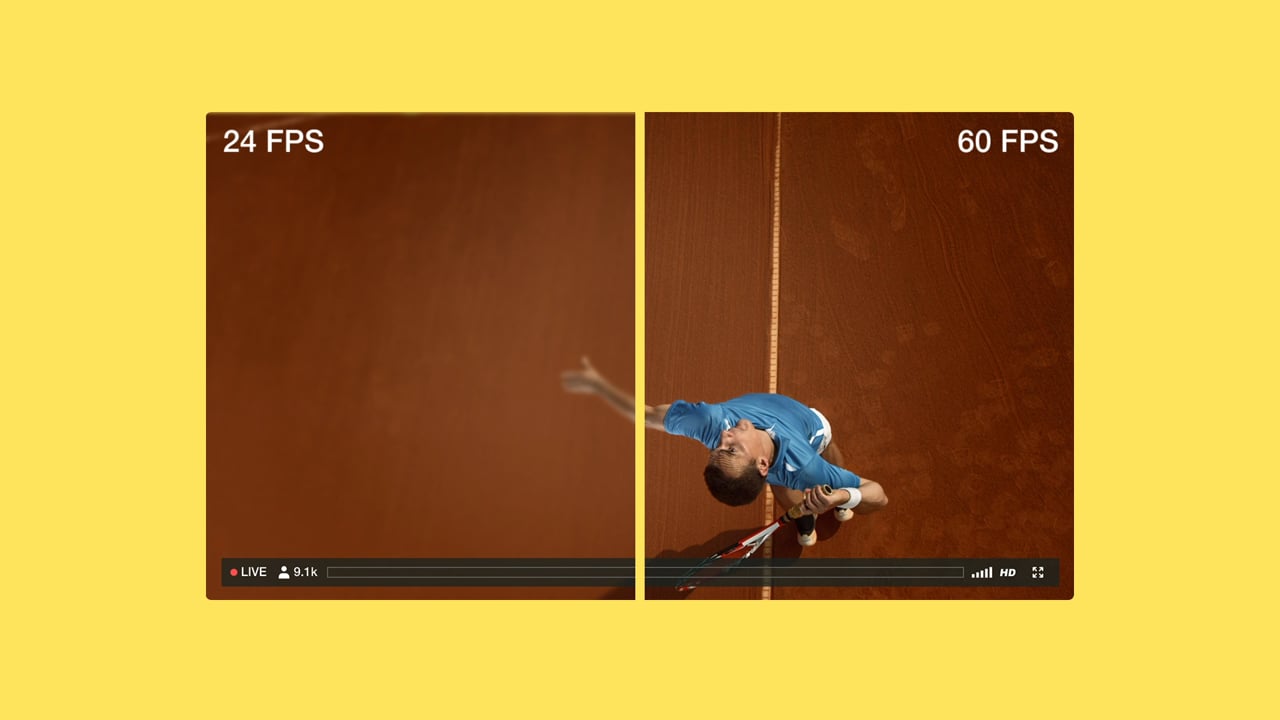
Blackmagic’s streaming encoder can handle Ultra HD video at 60 fps, which is about as high a quality as you can reliably broadcast (if your streaming platform supports it). This 4K streaming encoder is built to work with Blackmagic devices, so you might need to purchase the company’s ATEM switcher if you need to connect and control equipment from other brands.
Key Feature:
- Preview screen: The built-in preview screen shows the broadcast, along with useful stream-monitoring information, such as the bitrate, in either H.264/AVC or H.265/HEVC, making it compatible with most popular streaming platforms. H. 264/AVC or H.265/HEVC codecs, meaning it’s compatible with any popular streaming platform.
4. AJA HELO Plus
AJA HELO Plus is a mid-grade professional streaming encoder with two drawbacks: it supports only up to 1080p and only works with the H.264/AVC codec. On the other hand, this tool offers many I/O options, supports up to 20 Mbps of bitrate, and can stream to two platforms simultaneously.
Key features:
- Useful addons: With the additional PlaytoStream option, you can inject prerecorded content into your streams, and HELO Plus lets you record up to 4 audio channels simultaneously.
- Remote or local control: You can configure the encoder via a web-based interface that syncs with the device remotely and control it using the face buttons.
5. LiveU Solo PRO
LiveU Solo PRO is optimized for portability and ease of use, with physical controls and a reliable 4G/5G streaming connection. To maximize its potential, you’ll need to purchase additional subscriptions that unlock bonded connections, multi-streaming, and unlimited data plans.
Key features:
- High-resolution streaming: LiveU Solo PRO supports 4K video at up to 20 Mbps.
- Portability: At just two pounds, the LiveU is a lightweight addition to your kit.
3 best software encoders
Software encoders offer an affordable, user-friendly alternative to hardware devices, and they can be surprisingly powerful. Here are the three top options.
1. OBS Studio
OBS Studio is the standard for content creators because it's free, powerful, and regularly updated. There’s also a library of over a thousand plugins that add features like automation and soundboard integrations.
Key features:
- Customizable interface: You can customize the software’s layout to suit different workflows and save layouts for easy switching.
- Free, community-driven updates: A dedicated community of open-source developers maintains OBS Studio. You can interact with them and other users on Discord, Facebook, and GitHub to crowdsource your troubleshooting or request new features.
2. Wirecast
Wirecast is a polished, user-friendly alternative to OBS Studio. It has a more intuitive interface, with streamlined presets that get you up and running quickly. Wirecast also supports multi-streaming and RTMP to deliver low-latency video streaming on any platform.
Key features:
- Built-in presets: Wirecast simplifies setup with presets fine-tuned for optimal resolution, bitrate, and frame rate across popular platforms.
- Native features: This encoder supports several professional features, such as chroma keying, animations, and overlays, without requiring additional plugins.
3. vMix
vMix offers a feature-rich package that does much more than stream encoding. For example, you can insert transitions and animations into your streams, and even integrate nonstandard sources, such as voice calls and virtual inputs.
Key features:
- Lifetime license: You can purchase a lifetime license for the software, which includes 12 months of updates.
- Versatility: vMix supports most video codecs and a wide range of other formats, including DVD, capture cards, and NDI sources. It can output live streams in H.264, H.265, or AV1.
FAQ
Which encoder is best for streaming?
The best streaming encoder really depends on your specific requirements, as outlined in the document, which identifies two primary categories. For professional, high-quality, and enterprise-level broadcasts, hardware encoders are regarded as the gold standard. These external devices are designed for high throughput, low latency, and reliable performance, making them essential for supporting high-resolution 4K and HDR video streaming.
On the other hand, software encoders offer a more accessible, budget-friendly option that leverages your computer’s processing capabilities. Although the output quality might not be as consistent as that of hardware encoders, they provide flexible configuration options, plugin support, and convenience for smaller teams or mobile setups, making them effective and user-friendly alternatives.
Do I need an encoder to live stream?
Absolutely, a live-streaming encoder is an essential element for any professional broadcast. Its primary role is to compress raw video footage in real time and prepare it for distribution on streaming platforms such as Vimeo, YouTube, and Twitch, transforming it into a usable digital format.
In addition to compression with codecs like H.264/AVC, the encoder also ensures that audio and video remain in sync, supports multi-streaming to broadcast to multiple destinations, and securely transmits data to streaming platforms using protocols such as RTMP and RTMPS. A higher-quality encoder leads to more effective compression, resulting in sharper images and reduced delivery latency.
What do I need to livestream in 4k?
To stream 4K and HDR video effectively, a dedicated, powerful setup is essential. This begins with a high-end hardware encoder equipped with dedicated HDMI and SDI inputs, designed to process high-resolution footage without causing latency.
Importantly, this hardware must be paired with a streaming platform that can support it. The document indicates that to fully utilize 4K and HDR features, a robust video hosting platform, such as Vimeo Streaming, is necessary to ensure enterprise-level quality and reliability at these high resolutions.
What should I use for my video encoder?
You should select a video encoder that aligns with your production scale and technical needs. If achieving the best picture quality, stream stability, and support for 4K/HDR streaming is your main goal, then a hardware encoder is the way to go. These are crucial for high-end productions.
For content creators, small teams, or those seeking a more cost-effective, adaptable solution, a software encoder can be a robust option. Some of the top choices include free, feature-packed options that provide quick setup and can capture a variety of audio/video sources connected to your device.
Power your live broadcasts with Vimeo
Encoders help you put on a professional live stream by compressing high-quality videos and broadcasting them online. Selecting the right encoder is key to maximizing picture quality and stream stability, but your streaming platform will ultimately shape the viewer experience the most.
Vimeo Streaming supports enterprise-grade quality and reliability through a content delivery network that scales to match audiences of any size. Pair Vimeo with the right encoder, and you can stream 4K HDR video to your growing audience while tracking the results.