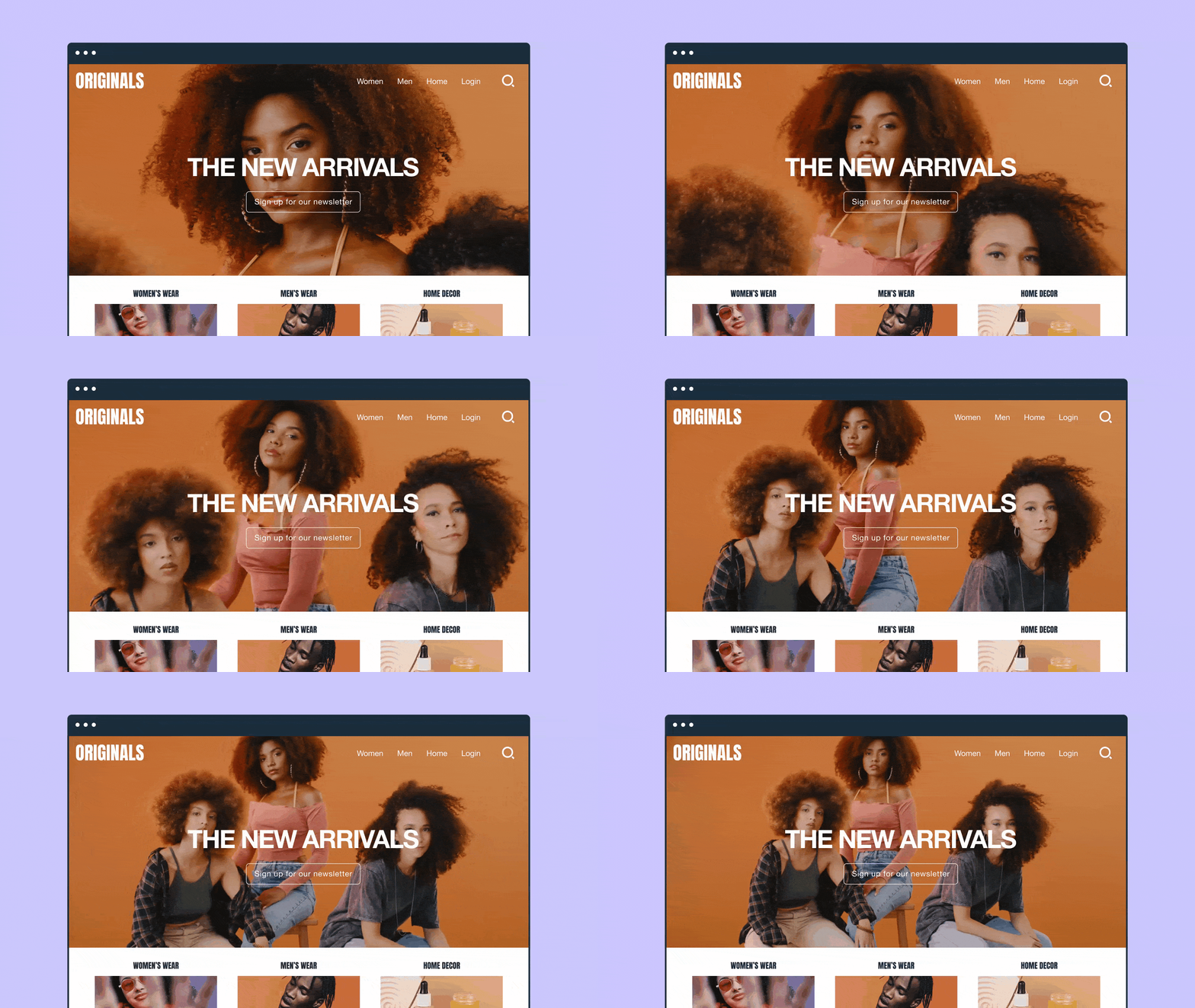
Branded videos have become a go-to format for businesses and creators. They give your video content a recognizable look and feel, so people connect the work to you and are more likely to remember it later. This creates trust and reinforces brand awareness with every play.
The key to successful video branding is intent. Branded videos are made to connect a brand with a specific audience using visuals and messaging that stay consistent across content and channels. Vimeo gives you a professional video production platform to produce, customize, and distribute branded videos without turning the process into a patchwork of tools.
In this guide, we’ll explore what branded videos actually look like, with examples and ways to make your own using Vimeo.
What’s a branded video?
A branded video is content created by a brand or organization to convey what it stands for, showcase what it offers, and shape how its audience thinks about it. In other words, it’s marketing content that enforces a brand’s identity while delivering something its target audience wants to watch.
Branded content is different from a standard ad. Traditional video marketing often leans on promotion first, then adds branding afterward. Branded video flips that process: It uses visual identity and message as the through-line, so the content feels consistent across different platforms and recognizable to the audience.
The best brand videos all share these common elements:
- Clear objective: Decides what the video needs to do, such as educate or drive action, then build everything around that goal.
- On-brand look and voice: Keeps fonts, colors, pacing, and tone consistent across videos so viewers recognize your content before they even see your logo.
- Audience fit: Matches your story and style to your target audience’s interests.
Create branded videos on Vimeo →
Branded video types and examples
You can build brand awareness through storytelling and emotion as well as you can through influencer partnerships and calls to action, no matter your industry. By giving viewers a narrative, your message becomes easier to remember.
Here are a few brand video examples you can use to spark your next campaign idea.
Explainer videos
Explainer videos quickly turn a complex idea or process into something your audience can grasp. When you explain the “what” and the “how” in plain language with visuals that hold attention, you’re providing a service to viewers they’ll remember for next time.
Product overview and demo videos
Product videos showcase what your product is, what it does, and what it looks like to use it. You can match the content to viewer intent, whether that's a quick overview to draw in new users or a deeper demo that highlights the “aha” moment.
Customer story and testimonial videos
Customer stories use social proof to let your audience hear the value from someone outside the organization. This can land better than brand-led messaging because it feels less overtly commercial. These videos put results in context, so stories feel authentic and relatable.
Behind-the-scenes and company culture videos
Brand identity is as much about the people as it is cohesive visuals. Behind-the-scenes videos show your viewers who’s behind the work and how it’s created, as well as what your company culture looks like. When you want your viewers to understand your process and connect with the people behind it, this style of branded video is a good option.
Event recap videos
An event recap video condenses a live event (whether it was a webinar or a concert) into something shareable. This extends your reach to a broader audience, especially for viewers who missed it. Viewers get to see the best moments, and you get content you can reuse for something else, like highlight reels and social media clips.
How to make a branded video with Vimeo: 5 steps
If your video branding is consistent from one campaign to the next, your audience will start to recognize it. That recognition builds brand awareness and keeps your video content feeling connected.
Vimeo makes building your content ecosystem easier. Instead of rebuilding your workflow every time you release new video content, you can keep your assets, edits, and publishing settings in one place for consistency without the extra effort.
Here are five steps to create a branded video from Vimeo, from uploading files to hitting “Publish.”
1. Upload and organize your video content in Vimeo libraries
Start by uploading your raw clips and brand assets, then sort them into folders you can quickly access for future content. Vimeo supports direct uploads and integrations with file and video streaming platforms, such as Google Drive and Zoom, making it easier to add files without bouncing between tools.
When your campaign needs a quick update or a highlight reel, having everything organized means you’ll spend less time hunting for the right version and more time perfecting the video.
2. Set up a brand kit
Vimeo Brand Kits help you apply your logos and brand colors across your Vimeo videos, including a custom player appearance. You can create and manage multiple kits at the account or team level, which is useful when you run more than one brand or program, or need different settings for different types of branded videos.
Once the kit is in place, you can apply it from the video’s appearance setting in Vimeo Create, then save those branding choices so your audience sees a consistent look whether they watch on Vimeo or embedded somewhere else.
3. Edit with Vimeo Editor
Use Vimeo Editor to trim clips, clean up pacing, and add text overlays that match your style. Vimeo’s browser-based editor supports common video editing steps, like cropping, cutting, and adding text, so you can produce polished content without having to download software or pay extra for another program. If you’re working under a tight deadline, Vimeo’s templates can help you quickly make a first draft. Then, customize the details so the video still feels unique to your brand.
4. Choose playback quality and privacy settings
Before you share your work, determine the viewing experience you want viewers to have. Vimeo supports high-quality streaming up to 8K with dynamic adaptive bitrate streaming, so everyone can watch the highest-quality video their internet supports without lags.
You can also control privacy and sharing settings so you can restrict access to specific viewers or keep them private while you gather internal feedback. You can even share a public brand story and a private customer-facing update side-by-side using different access settings without compromising your brand presentation.
5. Share or embed with a customizable player
When you embed your video on a website or landing page, your player becomes part of your branding. Vimeo lets you customize the player appearance, including adding a logo and choosing colors, so your content looks like it belongs on the page rather than bolted on from an obvious host.
Once your player fits your brand identity, you can embed it on your website, share a private link to the video, or distribute it in your email newsletter as part of a campaign, or put it in front of your target audience however they’re most likely to find it.
FAQ
What are the 3 C's of branding?
The 3 C’s of branding are clarity, consistency, and constancy:
- Clarity: Your message and visual identity are easy to understand.
- Consistency: People recognize your brand across video content and channels.
- Constancy: Your content keeps showing up over time, so your audience doesn’t forget you.
What are the advantages of branded video content?
Branded video content can strengthen brand awareness because it helps viewers recognize your look and voice. It also supports your marketing strategy by making your content feel connected across a campaign, even when you publish on different topics or formats.
What are some tips for creating branded videos?
Start with one clear goal for the video and build the message around it. Keep your visuals consistent, then match the pacing and format to your target audience. And before you publish, watch for anything that distracts from your brand or makes you appear less professional, such as poor audio quality or cluttered text.
Bring your brand to life with Vimeo
A good brand shows up consistently, and video content is one way to regularly put yourself in front of your target audience. With Vimeo, you can keep that consistency without adding extra steps. Use Brand Kit to apply your logos, colors, and fonts, then build and polish videos in Vimeo Create so your uploads are uniform.
Vimeo gives your team high-quality playback for hosting and sharing across platforms, plus video analytics, and audience insights so you can see what viewers watch and where engagement drops. Some branding features vary by plan, so you can choose the level that fits your needs and scale up when it’s time to grow.