Hybrid and remote workplaces are here to stay
The modern workplace has evolved rapidly, and video is now an essential part of how organizations communicate, onboard, and train employees. A video-forward company culture begins on an employee’s first day and grows alongside your business. It’s a scalable, effective way to share, learn, and collaborate—while delivering content in a format employees actually want.
With 97% of professionals open to a virtual onboarding experience and almost half reporting it as the most engaging form of communication, video creates an interactive environment that improves collaboration across every department. Even as hybrid and flexible schedules become the norm, virtual learning remains critical to how teams stay connected and productive.
Onboarding, training, enablement, and leadership teams all need solutions for providing video communication, training, and company updates as the workplace continues to modernize.
Why video is central to eLearning and online training
Video is not only convenient and inclusive—no matter distance or schedule—but it’s a more effective way to train employees, boost productivity, and improve morale. Employees want virtual training options that give them more autonomy in their learning journeys. Adults prefer self-directed or experiential learning, and giving learners flexibility to watch on their own time improves satisfaction and retention.
Video dominates across all digital channels, making up a large portion of overall traffic, and reflecting how deeply embedded the medium has become in everyday experience. As more people consume more video content—on platforms like TikTok, Netflix, or Vimeo—they come to expect similar experiences at work through modern learning management systems (LMS) and virtual training platforms.
The benefits of video-based learning
1. Video boosts productivity
According to the report This Should Have Been a Video, organizations that use video as a learning tool are more likely to maintain productivity, provide adequate training, and align on company goals. Teams not leveraging video often struggle to keep pace with industry changes or maintain confidence in leadership.
2. Building an inclusive team culture
Remote video training acts as a great equalizer—giving everyone a seat at the virtual table. Teams using video report stronger communication, higher engagement, and better overall performance.
3. Improving learning retention
Video helps people learn and process information better than text alone. HR professionals overwhelmingly identify live video training (69 %) as the most effective alternative to in-person sessions. Video improves memory storage, processing speed, and focus—key pillars of any eLearning or microlearning strategy.
Common use cases include:
- Compliance and onboarding sessions
- Department-level workshops
- Manager and leadership seminars
- Sales enablement and partner training
Video-based learning supports recruitment, retention, ramp time, and engagement across all departments.
Practical tips for building effective virtual training programs
The guide outlines ten best practices for creating engaging video-based courses and learning sessions.
1. Recognize and manage Zoom fatigue
Set expectations around when employees need to be visually present vs. when passive engagement is enough. Tools like Stanford’s 15-point questionnaire can help managers identify and address virtual fatigue.
2. Create a detailed agenda
Provide clear schedules, objectives, and preparation materials in advance so learners can plan effectively.
3. Allow learners to rewatch at their own pace
Recording live sessions lets employees learn when they’re most focused. Vimeo automatically archives live events for on-demand access—ideal for asynchronous LMS experiences.
4. Keep it short and sweet
Training trends show that learners prefer videos under 20 minutes, with 3- to 6-minute segments performing best.
5. Measure engagement with analytics
Track engagement metrics such as views, Q&A activity, and knowledge checks to continuously improve training outcomes.
6. Encourage active participation
Use polls, chat, overlays, and Q&A to make sessions interactive.
7. Optimize visual aids
Follow simple presentation rules (5-5-5, 10-20-30, and 1-6-6) to keep content digestible. Avoid text-heavy slides.
8. Make content personal and candid
Show authentic company culture in onboarding or training videos—employees value transparency and real examples.
9. Keep training organized and secure
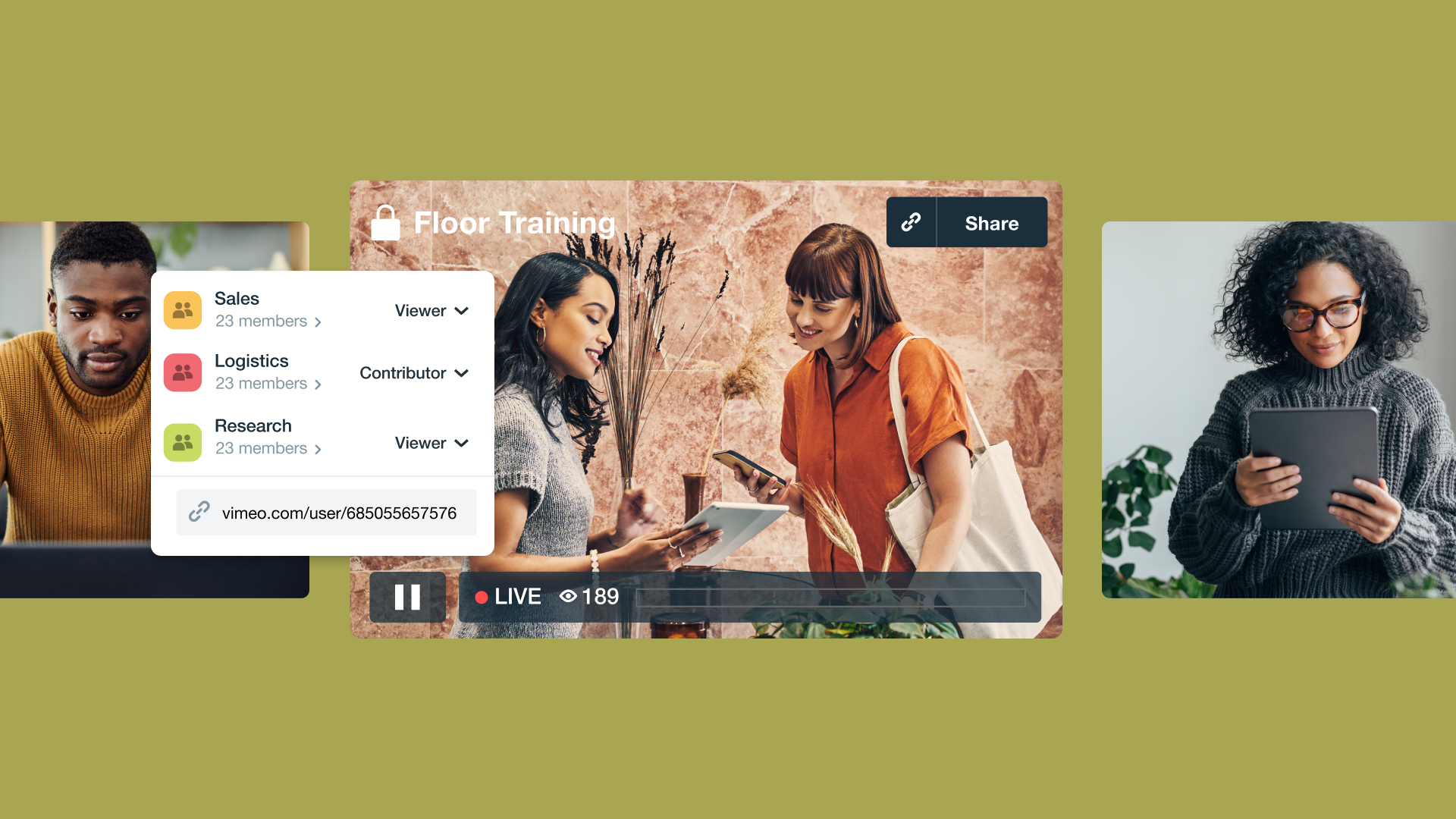
Centralize your video library within a secure, searchable platform. Use SSO and permission controls to manage access—core requirements for enterprise LMS integrations.
10. Ensure high-quality video and audio
Clarity and reliability are essential for comprehension. Avoid lag or poor quality that can cause learners to miss key information.
Real-world examples of virtual training platforms in action
Industrial workforce training
A 150-year-old company modernized its training program with Vimeo’s live streaming and auto-archiving, enabling seamless re-certification and product updates remotely.
Read more in the guide →
Global eCommerce marketplace
A large marketplace used Vimeo for secure internal and external training, leveraging SSO and private portals for sensitive content.
Explore the full story →
Iconic athletic brand
An athletic company trained retail partners worldwide using secure, branded Vimeo Showcases with detailed viewer analytics.
Read more in the guide →
How Vimeo supports modern learning management systems
Implementing video into your LMS or eLearning workflow doesn’t have to be daunting. Vimeo helps organizations:
- Transfer knowledge instantly through instant recording and sharing.
- Discover relevant content fast via organized, branded video hubs.
- Secure access for every learner with SSO and permission management.
These capabilities align with advanced course-creation and analytics tools across today’s virtual training platforms, integrating seamlessly with SCORM/xAPI-compliant systems and supporting a range of microlearning initiatives.
Explore the full virtual training guide
To explore all 10 tips, real-world examples, and best practices for implementing video in your learning strategy, read the full Vimeo Go-To Guide for Virtual Trainings:
Download the full training guide →
FAQs
What is a virtual training platform?
A virtual training platform is a digital environment (often integrated with an LMS) that allows organizations to create, deliver, and track learning experiences through video and interactive tools.
How does video improve employee learning?
Video enables self-paced, visual learning that enhances memory retention, processing speed, and engagement compared to text-only formats.
How can Vimeo integrate with LMS tools?
Vimeo Enterprise supports secure video hosting, analytics, and SSO, integrating seamlessly with SCORM/xAPI-compliant systems like Docebo or iSpring.