Writing great video descriptions is an overlooked way to get ahead in the content creation landscape. But a great Vimeo or YouTube description is more than just SEO keywords stuffed into a text box. You need an intentional structure, natural calls to action (CTAs), and deliberately chosen links to the rest of your content ecosystem.
This article will provide pro tips on how to write video descriptions viewers will actually read. You’ll learn the key elements of good descriptions across platforms and search engines and common mistakes to avoid.
What’s a video description, and why does it matter?
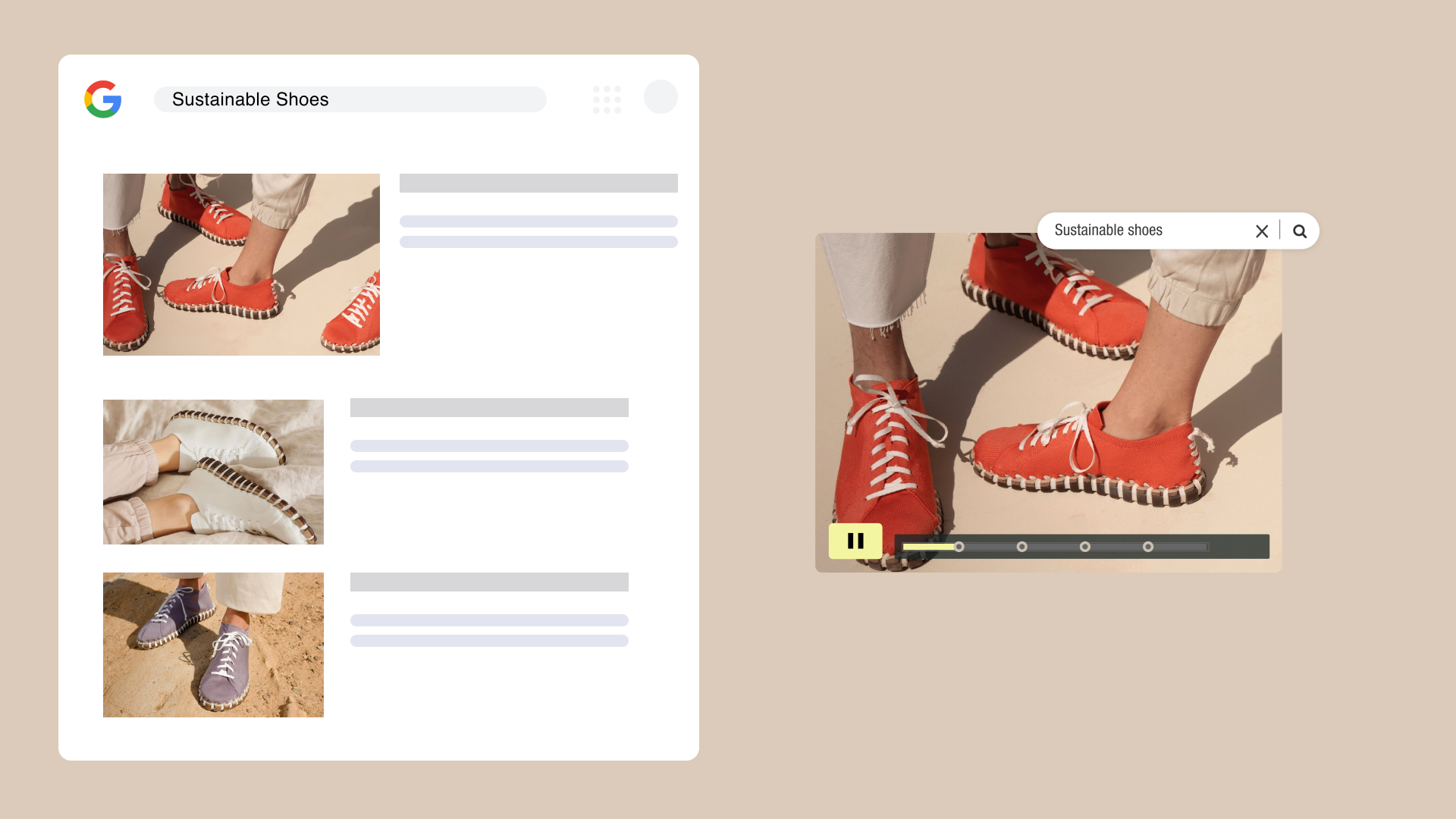
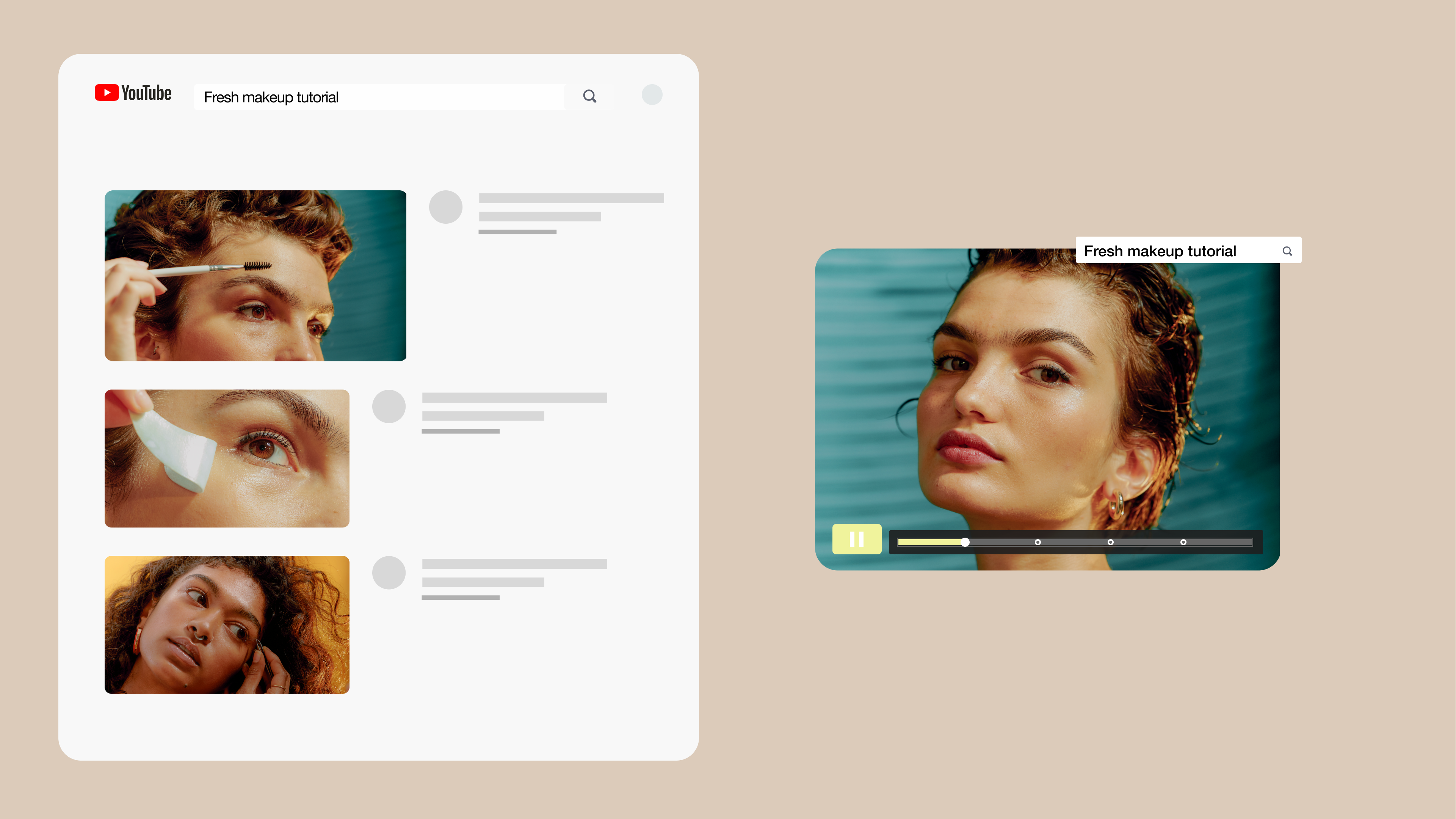
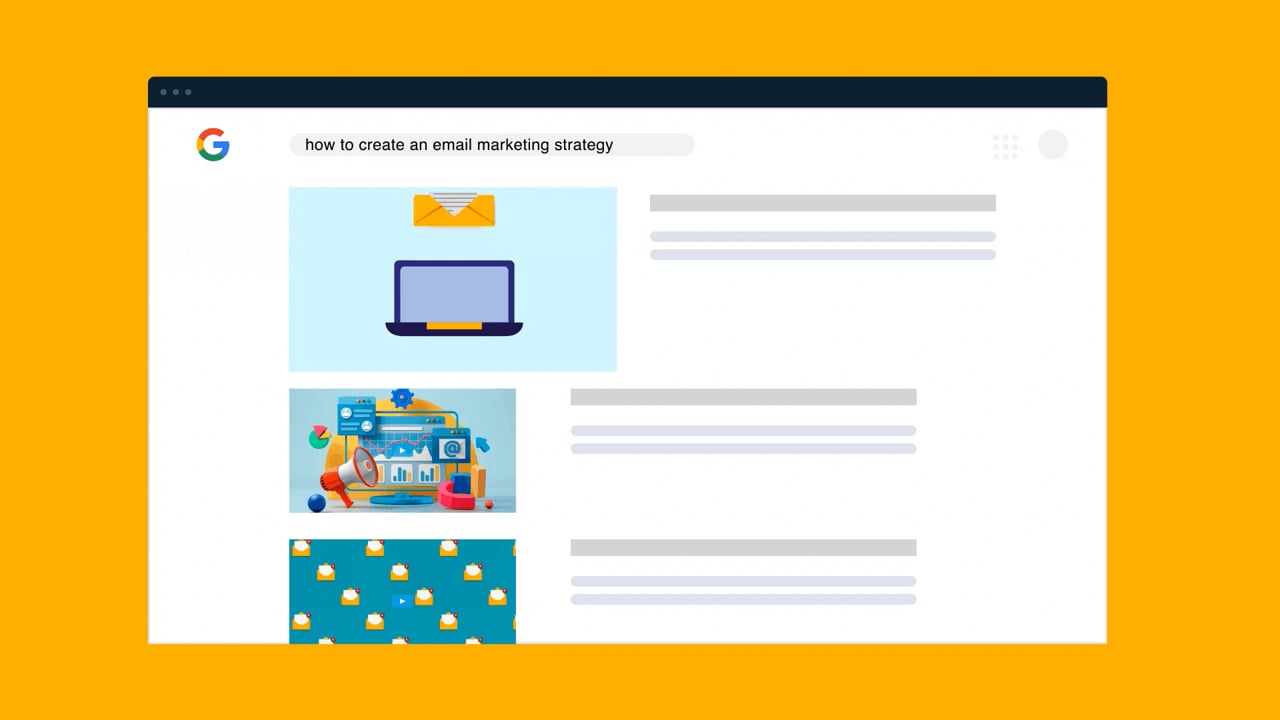
A video description is the text field that accompanies a video, typically in the form of a short summary paragraph, a list of timestamps or video chapters, and affiliate links or CTAs. Well-written Vimeo and YouTube description text uses SEO to enhance your videos’ discoverability on search engines while guiding viewers toward which of your videos they should watch next.
Key elements of an effective video description
A strong text description for video content should include the following components to raise watch time and enhance the viewing experience.
Start with a keyword-informed opening
The first two sentences of your description play a big role in convincing potential viewers to watch your video. A good hook addresses your target audience and naturally mentions SEO keywords to capture the attention of potential viewers and search engines. Keep the intro focused on your viewers by using second-person (“you”) and directly speaking to their use cases and needs. Resist the temptation to generalize: A video with a targeted description will rank better with algorithms because it naturally suits specific search intents.
Summarize the video’s content and value
After your hook, add a line break and write a short paragraph that provides a high-level summary of the video. List the topics and subtopics you’ll cover and mention any collaborators, along with links to their channels and other places their content is published.
Add timestamps or chapters
Include a list of timestamps that viewers can use to quickly jump to sections they’re most interested in. Timestamps and chapters also help search engines identify parts of your video and influence where you appear in search results, so give them clear labels or titles using SEO keywords. Try to keep the list relatively short, because a long list quickly becomes unwieldy in a small text box (especially on mobile screens). Your viewer might close the screen or scroll away before they reach what they’re looking for.
Include a clear CTA
End your intro with a clear CTA that points viewers to their next action. Include links to related videos and affiliate sites, encourage them to comment and subscribe, and refer them to external resources like templates. Your goal is to give them everything they need so taking that step feels effortless.
Add relevant links and hashtags
Give viewers more places to check out your content and ways to connect on social media using links and hashtags. If you have a blog or website, adding a link to it in your video description is a great way to create backlinks, which are essential for improving your search rankings.
Disclose when required
Transparency is key to earning viewer trust. Add disclaimers where required to disclose your sponsorships or satisfy any regulatory requirements. Don’t spend all the space on disclaimers, but don’t bury them at the bottom, either. Inject them where they’re relevant in the summary or CTA sections so viewers can rest assured that you’re being honest.
Try the Vimeo AI description generator →
How to structure a video description from top to bottom
Video creators have taken a lot of time over the years experimenting with different templates and formats to make the most of this text box. Their work has created a general template most channels follow in their video descriptions.
You can take advantage of their optimization by following this video description structure.
Above the fold
Text that displays before the “Show more” button in a description is called text “above the fold.” That section of Vimeo and YouTube descriptions fits up to 150 characters — just enough space for a keyword-rich hook and a value-oriented summary of your video’s topic. Use a mix of “we” and “you” in your description to relate to your audience and speak to their needs.
For example:
- “Today on Sourdough Bread for Beginners, we’ll show you where to find a quality source for sourdough starters and how to wake one up when you get it.”
- “Today at the Home Workbench, we’ll show you how to build a doghouse that’ll last, along with the tools you’ll need and a cut list to get you started.”
Notice how these both follow a straightforward template: “Today on _____, we’ll show you how to _____, and give you _____ to help you get started.” For your first few video descriptions, start with that formula and adapt it to your channel as it grows into its identity over time.
The middle section
The middle section is where most of your description’s important details fit. Here’s what it should include:
- Summary: If your video is longer or more complex than one sentence can handle, offer a more detailed video description. It should explain the video’s topic in a short paragraph, all while incorporating SEO keywords that bring in viewers from search results.
- Timestamps: Add a list of timestamps and link them to the corresponding chapters in your video so viewers can jump directly to the part they want to see.
- Disclaimer: Disclose anything about the video that could’ve influenced your content creation process (like if a product you’ve reviewed as a gift from the company) to show you’re a transparent, responsible content creator.
- Channel description: With your credibility established, you can now describe who you are and what your channel is about in one or two sentences.
The bottom section
The bottom third of your video description is where you answer the question, “what next?” Here’s what you’ll need to keep viewers engaged after they’re done watching:
- Calls to action (CTAs): Describe a relevant next step viewers could take after watching your video, like queueing the next video in a series, signing up for a newsletter that gives updates on the same topic, or joining your social media community to talk about or apply what they’ve learned.
- Affiliate links: Mention your sponsor if you have one and share any promo codes or links you have that could save viewers money (and help you earn some).
Common mistakes to avoid when writing video descriptions
Getting your video descriptions right takes practice, even if you’re following a template. If you can avoid these common mistakes, you’ll be well on your way:
- Keyword stuffing instead of writing naturally: Putting lots of keywords in a short space can make it feel like you’re writing the description for YouTube’s algorithm, not the people in your target audience. Read everything you write out loud to see if it sounds natural.
- Leaving the description blank or too vague: Speak to a specific use case and target audience, even if they’re niche. A video description that effectively targets a specific search intent will outperform a general one every time. And having no description at all leaves no way for viewers to understand why they should watch your video.
- Ignoring formatting: A wall of text with no line breaks isn’t inviting to viewers. Break it up with line breaks and lists so they can scan it to find what they’re after.
- Using the same generic description: Templates are useful, but don’t copy and paste the exact same language for every video. Get creative with your video descriptions — experiment with different keywords, phrasings, and formats, then check your analytics to see if they made a difference.
- Skipping timestamps on longer content: Timestamps are optional for short, skimmable videos, but for longer content, they’re a must. Viewers use them to scrub to a specific subtopic, and search engines include them in search results.
Learn from viewer behavior with Vimeo Analytics →
Writing video descriptions for accessibility
You won’t reach your audience’s full potential without also paying attention to accessibility. Not only is it good for your viewers who may need the support, but it’s also good for your content and SEO strategies. Both benefit from the care and attention that goes into fine-tuning your description for accessibility.
Audio descriptions and text alternatives
Add closed captions and transcripts to your videos so members of your audience who are visually impaired or hard of hearing can still get the full experience. Some hosting platforms like Vimeo have automatic caption generation, while others rely on third-party software like Speechify, Otter.ai, and KNFB Reader. Try one or two of these services yourself and keep the experience in mind when writing your video description.
Be mindful of emoji use in your description, too. Adding too many emojis can be disruptive for viewers using screen readers — since each one is described, even something like adding sparkles before and after each timestamp can be enough to push them away.
Planning for accessibility from the start
Accessibility should be baked into your content marketing strategy. You never know who’s listening or watching, so create with audio-only and visual-only experiences in mind. Start every video project knowing it’ll be transcribed and have closed captions, and don’t forget to describe visuals and sound effects in the video itself when you can.
How Vimeo helps you write better video descriptions
If you’re struggling to get your channel off the ground, better video descriptions could make the difference. It’s a good exercise to write them yourself (especially as you’re getting started), but when you’re updating a large content backlog or have many videos in the pipeline, it helps to introduce automation with a description generator.
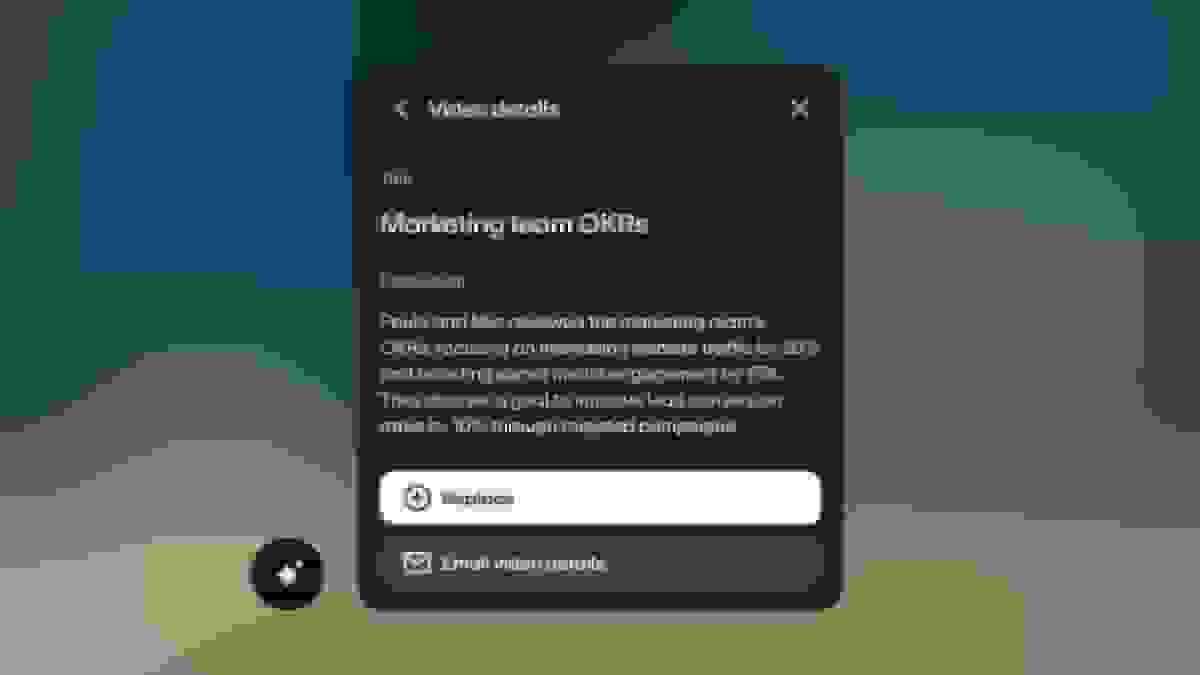
Vimeo AI can instantly generate video titles, descriptions, tags, chapters, and more, all optimized to engage and keep viewers. That’s just part of what Vimeo AI can do to streamline your content creation process.