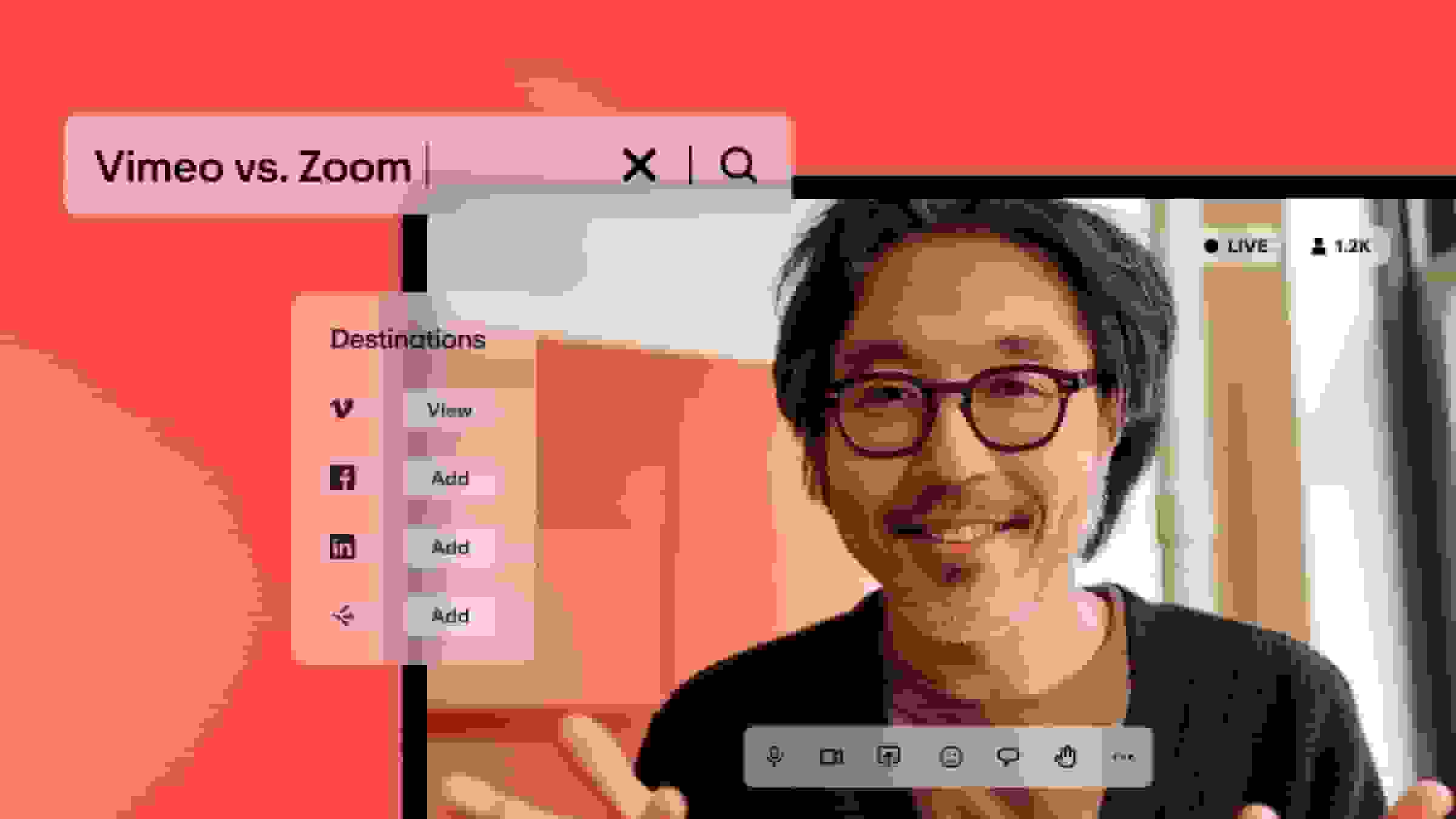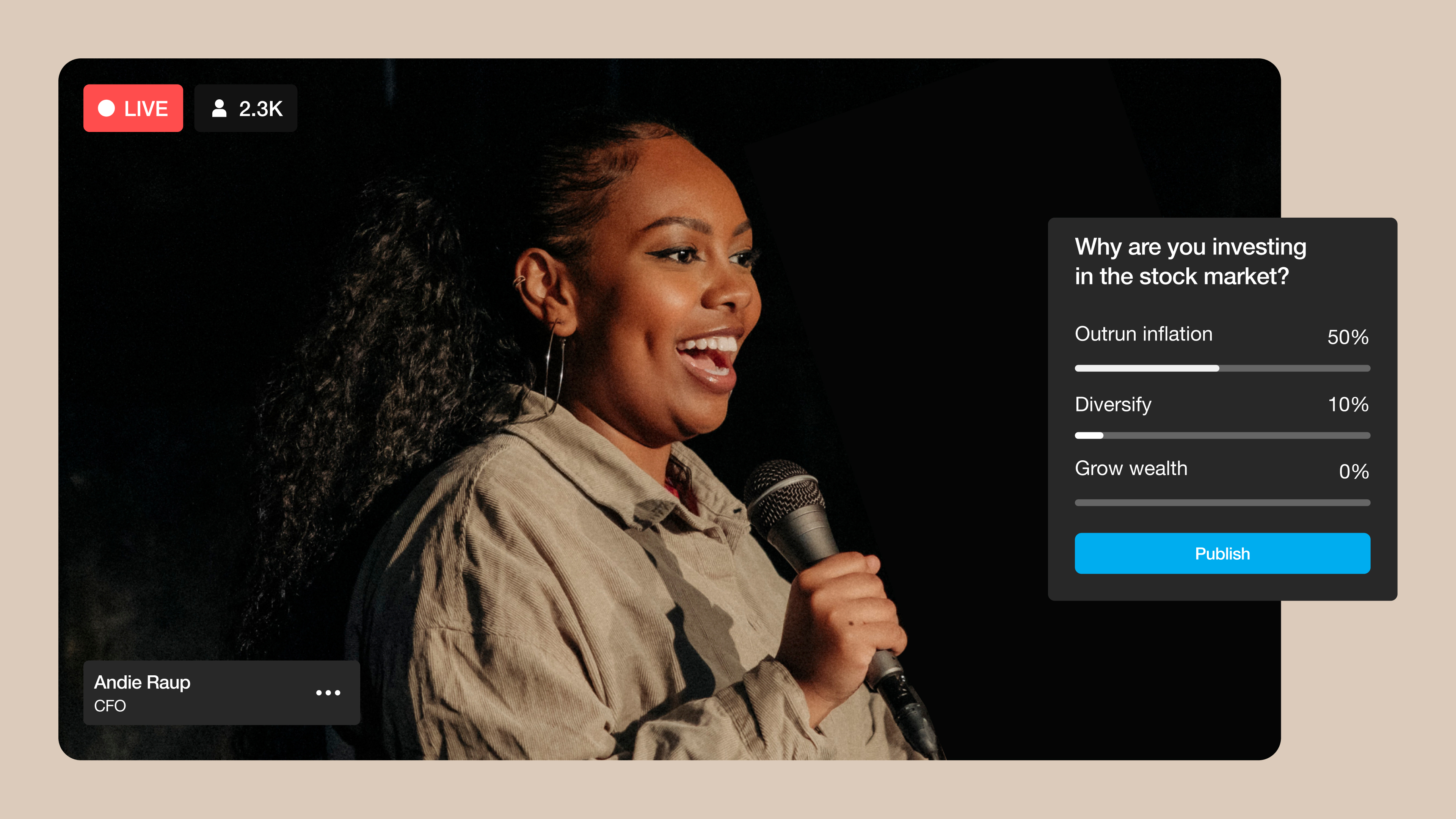
While some virtual events are still simple streams with minimal (or no) audience engagement, it’s now possible to offer much more. You can use live chat, interactive polls, gamification, and even virtual spaces to allow active participation during events like trade shows and webinars. This is a great way to get your audience involved and make your message more memorable.
But to do any of that, you’ll need a virtual event platform that supports customizable experiences for participants and hosts. In this article, you’ll learn about several of the top solutions, and we’ll help you choose a tool that supports your vision for a successful online event.
What’s a virtual event platform?
A virtual event platform is a web-based solution for planning and hosting online gatherings, such as conferences, courses, webinars, and trade shows. Managing an effective virtual event requires tools for registration and video conferencing, as well as features for engaging the audience through interaction.
For example, Vimeo’s virtual event platform helps you plan and host professional gatherings, with live-streaming tools that don’t require any special expertise. You can host hybrid or purely online events with your own custom branding, and offer attendees an interactive experience that keeps them engaged and supports your goals.
Host your next virtual event with Vimeo →
How to choose the right online event software
There are a lot of virtual event platforms, but focusing on these key elements should help you find one that matches your needs:
- Event setup and follow-up tools: It’s essential to decide whether you need a solution that simply hosts your gatherings, or one that offers features to help you plan events and follow up with attendees afterwards.
- Customization options: Be sure to select a platform that lets you customize the event visuals to align with your company's branding and, if needed, promote event sponsors. For example, lower-third descriptors add context about the organizations or partners that speakers represent.
- Content delivery and engagement: Your chosen tool should provide any interactive features you want to include, such as breakout rooms for separate exhibitors or virtual “hand raising” for live Q&As.
- Performance and technical considerations: If you’re streaming high-quality, 4K video, especially from multiple cameras, your platform needs to support adaptive bitrates and have a proven track record of stability.
4 kinds of virtual event platforms compared
Now that you know what to look for, here are four types of virtual event software you should consider. We’ll describe each variety and recommend some of the best platforms in that category.
Hybrid or online event platforms
First, there are straightforward event platforms that focus on facilitating simultaneous live streams and online presentations. These often feature interactive spaces where participants can navigate digital representations of the events.
Top options:
- Vimeo lets users lead hybrid or completely online virtual events from a browser or the Vimeo app. Host live sessions, simulive, or pre-recorded content. The Vimeo video platform allows brands and marketers to host engaging events and gain more viewers or leads with the help of interactive video tools.
- vFairs specializes in hybrid events, offering tools for everything from event registration to on-site support. This virtual event platform also includes interactive design features, live chat, and detailed analytics.
- SpotMe is an enterprise tool that provides plenty of customization, such as letting you assign attendees specific roles that grant or limit access to certain events. SpotMe is meant for large-scale conferences and webinars that require a polished, branded experience.
Virtual conference platforms
Virtual conferencing software is useful when you’re planning a series of live or scripted presentations spanning several days and involving active audience participation. These platforms offer many of the same interactive features as standard virtual event solutions, but with a heavier focus on keynote speakers, virtual exhibition halls, and live panels.
Top options:
- Accelevents offers services for on-site, hybrid, and remote events and focuses on creating a seamless experience for attendees. This platform also provides virtual event engagement tools, including gamification and customizable surveys.
- BigMarker prioritizes customization, providing several templates and modules you can mix and match to meet your specific needs. These modules range from a virtual exhibition hall to a networking center that uses AI matchmaking to connect attendees.
- Kaltura is a video platform that supports hybrid and virtual events and offers features such as customizable branding and interactive modules.
Webinar solutions
Webinars typically feature several presentations in a single day, including keynote speakers and fireside chats. There’s often some light interaction in the form of Q&As and live polls, but webinar platforms tend to focus on features that enhance each speaker’s presentation.
Top options:
- Vimeo's webinar platform lets you create engaging webinars right from your browser or in the Vimeo app. Engage viewers with a live, interactive webinar experience, or make pre-recorded webinar events available on demand. You can also choose to integrate with other webinar software, like Zoom and Webex, to enjoy enhanced features. Vimeo's all-in-one video platform ensures you have all the recording, editing, and AI automation tools to polish your webinar.
- Zoom Webinars is a secure platform for scheduling webinars, registering attendees, and hosting virtual events. It offers several features that streamline event planning, like templates and AI automation, while providing a stable, high-quality experience for participants.
- Hubilo helps you plan a webinar and get it up and running with branded event registration pages and email addresses. It supports basic interactive elements, such as polls and chats, and integrates with other tools, such as CRMs and form builders.
- On24 is an AI-powered virtual event platform that helps you host webinars. It also offers a content engine that creates personalized scripts and visuals for a variety of event types.
Internal meeting tools
Internal meeting platforms are collaboration tools teams use every day for regular and impromptu meetings, but they can be adapted to particular event types. They are lightweight and easy to use, while prioritizing privacy and integration with other workflow tools.
Top options:
- Microsoft Teams is popular and feature-rich, and naturally integrates with other Microsoft products. It works well with most company tech stacks and offers plenty of features for virtual conferencing, including scheduling, screen sharing, and hand raising. Connect Vimeo and MS Teams to learn more about how they can work together.
- Google Meet is stable and functional, and while its feature set is small, it’s very easy to get started with. Plus, it’s a good option for companies that are heavily invested in the Google ecosystem. Connect Vimeo and Google Meet to capitalize on all the best video creation and editing tools.
Try Vimeo’s virtual event features →
FAQ
What is the best virtual event platform?
Picking the best virtual event platform really depends on whether you're trying to build a complex virtual world with 3D lobbies or just want a high-quality stream that doesn't glitch. For those massive, multi-day conferences where logistics and ticketing are the biggest headaches, enterprise suites like Cvent, Vimeo, or Zoom Events are usually the safest bet for keeping everything in one place. We’ve taken a more "no-friction" approach at Vimeo, focusing on browser-based webinars and live streams that look professional and ad-free without forcing your audience to download yet another piece of software.
How much does an online event platform cost?
While hosting a virtual event shouldn’t cost as much as renting a venue, it often doesn’t come cheaply. Specialized, enterprise-grade virtual event platforms like vFairs and BigMarker require custom pricing in the thousands of dollars. However, a scalable solution like Vimeo can give you access to advanced tools for as little as $75 per month.
Are virtual event platforms accessible on mobile devices?
Most virtual event platforms support responsive design, automatically generating a mobile-ready experience for attendees. But be sure to test the mobile experience thoroughly before your event starts to ensure interactive elements like polls and chats work seamlessly across devices.
How do I make my virtual event more interactive?
Gamification is a go-to strategy for encouraging audience engagement through interaction. Quizzes, scavenger hunts, leaderboards, and prizes are all great ways to give attendees specific goals during the event, turning them into active participants.
Plan and host successful virtual events with Vimeo
Choosing the right virtual event platform is instrumental in designing an engaging, on-brand experience for attendees. Whether your event succeeds depends significantly on the quality and performance of the platform you use, so it’s essential to review your options carefully and consider every stage of the process (before, during, and after the event).
Vimeo live streaming offers everything you need to create custom events and run them with ease. Thanks to Vimeo’s many interactive features, from live chats and polls to viewer-led Q&As and automated chaptering, you can help participants feel directly involved in dynamic virtual events, making them more memorable and impactful.
Whether you’re building out a virtual conference, webinar, or trade show, Vimeo offers reliable, secure features that help you customize everything from event registration to follow-up emails. It also integrates seamlessly with other popular tools, including CRMs and email marketing services.