Your choice of webinar platform affects how meetings or events feel for attendees and whether you get your message across successfully. That makes deciding between webinar hosting platforms crucial, and there’s a lot to consider. For example, you’ll need to know which interactive features you require and how many attendees you expect.
This article compares eight of the best webinar platforms to help you find the right combination of features and pricing.
What’s a webinar platform, and what features should it offer?
A webinar platform helps you host interactive live events. Most are presented solely online via videoconferencing, though some platforms support hybrid, offline/online webinars and offer features that enhance both experiences.
Quality webinar solutions offer functionality for:
- Live streaming: High-quality, reliable video hosting enables viewers to tune in to your webinar from anywhere.
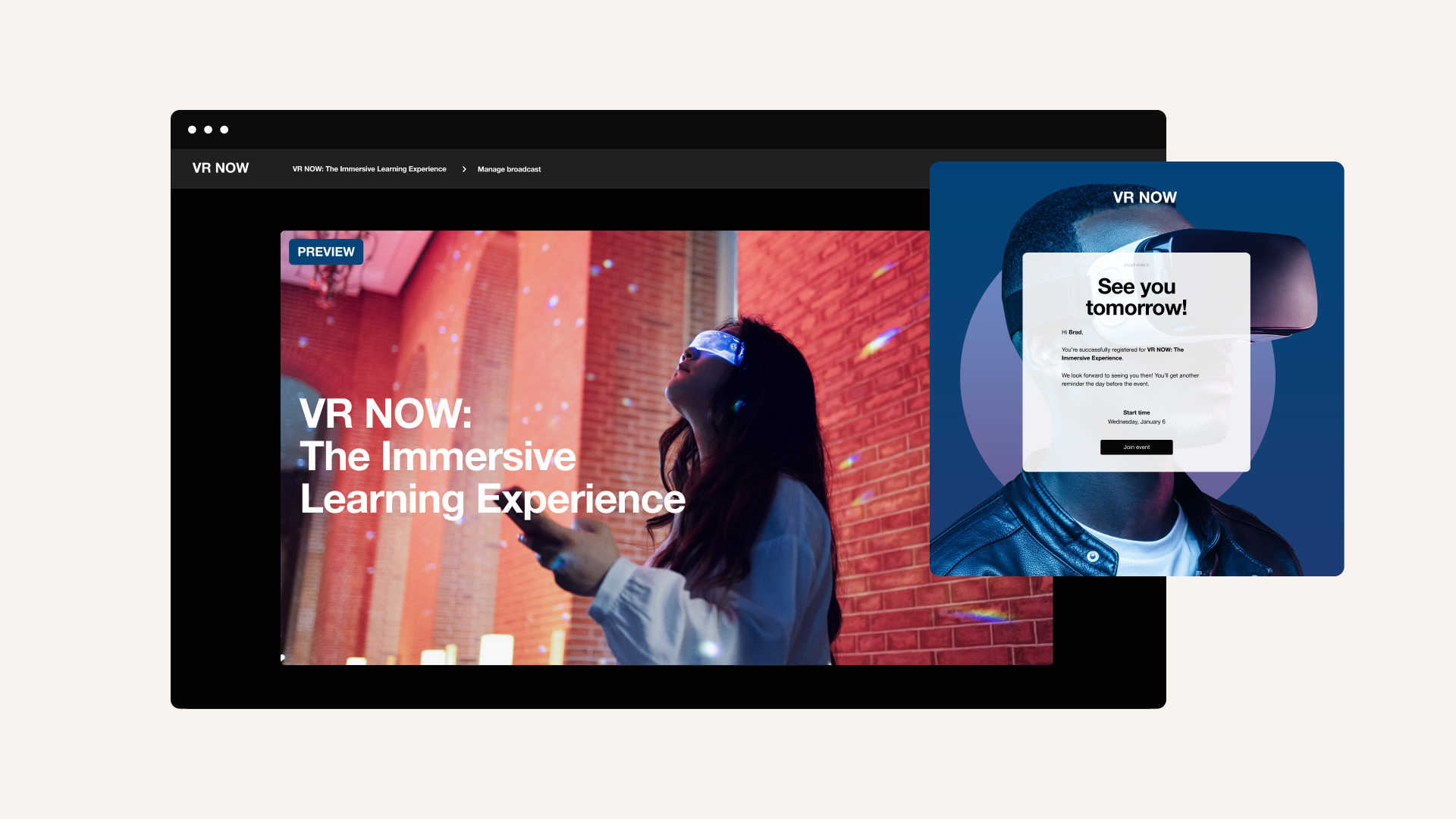
- Registration and attendance: People should be able to register in advance and add the event to their calendars.
- Mixing various types of content: You’ll sometimes need to transition smoothly between live presentations and pre-recorded videos, and you might also want screen-sharing tools.
- Interaction: Features such as live chat and breakout rooms encourage real-time Q&A and networking.
Get powerful webinar hosting features with Vimeo →
8 top webinar hosting platforms compared
Whether you’re looking for the best free webinar platform or are willing to invest in a premium experience, there are plenty of tools to choose from. Here are eight top options to consider.
1. Vimeo
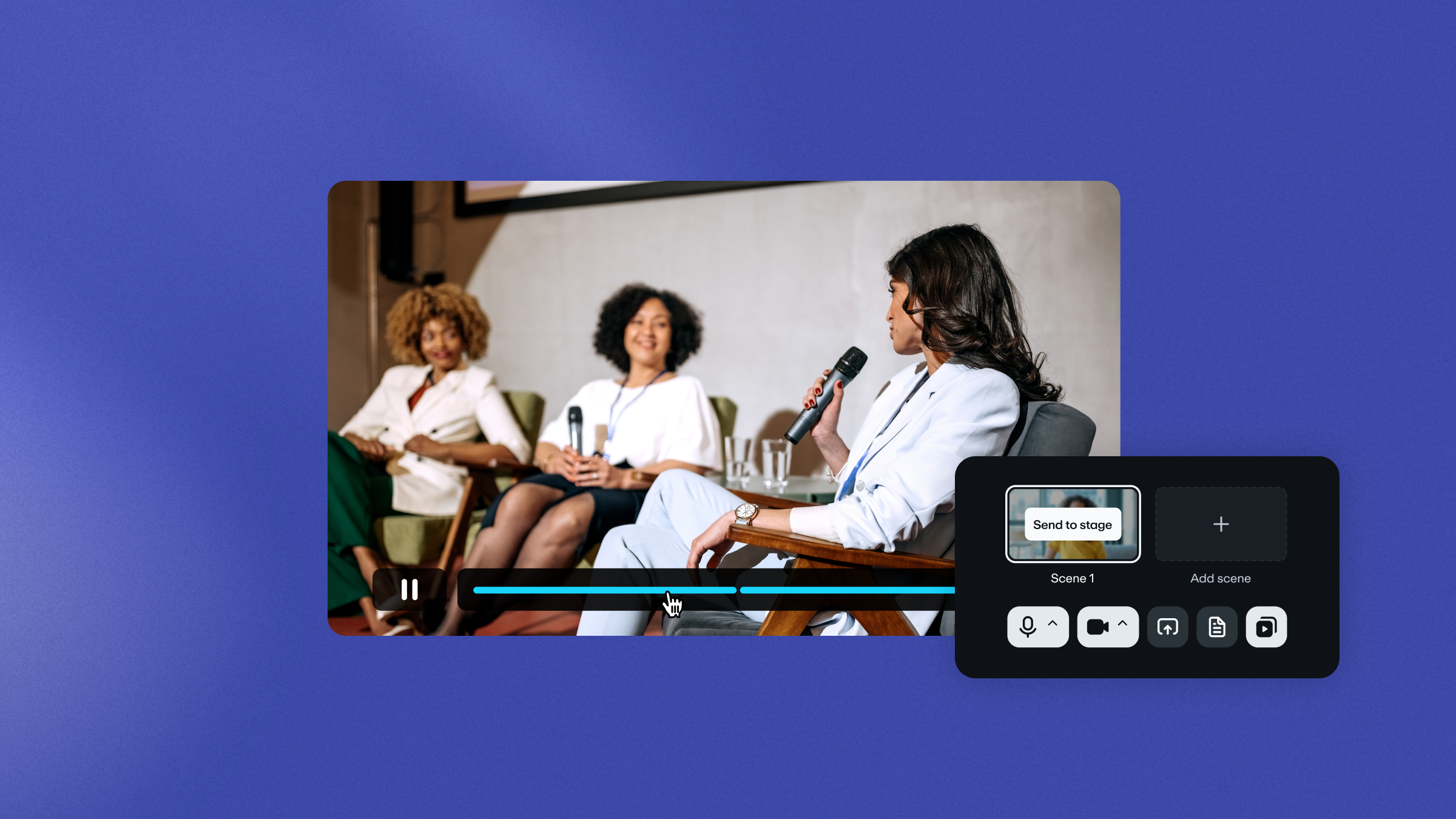
Vimeo’s live webinar platform is a powerful way to hold dynamic events for your audience. Whether you’re a solo creator or an enterprise, Vimeo hosts your webinars and delivers reliable, high-quality live streaming that scales smoothly.
You’ll also get access to custom branding options and detailed analytics on audience behavior. To keep people engaged during the webinar, use interactive features such as live chat, polls, and Q&As.
To host a webinar with Vimeo, you’ll need an Advanced subscription at $75 per month, billed annually. You can also try out a free plan or a live demo to see if this platform is right for you.
Host your next webinar with Vimeo →
2. ON24
ON24 is an event platform that emphasizes incorporating webinars into your broader marketing campaigns. It offers several advanced features to help you run more successful webinars, such as automated emails to nurture leads and boost attendance, and AI-generated content to enhance your presentations.
If you’re only focused on webinar functionality, though, ON24 might be more than you need. It also comes with a hefty price tag — sometimes several thousand dollars per year — and you’ll need to contact the company for a custom quote.
Compare Vimeo and ON24 →
3. Livestorm
Livestorm is suitable for both very small and extensive webinars, but less useful for events that fall between those extremes. For small-scale webinars, Livestorm’s Pro package gives you the basics for $105 per month annually, including registration, analytics, screen sharing, and interactive features like polls and Q&As.
For events up to 12 hours and/or 3,000 attendees, the custom-priced Enterprise package includes features such as advanced custom reporting and personalized training. For use cases in between, this webinar platform's pricing scales up quickly, and many useful options are only available as add-ons, even on custom plans.
4. GoTo Webinar
GoTo is an all-in-one communications platform for businesses, and webinars are just one part of their overall ecosystem. So if you already use the GoTo platform, the webinar software will be fully integrated with other tools your team uses to collaborate, making registration, attendance, and analytics simpler.
There’s a plan for the webinar platform alone, which costs $69 per month, billed annually, and includes branding and interaction features. But you’ll need a custom plan or an integration to get the same benefits some platforms provide natively, such as video editing and sharing.
Compare Vimeo and GoTo Webinar →
5. Zoom
Zoom offers lightweight video conferencing and webinar software for a wide variety of use cases. You get features for registration and attendance, panelist management, and breakout rooms. There’s also interactive functionality like Q&As and virtual “hand raising.”
The Zoom Webinar package for businesses starts at about $67 per month, billed annually, and the pricing scales up sharply if you anticipate more than 300 attendees. To get advanced features like AI-generated content and detailed analytics, you’ll have to upgrade to the Webinars Plus plan for about $291 per month.
Compare Vimeo and Zoom →
6. BigMarker
BigMarker’s webinar platform supports online, in-person, and hybrid events. It focuses on interactivity and lead generation, with features such as virtual venues and event badging that are designed to enhance the webinar experience for participants.
This platform is best used for large-scale webinars, as even its Basic plan supports up to 1,000 attendees, along with basic analytics and integrations with tools like ActiveCampaign and Drip. You’ll need to ask for a custom quote, and there are no trials or free plans available.
7. ClickMeeting
ClickMeeting supports small-scale webinars and provides a customizable player and a library of over 4,000 integrations. It offers a free plan for events with up to 25 attendees, which includes multi-channel broadcasting, breakout rooms, basic analytics, and a few interactive features.
The Live plan starts at $26 per month, billed annually, and adds options such as customization and video storage. After that, the pricing scales up reasonably, allowing you plenty of room to grow. There’s also an Automated plan that provides features to streamline work before and after a webinar, such as sending reminders and follow-ups.
8. Webex Events and Webex Webinars
Webex offers a webinar and events platform designed for both online-only and hybrid events. It has features for in-person attendees, like automated badge printing and contactless check-in, and for online participants, such as digitized handouts and breakout rooms.
You’ll need a custom quote to access the in-person features and many enterprise options, but the Webinars plan provides what you need for virtual events for about $56 per month, billed annually. That price is per user, however, so the cost will increase based on how many contributors are involved.
Compare Vimeo and Webex →
How to choose the right webinar platform for your needs
Needs and goals vary — the best webinar software for small businesses isn’t necessarily the same as the best webinar platform for educational events. Here are some factors to consider when selecting a solution:
- Target audience size: Pricing and feature needs scale up fast as the number of attendees increases.
- Desired features: Start with the basics — registration, hosting, analytics, and interactivity — then think about what advanced options you might want, such as lead nurturing or useful integrations.
- Budget: Know how much each feature is worth to you and how much you can spend per attendee.
- Ease of use and support: The best webinar platforms are intuitive for both hosts and attendees, and they should offer responsive customer support in case you run into issues.
FAQ
What’s the difference between a webinar platform and a video conferencing tool?
Webinars and video conferences share many features, such as screen sharing and live streaming. But a video conferencing tool is primarily meant for hosting small, simple meetings. A quality webinar platform should be designed to manage and host large-scale presentations and offer features such as attendee registration and interactive Q&As.
What’s the best free webinar platform?
Some webinar platforms, such as Vimeo, offer free plans that work well for small events. But you’ll need a premium tool for larger webinars with lots of interaction. Vimeo makes that transition smooth, with a free trial that helps you get started and reasonably priced plans that give you access to more features.
How many attendees can join a webinar?
The number of webinar attendees you can support depends entirely on your subscription plan and the platform you choose. Many will cap attendance at 25-1,000 people, but more robust solutions can support tens of thousands.
What’s the difference between live and on-demand webinars?
A live webinar is broadcast in real time, while an on-demand webinar is a recording. Live webinars are best for interactive presentations, while on-demand webinars are great for educational content and promotional material.
Host high-quality, engaging webinars with Vimeo
Webinars have so many uses — you can host simple team training sessions for a handful of employees, or you can stream a multi-day event for thousands of active participants. Either way, you’re more likely to achieve your goals for the webinar if you can find a service that’s feature-rich and very reliable.
Vimeo’s comprehensive video platform provides solutions for all your video content, including webinars. It gives you the tools you need to provide a branded, high-quality live experience and encourage engagement with interactive chats and polls. Plus, it’s affordable for creators and scales up seamlessly to serve enterprises.