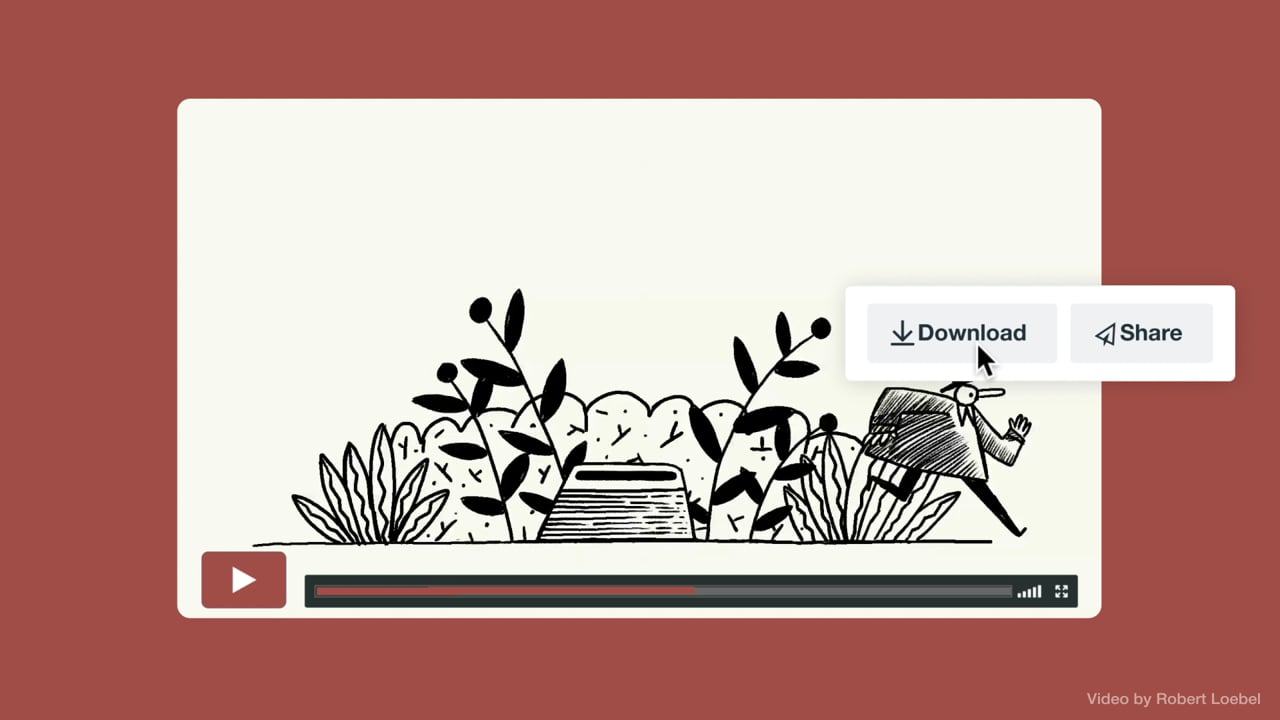
Downloading videos gives viewers the option to watch videos offline. But it can be difficult to understand and enable video download permissions on different platforms.
Luckily, Vimeo plus members and higher have the tools to enable or disable videos for download, allowing for greater control of video content.
Downloading videos can be a great way to share and distribute videos once you've done all of the video editing work - like trimming, resizing, or adding music to your video - that you want others to see. Whether you want to use a video as a learning tool for your team or download an informative video to embed on your website, the use cases of downloading videos are countless.
Check out how to download videos on Vimeo in a few simple steps.
Download Vimeo videos in these 3 simple steps
Below, we’ll walk through the simple process required to download a Vimeo video.
- Click the download button located underneath the video player. Note: Vimeo plus members and higher can disable video content downloads. More on that below.
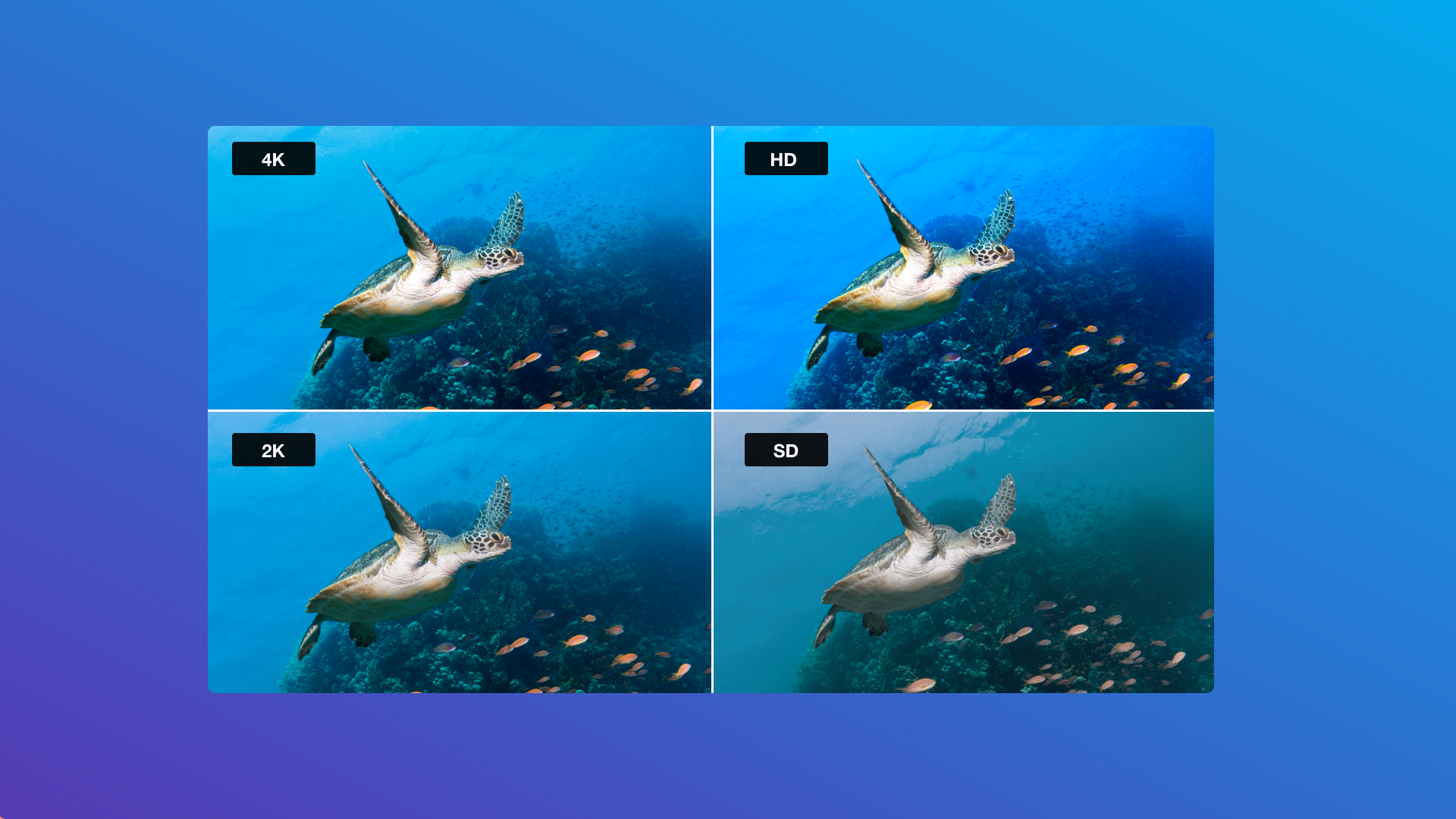
- When prompted with a menu of downloading options, choose the version of the video that you want to download. The options, depending on what the video creator has allowed, are SD 240p, SD 360p, SD 540p, HD 720p, HD 1080, and the original video.
- Once you’ve selected the format you want to download the video in, the video file will download to your computer where you can open it directly.
Occasionally, depending on the browser you are operating on, the video may open in a new tab and start playing (rather than downloading). If this happens and you are on a Mac computer, simply hold down the control key and select the link, then choose “save link as” or “download linked file." If you are on a Windows computer, right-click on the link and select “Save as” or “Save target as.” Learn more at Vimeo's Help Center.
How video creators can enable or disable their videos for download
For video creators who don’t want users to be able to freely download their content, it is possible to disable the option on your video. Navigate to your video’s privacy settings to turn the downloading feature off, as seen in the GIF below:
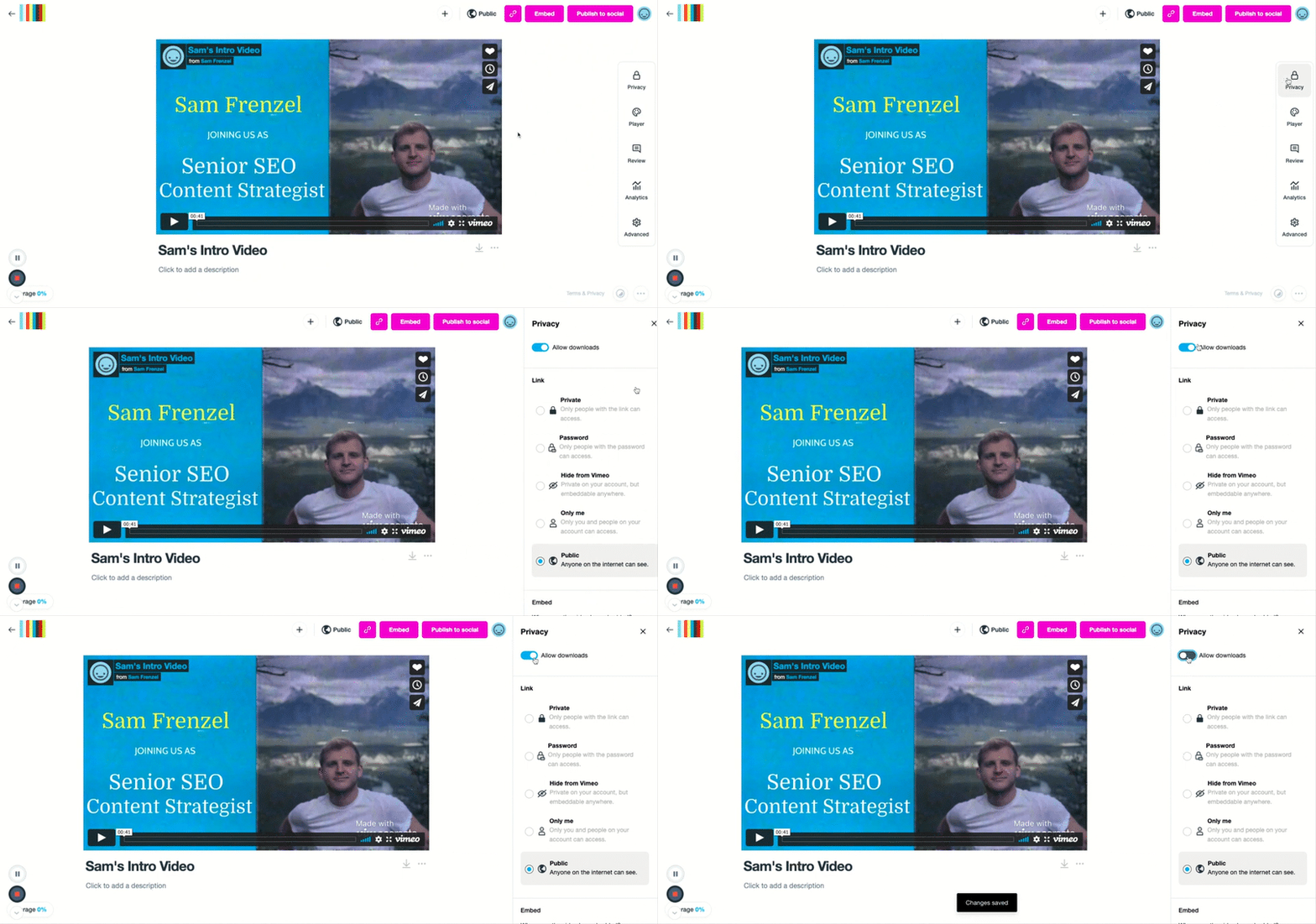
If you have disabled downloading, viewers won’t see the "Download" button on the video page. The setting will automatically save and your video will no longer be downloadable.
Of course, if you change your mind after you upload your video or at any point in time, you can follow the exact same set of instructions to turn "allow downloads" on to give users permission to download your content.
Vimeo video download FAQs
All in all, Vimeo works hard to ensure that content creators have the maximum amount of control over their own videos. In creating customizable video privacy, download, and sharing settings, the fate of a video lies in the hands of the creator.
Wondering what to do with all of your downloaded video content? Luckily, Vimeo has you covered with a Video Library solution to store all of your most important video assets.