Live video is great for sharing product launches, Q&As, and behind-the-scenes content, while keeping viewers interested longer than with static, pre-recorded clips. But tapping into that potential takes work — every stage of the live-streaming cycle matters, from planning and promotion to engagement and post-stream sharing.
Whether you’re wondering how to get more viewers on Twitch or building an audience on another streaming platform, this article will walk you through how to get people to watch your stream. We’ll explain why growing your viewership matters and share ways to turn casual visitors into long-term followers.
How live viewer growth impacts your streaming success
Here’s how live viewer growth supports your long-term success as a creator or brand manager:
- Enhance brand visibility: As viewer counts climb, your stream appears in more recommendation feeds and category lists, helping new viewers find your channel without paid promotion.
- Gather valuable consumer insights: A growing audience means more chat activity, reactions, and watch-time data, so you can see which formats and calls to action resonate and adjust future streams based on viewer behavior.
- Optimize internal communication: When more employees or stakeholders attend internal live events, you can replace scattered meetings with a single, well-produced stream. After the event, you can review participation and engagement metrics to identify where changes could improve attendance or maximize engagement at future meetings.
- Achieve key business objectives: High live viewership supports lead generation and direct sales by bringing more people into your sales funnel via streams.
How to get more viewers: 10 ways to boost your live stream audience
So, how do you get more viewers on Twitch and other streaming platforms like Vimeo? By weaving these ten techniques into your routine, you can turn streams into a reliable vehicle for growth.
Vimeo users who pair these habits with Vimeo’s online video hosting platform and detailed Analytics can build an even more robust growth engine, using every stream to steadily expand both audience and impact.
Reach new audiences with Vimeo’s Live Streaming →
1. Maintain a consistent streaming schedule
A predictable streaming schedule makes it easier for people to build a habit around your content. Share when you will go live on your social platforms and your website, so viewers know to tune in.
2. Optimize your stream title and description
Your titles and descriptions help potential viewers decide whether to click on your streams in crowded feeds. Make these elements clear and focused on what new viewers will get from the stream (instead of references only your existing followers will understand).
3. Use attention-grabbing thumbnails and clear branding
Thumbnails and visuals have a big influence on which stream someone chooses. Pick artwork that’s easy to understand at a glance, and style it to match the rest of your brand, so your stream stands out when viewers first discover your content.
4. Promote your stream across social channels
If you only mention your streams on one platform, you limit who sees them. Share social media posts and short teaser clips on plenty of social and video-sharing sites, so potential viewers get reminders where they already spend time and can click straight through to your channel when you go live.
5. Highlight streams on your website
Social media is powerful, but your own website can also send new viewers to your live streams. Embed your stream or replays in a prominent place, and add a simple “Watch the latest stream” section that you link to from key pages. That way, people who are already interested in your brand can move straight from browsing to watching.
6. Collaborate with other creators or brands
Collabs expose your stream to audiences that already like related content, so you don’t have to go out and find them. Co-host events, stream games with other creators, or invite partners into your stream, so both sets of followers discover something new. This type of cross-promotion is one of the quickest ways to get viewers who are interested in your niche.
7. Engage with viewers in real time
Once your stream starts, treat chat like part of the show. Greet viewers by name, and respond directly to what they say so they feel seen. Use simple prompts and questions to pull people into the conversation — staying entertaining and responsive keeps the stream from fading into the background on a muted tab.
8. Encourage follows and subscriptions
Many viewers on Twitch and other platforms will keep watching without ever following your channel, unless you give them a clear nudge and explain why subscriptions matter. Use short, friendly reminders at natural points in the stream to increase Twitch viewers, and let first-time visitors know how to support you and get notified the next time you go live.
9. Repurpose stream highlights
Clip the moments from your stream that viewers responded best to, and post those highlights on other sites. Then you can point anyone who enjoys those clips to your next full stream. While there's no guaranteed formula for how to go viral on Twitch and other streaming platforms, shareable highlight clips give your best moments a chance to spread beyond your core audience.
10. Track analytics and refine future content
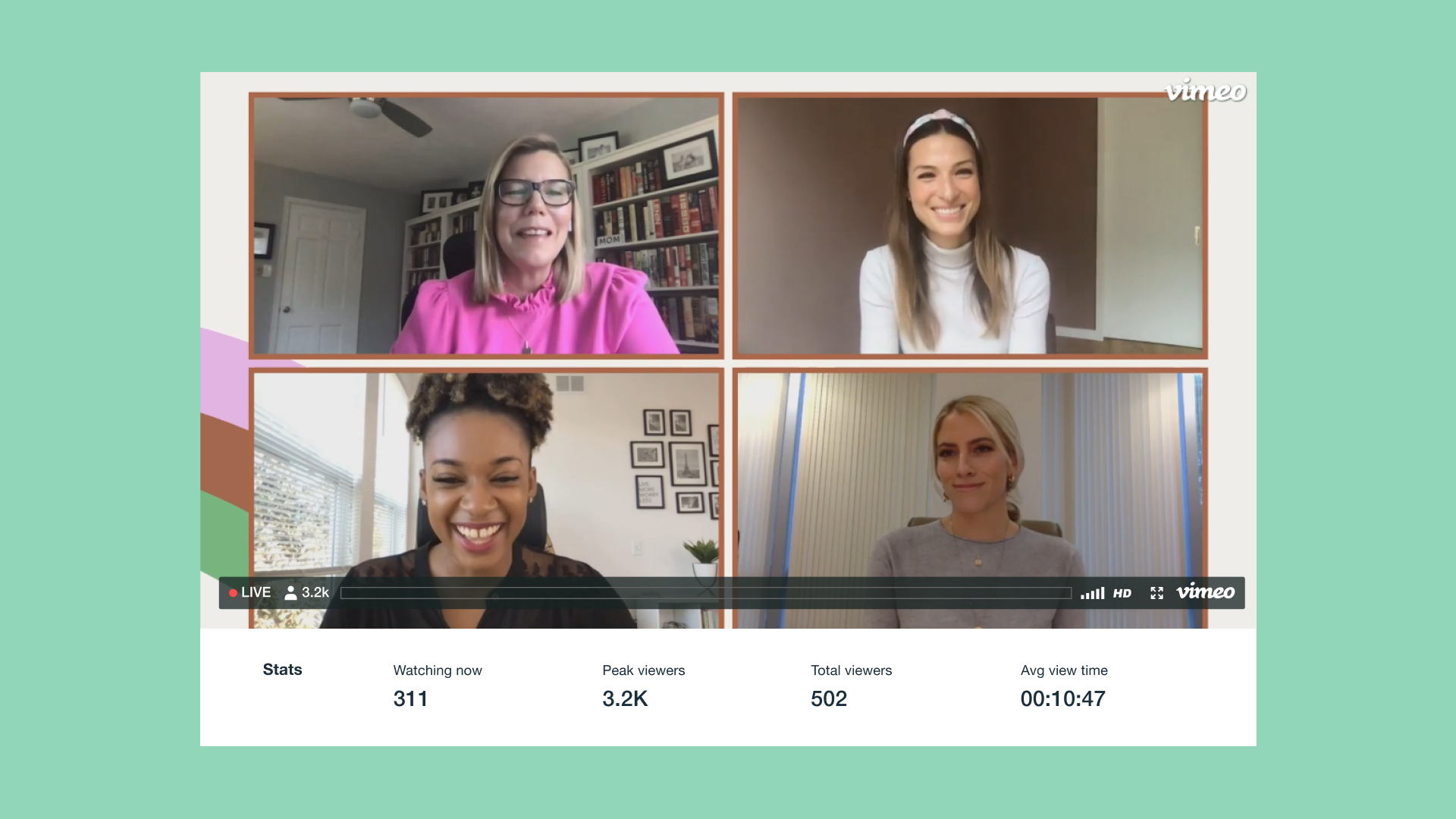
Analytics show you how viewers behave and what they enjoy about your content. So focus on key video stream metrics, such as peak concurrent viewers and average watch time, and pay attention to patterns in chat activity. This lets you adjust topics and timing to keep more people engaged during key moments.
How can AI increase live-stream engagement?
AI can give you live feedback on how a stream performs, so you know when viewers leave and which moments get the most attention. These tips will help you use AI to improve your streaming viewership and engagement.
Optimize stream quality based on viewer conditions
AI-driven delivery can adapt resolution and bitrate to each viewer's device and connection, keeping the stream smooth for everyone. This makes it easier for new viewers to stay long enough to follow your channel.
Predict drop-offs and adjust in real time
Some AI tools will monitor watch time and chat signals while you stream, and flag early signs that viewers are losing interest. When you see those patterns, you can change the topic or move to a more interactive segment that gets people reengaged.
Keep chat moving smoothly
AI can suggest new questions based on chat and quietly moderate harmful messages, so you can stay focused on the conversation. A cleaner, more responsive chat experience makes it easier for viewers to participate and for you to make real connections.
Repurpose key moments with AI insights
You can also use AI analytics to find moments in the stream when engagement spikes. This helps you know what clips to pull for highlight reels and social media marketing posts that bring new viewers to your next live stream.
Maximize stream accessibility, visibility, and reach
With Vimeo, you get AI streaming tools that help you maximize your content’s reach and effectiveness. Automatic SEO makes each stream easier to find and share, AI-powered translations and captions make your content more accessible, and Ask AI helps both you and viewers find key moments or get summaries of long streams.
FAQ
What common mistakes reduce live-stream viewership?
Mistakes that hurt your live-stream viewer numbers include going live at irregular times or without notice, using vague titles and descriptions that don’t tell people what they’ll get from the stream, and delivering poor audio or unstable video quality. Viewers also tend to leave if you ignore chat or start a stream with a long, unfocused warmup period.
How do I measure ROI from live streaming?
Start by picking a single outcome that matters most, whether that’s new leads, direct sales, click-throughs, or engagement. Then measure each stream’s metrics using video software like Vimeo, and compare your primary outcome against other viewer data, such as watch time and peak concurrent viewers, so you can see which content and moments drive results.
Is short-form or long-form live content better?
Live streaming is well-suited to long-form content because its casual, flexible nature is perfect for engaging viewers with complex events and extensive conversations. A live stream requires more work and commitment from viewers, so it’s smart to make the most of each one — then you can pull short-form, static clips and montages to share on social media.
Stream smarter and grow your audience with Vimeo
Cultivating a large audience requires thoughtful preparation, smooth execution, and a willingness to learn from each stream. When you continuously refine how you share and promote your streams and follow up with highlights and replays on key platforms, live streaming becomes a reliable way to extend your brand’s reach.
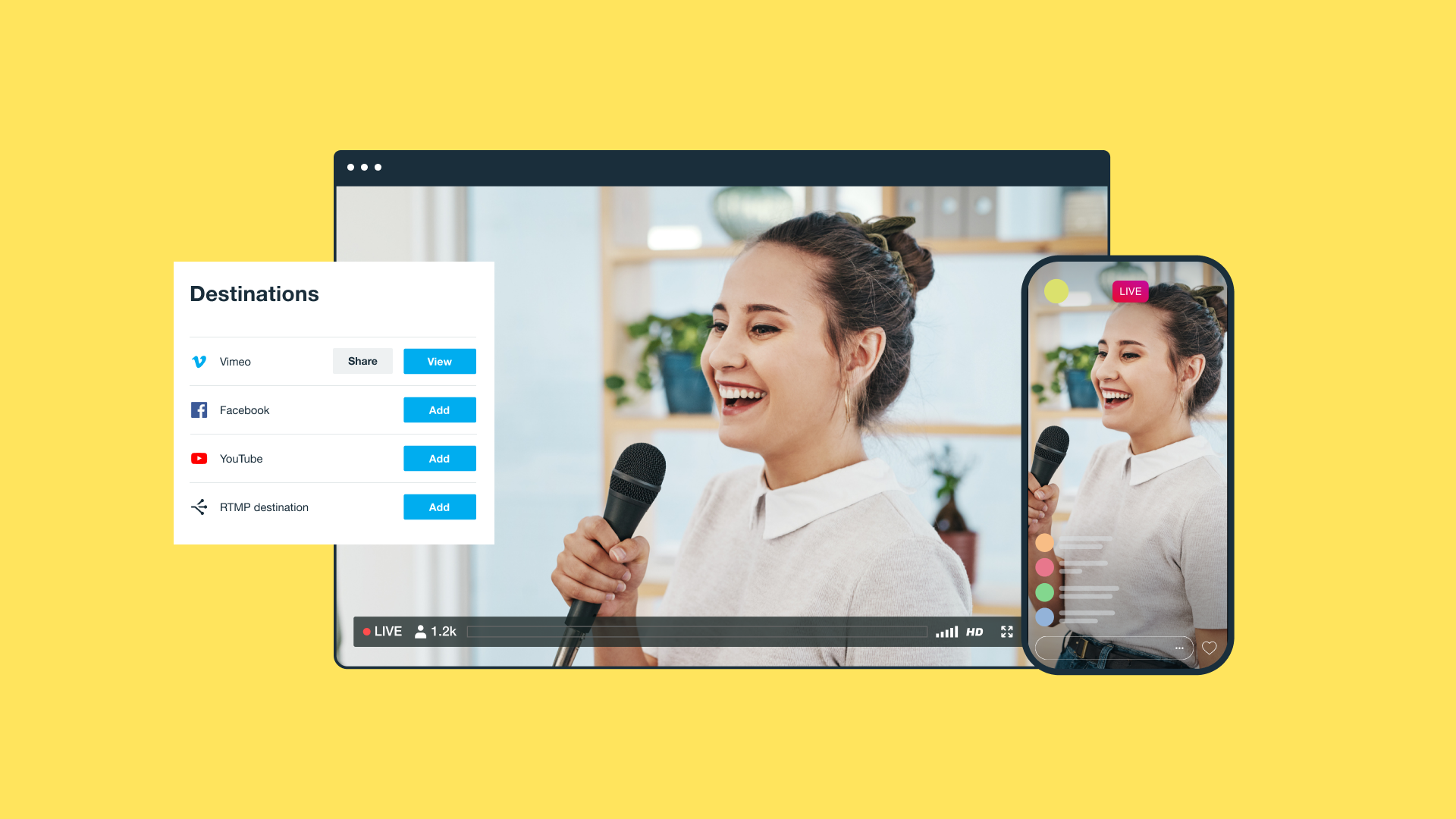
Vimeo gives you the tools you need to keep existing viewers happy and bring in new audiences. You can broadcast high-quality live streams and events, simulcast to multiple destinations, keep chat welcoming with moderation tools, and leverage audience analytics to better understand how viewers respond. Once a stream ends, Vimeo also makes it easy to archive and repurpose your live content for maximum impact.