DIY webinar production sounds manageable enough, until you’re juggling speakers, slides, timing, and last-minute technical problems. A virtual event quickly turns into a complicated production when workflows aren’t clear or your setup can't support the intended experience.
The good news is you don't need a full production team to run a polished event that attendees keep talking about. The right platform, when combined with a reliable process and a few smart tech decisions, makes webinar production easier to manage and improves your results.
In this article, you’ll learn seven practical ways to simplify DIY webinars and run smoother events.
Basics of DIY webinar production
A DIY webinar production is when your team handles the event in-house instead of relying on a production company. You choose the platform, build the experience, and manage the webinar from planning to post production.
This approach can save money, since you don’t have to pay for outside support and can build a repeatable process your team will use for future events. Plus, DIY production gives you more control over the way the webinar looks and runs.
As standards rise, many companies are wondering how to do webinars more professionally. The key is to treat them as branded events, not like simple meetings. A basic video call is often enough for an internal discussion, but making a webinar for customers or stakeholders requires more structure and polish.
How to create a successful DIY webinar: 7 steps
If you want to create webinars that feel polished and are easy to manage, you’ll need to build a robust step-by-step process. Here’s how.
1. Identify your core topic and presentation format
Start with one clear topic and audience takeaway. Attendees are more likely to register when the value is obvious, plus when the session has a defined goal from the start, speakers tend to stay on topic. Then choose a webinar format that fits the content, whether that’s a solo presentation, interview, panel discussion, or live demo.
2. Select a reliable webinar hosting platform
Your webinar platform affects every aspect of the event, including registration, branding, streaming quality, and ease of follow-up. When deciding how to host a webinar, choose a solution that’s purpose-built rather than a basic meeting tool. This gives you more control over the audience experience and reduces the chance of last-minute issues.
Produce your next webinar with Vimeo →
3. Schedule your event in advance
Pick a time that works well for your specific audience, and consider whether attendees are in different regions or time zones. Deciding on an event date early also sets your promotion window, giving your team more time to market and prepare for the webinar.
4. Develop a landing page and promotional strategy
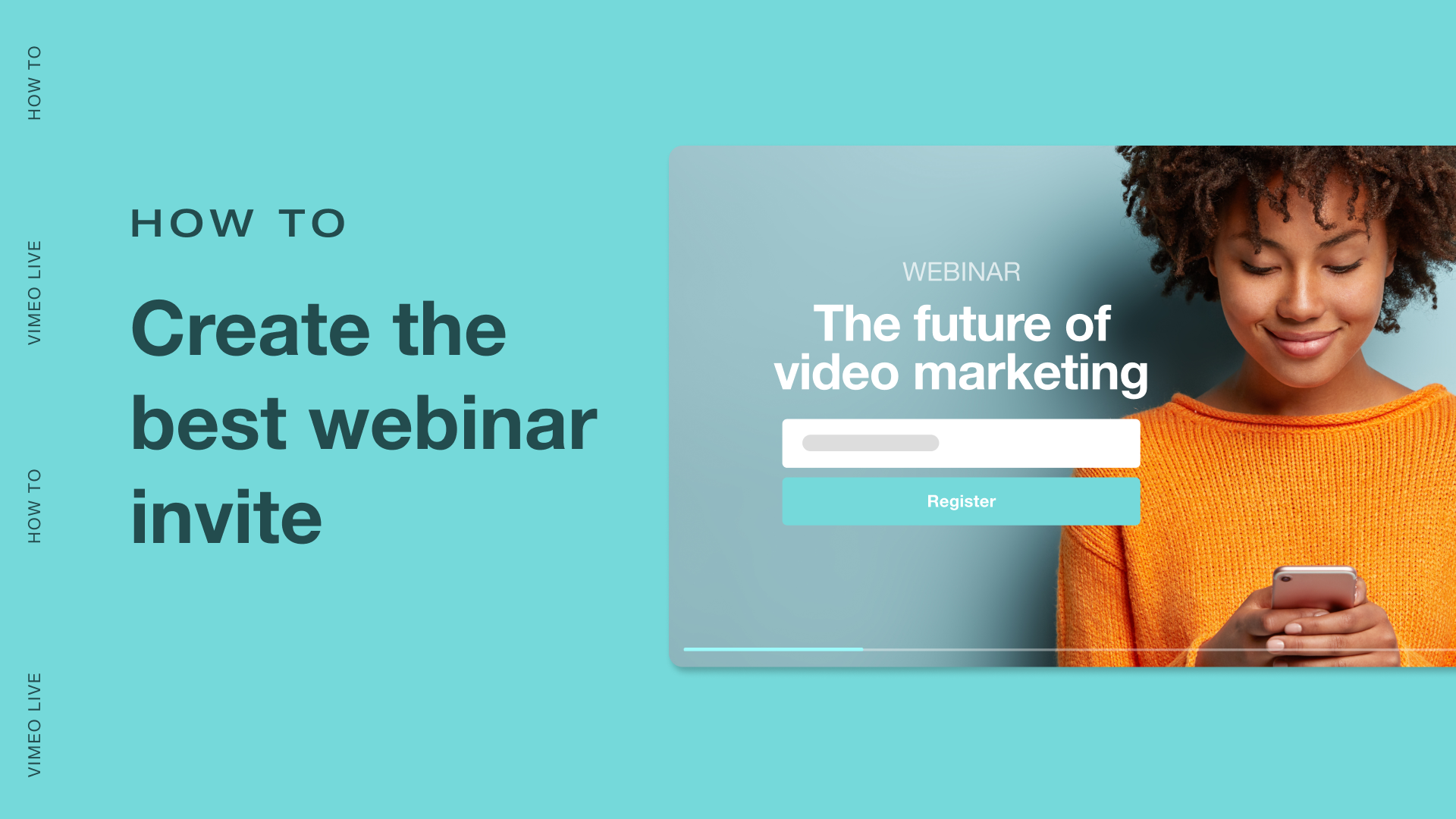
A dedicated landing page is a great way to promote your webinar — it serves as a central hub where you can drive traffic and explain the event’s value. Make sure your landing page shows:
- What the webinar covers
- Who the event is for
- When it’s happening
- Who will be speaking
- Why the webinar is worth attending
Build registration into your landing page as well, and keep the process simple. You can also support this page with further promotion across email, social media, your website, and any partner channels.
5. Conduct a technical rehearsal
Run a rehearsal before the live event to catch any audio issues, timing problems, or confusion among guest speakers. This is also a good time to test transitions and screen sharing to prevent last-minute technical problems.
6. Interact during the live broadcast
Once you go live, keep the session easy to follow and provide ways for attendees to participate. Polls, chats, and Q&A breaks keep webinars engaging, and they can be what separates an event attendees watch and forget from one that resonates.
7. Distribute the recording and analyze performance metrics
Your work doesn't end when the webinar does — now it’s time to send the recording to registrants and share it with those who missed the live session. Also, review performance analytics to see which parts of the webinar held viewer attention and what needs improvement next time.
Essential hardware for professional webinars
Setting up a webinar doesn’t require a full studio, but you do need a few basics that improve how you look and sound on screen. So make sure you have this video equipment ready before firing up your first DIY webinar.
Microphone
A built-in laptop mic can work in a pinch, but USB microphones deliver much cleaner results. If you want more control or plan to host webinars often, an XLR microphone with an audio interface gives you lots of room to grow and fine-tune your sound over time.
Camera
A good HD digital webcam is enough for most teams and solo hosts. But if you want a more polished look with sharper image quality and better depth, a mirrorless digital camera adds cost and setup time but raises production values significantly.
Lighting
Good lighting often makes a bigger difference than an expensive camera. A ring light works well for simple home setups, while a basic three-point lighting setup gives you more control over shadows and polished results.
Internet connection
No matter your event’s scale or budget, a wired Ethernet connection is a must. This is a simple but effective way to reduce lag, dropped frames, and other live streaming issues during the webinar.
How to keep your webinar audience engaged
A standard video asks viewers to sit back and watch, but a live webinar works best when attendees have reasons to stay involved. Here’s how interactive features can reduce webinar fatigue and keep attendees engaged for longer:
- Use live polls and surveys: Ask short questions at key moments rather than waiting until the end. Polls keep attendees active and give speakers quick insight into what the audience is thinking or unsure about.
- Run a moderated Q&A: A moderated Q&A gives your webinar structure and helps the session feel more relevant to those attending live.
- Add on-screen annotations or whiteboards: Visual callouts make it easier to communicate complex ideas, so they’re useful for demos and other technical processes.
- Keep chat active and purposeful: Use live chat to invite reactions or encourage light networking, so the webinar feels like a dynamic event.
How to repurpose your webinar for maximum impact
A recorded webinar can keep producing results long after the event ends. Send the recording to registrants who missed the live session, and add value with a short recap, key takeaways, or resources that align with the topic.
From there, break the webinar into smaller assets you can repurpose for other channels and goals. You can turn the session into:
- Short clips for social media
- An on-demand gated video
- A blog post
- Sales enablement content
- Training material for internal teams
Tackle DIY webinar production effortlessly with Vimeo
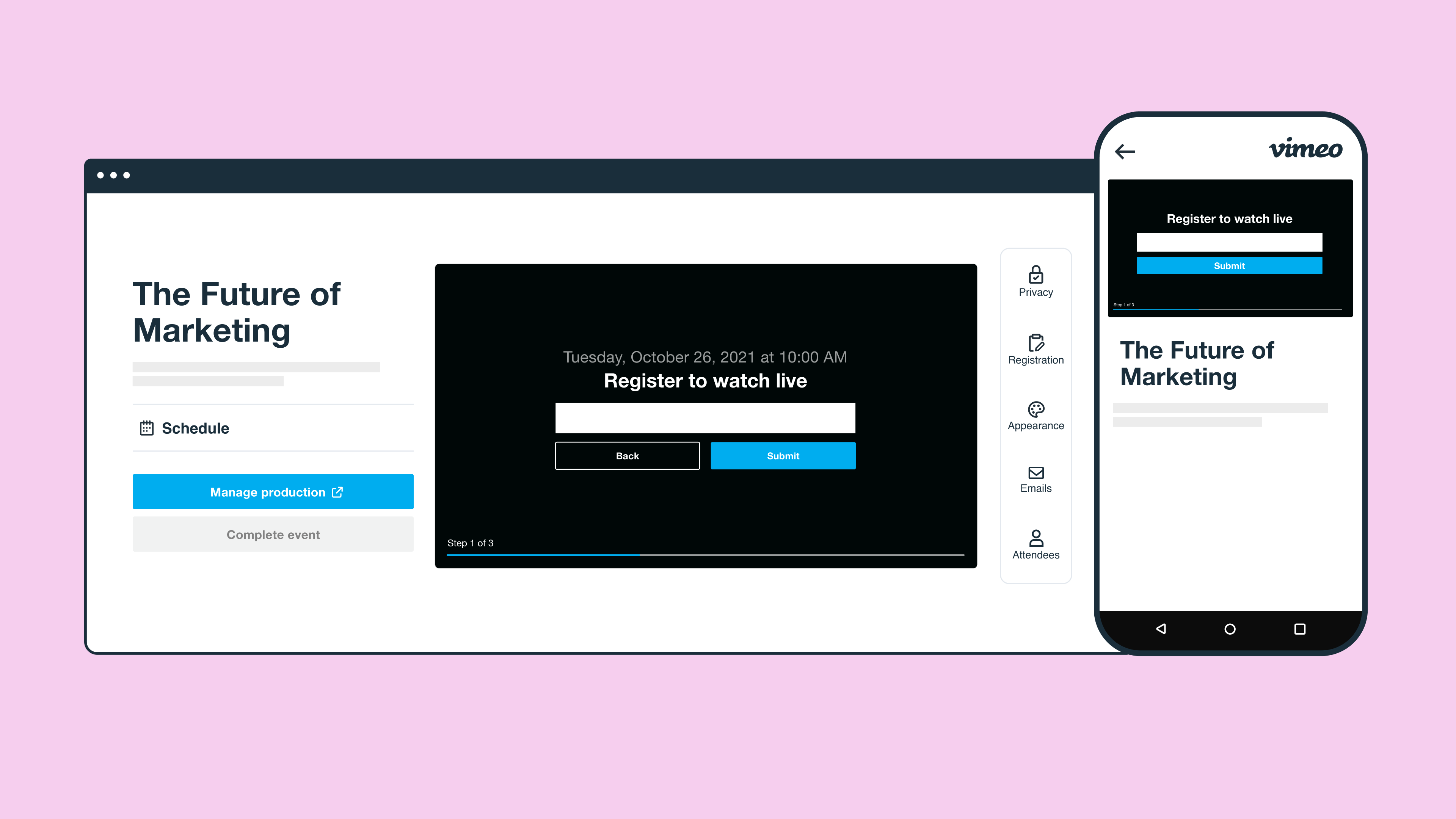
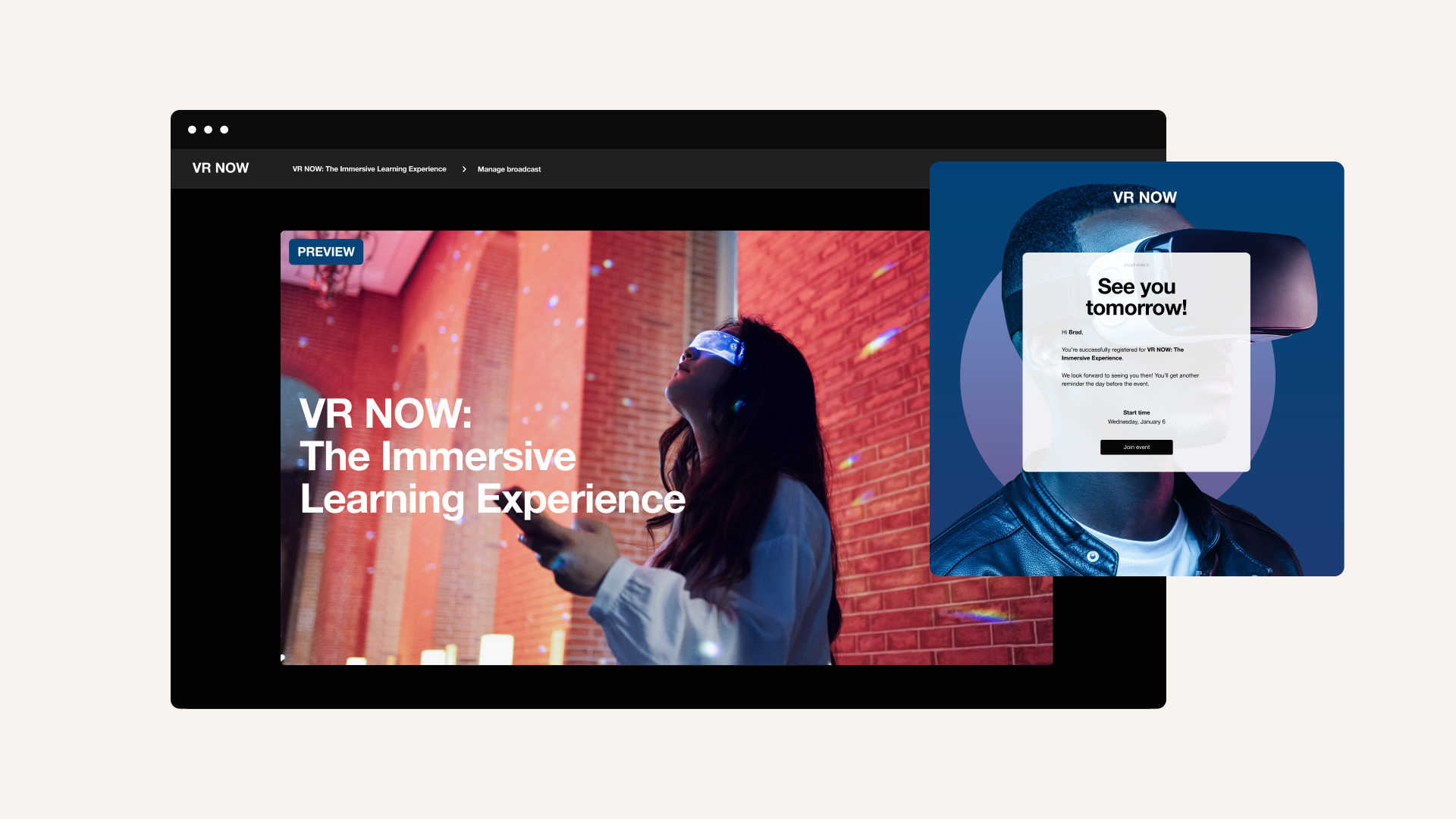
The platform you choose sets the tone for the whole webinar — if your setup is unreliable or hard to manage, even a strong topic and presenter can feel disorganized or unprofessional. Vimeo gives your team a complete setup for DIY webinar production, combining custom registration forms, branded invites and reminder emails, HD streaming, and viewer analytics in one place.
Vimeo’s browser-based production studio makes it easier to host live, pre-recorded, or hybrid events. Plus, our platform supports simulcasting for teams that want control over pre-recorded content with a scheduled live experience. You’ll also get tools to keep attendees involved with moderated chat, polls, surveys, Q&A, and clickable links.