A webinar is a virtual event for a self-selected audience. Typically, webinars are live streamed during a set window, much like an in-person class or lecture. Attendees who register have signaled their intent to show up and learn from you. It’s how well you run the webinar — and all the work leading up to and after the event — that decides whether your event drives leads and creates reusable content or fades into the back of your library.
This article covers webinar best practices at every stage. We'll show you how to plan and promote an engaging event, measure what worked, and turn the recording into content that circulates well past the day it aired.
Before the webinar: Planning and preparation
The biggest determining factor of a successful webinar is how much work went into its creation and marketing. A webinar with weak promotion or an unrehearsed presenter will underperform no matter how strong the delivery. So, the work you put in before going live sets the ceiling for what your event can achieve.
At least 2 weeks before
When it comes to your webinar strategy, plan to spend at least two weeks preparing and marketing your event. Work through these six tasks in order:
- Define your goal and audience: Who do you want to attend your webinar, and what do you want attendees to do after it ends? Your answers drive every decision that follows. A writing workshop will have a different audience and call to action (CTA) than a thought leadership webinar.
- Choose your format: Live webinars run in real time. Simulive webinars deliver pre-recorded presentations as if they’re live, giving presenters more control over delivery. Hybrid formats combine pre-recorded segments with live interaction. Consider which format fits your content best — product demos, for example, often run better in simulive than live, as you can edit out pauses and misclicks.
- Confirm your presenter lineup and assign roles: Designate a host, co-host, and any panelists you’ll want. Each role carries different responsibilities, and people need time to prepare.
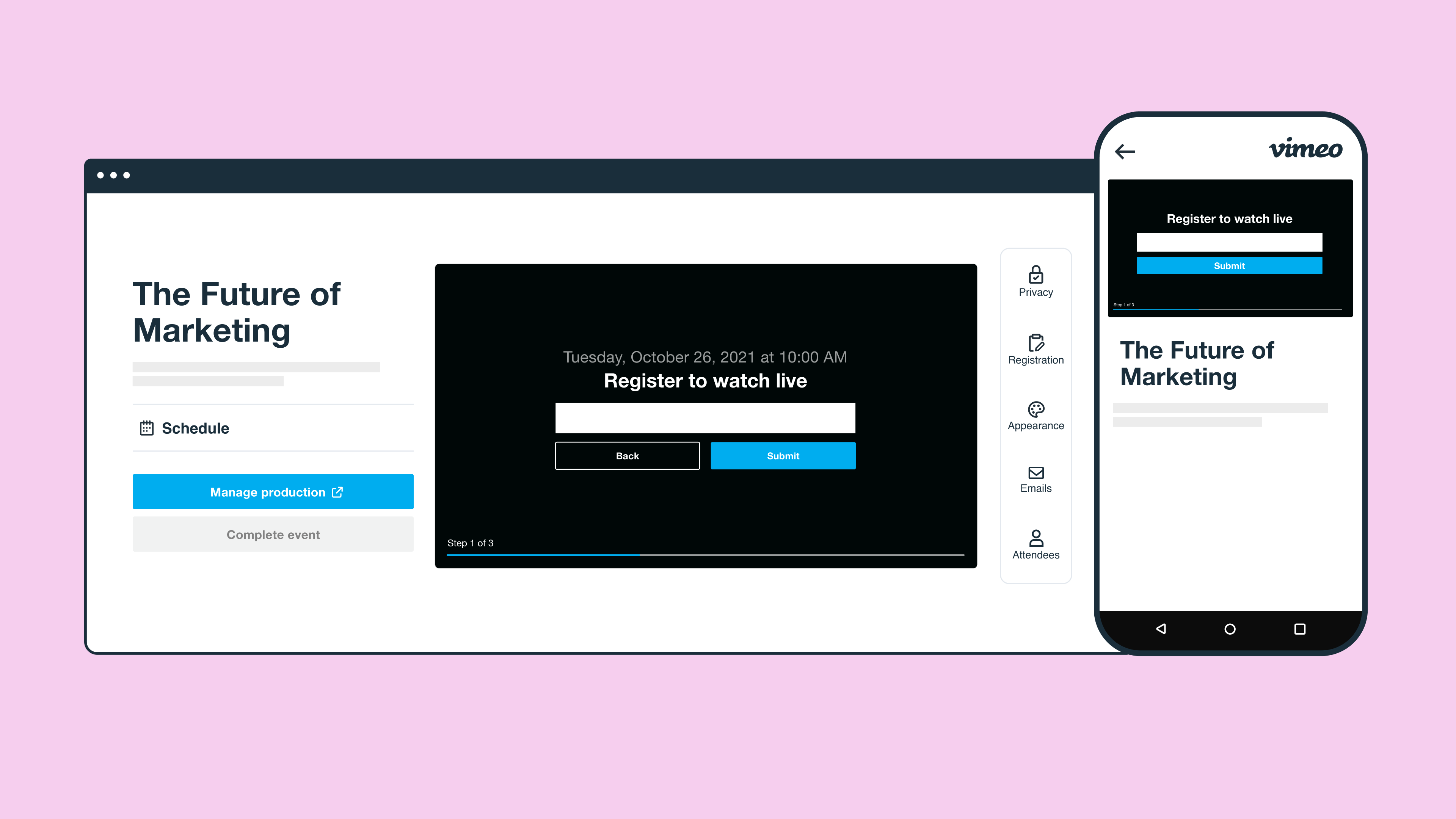
- Build your registration landing page: Put together a place where your audience can register for the event. Try to keep registration to five fields or fewer, as each field adds a barrier to entry.
- Schedule appropriately: Mid-morning (especially from 10:00 to 11:00 a.m.) Tuesdays through Thursdays generally draw bigger audiences than Monday and Friday webinars, though results vary by audience and platform.
- Map your promotional strategy before you start: Plan your marketing campaign so emails, newsletters, and social media outreach starts at least two weeks in advance. Vimeo's live event scheduling and branded invite emails keep that outreach consistent from the first announcement.
1 week before
Following webinar marketing best practices from the start keeps you from wasting promotional effort and resources on the wrong audience. In the week leading up to your webinar, focus on production, preparation, and communication:
- Finalize your script and slide deck: Make sure your slides are in the right place and you’ve left natural pauses so your audience can process information. If you're starting from scratch, Vimeo's AI script generator produces a structured first draft so your team spends time refining content rather than staring at a blank page.
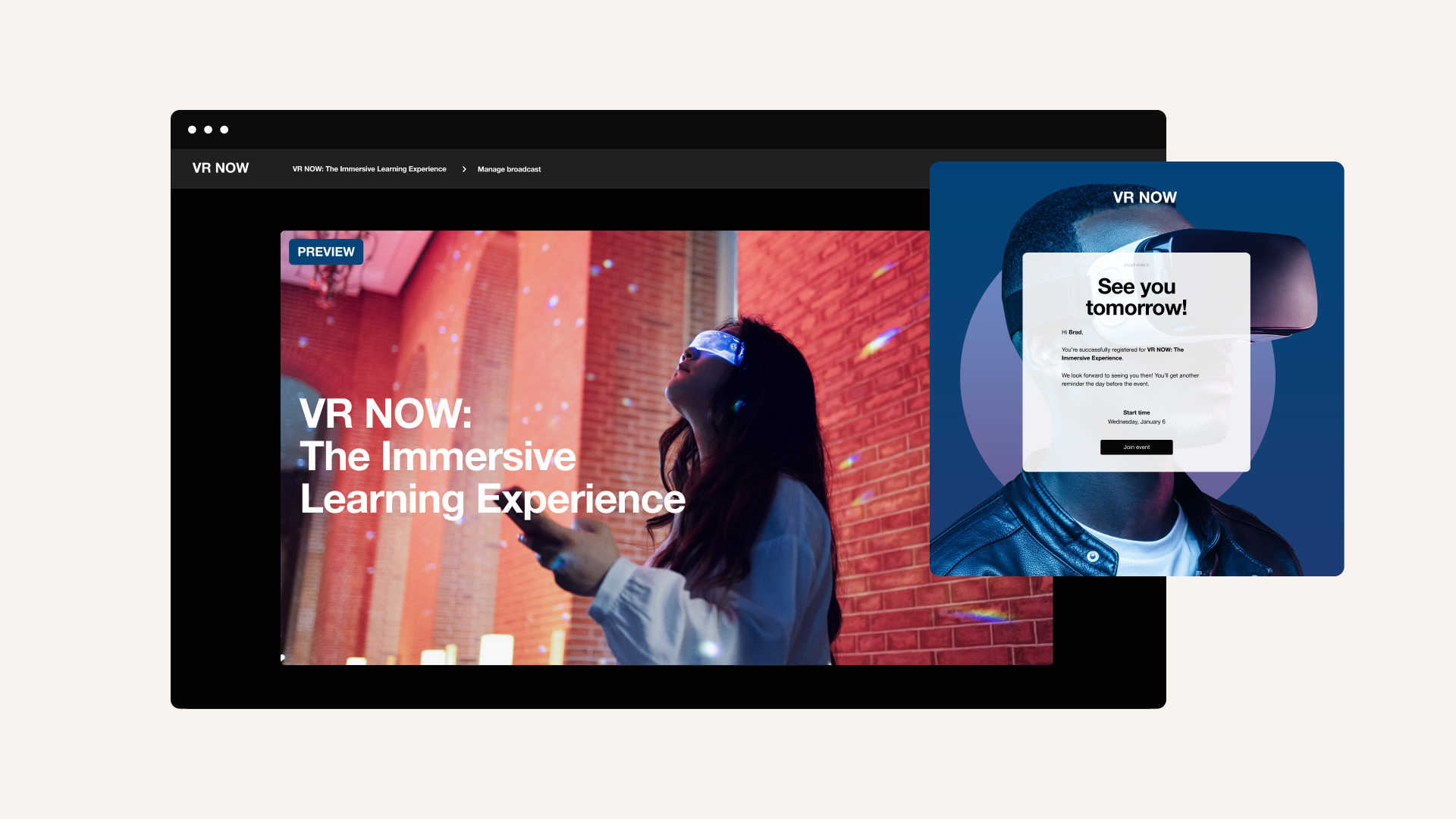
- Send confirmation and reminder emails to registrants: At a minimum, registrants should receive an email at the one-week mark and another 24 hours before the webinar.
- Rehearse with all presenters: Run through your full webinar, not just a sound check. Use this session to lock in the run-of-show for your webinar so every presenter knows their cues before the event.
- Test audio, video, and screen sharing: Make sure all your hardware and software works using the same webinar platform that your presenters will use day-of.
- Record simulives: If you’re going to stream a simulive, record it the week before. That way, you can edit the video and make sure it appears exactly how you want.
30 minutes before
Use this final window before your webinar to confirm everything is in place:
- Log in early and run a full tech check: Confirm everything you tested last week is still working as expected before your first attendee arrives.
- Test presenters’ setup before attendees join: After you’re sure the tech works as expected, use the time to run through transitions, check your microphone and audio levels, and fix anything that needs attention while the room is still private.
- If you're using a teleprompter, confirm it's loaded and running: There’s nothing worse than getting caught without a teleprompter when you’re expecting one. Vimeo’s teleprompter keeps your scripts visible so you won’t have to break eye contact with the camera during the webinar.
- Enable recording and prep your backup stream: Make sure all your live tools are ready to go before you open the room, not after something goes wrong.
Run your next webinar live →
During the webinar: How to keep your audience engaged
Keeping your audience engaged is a question of structure and pacing, not just energy. Give attendees multiple ways to interact — polls, Q&A, and chat — and plan your engagement touch points before you go live.
Here are some tips to keep momentum high during your webinar:
- The webinar should last 30 to 45 minutes without breaks. If it runs longer, schedule intermissions at natural transition points so attendees can grab a snack and re-engage rather than wander away.
- Start with something that demands engagement, such as a pointed question or a surprising data point.
- Speak to your camera throughout, not your slides: It mimics eye contact and conveys strong public speaking skills. If staying on script is a concern, a teleprompter can keep your delivery steady without breaking eye contact with the audience.
- Enable live captions from the start so attendees don’t miss key points if they’re in a noisy environment or have difficulty hearing.
- Add clickable CTAs in the player at moments in your presentation where attendees are most likely to act.
- Monitor and talk to the chat throughout the session. It keeps lower-commitment attendees engaged and reveals questions that don't make it into the formal Q&A queue.
- Use Vimeo's analytics tools to track attendee reactions in real time. If engagement drops at a particular point, adjust your pace or ask a question to reconnect.
Running Q&A effectively
Make sure you’ve decided on a moderator before opening a live Q&A. This person will review incoming questions, so your presenter can answer the most relevant ones and keep the discussion focused on what the audience wants to know. Vimeo's interactive Q&A lets you do this without interrupting the webinar's flow.
Using polls to drive participation
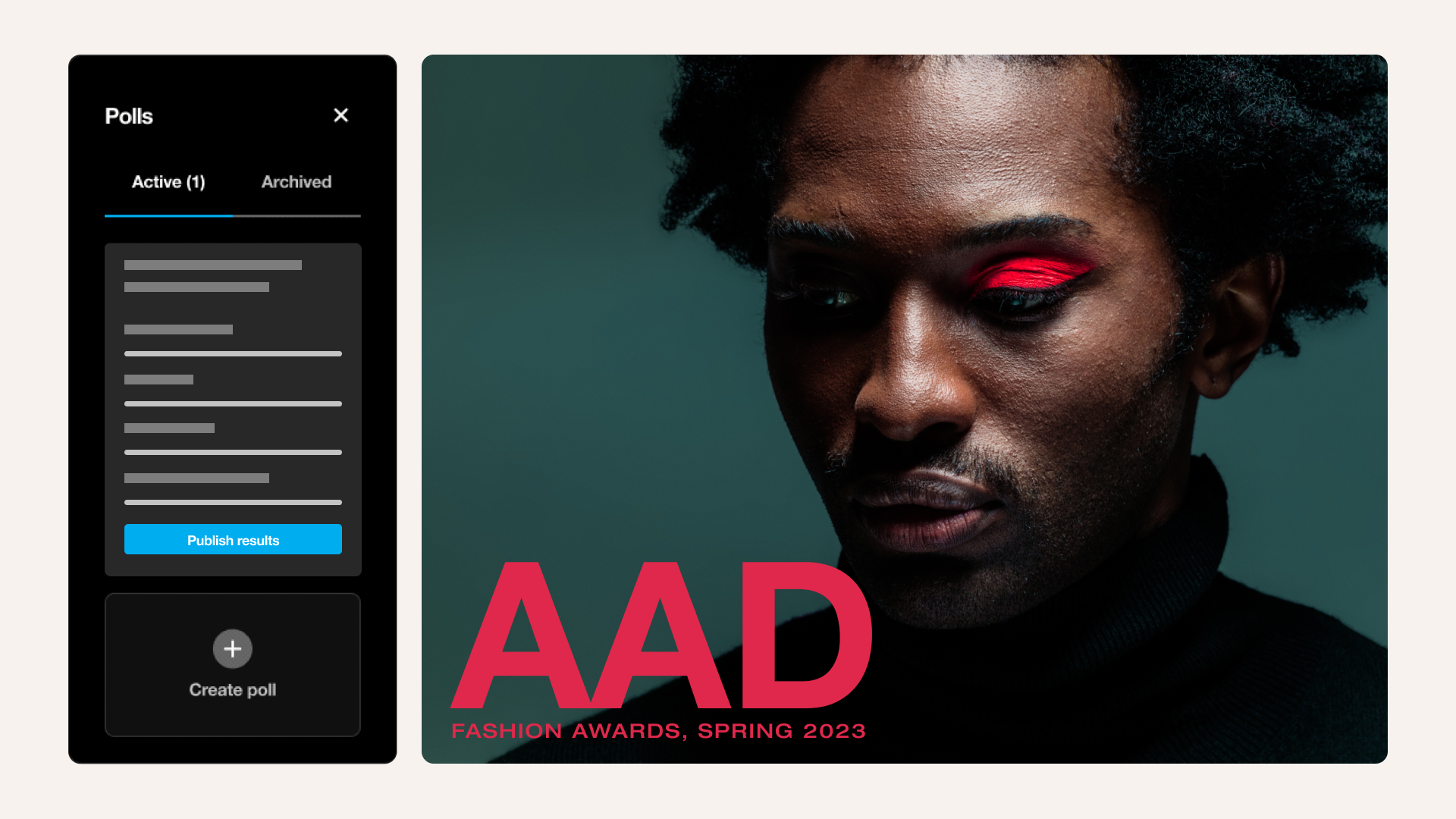
Launch your first poll within the first five minutes of your webinar to warm the audience before the main content begins. Poll responses give you real-time data on what your attendees know and care about. Use the results in follow-up emails, social media posts, and to inform any future presentations.
After the webinar: Turning one event into lasting content
Most of the ROI from a webinar comes after it ends. Send a follow-up email within 24 hours with a link to the recording and any key takeaways from the presentation you want to reinforce. Roughly half of your registered audience will not have attended live but are likely to watch the on-demand version, so make it available as soon as possible.
Integrate your registration data with your CRM, such as HubSpot, or marketing platform, like Mailchimp, to score and route leads while intent is still fresh.
Then, turn your attention to the recording. Vimeo's text-based editor lets you cut filler words, long pauses, and mistakes by editing a transcript rather than scrubbing through the full recording. You can also use Vimeo AI to generate a summary and a highlight reel, so you can share clips directly to social media and lengthen the lifespan of your new content. Shorter clips can be added to internal knowledge bases or used to promote upcoming webinars. One webinar can produce a month of content across channels.
Your chat log, poll responses, and Q&A thread are a record of what your audience cared about. Review them alongside drop-off points and post-event survey responses. Together, they tell you what to change next time.
Host your webinar on Vimeo for repeat viewing →
Measuring webinar success: The metrics that matter
Attendance numbers tell you who showed up, but they don't tell you if the webinar was successful. The best practices for B2B webinars suggest these metrics separate a successful event from one that fills a calendar slot:
- Registration-to-attendance rate: A 40% to 50% registration-to-attendance rate is a reasonable benchmark. Below that, your promotion or reminder sequences likely need to be reworked.
- Audience retention and drop-off points: If a significant portion of attendees drops off at the same time, that section needs to be shorter, reordered, or cut from future webinars entirely. Vimeo's retention trends show you these patterns so you don't have to guess.
- Poll participation and Q&A submission rates: Low engagement with polls or a thin queue of attendee questions usually points to a pacing problem. If the audience isn't responding, they aren’t connecting with the content.
- Replay views and completion rates: On-demand viewers will likely outnumber live attendees over time. A high replay completion rate tells you the content holds up outside the live webinar context.
- CTA click-through rates within the player: Clicks show you which moments in your presentation drove an action. You can use Vimeo's engagement analytic tools to identify those moments and build future webinars around them.
- Lead quality from registration data and CRM integration: High registrant numbers don’t mean a lot if few leads meet your qualification criteria. Routing data through your CRM tells you whether the right audience showed up and reveals recommendations for how to adjust your targeting next time.
- Social engagement on repurposed clips: Vimeo's analytics show you which clips drove shares after the webinar ended, so you know what content is worth repurposing again.
FAQ
How much should I charge for a one-hour webinar?
Pricing depends on your audience, topic, and what you’re including. Free webinars work well for lead generation and brand building. Paid webinars typically range from $20 USD to several hundred dollars per attendee, depending on the depth of content and the presenter's expertise.
How long should a webinar be?
30 to 45 minutes is the standard for most webinars. That window is long enough to cover a topic with depth, and short enough to hold attention without scheduling breaks. Longer formats can also work, but they require a tighter structure and deliberate pacing to keep attendees engaged throughout.
How many people attend a webinar on average?
Average attendance varies widely by industry, audience size, and promotion effort. A registration-to-attendance rate between 40% and 50% is a reasonable target for most webinars. A webinar with 200 registrants might expect 80–100 live attendees, for example.
Host webinars that deliver with Vimeo
The webinar tips that make the biggest difference aren't about production value. Preparation determines whether the right audience shows up and whether your presenter is ready. What happens after determines whether the event generates leads, reusable content, and analytics you can act on.
Vimeo covers every stage of the webinar process in one place. Record your simulive and host your webinar, then download the recording and host it directly on Vimeo in just a few clicks — or polish it and cut clips to share on social media. Read back through the chat and see exactly where viewers engaged the most with Vimeo’s analytic tools to create repeat customers who are excited for your next insight.