From advanced video formats to smarter Streaming analytics, here’s everything we’ve shipped in the past month.
Vimeo Review, reimagined
The new Vimeo Review is here, making it easier than ever to collaborate, collect feedback, and deliver final cuts. This update puts time-coded comments, version control, and customizable, secure review links right inside Vimeo — no more juggling extra tools or paying for standalone review software.
Available on: All plans
Explore the new Vimeo Review →
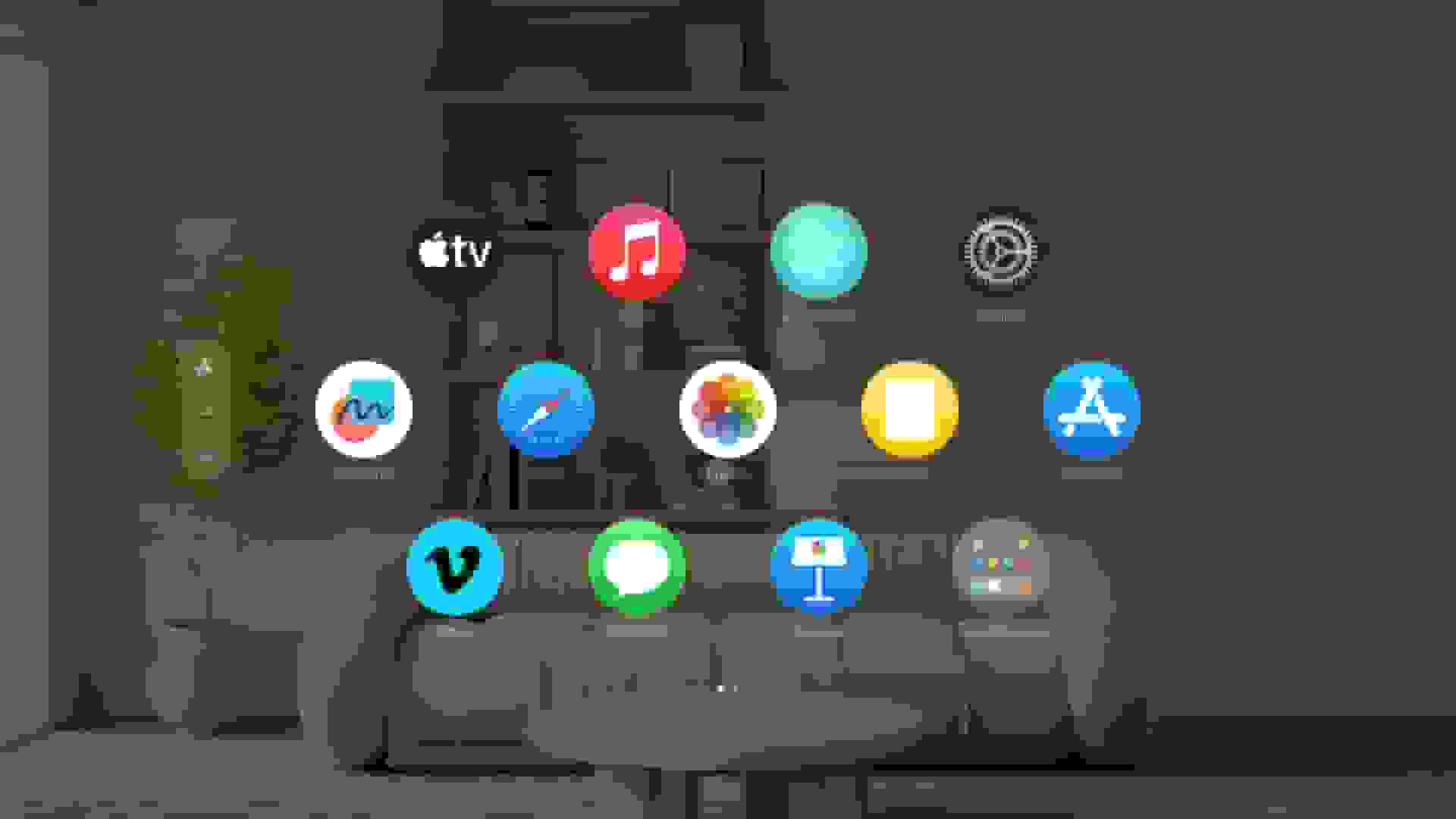
Expanded support for advanced video formats: VR180 and APMP (180°/360°)
We’ve expanded support for advanced video formats so you can upload and play VR180, 360, and Apple Projected Media Profile (APMP) 180°/360° videos. Upload once and distribute across platforms — whether your audience is watching on a Vision Pro, iOS/Android apps, or web.
Available on: All plans
See our immersive and spatial format guide →
Bulk uploads and video management on mobile
Batch your work on the go. Now you can upload up to 99 videos at a time on iOS and Android and watch progress for each file. Plus, select multiple videos from your Vimeo library to bulk edit their privacy settings, bulk delete or download, add them to a showcase, and more — all from your Vimeo mobile app.
Available on: Vimeo apps for iOS and Android
AI Translations: Target accents for regional authenticity
Deliver the regional familiarity your audiences expect. With target accents, your team can choose region-specific voices — like Québécois or Brazilian Portuguese — so dubs land naturally. Pick an accent per language, review, and publish, all inside Vimeo.
Available on: Enterprise plans with AI credits
Interactive quiz scorecards for L&D
Now you can test your audience’s knowledge inside your video using the interactive quiz manager, which lets you customize the learning experience for individuals. After each quiz, display custom scorecards with detailed feedback to show learners whether they passed or need another try — and why. All viewer interactions and scores are automatically added to your LMS gradebook through Dynamic SCORM or xAPI.
Available on: Enterprise plans with Interactive and Learner add-ons.
Workspaces
Org-level analytics for a unified view
Admins can now view analytics across all of their organization’s Workspaces to compare performance and trends in one place, or drill into a single Workspace when needed. This helps leaders track KPIs and make faster, data-driven decisions.
Available on: Enterprise plans with Workspaces
Nested and customized brand kits for every Workspace
Keep every Workspace on brand. Parent organizations can create top-level branding with sub-brands using Workspace brand kits. Give each team, brand, or client a single source of truth for logos and colors that automatically apply across Vimeo — Player, Record, registration forms, Showcases, Interactive, and Live. Set it once, and every creator in that Workspace publishes on brand by default.
Available on: Enterprise plans with Workspaces
Vimeo OTT
New advanced streaming analytics powered by NPAW
Two new Hubs in the Advanced Streaming Analytics add richer views into acquisition and user journeys — so you can see how audiences arrive, where they drop off, and what content is driving conversion. Powered by our analytics partnership with industry leader NPAW, these dashboards help you tune campaigns and content for growth.
Available on: Vimeo Streaming (OTT Enterprise)
Learn about Streaming Analytics →
Create dedicated content hubs
Make every video asset easy to find by theme. Organize your service into clear hubs — think Movies, TV, Live, Kids, and Sports — so viewers can skip the endless scroll and go right to what they love. Easier curation for your team, faster discovery for your audience.
Available on: Vimeo Streaming (OTT Enterprise)
Calling all developers: Join our public beta for the Vimeo MCP server
Public Beta: Plug Vimeo into your AI assistants like Claude Desktop (and other MCP-compatible tools) to prototype video workflows in minutes, not weeks. Use natural-language prompts or REST calls, wire it to the stack you already use, and help shape what we build next.
Available now: Available to anyone with a Vimeo plan (Pro plan or above is recommended)