Crop videos online
It’s easy to crop videos on Vimeo. Just trim, and cut your clips to change the aspect ratio, frame size, or remove unwanted portions, so your video can fit wherever it needs to go.
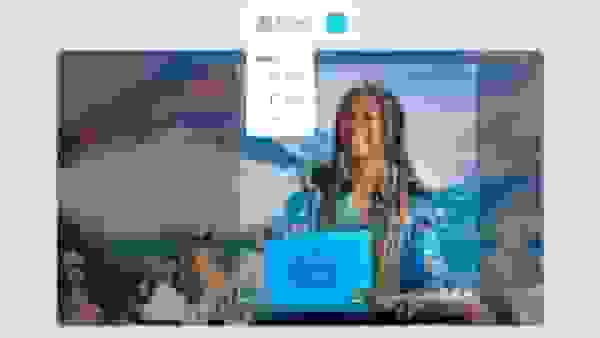
How to crop a video online
1. Upload your video
Select the video file you wish to crop and upload it to the online video cropper. This tool lets you crop video anywhere, allowing you to start the process on any device.
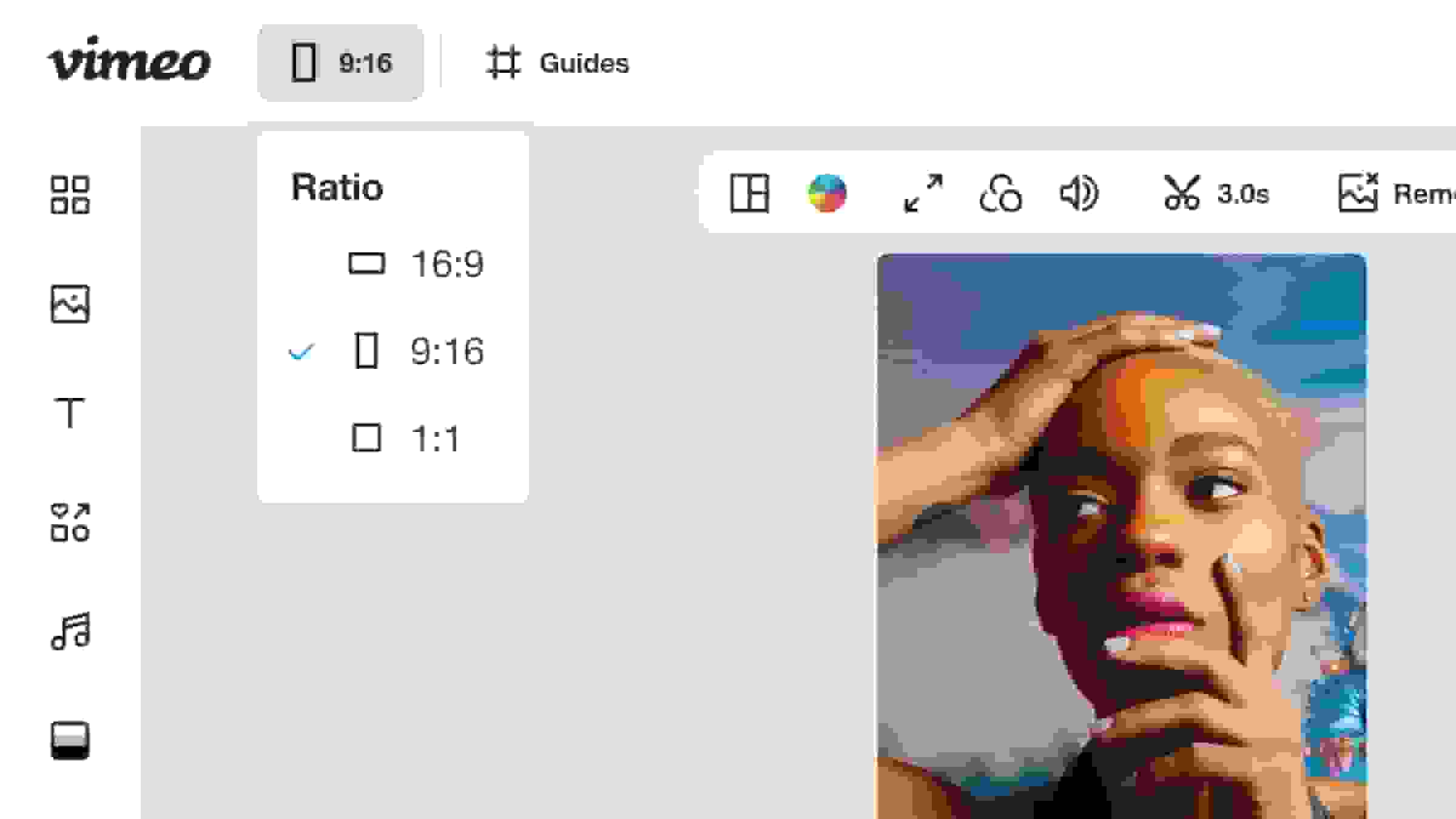
2. Set your crop or aspect ratio
Use the crop tool to drag the frame to eliminate unwanted edges and focus on the main subject. You can quickly adjust the aspect ratio to meet specific video specifications for any platform.
3. Trim to length
Refine your clip by using the trim feature to cut unnecessary footage from the beginning or end of your video. Adjusting the length helps you focus only on the most compelling parts of your video content.
4. Download or share
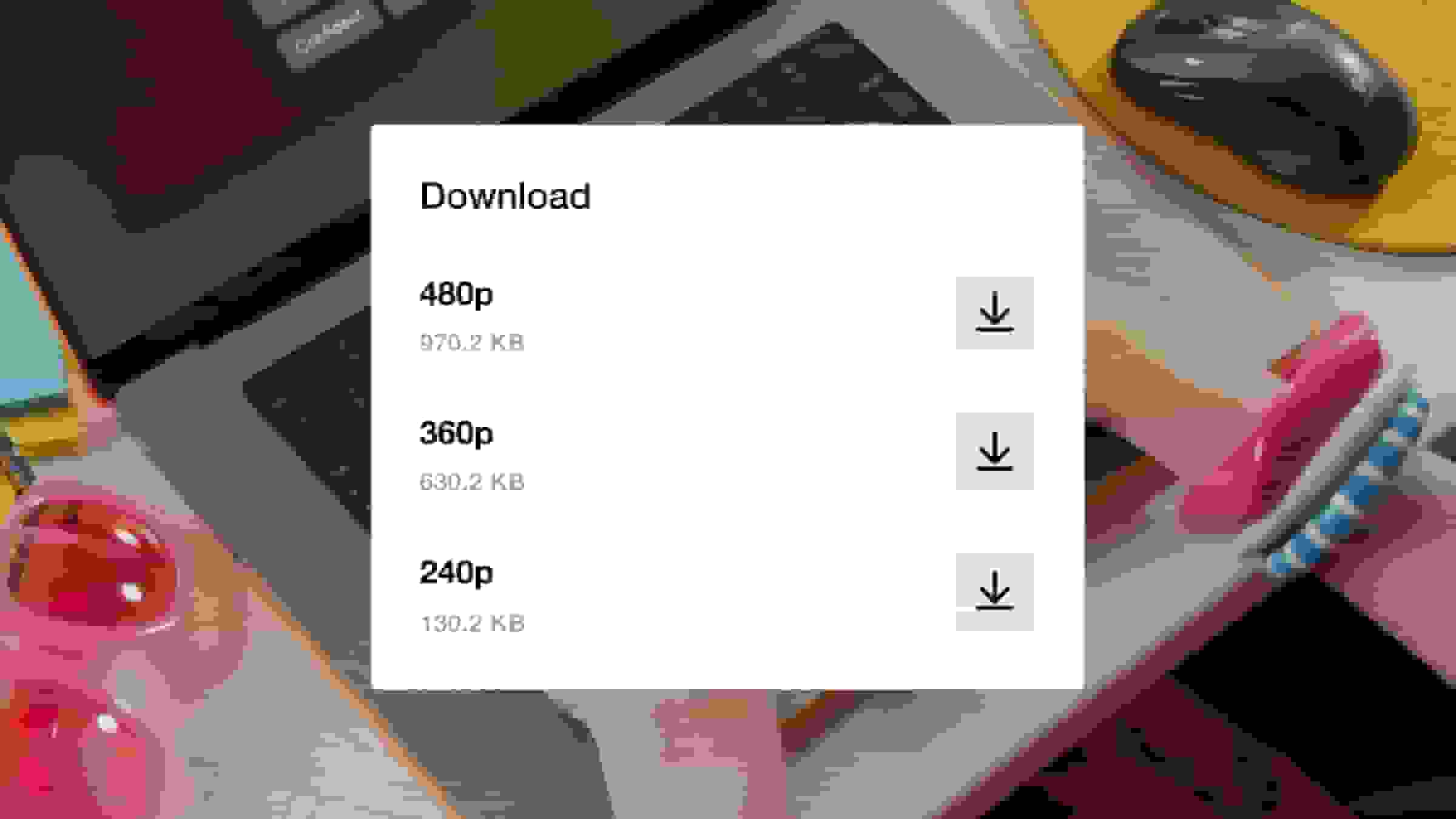
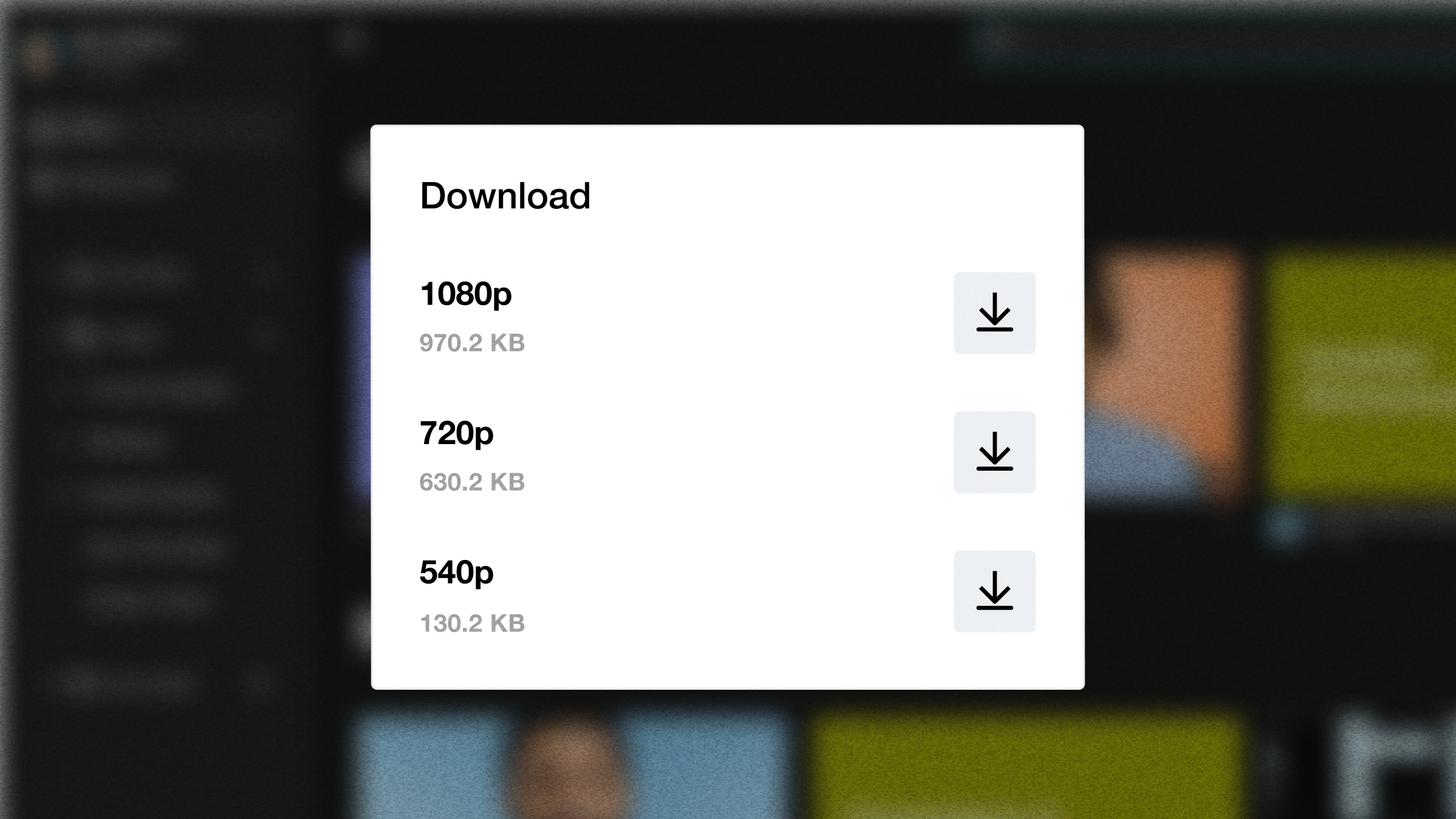
Once satisfied with the final look and feel of your clip, download the cropped MP4 file directly to your device. You can then immediately share your newly adjusted video across your various channels.
Use the free video cropper to share clips anywhere
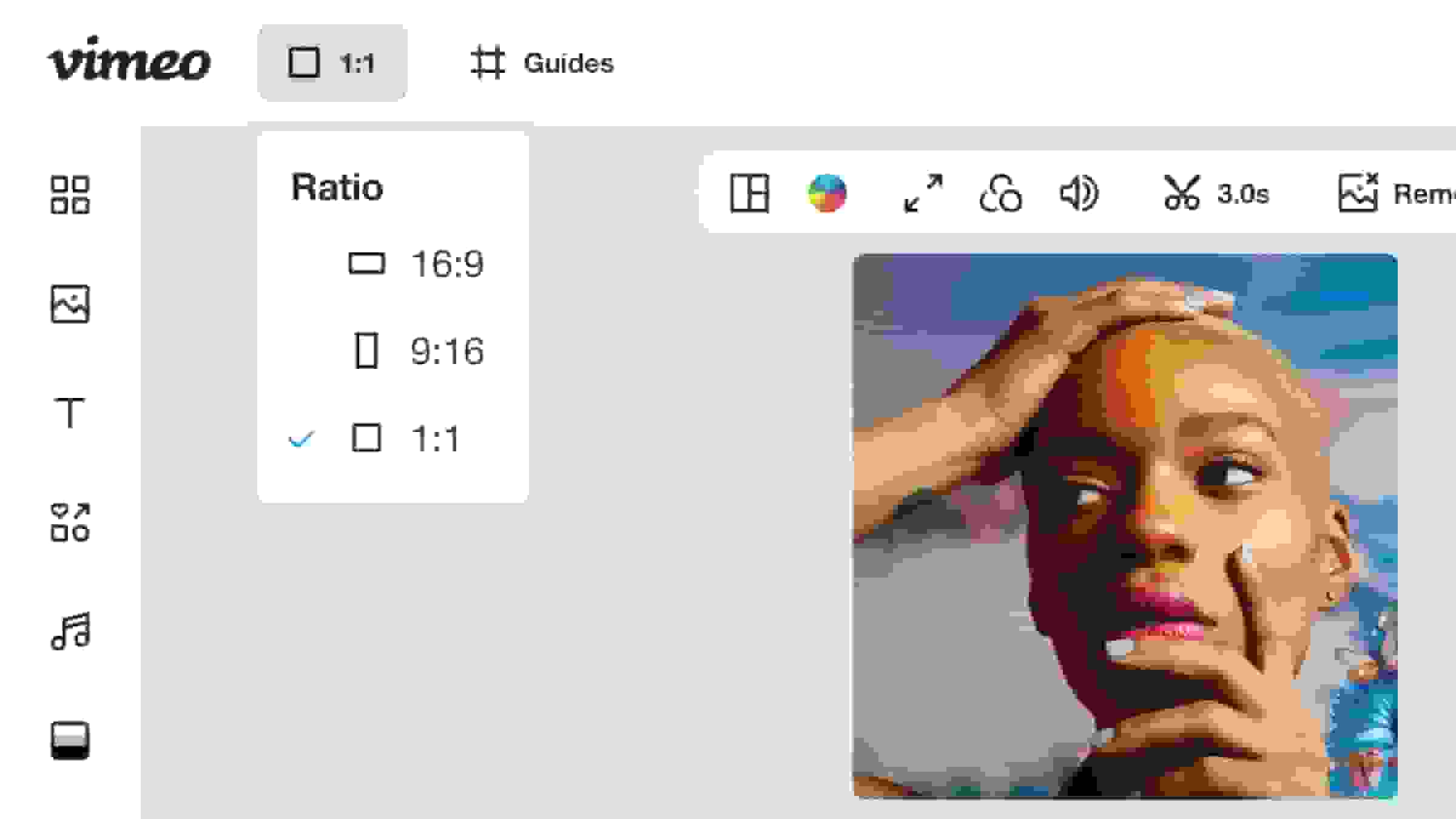
Make square videos for Instagram or Facebook
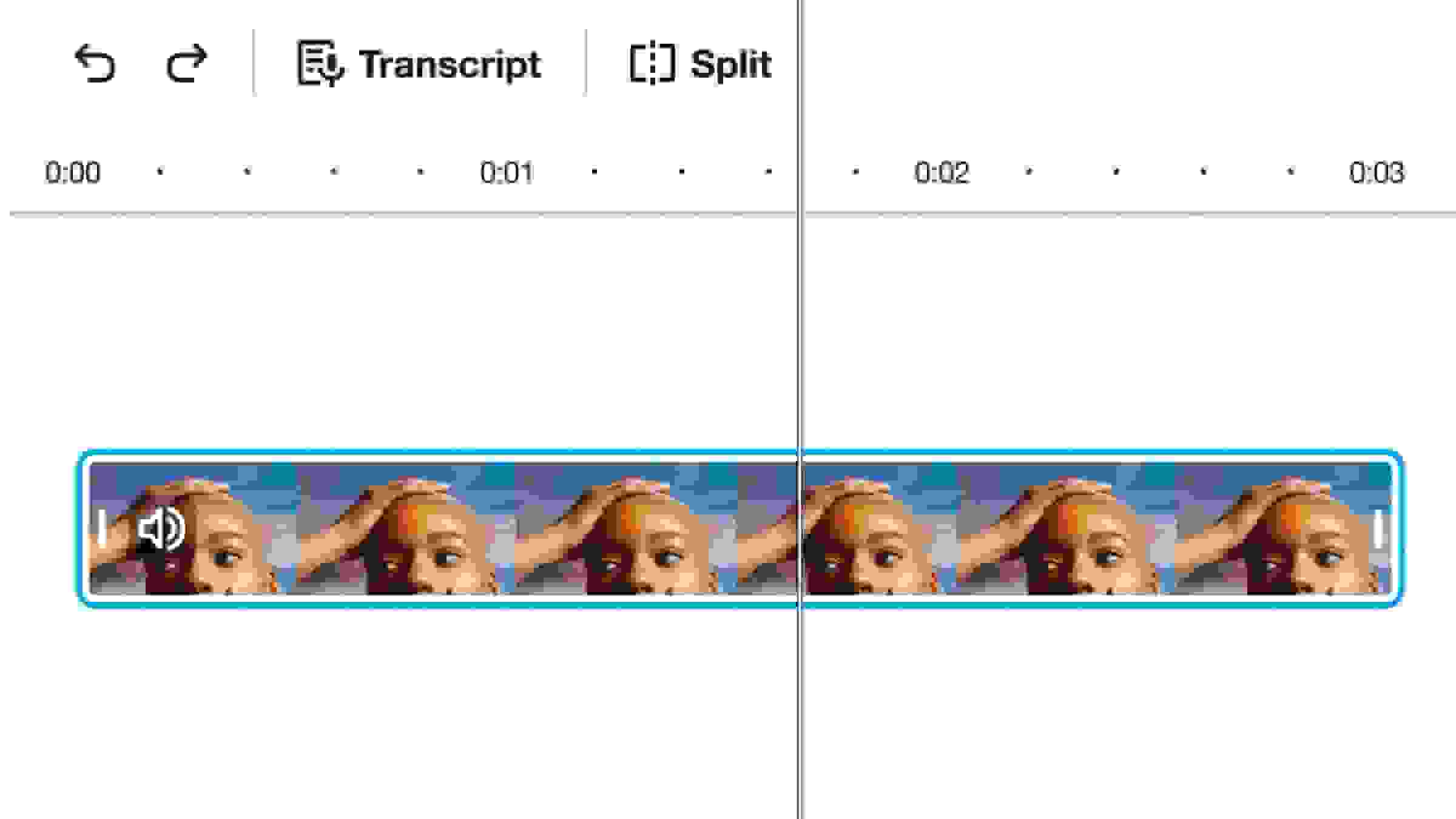
Crop MP4, MOV, AVI, and more
Use Vimeo's powerful online video cropper to easily transform your video file regardless of its format. The integrated video editor allows you to quickly upload your content and start perfecting it. You can then drag the cropping frame to isolate the perfect moment, instantly transforming your original file into a polished, high-quality clip. We support all popular formats, including mp4, MOV, and AVI, ensuring your project is ready for any platform.
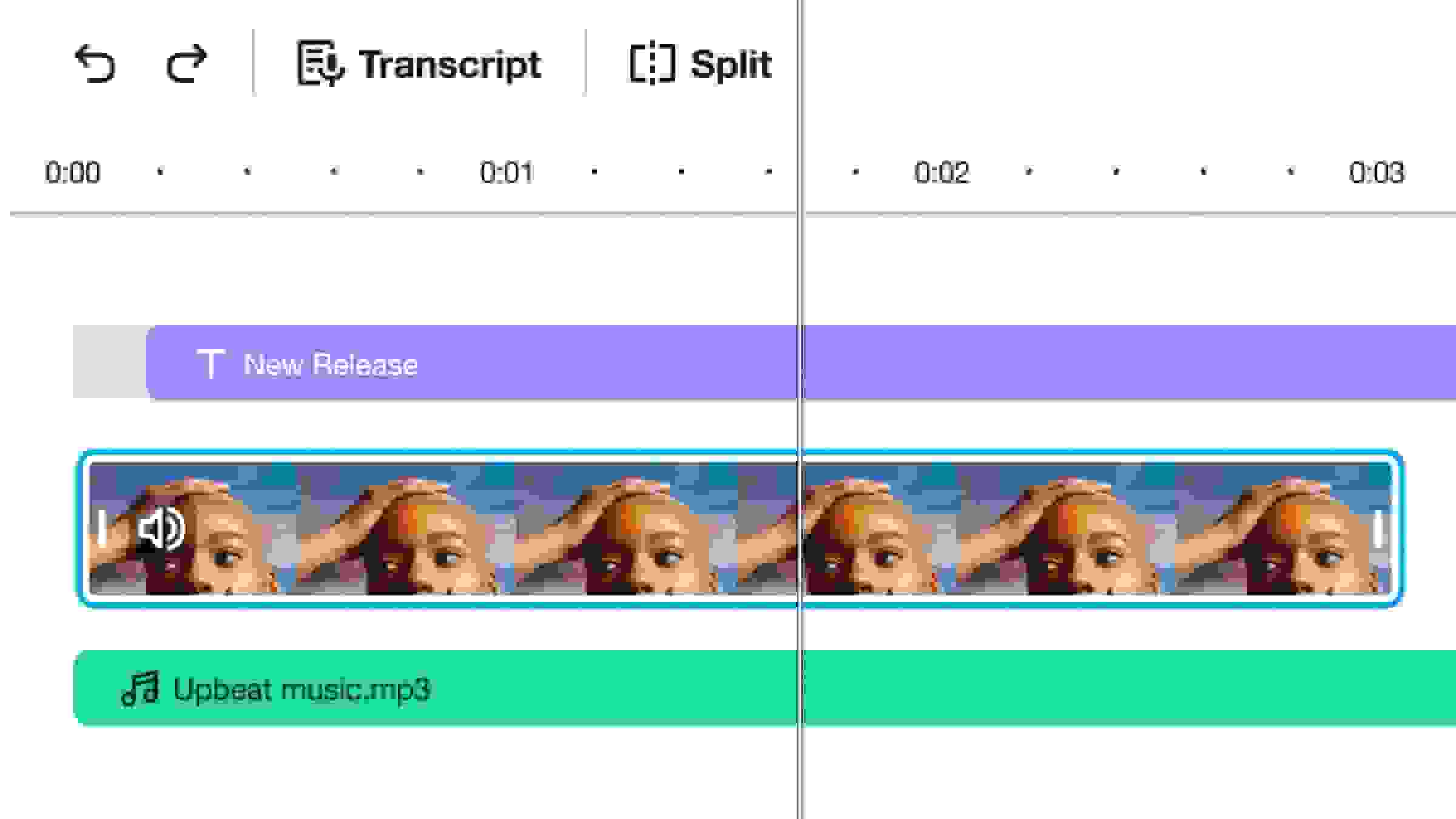
Trim and crop your video to the right aspect ratio
Utilize our intuitive online crop tool to effortlessly resize and reframe your videos to the perfect aspect ratio for any social platform. You can precisely trim your video to the desired length and select a preset resolution to ensure your final content maintains professional quality across all viewing devices.
Everything you need to edit videos online
- Learn more
Video editor
Transform your raw video footage into captivating content with our versatile video editor. - Learn more
Video trimmer
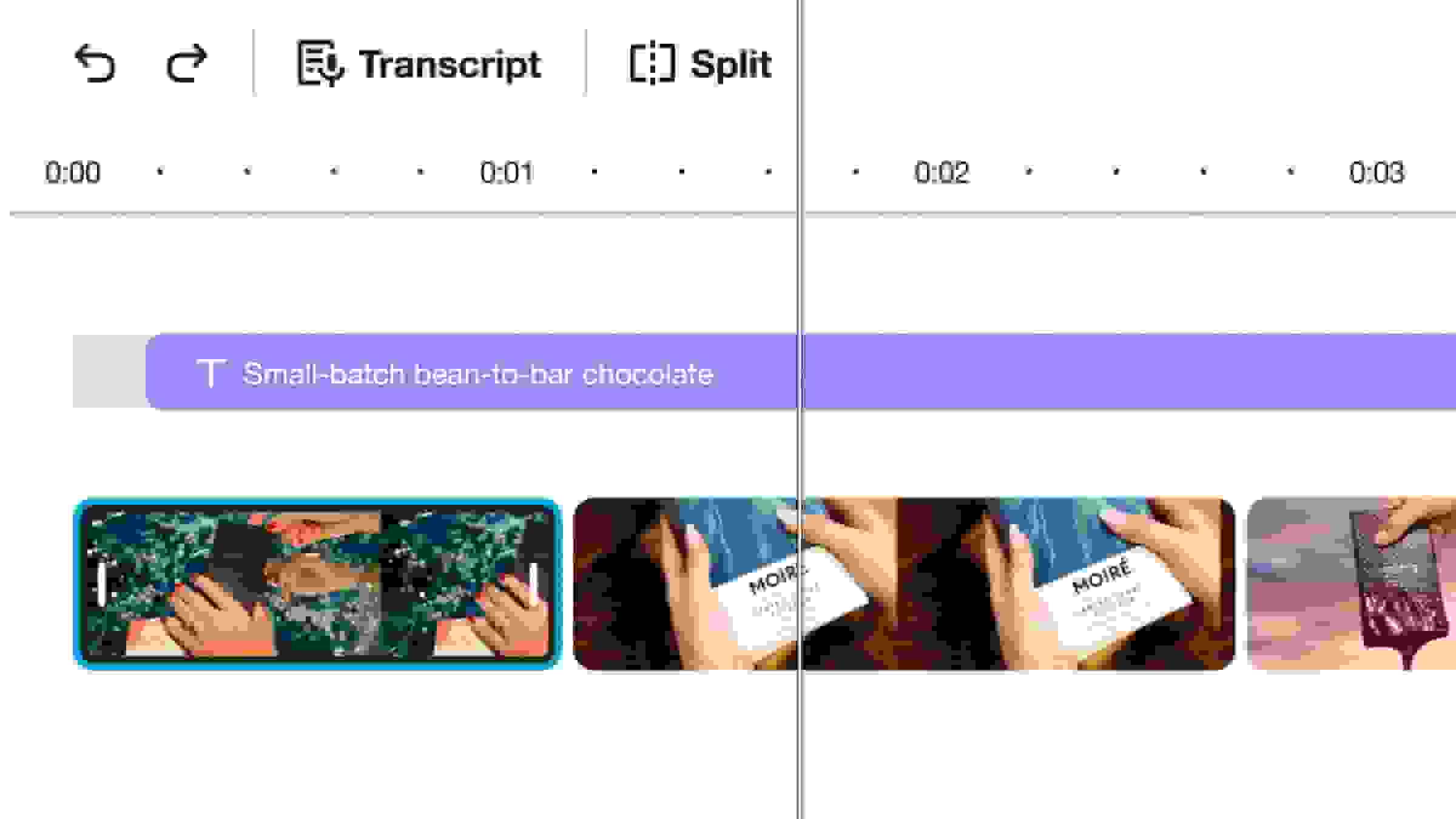
Use Vimeo’s easy video trimmer to shorten, crop, and cut video so you can make the perfect video in seconds. - Learn more
Add text to video
Make it easy for viewers to follow along with your video, whether your audience has their sound on or off. - Learn more
Add music to video
Upload your own music tracks, or choose from hundreds of royalty-free songs. - Learn more
GIF maker
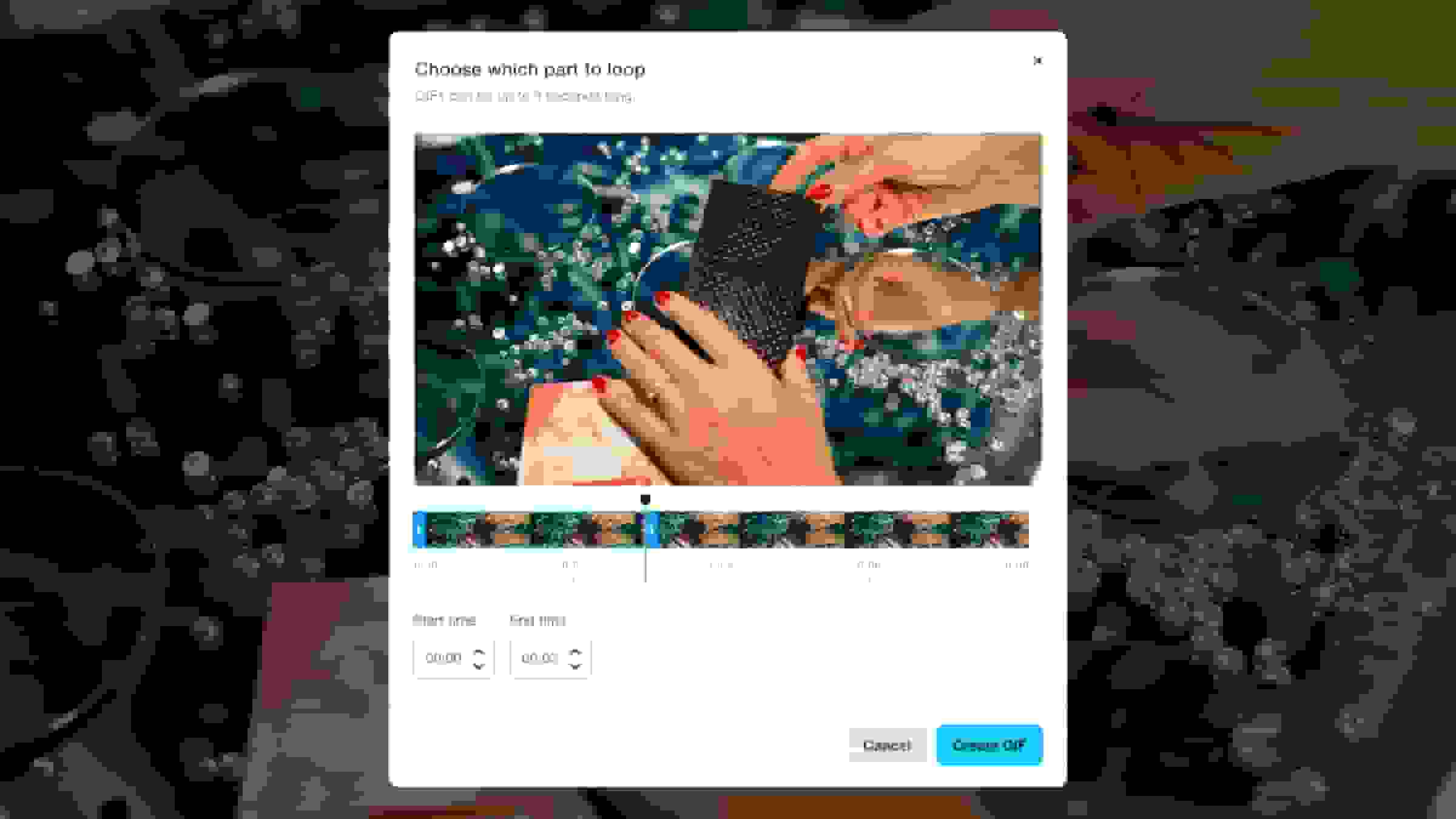
Use any clip to create a high-quality animation in seconds. - Learn more
Video combiner
Merge multiple clips into one to create a polished video quickly. - Learn more
Convert image to video
Create a dynamic photo slideshow using still images. - Learn more
Resize video
Change your video's aspect ratio or dimensions to fit any format.
- Learn more
Add watermarks to videos
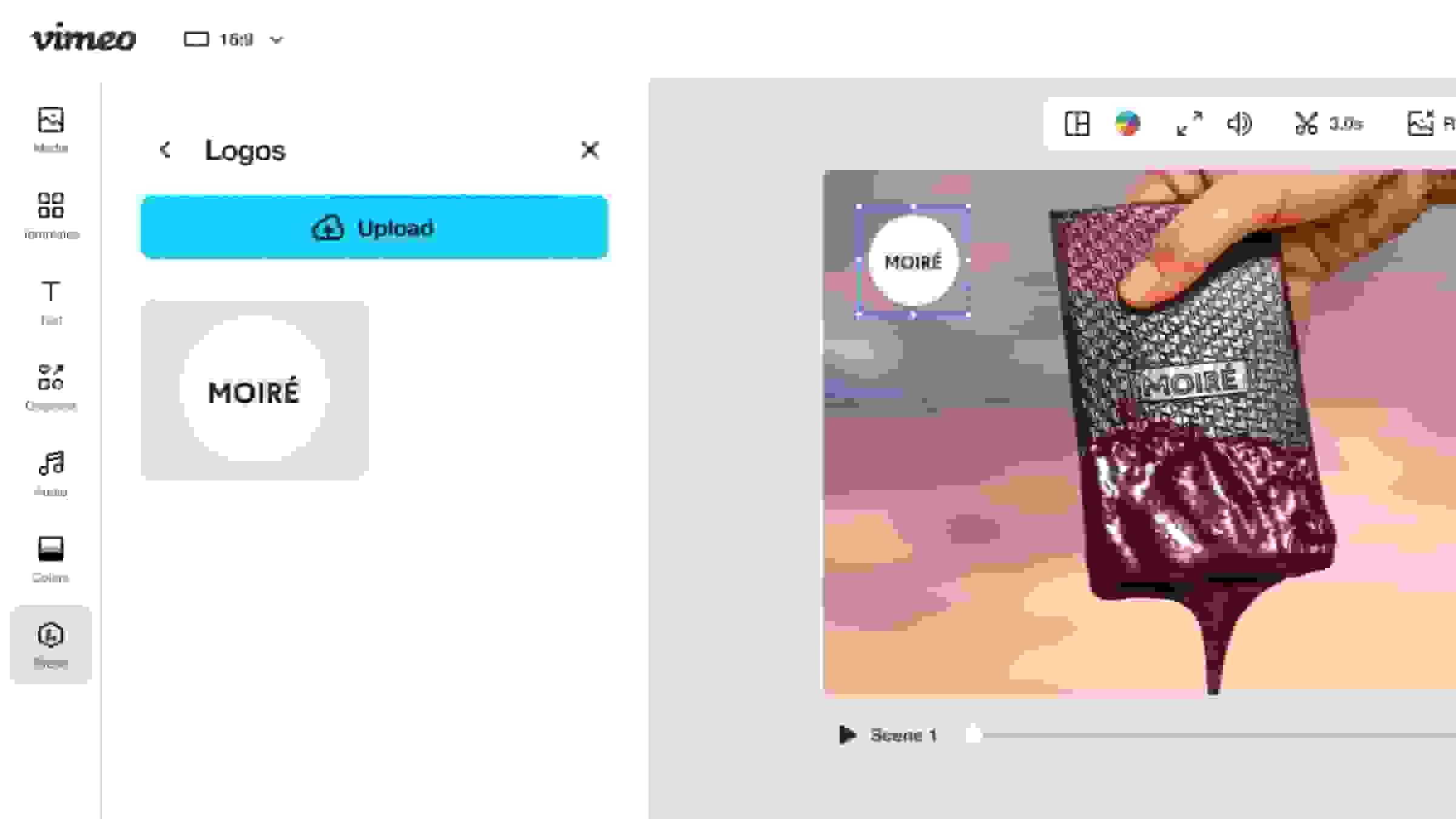
Build brand awareness and protect your creative work. - Learn more
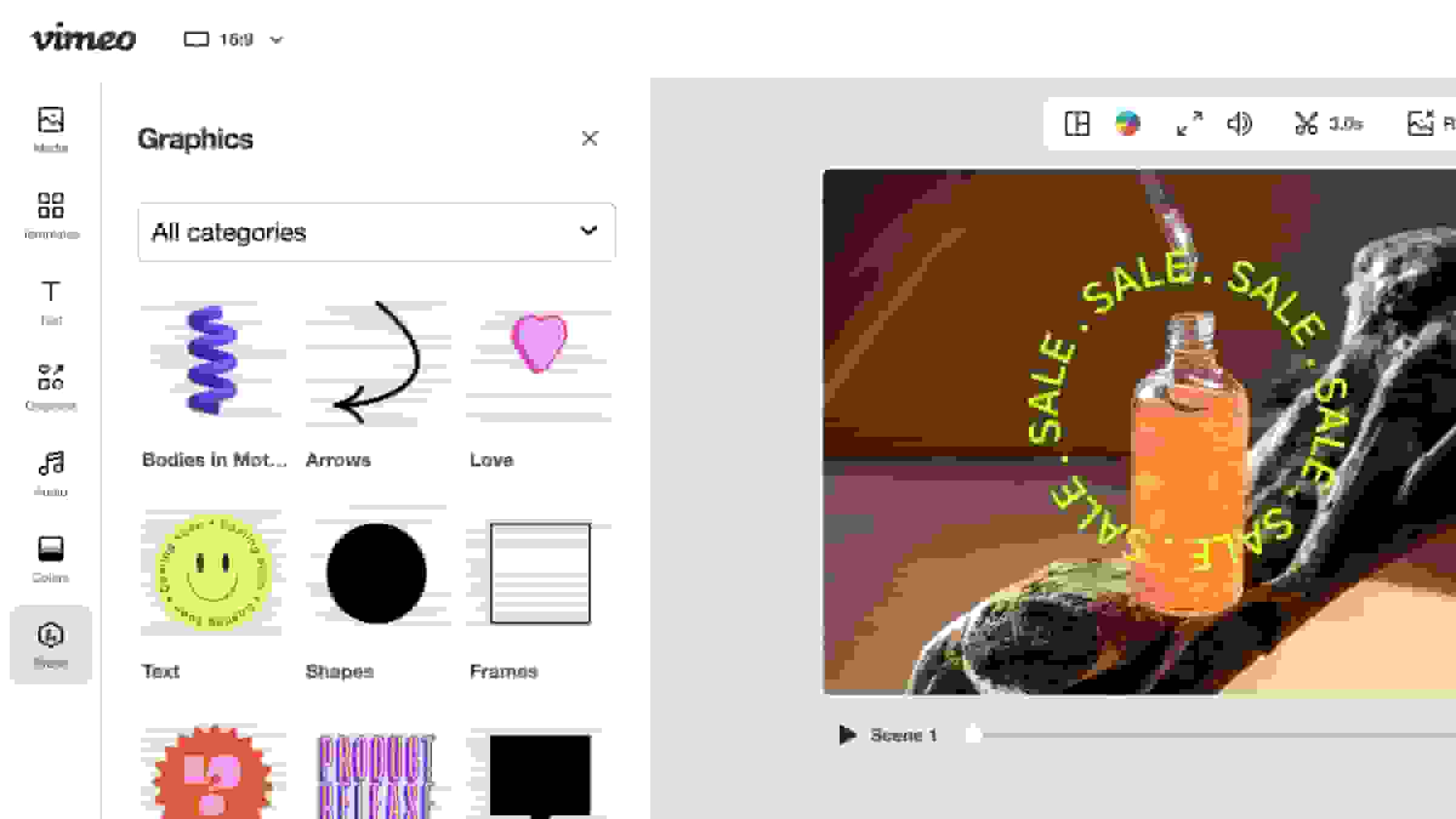
Add video graphics
Stickers, animations, and custom graphics can add a touch of personality. - Learn more
Compress a video
Shrink your video files so you can share them far and wide. - Learn more
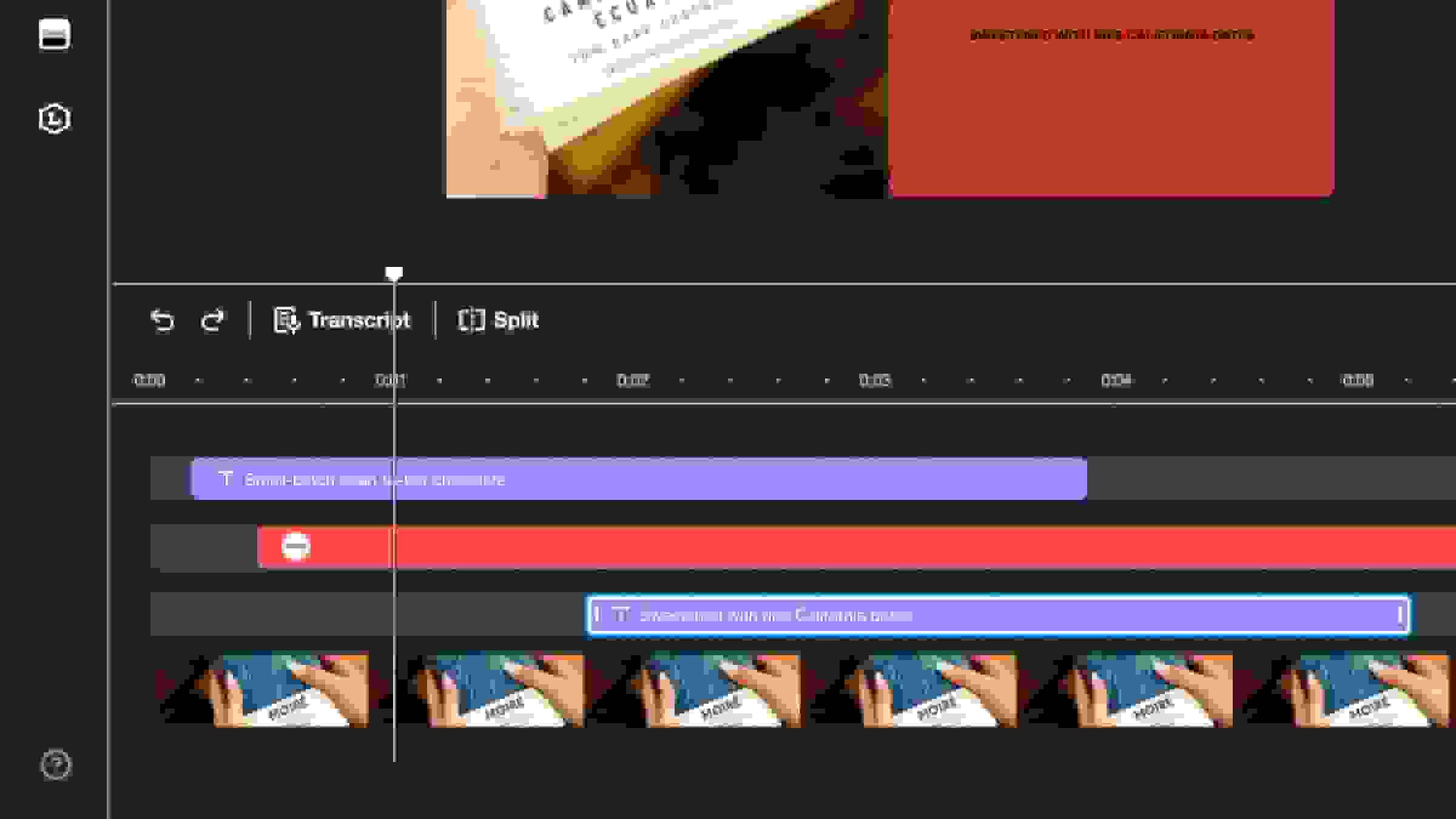
Drag-and-drop timeline editor
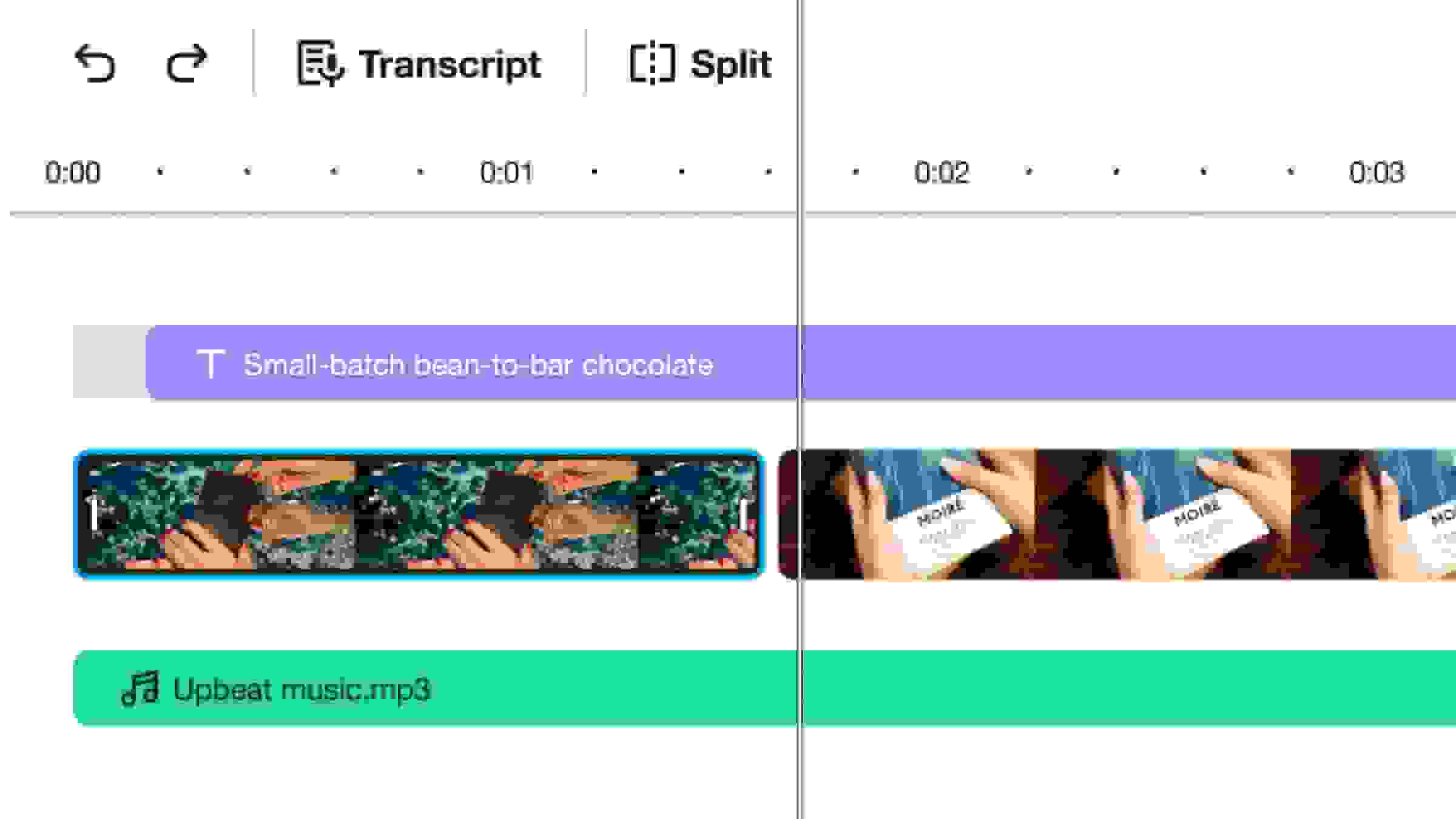
Layer video clips, audio tracks, and text, giving you complete control over your videos. - Learn more
Add audio to video
Add sound effects, narration, voiceovers, and commentary to videos. - Learn more
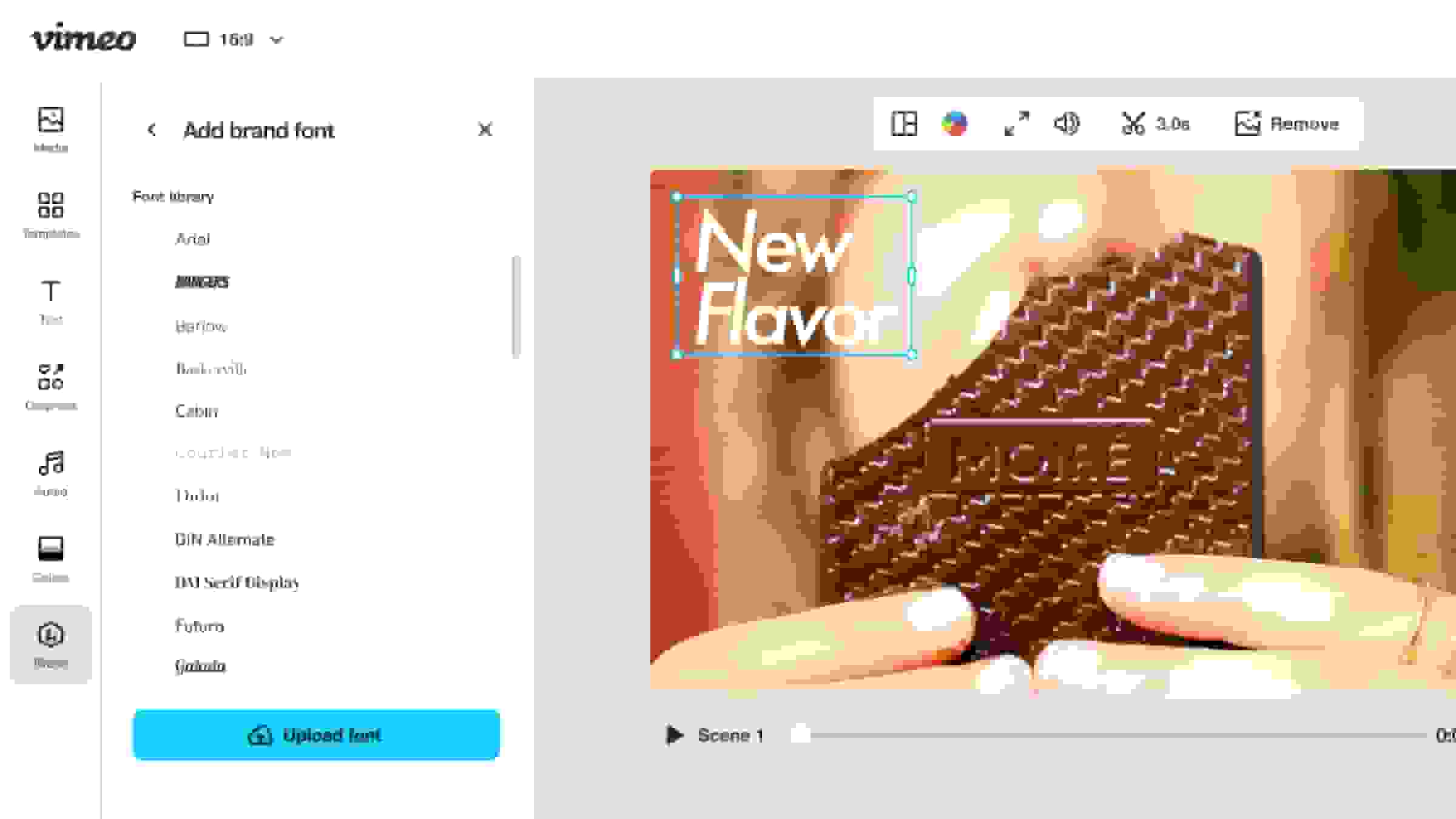
Add custom fonts
Upload custom fonts to make your videos match your brand identity. - Learn more
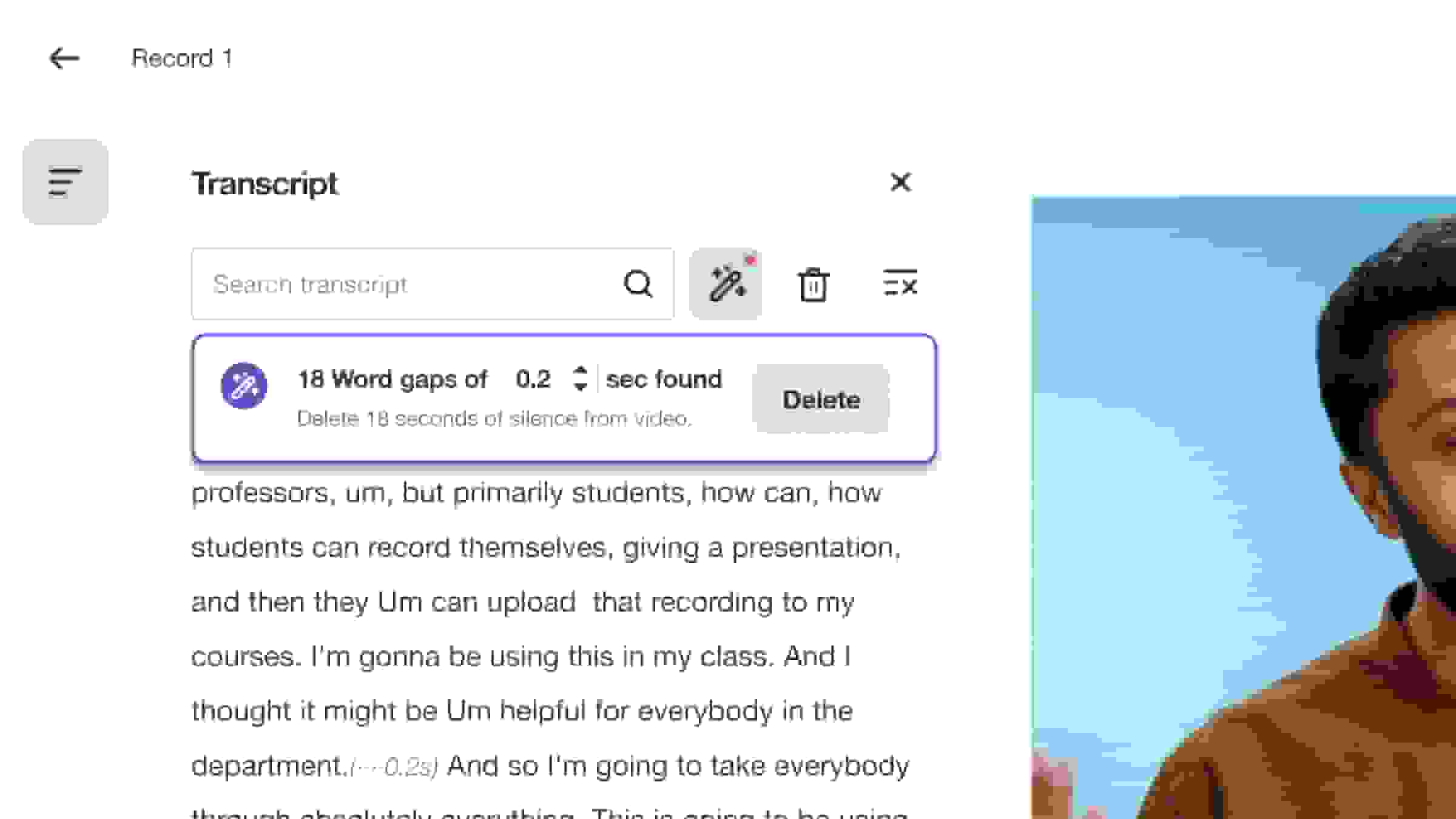
Text-based video editor
Select the text from your transcript and hit delete to remove portions of your video. - Learn more
Repurpose videos
Optimize video content for sharing across email, websites, and social media platforms. - Learn more
Download Vimeo videos
Create, edit, download, and share your videos in the all-in-one Vimeo video editor.