Online video combiner
How to merge videos online
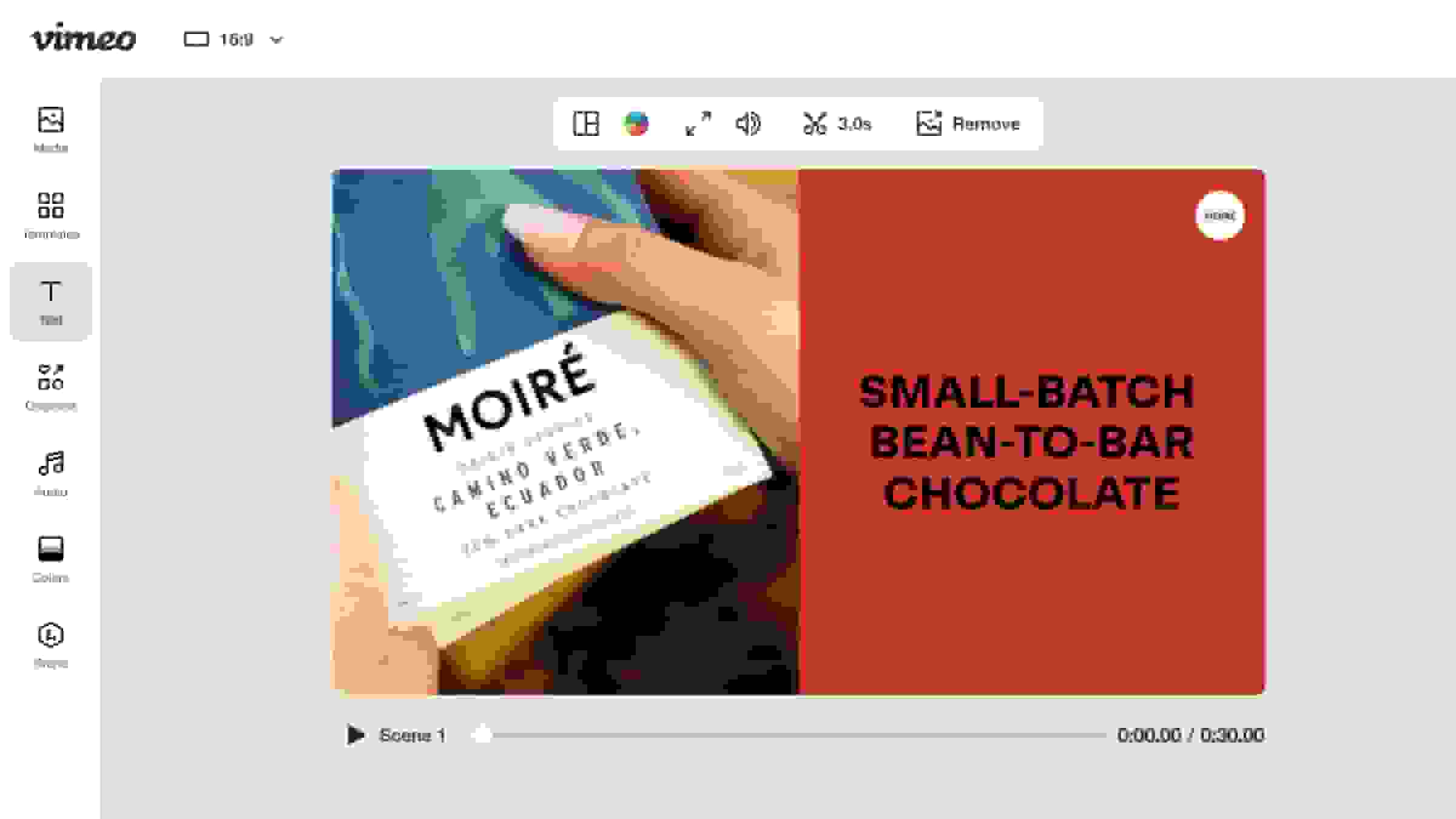
1. Upload your clips
You can easily upload your existing video clips and files directly from your computer or cloud storage. Utilize the simple drag and drop functionality to quickly add all the content you wish to combine into our online editor.
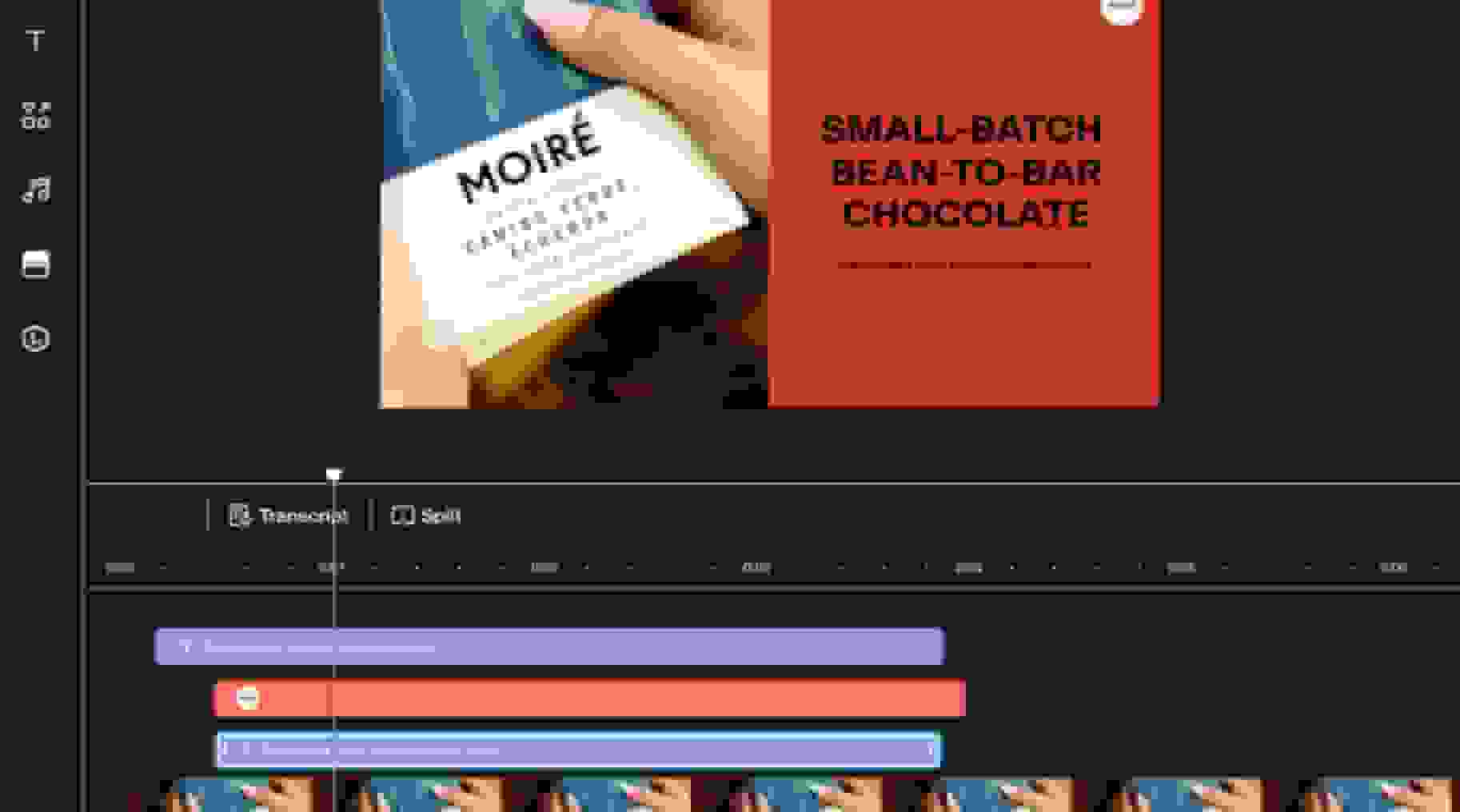
2. Trim and arrange on the timeline
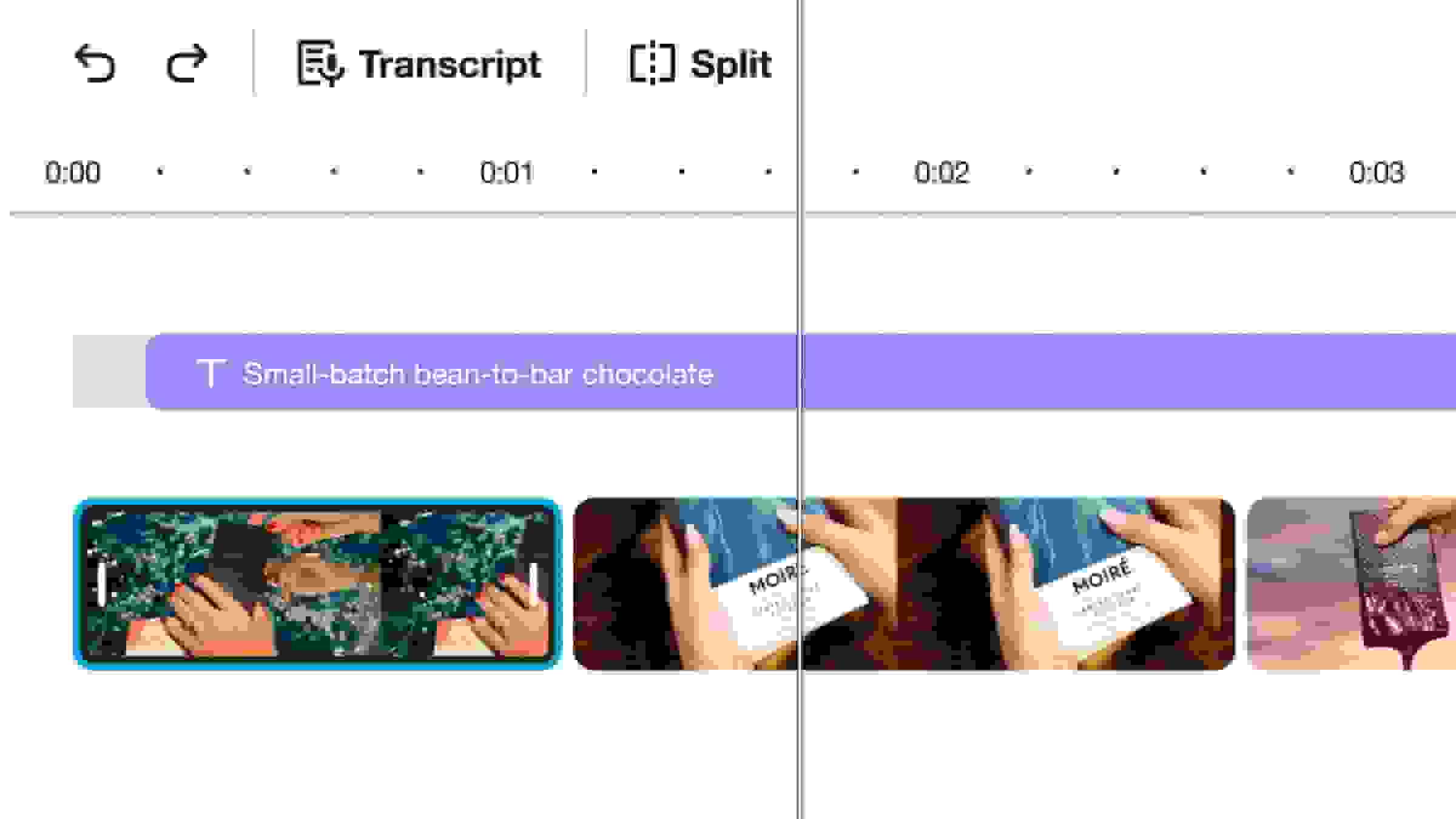
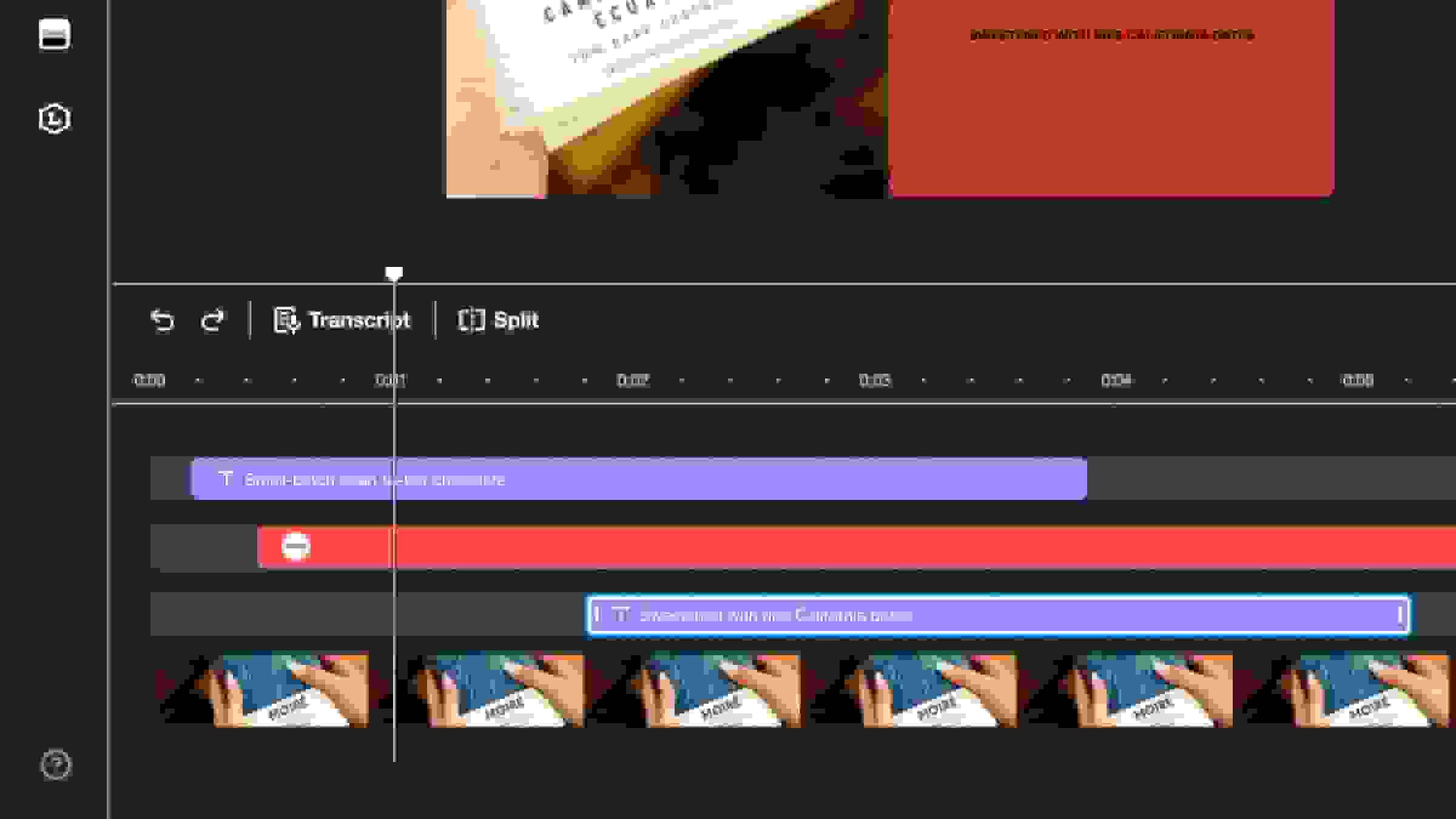
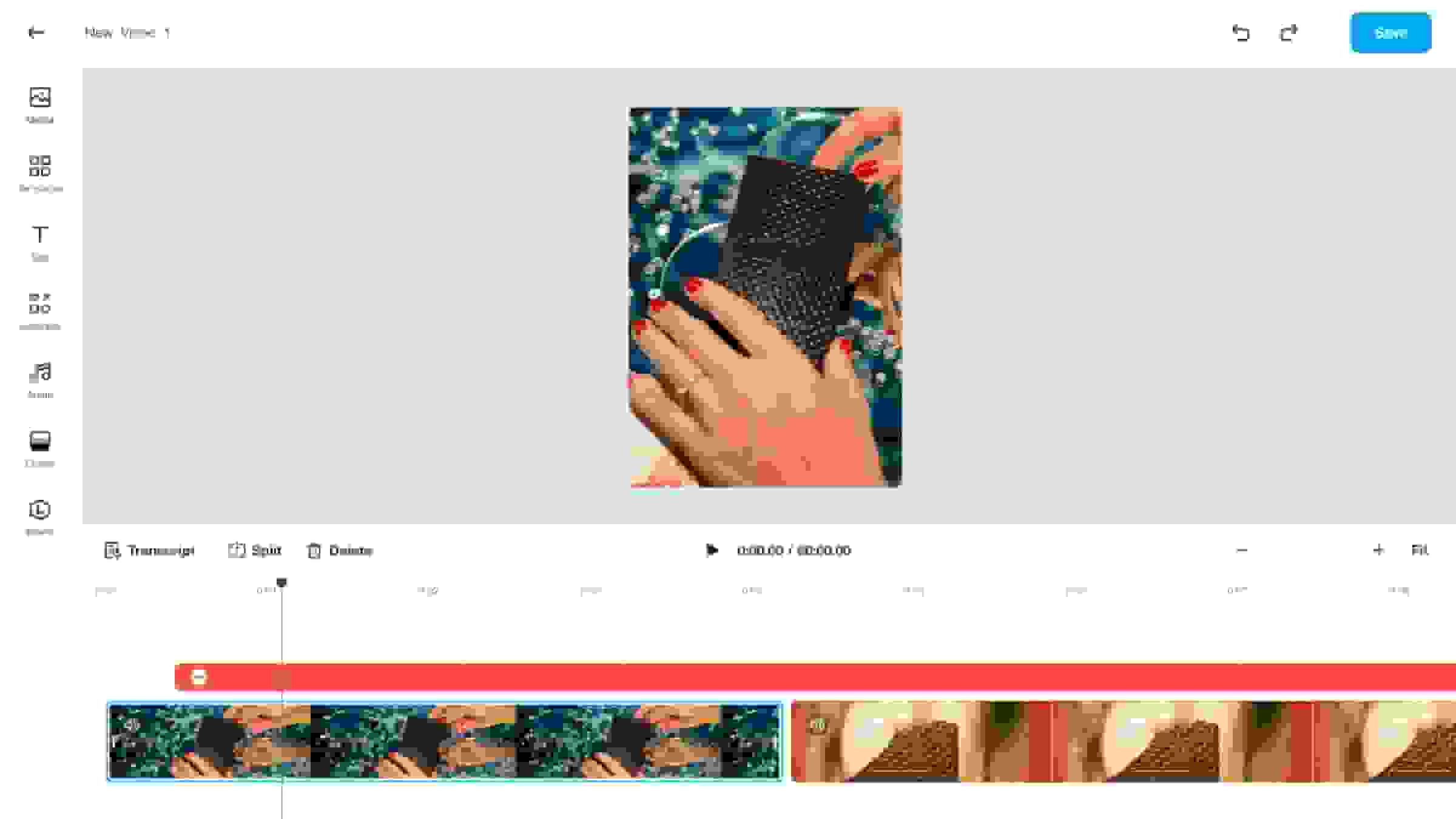
After adding your footage, use the timeline to precisely trim any unwanted parts from your individual video clips. You can then easily arrange and reorder the segments to joiner them exactly how you want.
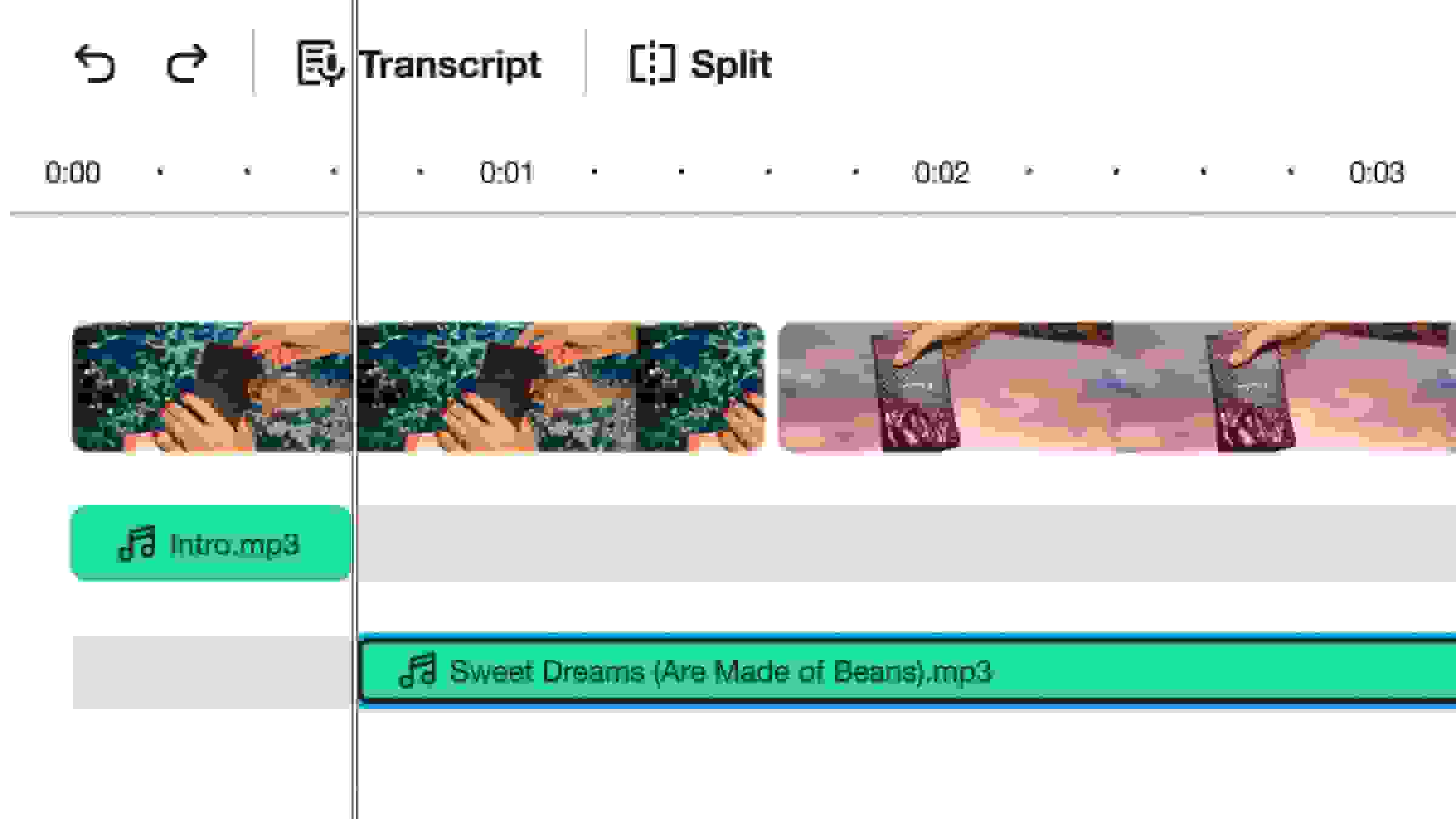
3. Add music or other audio
Enhance your combined video by incorporating background music, a soundtrack, or a voiceover to your project. This step helps to seamlessly merge video visuals with audio elements for a professional and polished final result.
4. Export and share
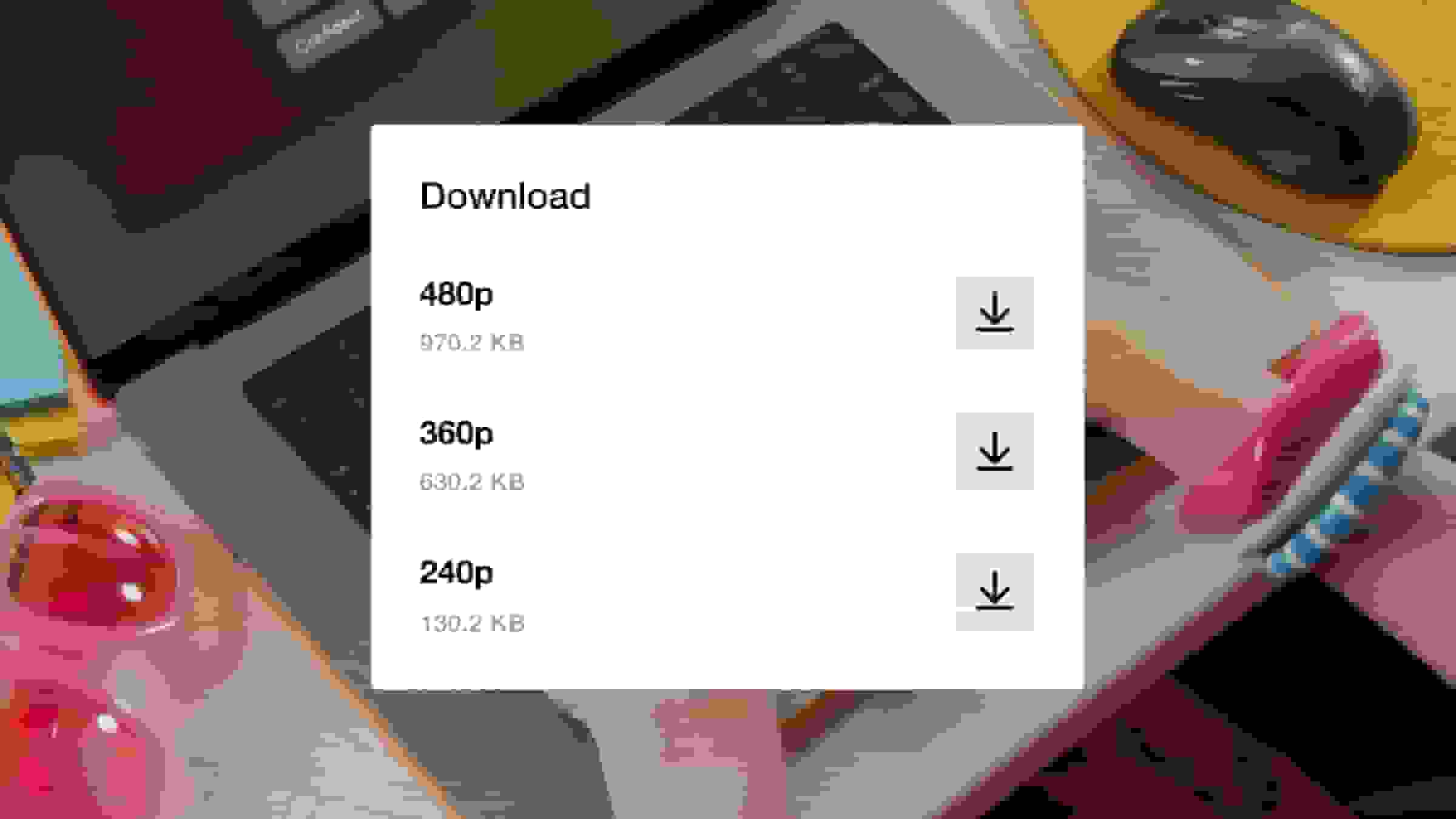
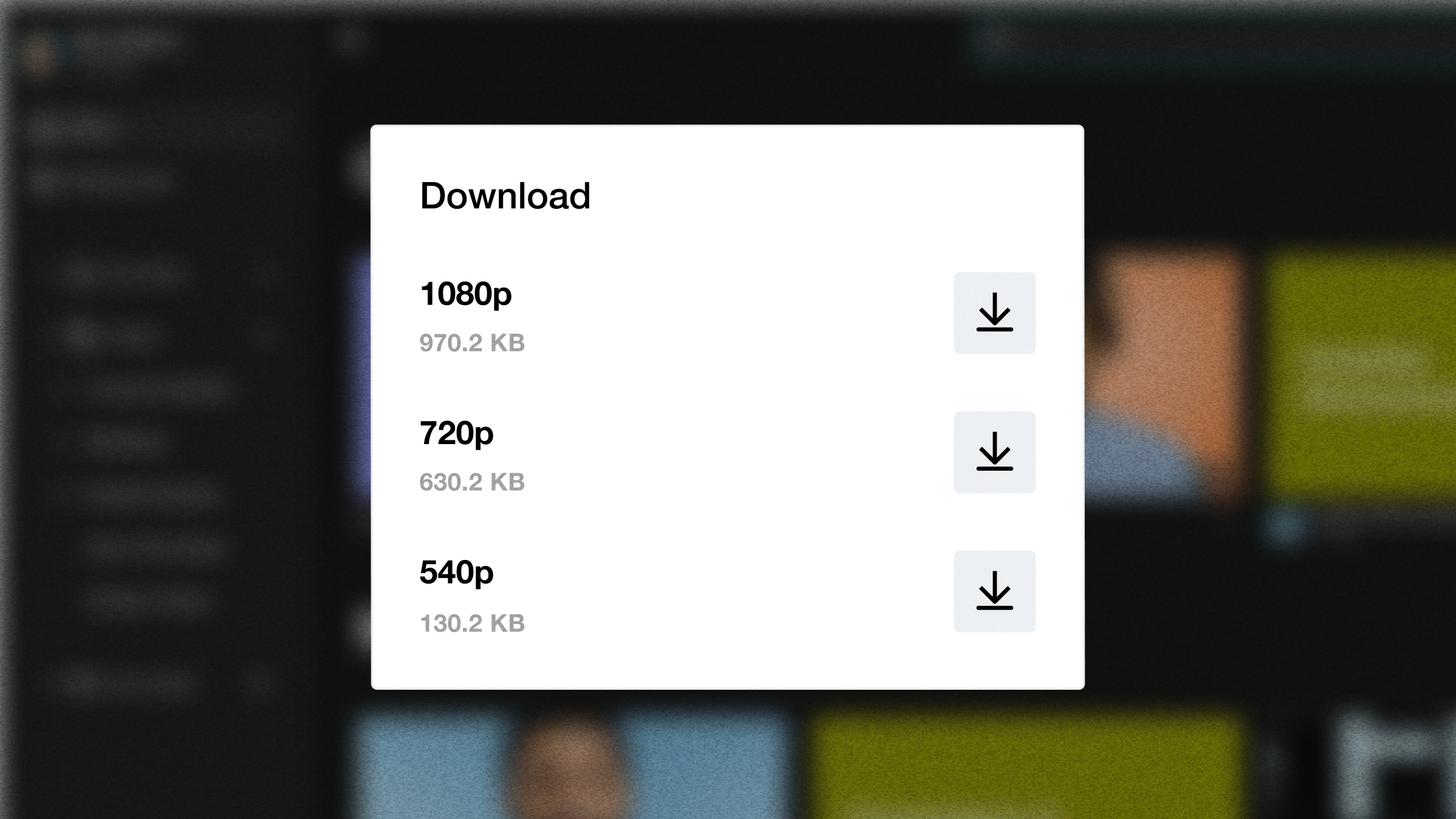
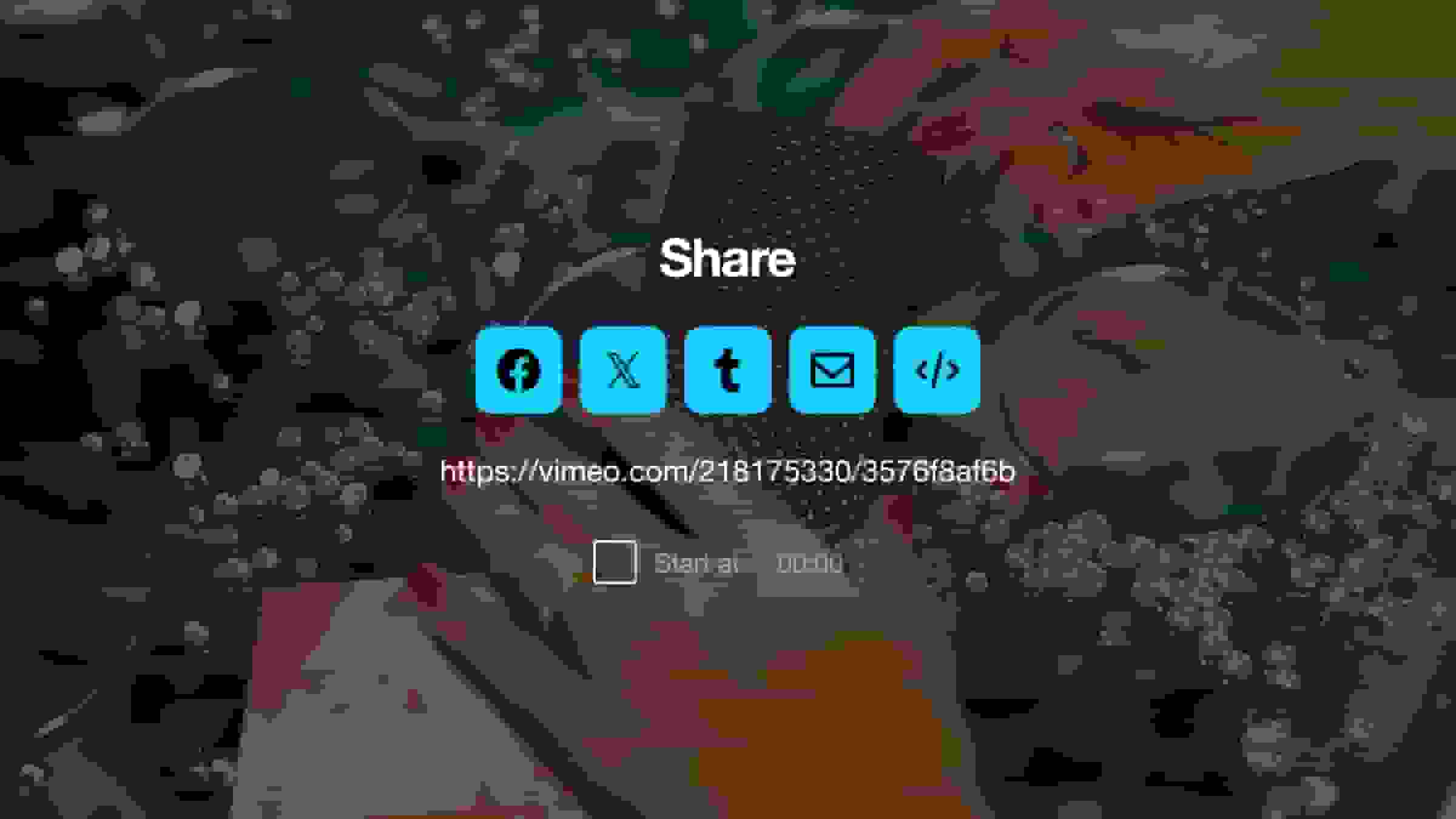
When your edits are complete, the video combiner processes your work into a single, cohesive file. You can download the resulting merge video in high resolution or share it directly across social media platforms.
Easily combine photos and videos in one place
Merge MP4, MOV, AVI, and any video format
Merge all your video files, regardless of format, directly within our online video merger. We support all common video file types, including MP4, MOV, AVI, WMV, and even MKV, ensuring you can easily combine your clips without needing to convert them first.
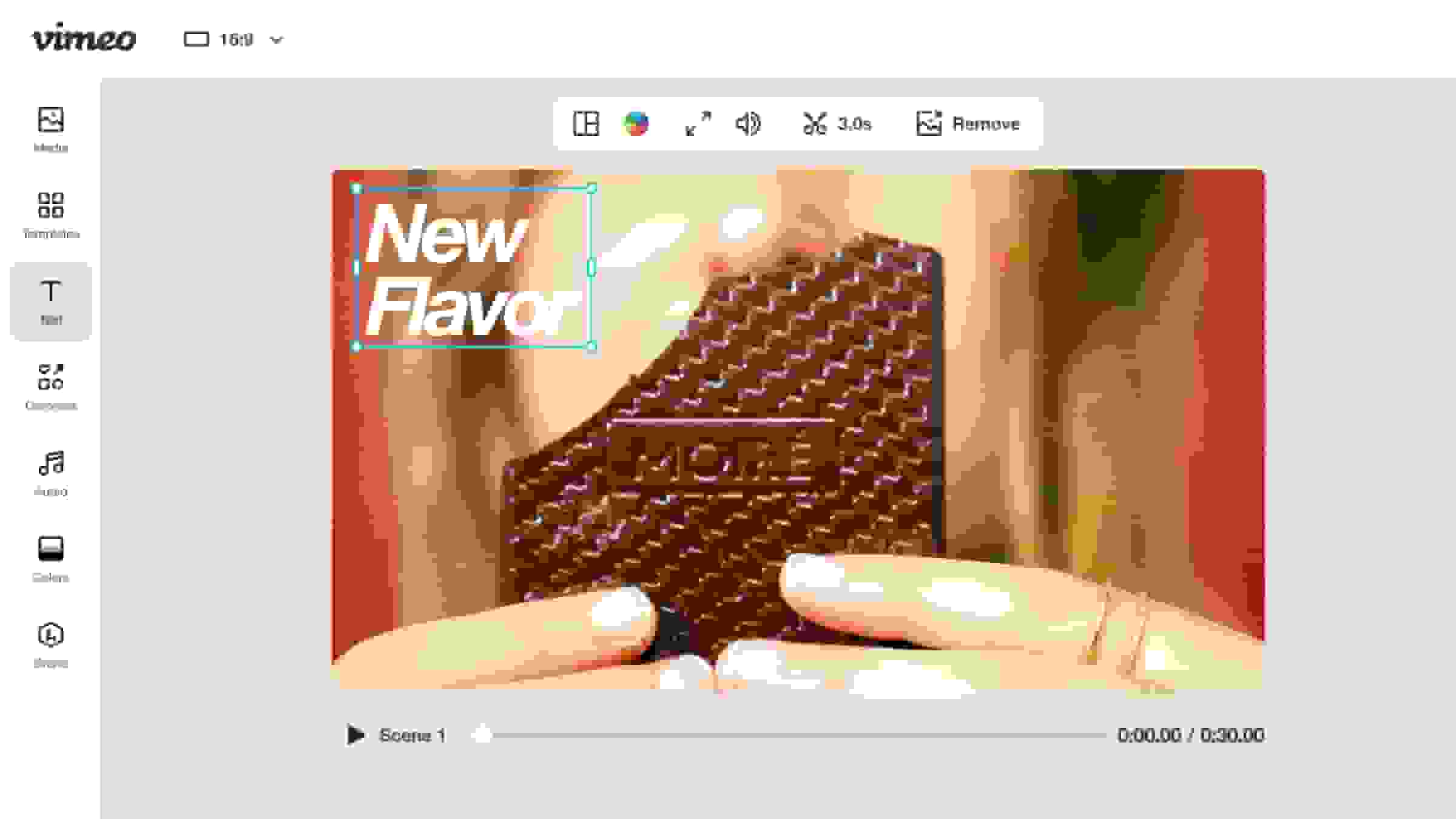
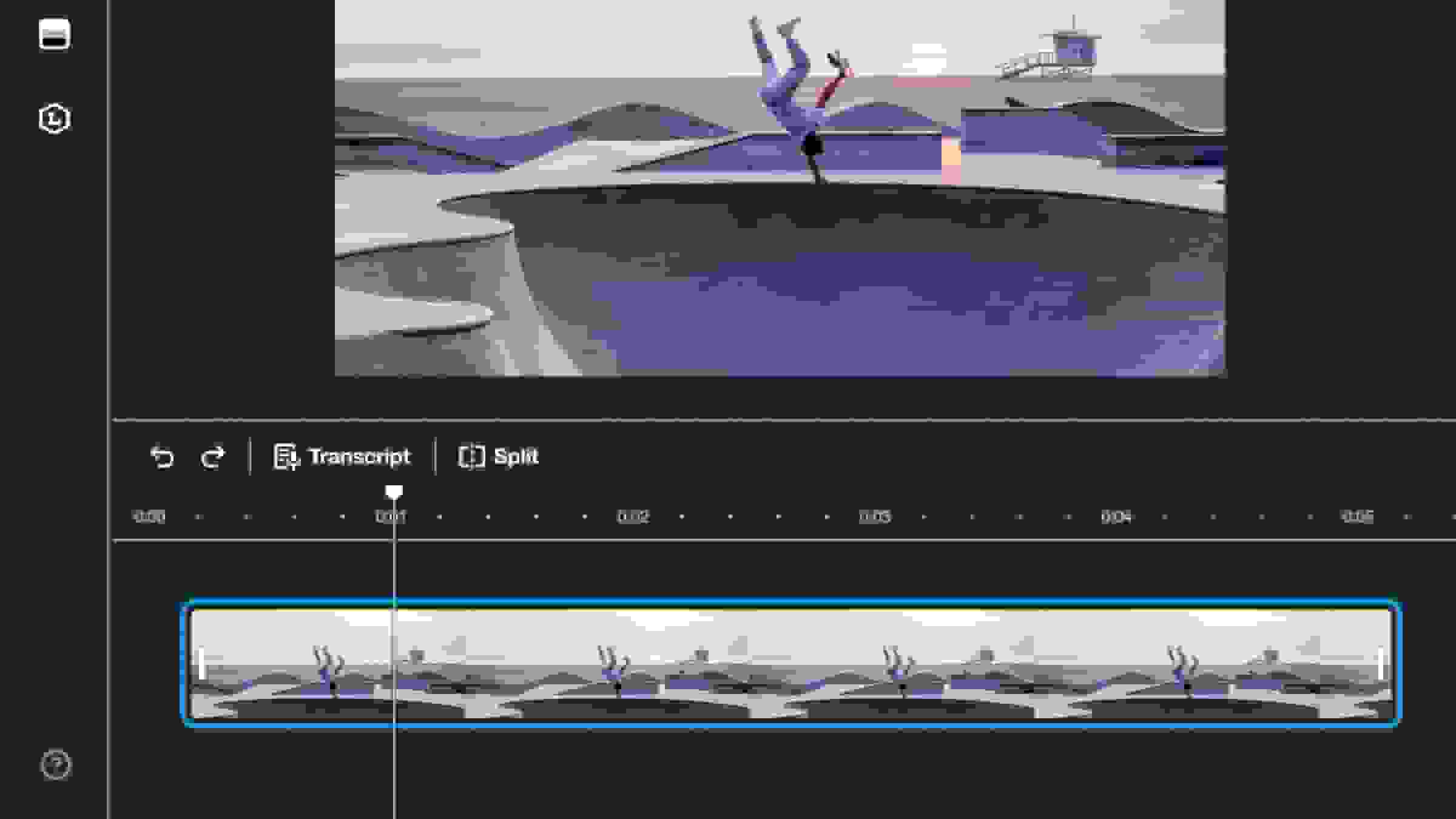
Trim and reorder clips before you merge
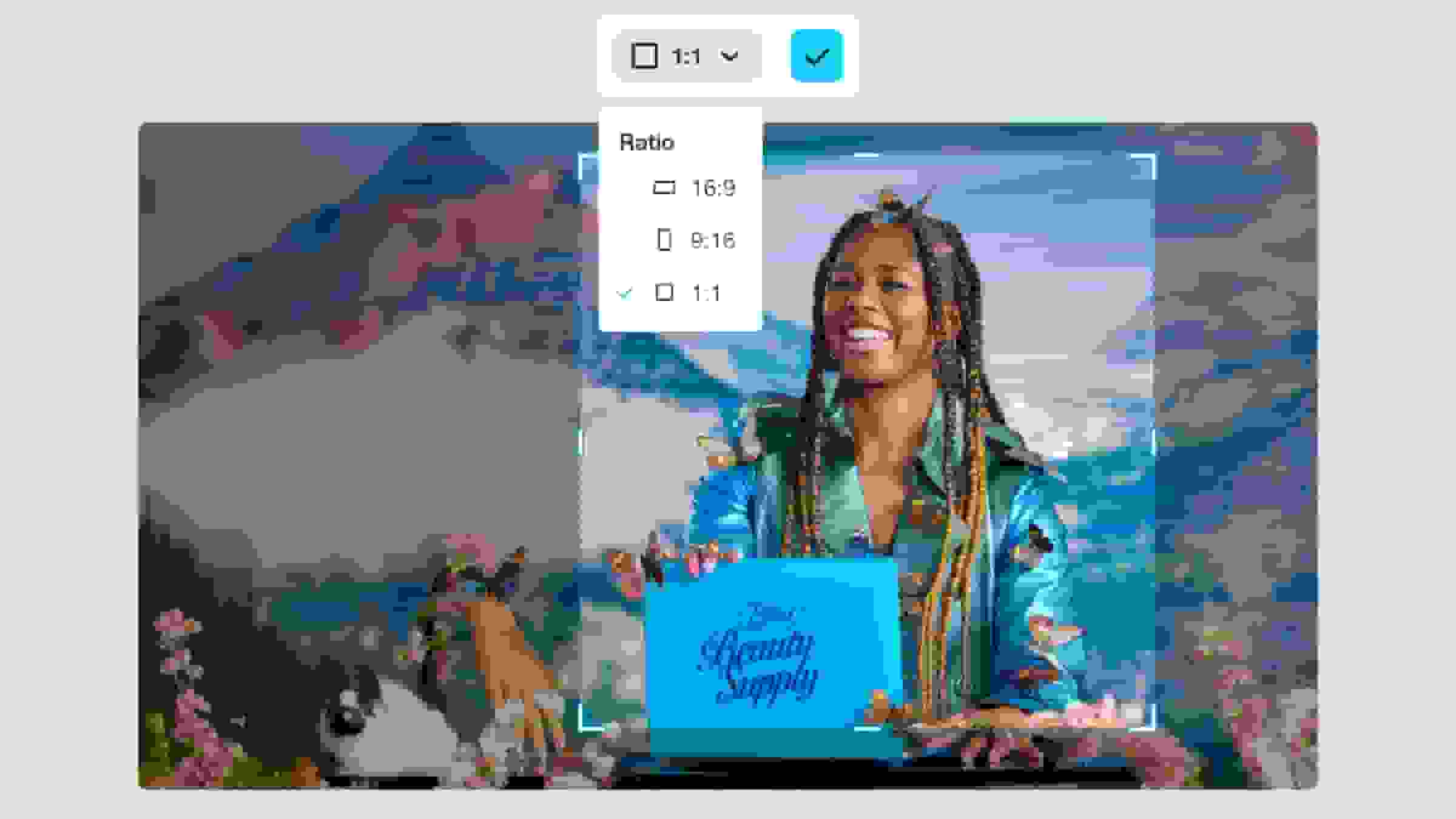
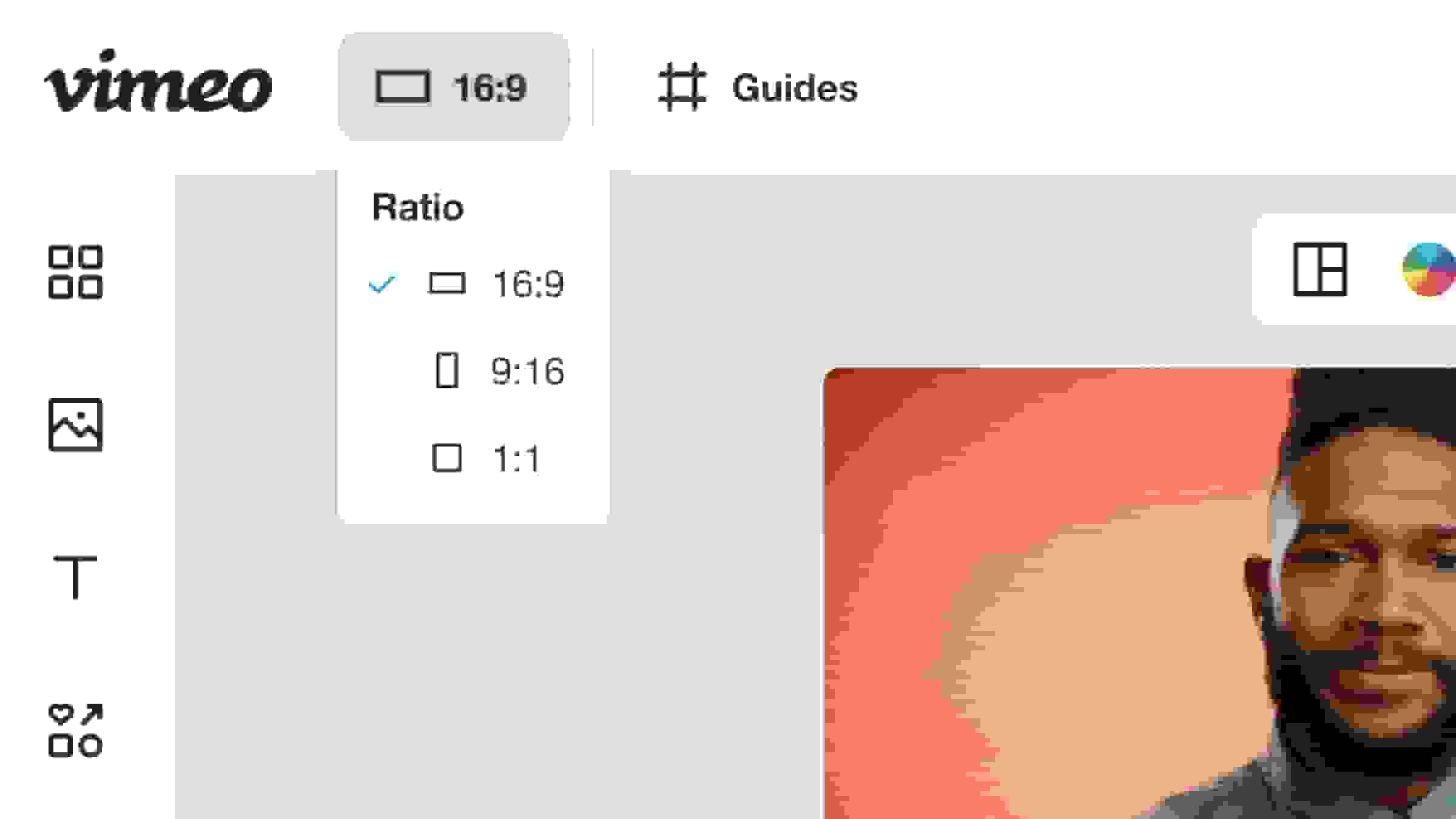
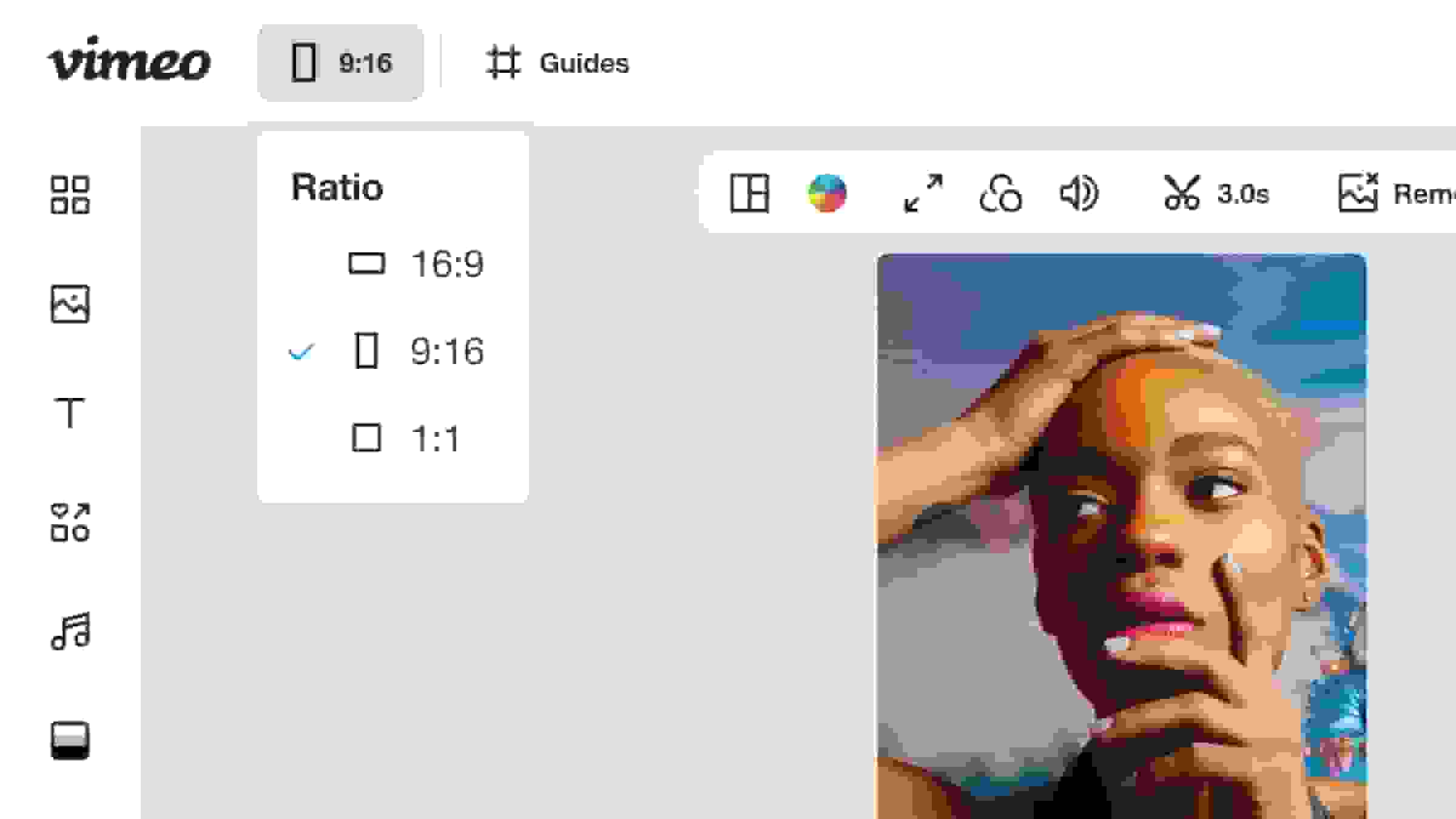
Easily trim and crop the beginning or end of any clip using simple drag functionality on the timeline to refine your footage. You can then reorder your clips and adjust the output aspect ratio for a perfect fit before you combine everything into your final video.
Everything you need to edit videos online
- Learn more
Video editor
Transform your raw video footage into captivating content with our versatile video editor. - Learn more
Video trimmer
Use Vimeo’s easy video trimmer to shorten, crop, and cut video so you can make the perfect video in seconds. - Learn more
Add text to video
Make it easy for viewers to follow along with your video, whether your audience has their sound on or off. - Learn more
Add music to video
Upload your own music tracks, or choose from hundreds of royalty-free songs. - Learn more
Crop video
Scale your video to the right specs for any platform. - Learn more
GIF maker
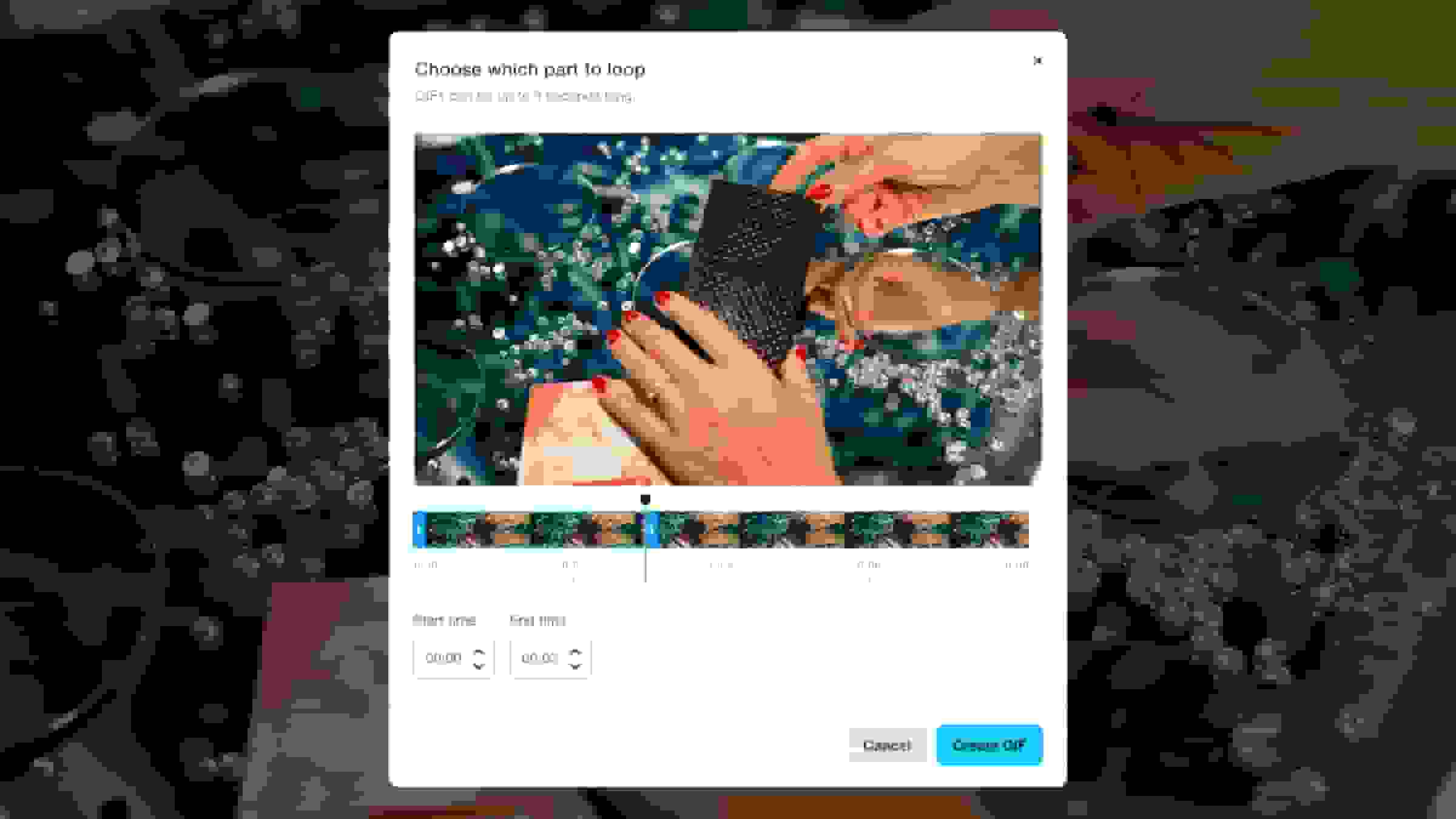
Use any clip to create a high-quality animation in seconds. - Learn more
Convert image to video
Create a dynamic photo slideshow using still images. - Learn more
Resize video
Change your video's aspect ratio or dimensions to fit any format.
- Learn more
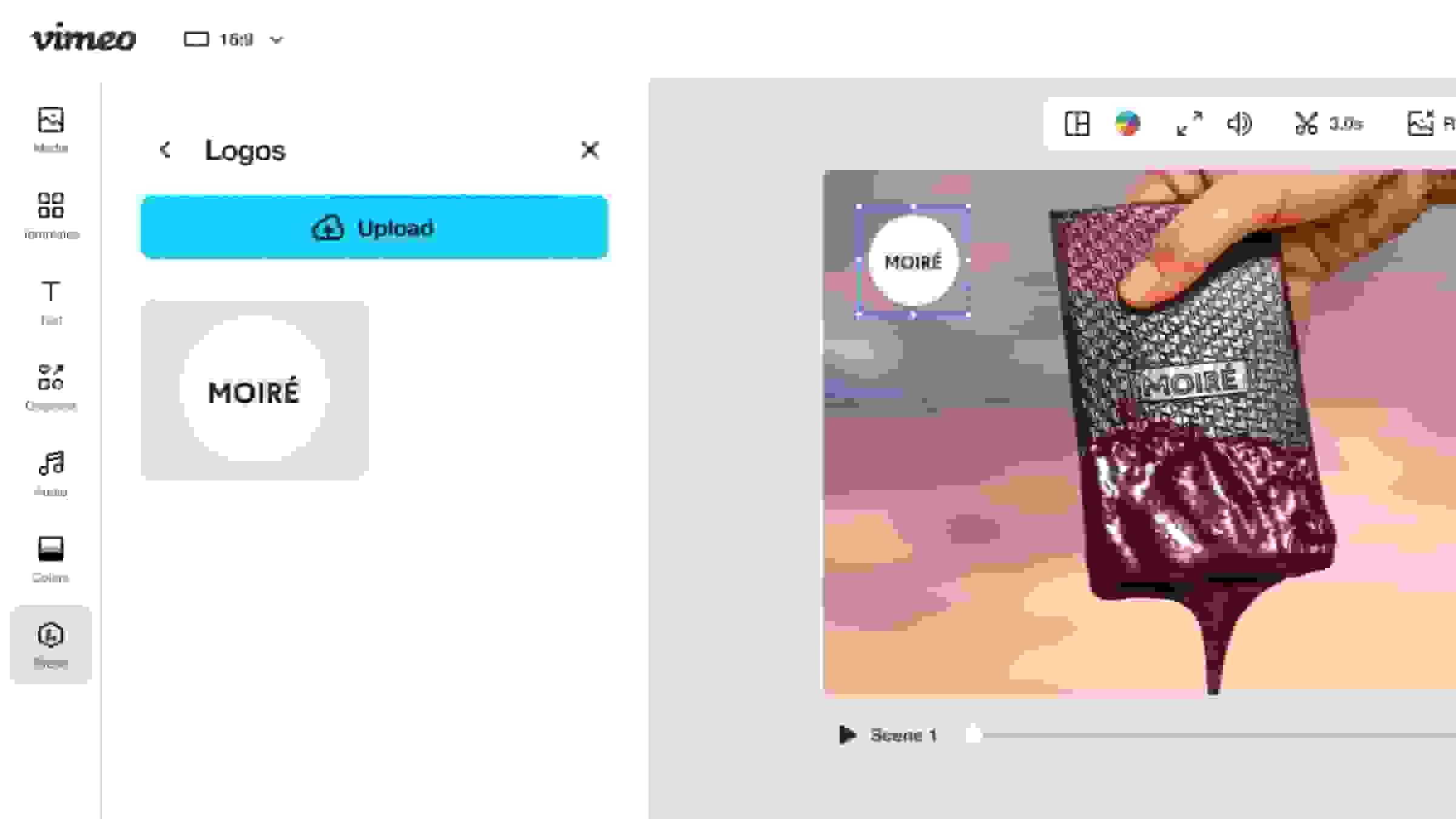
Add watermarks to videos
Build brand awareness and protect your creative work. - Learn more
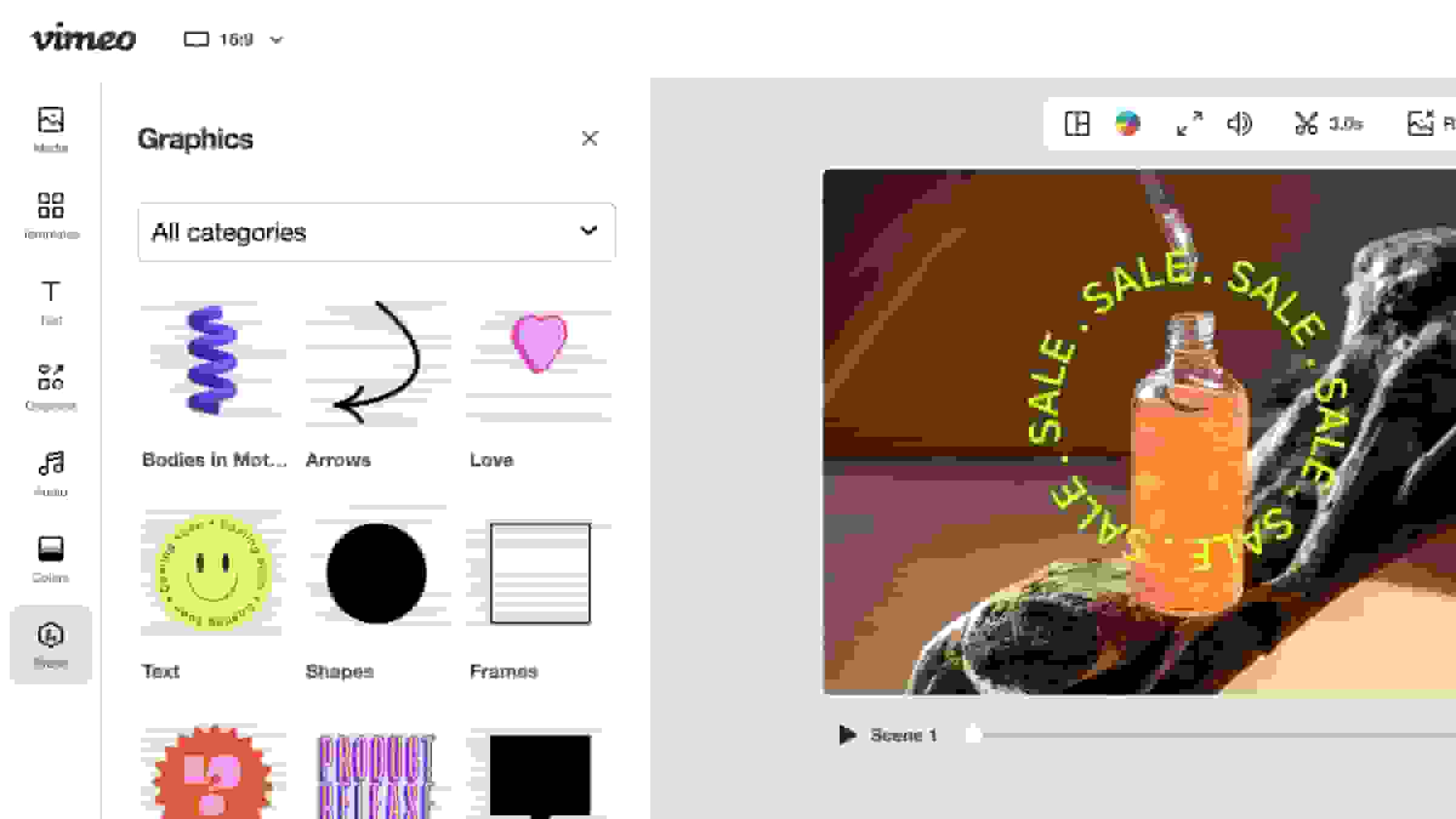
Add video graphics
Stickers, animations, and custom graphics can add a touch of personality. - Learn more
Compress a video
Shrink your video files so you can share them far and wide. - Learn more
Drag-and-drop timeline editor
Layer video clips, audio tracks, and text, giving you complete control over your videos. - Learn more
Add audio to video
Add sound effects, narration, voiceovers, and commentary to videos. - Learn more
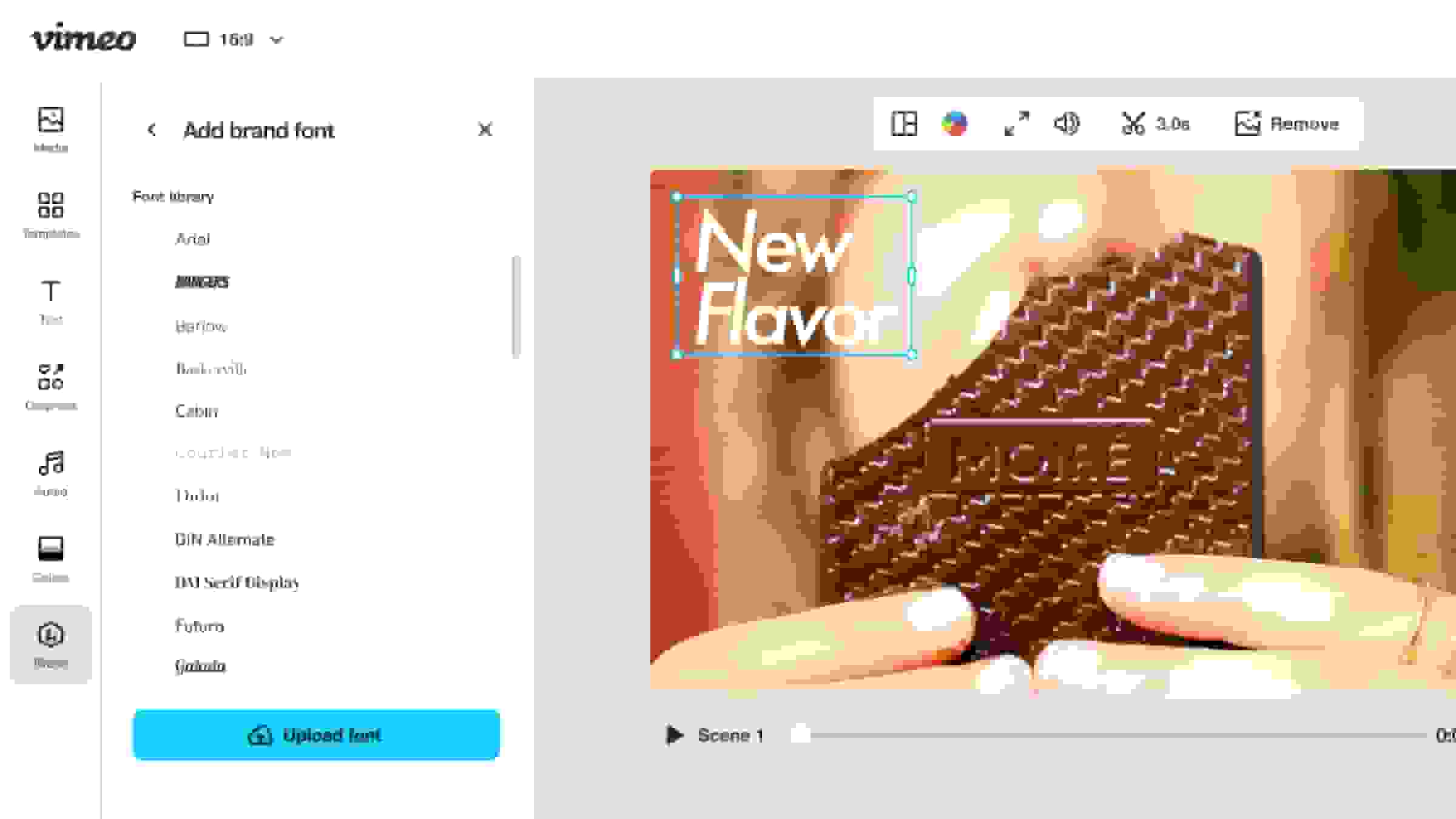
Add custom fonts
Upload custom fonts to make your videos match your brand identity. - Learn more
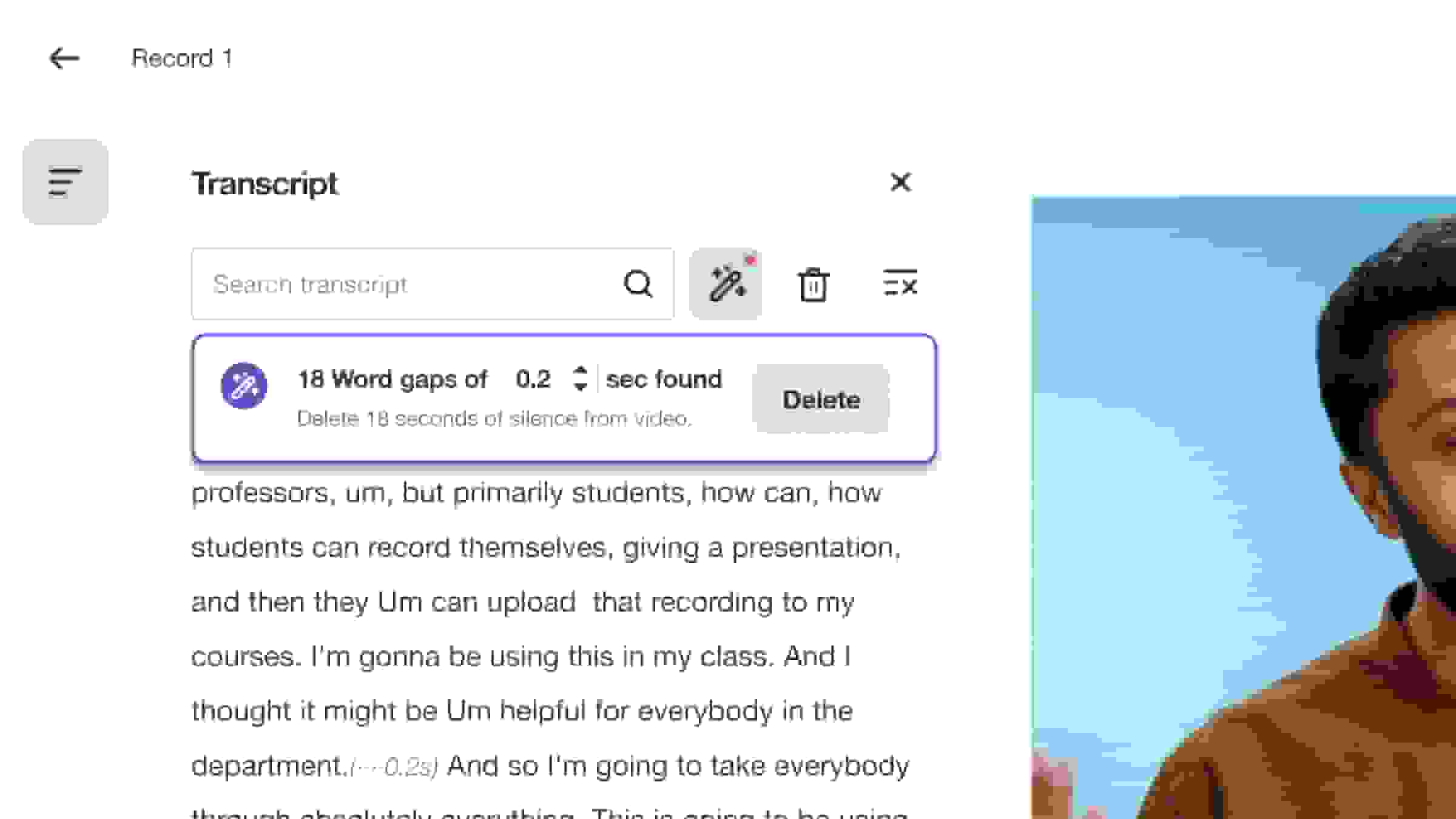
Text-based video editor
Select the text from your transcript and hit delete to remove portions of your video. - Learn more
Repurpose videos
Optimize video content for sharing across email, websites, and social media platforms. - Learn more
Download Vimeo videos
Create, edit, download, and share your videos in the all-in-one Vimeo video editor.