Recording a video sounds simple enough, but if you’re new to the process, it’s easy to make mistakes. You might stumble through lines or glance away from the camera often, and have to spend a lot time rehearsing before the take or editing afterwards.
The right teleprompter app can save time and build confidence, letting you read the script at eye level while you speak directly into the camera. This article covers the best free teleprompter apps available, so you can find one that fits your workflow and experience level.
From the link below, you can sign in and simply click on the Open teleprompter 📄 icon!
What’s a teleprompter app?
Broadcasters and news anchors have used physical teleprompters for decades, but those setups require dedicated hardware and a crew to operate. A teleprompter app brings the same capability to your phone or desktop.
With a teleprompter app, you can set your script to scroll across the screen while you record. This lets you read lines without looking away from the camera, so you appear confident and engaged to viewers. Whether you're recording a training video for a new hire or filming a product walkthrough for a client, the app handles the words so you can focus on the delivery.
What to look for in a free teleprompter app
For a great experience on a limited budget, look for teleprompter apps that offer:
- Browser-based functionality: Downloadable apps give you a lot of control, but they add extra steps to every video production. With the right browser-based teleprompter, you just open it up, paste in your script, and record — then you can edit and distribute your video in the same place.
- Scroll speed and font size control: An app that only offers a fixed speed forces you to match the script’s pace, even if it’s not comfortable. Good teleprompters let you adjust scroll pace and font size independently, so you can slow down for complex content while keeping the text readable.
- Mobile compatibility: Some teleprompter apps are designed primarily for desktop and treat mobile use as an afterthought, with limited controls or cramped interfaces. If you record on a phone or tablet, make sure the app works smoothly on your device.
- Script privacy: Free apps that store your scripts on their servers can pose a privacy risk. If your videos contain sensitive information, like internal communications or unreleased product information, check apps for security tools and robust privacy settings.
- Integration with recording and editing tools: Some apps connect the teleprompter directly to your recording and editing workflow, so you have fewer tools to manage and can get videos out the door faster.
5 best free teleprompter apps
Let’s look at some popular apps and evaluate how usable each tool’s free plan is, how easily you can get a script on screen and start recording, and how much of your video workflow is covered.
1. Vimeo
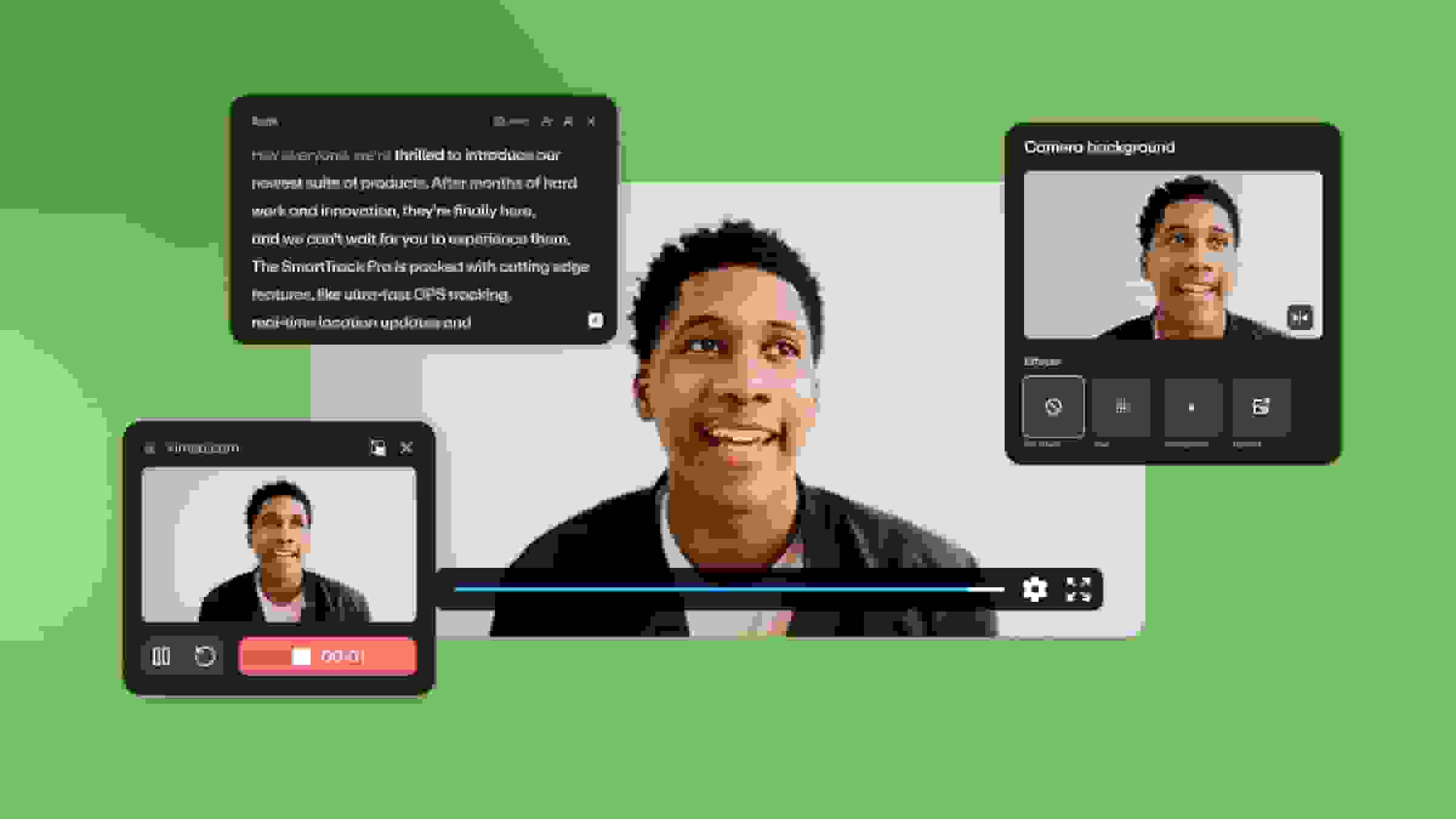
Vimeo incorporates its teleprompter into a complete video production workflow, where you can record your video, edit the draft, and publish the final version across multiple platforms. Plus, you can generate scripts with AI and polish content easily with text-based editing.
When using the teleprompter, your script stays visible while you record but won’t appear in the final video. This feature works across devices and is available on Vimeo’s free plan, which doesn’t require a credit card to sign up.
Pros:
- Works across desktop and mobile devices
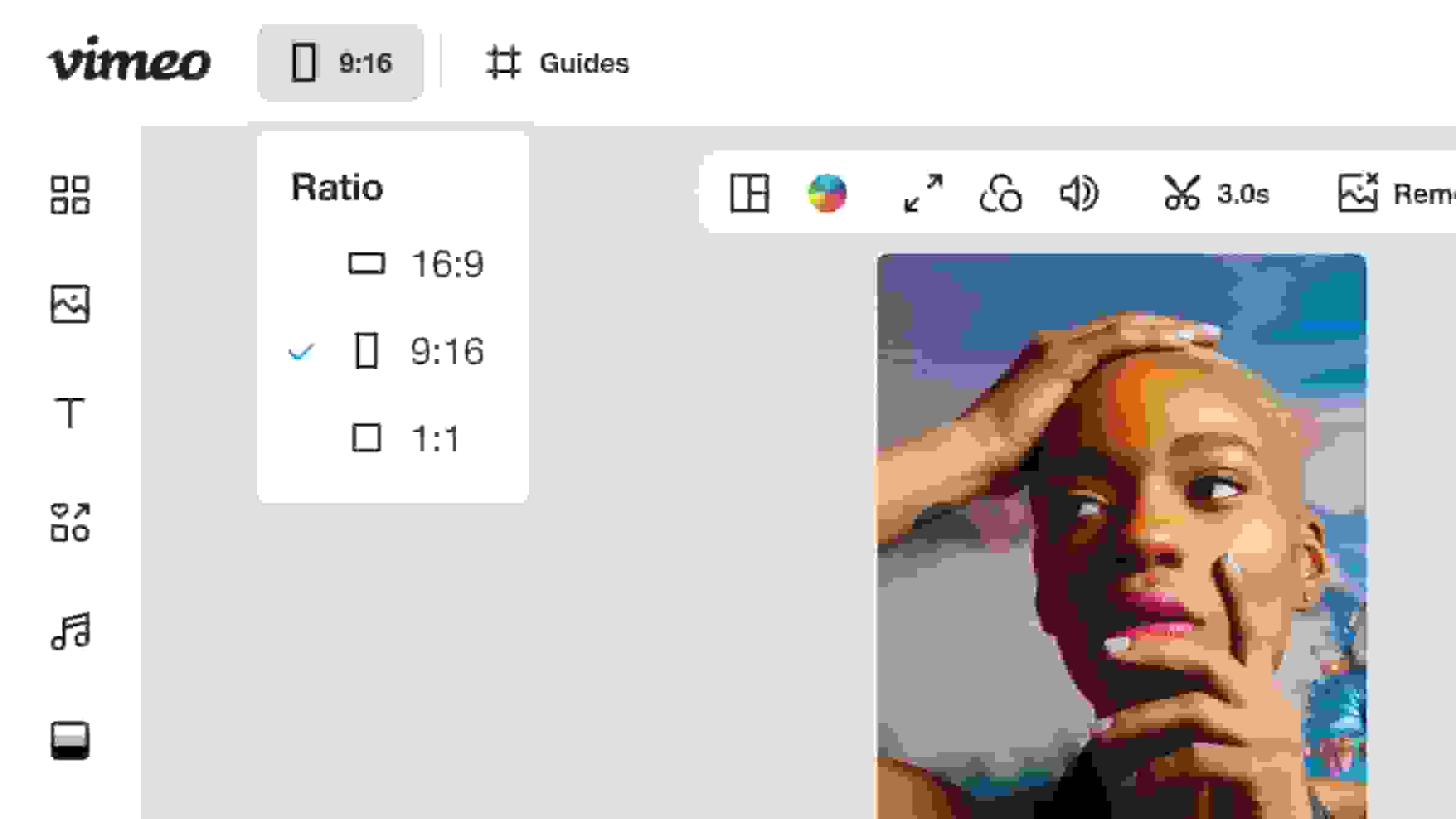
- Lets you adjust the teleprompter box’s size and positioning
- Includes flexible controls for text speed and size
- Integrates the teleprompter with key editing and distribution tools
Cons:
- Can't screen share while using the teleprompter
- Some other video production features require a paid plan
Try Vimeo’s teleprompter for your next project →
2. BIGVU
BIGVU overlays your script directly on the camera view while you record. Afterward, you can trim footage, remove filler words, add captions, and publish to social platforms. BIGVU’s free plan includes the teleprompter and HD recording for up to nine minutes with a watermark.
Pros:
- Available on iOS, Android, Mac, and Windows
- Brand kit applies your logo, colors, and styling to every video
Cons:
- Not the most user-friendly interface
- Editing tools are limited
3. Telepromter Pro
Teleprompter Pro is a dedicated teleprompter app for Mac, iPhone, and iPad, with AirPlay and HDMI output if you’re using your device as a display for a separate camera. This tool’s free tier includes unlimited recording with no watermarks.
Pros:
- Transparent window mode
- Virtual backgrounds and portrait mode
- Multiple scroll speed control options
Cons:
- No Android or browser version
- Free tier limits document imports and restricts remote control features
4. Parrot
Parrot’s core app is free and offers a teleporter with adjustable scroll speed, font size control, and mirror mode. This app also integrates with Dropbox for easy imports, and it offers unlimited script storage on iOS and Android.
Pros:
- Customizable scroll speed and text size
- Adjustable foreground and background colors
- Landscape, portrait, and mirror modes
Cons:
- No built-in recording, editing, or publishing tools
- No web-based or desktop version
5. PromptSmart Lite
PromptSmart Lite uses an auto-scrolling teleprompter that adjusts to your voice’s natural pace. If you pause, the prompter pauses, and when you resume it picks up where you left off. The free tier provides full VoiceTrack access with a one-script limit.
Pros:
- Works without an internet connection
- Option to import scripts from Google Drive, Dropbox, iCloud, and OneDrive
- No time limit on presentations
Cons:
- Free tier only available for Apple devices
- VoiceTrack is limited to English
What’s the difference between standalone and built-in teleprompters?
Most standalone teleprompter apps do one thing well, but offer less support for what happens before and after you hit record.
A typical workflow looks like this: You write your script in a notes app or document, upload it to the teleprompter app, record the video using your webcam or phone, then import the footage into an editing app so you can trim mistakes and add captions. You’re using four separate tools to produce one video, which takes time and requires more learning and troubleshooting.
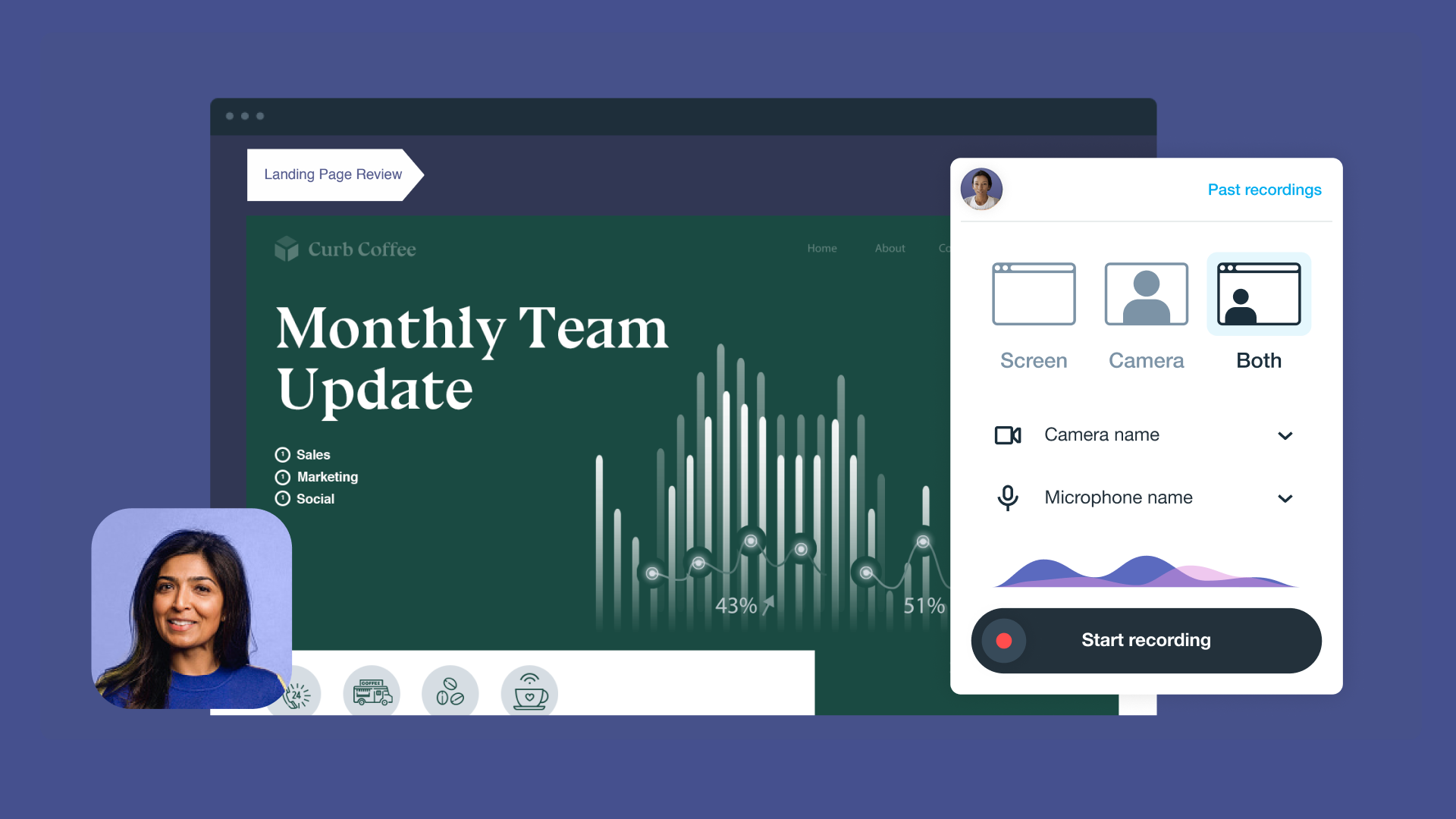
But when the teleprompter is built in to your video production platform, the process gets a lot simpler. With Vimeo, you can write or generate your script, record footage, edit using the auto-generated transcript, then speed things up even more with AI tools. Doing all this in one place helps you save time and produce better results.
Which teleprompter tool is right for you?
If you’re still not sure which teleprompter app is the best fit, consider how you’ll use it and what type of content you plan to create. For example:
- Marketers and content teams: If you produce a lot of videos and need to get more mileage from each recording, a standalone teleprompter app won’t help much. An all-in-one tool like Vimeo boosts efficiency by bringing in AI script generation, SEO metadata, subtitle translation, and other vital features.
- L&D and training professionals: Long training videos can lose viewers before they reach key information, and accessibility requirements add another layer of work. Vimeo generates searchable transcripts and AI chapters to help viewers find what they need, and its Video Player meets recommended accessibility guidelines.
- Internal communications teams: Sending updates to employees across different countries gets expensive, especially if each video needs translation. Vimeo's audio dubbing and AI summaries cut down on cost, and its accessibility features help you make sure the content works well for everyone.
- Social media creators: When you're filming for social media, speed and ease of use are vital. Vimeo's free plan gives you a teleprompter, recording options, and basic sharing in one place — no switching tools, no extra downloads, and no credit card to get started.
Create affordable videos that get results with Vimeo
A good teleprompter gets you out of your head and keeps you confident in front of the camera. The best teleprompter apps go beyond that basic utility, helping you produce quality content fast and on a budget.
If you want the shortest path from script to finished video, but you want to make sure the final product is top-notch, Vimeo is a great place to start. You can sign up for the free tier, upload or generate a script, and start recording within minutes.
Give Vimeo’s Teleprompter a try for free →
FAQ
Can I use my phone as a teleprompter?
Most teleprompter apps work on iOS and Android, which lets you use your phone to display your script. You just write or paste in the words, and your phone scrolls through the text while you record.
How do I make my teleprompter reading sound natural?
To read from a teleprompter while still sounding natural, slow down your scroll speed to a comfortable, conversational pace. Shorter sentences also help, since they're easier to deliver without sounding too formal.
Can I use a teleprompter on Zoom or Teams calls?
Some apps allow you to use a teleprompter with videoconferencing tools like Zoom and Teams. Look for a transparent window mode that layers your script over the video call, without showing it to the other participants.