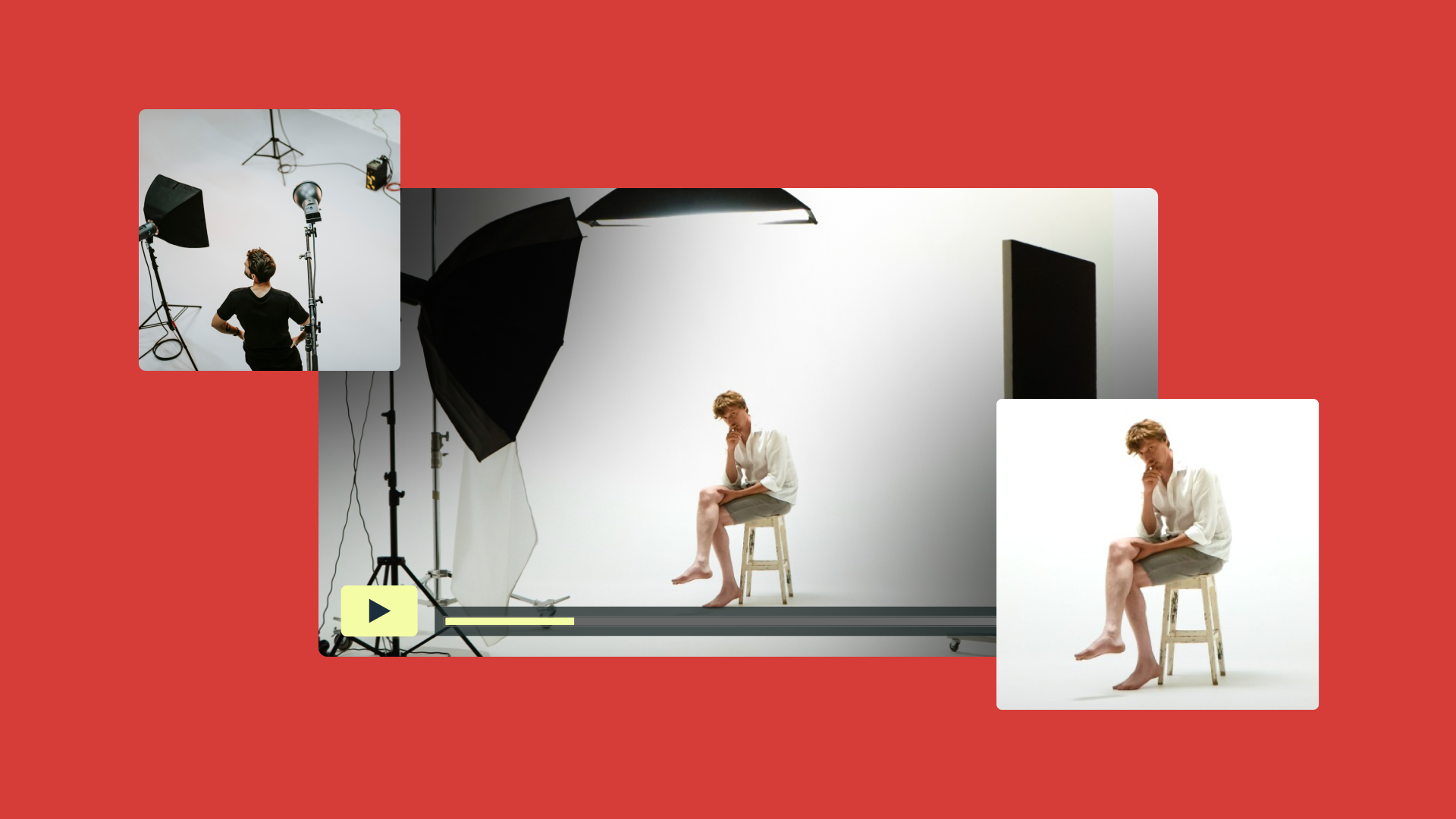
Most interviewers obsess over their questions, but viewers judge an interview’s credibility based on its technical execution — even if they don’t realize it in the moment. This snap judgement is based on how the set’s lit, audio quality, and what’s happening in the background.
In this guide, we’ll explain why interview production matters and how to build a repeatable interview setup, then provide a step-by-step guide for interview videography that keeps shoots efficient. You’ll also get an interview video production checklist you can use to prep your setup and walk away with clean footage.
Why is interview video production important?
When viewers aren't distracted by uneven lighting or messy audio, they stay focused on the most important part of an interview: what your subject is saying. An interview setup brings your technical choices together for a consistent viewing and listening experience, which builds credibility and viewer trust, while a professional setup reduces on-set troubleshooting and accelerates your post-production timeline.
There are a lot of variables in interview production. Focus on your camera, lighting, framing, and sound to capture cleaner footage with fewer surprises.
Camera
Your camera choice matters, but once you’re on set, its settings are the most important quality. Pick a camera that fits the shoot, then lock in exposure and white balance so the image stays consistent from “hello” to “thank you for your time.” Record a quick test, watch it back, and fix any problems before you start the interview.
Lighting
Good lighting gives your subject shape and keeps the camera shot from looking flat. For a cinematic interview setup, use three-point lighting to create depth and dimension. Start with your key light first, then adjust until skin tones look natural and the background doesn't pull focus away from your subject. If the room has windows, control them with overlays or curtains so your lighting doesn't shift mid-shoot.
Framing
Interview shot framing sets the tone for the whole video. Decide your interview shots before you roll, and stick with a consistent eyeline so the edit doesn't feel jumpy. A medium shot interview is often default, and you can tighten up when you want more emotion as long as you keep the angles consistent.
Sound
Audio quality is critical for interview footage. After all, your viewers are likely watching because they want to hear what your subject has to say.
Choose a mic plan that matches your setup, whether that’s a lav mic on your subject or a condenser mic just out of frame, and monitor sound levels while you shoot. Before you commit to the take, record 30 seconds of room tone in the same position, then listen back for HVAC noises, buzz, or fabric rustles.
Edit unwanted sound out with Vimeo →
7-step guide for interview videography
A good interview video starts long before you press record. Plan the shoot, set your gear, and run quick checks to capture cleaner footage. Here are seven steps to help you capture the best interview possible.
1. Choose the format and location
Start by deciding what the interview needs to do and where you’ll film it. A documentary interview setup, like talking to a wildlife biologist in the field, often requires flexibility since you're working in uncontrolled environments. On the other hand, studio interviews, like talking to a tech CEO on set, give you full control over every variable. Make that call as early in the process as possible.
2. Control the environment
Pick the quietest location you can and listen for any noises you might notice once you're editing the video. When you’re filming indoors, that's usually buzzing lights or echoes off hard walls. Outdoors, you’re more likely to hear traffic, wind, and shifting crowd noise, so choose a sheltered spot and keep your subject out of heavy foot traffic when possible.
When you’re filming inside, set a background that looks deliberate and isn’t busy in ways that compete with the subject. A minimalist office or a plain color backdrop are good options. If you’re outside, set your subject in front of clean lines and simple shapes, and avoid bright signs or moving distractions behind them.
3. Set your camera
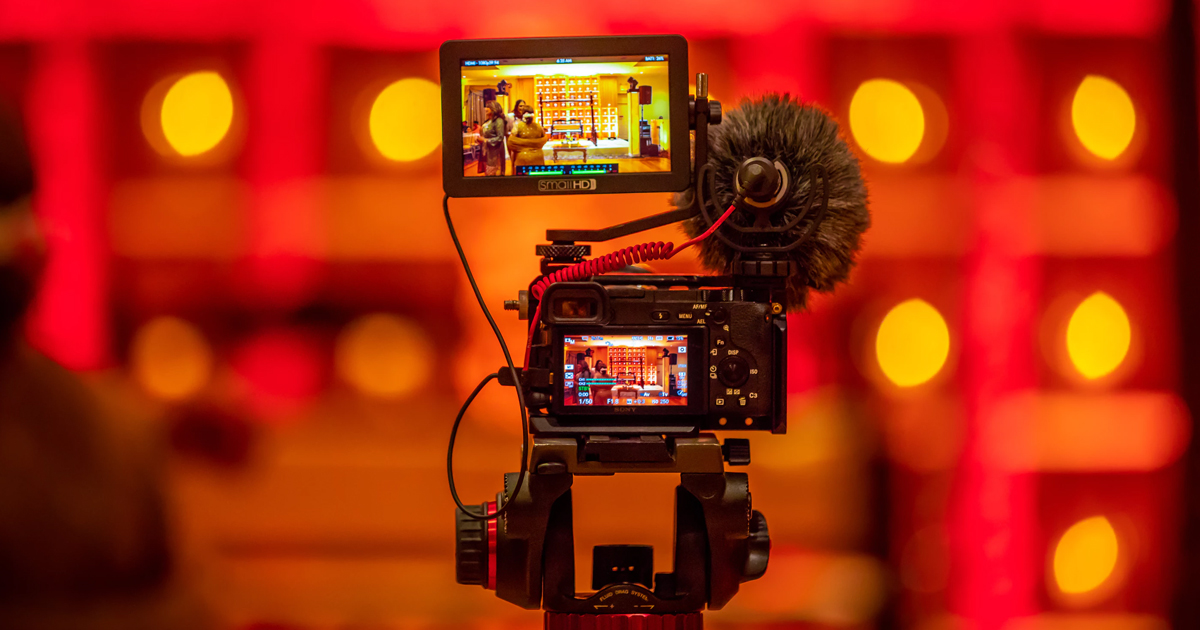
Place your camera on a tripod, frame your subject, and lock in exposure and white balance so the look stays consistent through the interview. Get your “safe” framing first, then decide if you also want a wide shot for context. If you're using a zoom lens, frame your primary shot and zoom in during emotional peaks to maintain framing consistency without interrupting the recording.
4. Light the scene
Set your key light first, then add fill and backlight until the subject has shape and the shot doesn't look flat. Once lighting is set, do a quick test clip and adjust camera settings to enhance what you've built.
5. Set your audio
Choose a mic setup that fits the scene. A lav mic can work well for a seated interview, and many crews record a secondary boom or shotgun mic for backup audio in case the lav mic picks up unwanted noise. Record room tone for a few seconds in the same position so you have a clean ambience, and monitor the audio coming in as you shoot.
6. Do a quick test
Record 10 to 15 seconds, then play it back with headphones. Check on your video’s focus, exposure, and audio levels, and look for anything distracting in the shot. Once you’re happy with the test video, you can start filming the interview with confidence. Keep the settings locked and allow the interview to unfold naturally without technical adjustments.
7. Protect your footage
When you finish the shoot, double-check that you captured everything you need before anyone starts packing up. Upload and back up your footage and audio as soon as you can, so you don’t lose a great take to a storage or transfer mistake.
Use Vimeo for secure video hosting →
Interview video production checklist: Technical and visual essentials
Use this checklist to catch the small issues that can derail an interview before you start filming.
Camera
- The tripod is locked and the camera won’t shift if someone bumps the floor.
- Exposure and white balance are set and won’t change (manually or automatically) during the interview.
- Focus is set on the subject’s eyes, and you’ve confirmed it won’t shift once you start recording.
- Your main shot is stable.
Lighting and background
- The light on the subject appears consistent from where they’ll sit.
- Daylight won’t change shadows and brightness midway through the shoot.
- The background looks intentional and stays free from distracting movement.
- The subject's position stays consistently lit and framed for continuity if you have to re-record a line.
Audio
- Your mic is placed and secured. For a seated interview, that might be a lav mic on the subject’s lapel. If you can’t use a lav mic, use a shotgun mic just out of frame or a desk mic placed close and aimed at the speaker.
- You’re monitoring audio with headphones.
- Levels look clean, and you’re not clipping on loud words or laughter.
- You have a backup audio track rolling in case one mic fails or picks up on background noise.
- You captured room tone in the same setup as a control during editing.
Final check
- You recorded a short test, played it back, and fixed any issues.
- You have enough battery and storage to capture the interview by a wide margin.
- You know where and how the footage will be backed up after.
FAQ
What’s the best background setup for an interview?
It depends on what you’re producing. A good backdrop should support the tone of your interview. Talking to a startup founder about their success might take place in a warm office, for example. But all interview sets should place their subject away from the backdrop so you can separate the two with light and avoid harsh shadows. Don’t include anything that moves, flickers, or pulls attention away from the person speaking.
How do you set up three cameras for an interview?
For a three-camera setup, start filming with a wide shot that runs the whole time, then build your two tighter angles around it. Match settings across cameras so cuts don’t feel jarring, and use a quick clap at the start to sync audio seamlessly in editing.
What are professional interview examples to learn from?
- Supermaker: A straightforward two-person sit-down with a clean setup. It has consistent framing, and the background doesn’t compete with the speaker.
- Concurrent Productions: A simple talking-head format that feels made for business interviews. The lighting stays even, the shot stays steady, and the audio stays clear.
- Zandra Beauty: A polished “founder story” style interview that still feels natural. It’s a good reference for balancing a professional look with an approachable tone.
Bring it all together in Vimeo
A strong studio interview doesn’t come from one perfect gear choice. The small decisions you make at each stage, from your interview framing to clean audio and consistent lighting, will make your interview feel professional. When the technical side stays steady and the shot looks intentional, your message lands better, and your interview video feels more credible.
Once you’ve captured the footage, Vimeo gives you a way to turn raw clips into a polished piece from one place. Organize all your interview content in Vimeo’s Video Library, then use Vimeo's Video Editor to tighten the story with an intuitive, drag-and-drop workflow. And when your subject is perfectly framed and the sound is crisp, host your video on Vimeo to share their story with the world.