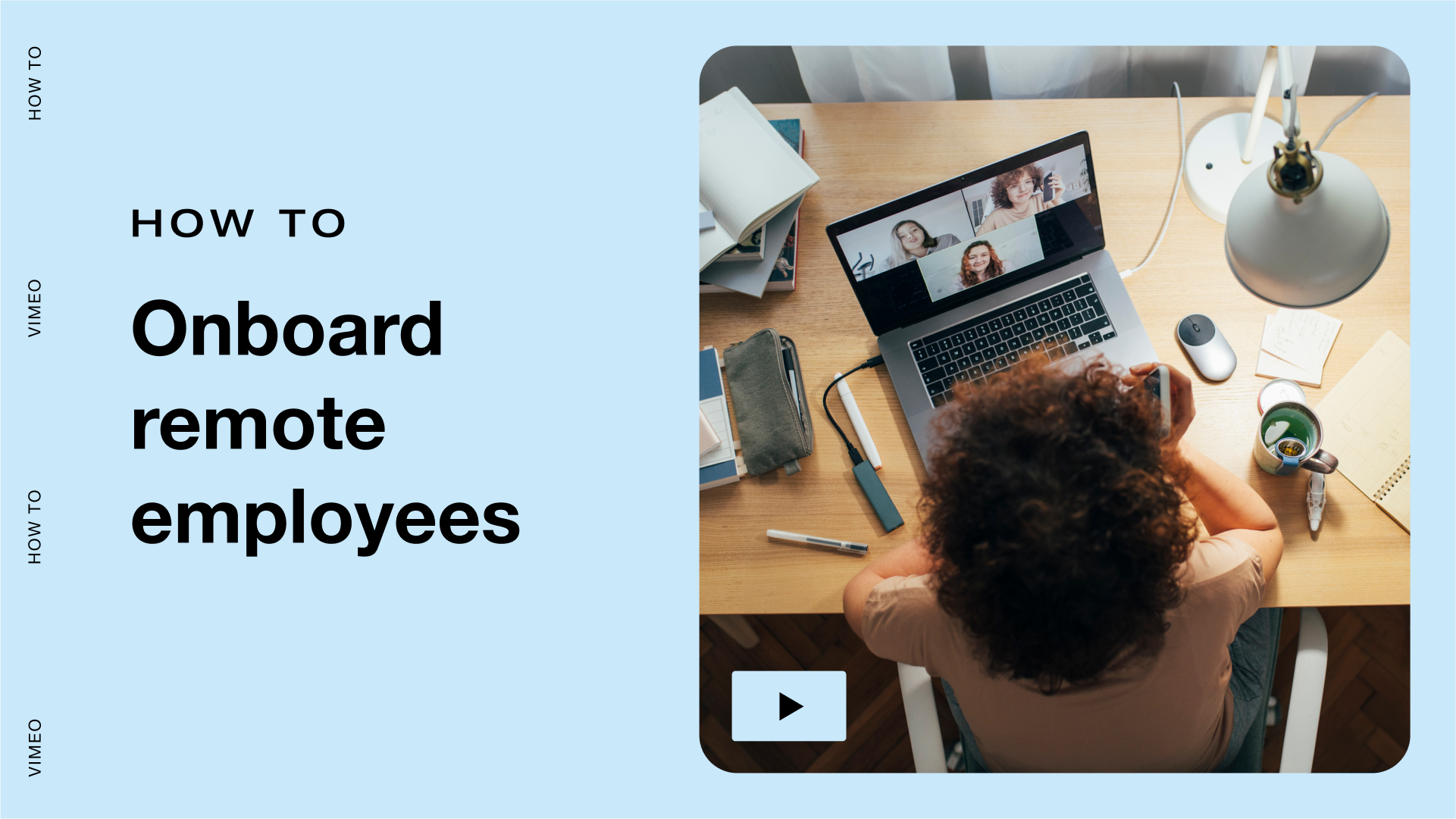
For small businesses, adapting to a virtual-first world of work is crucial. But it doesn’t come without its challenges: reimagining how to onboard and train employees included.
How do you welcome someone to the company without walking the halls? Can you communicate a culture of trust and autonomy without actually doing trust falls? And how will they learn how to do great work without getting to shadow great workers?
Here’s how you can use video to tear down remote training barriers and make company comms stick the landing, all while saving time and energy.
1. Make it personal and keep it candid
Can’t meet in person? That’s okay, as long as you make it personal. Don’t dig out another old school handbook or one-size-fits-all training manual. People want candid stories of humble beginnings and a vision for what you’ll be building together. To help new hires really experience the company culture first hand, a video-first approach is key. (Not to mention it’s a lot better than hours of solo reading.)
Whether you’re onboarding a new hire or rolling out training videos to existing employees, engage your team by starting your video messages with some context about the company. Go beyond what they're learning, and communicate why it matters.
But here's the catch: try not to over script yourself in the process. If you were training in person, you probably wouldn’t have scripted lines, so why should you now? Video works best when it feels real. Because it is!
2. Explain it once, step-by-step
The best reason to use video for training is that it makes you (and what you know!) scalable. Instead of having to repeat yourself over and over again to every team member, you can explain or demonstrate something just once. And once it’s on video, it becomes infinitely reusable.
Simply fire up Vimeo Record and do the thing you need to delegate. Just be sure to narrate your actions clearly along the way.
3. Organize and systemize
Ultimately, you’re trying to make sure everyone on your team knows what to do and how to do it, whether you’re there to help or not. It might sound odd, but the goal here is to make yourself replaceable in the best way possible: by sharing your knowledge.
But you can’t just assume your team is reviewing every piece of content that hits their inbox. That's why it’s so important to organize and systemize your video training content. How can you be sure the content was consumed and retained? And if someone needs to reference that process again, where can they find it on the fly?
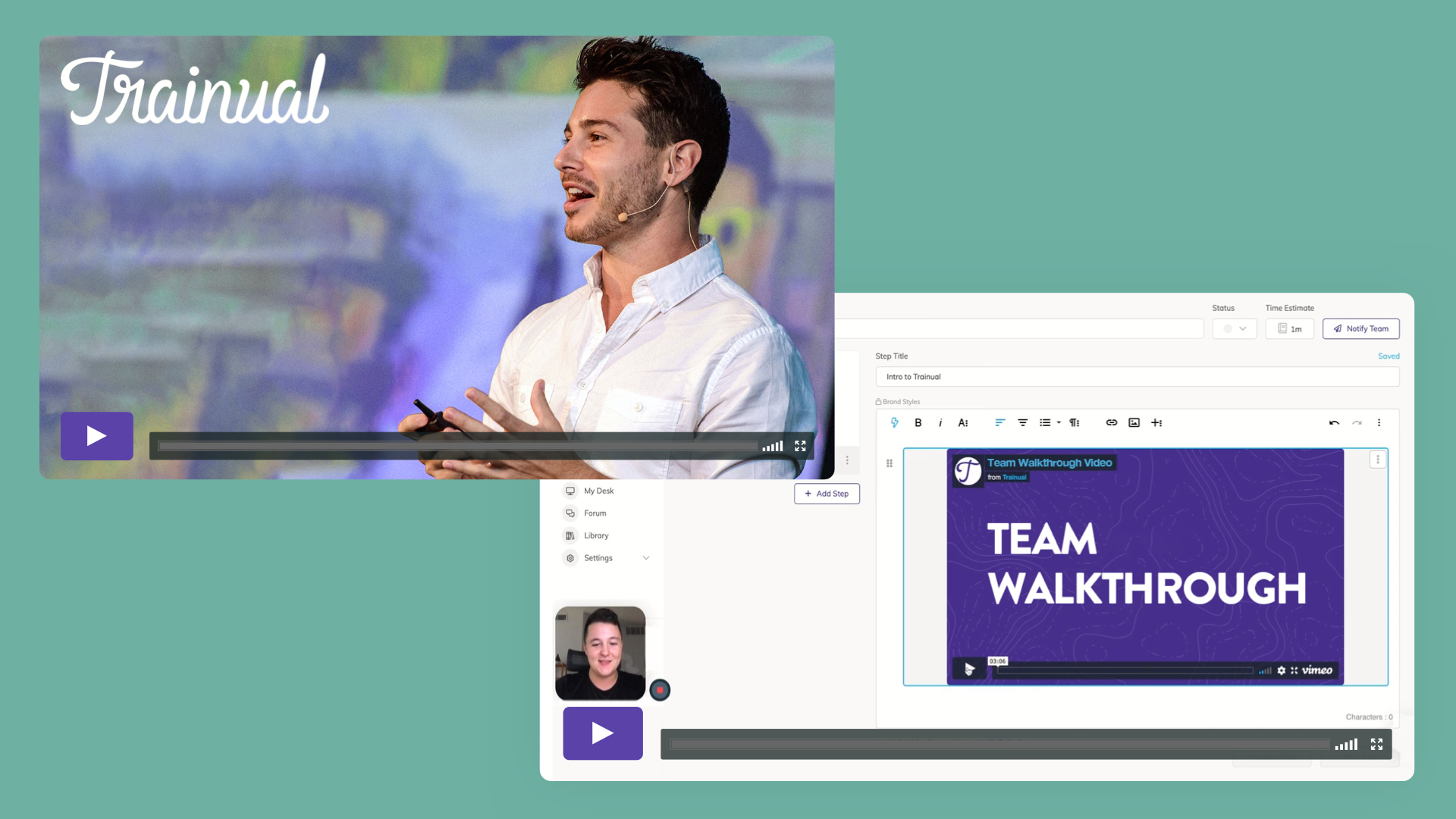
Luckily, you can use Vimeo’s collaboration tools to quickly see who from your team has reviewed your latest recording, at a glance. Training tools like Trainual help connect the dots here, too. With seamless integration to Vimeo, you can create simple step-by-step modules that house your videos alongside any additional text, slides, or other resources. (Oh, and when in doubt, consider live video to fill those remote comms gaps. It can work wonders!)
4. Don’t get caught up in production
Repeat after me: don’t overthink your video. That’s part of the beauty of it! Just speak to the camera like you’re talking to a person, and tell them what they need to know.
With tools like Vimeo Record to make informal knowledge transfer easy — and a training platform like Trainual to clarify all the roles, responsibilities, and processes in your company — you can be confident that you’re streamlining how knowledge gets organized, assigned, and consumed.