Fun fact: The terms A-roll and B-roll originated in the days of film reels, as a way for film editors to differentiate rolls of footage to thread into their cuts. Nowadays, A-roll and B-roll are more clearly defined into two different types of footage that serve different purposes in post-production. Today, we’re taking a closer look at B-roll, including tips for doing it right.
B-roll, defined
While A-roll is used to describe any footage of your subject or your main shot — think a person being interviewed or the central action taking place — B-roll is all the supplemental stuff that makes your videos more interesting to watch. B-roll often includes your subject or your surroundings, just portrayed in a more passive way. Take the above short with Gigi Hadid. See if you can decide which shots in this edit are A-roll and B-roll.
Bring your B-game
Simply put: Your audience craves variety. Shoot a lot, and change it up. Make sure you have plenty of footage to scrub through later. Varying your shots and angles will make for a more complex and appealing edit. On top of adding variety to your video, B-roll is also super important in the editing process. If you’re interviewing a doctor, for example, grab some filler shots of them putting on gloves or scribbling on a notepad. Your editor can use this as safety footage, allowing them flexibility if they need to disguise jump cuts or smooth out distracting footage.Set a plan
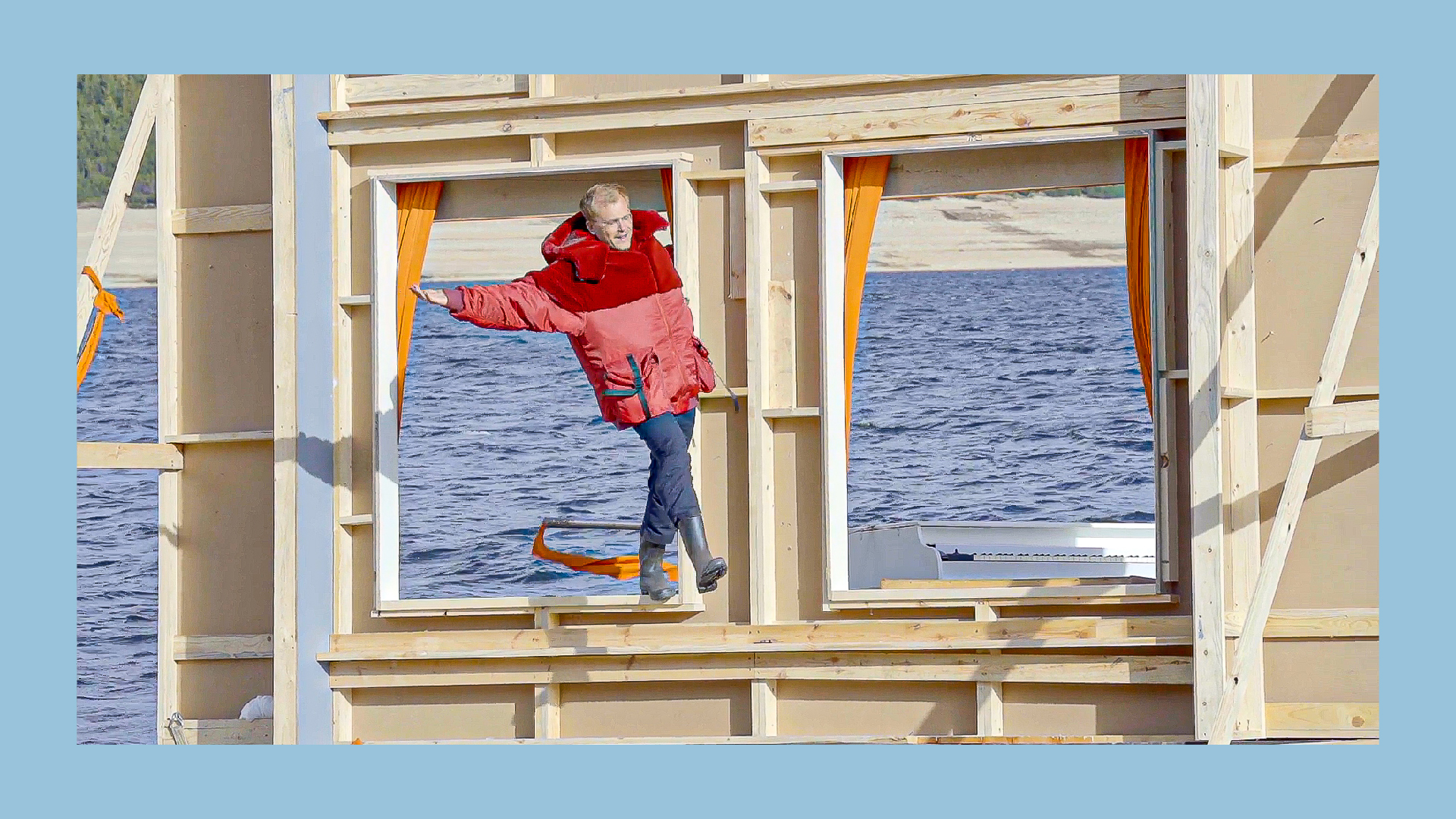
B-roll may look effortlessly spliced into video edits, but lots of thought and foresight go into collecting these. Pre-production is where you can define when and what you’ll need for B-roll. Sigrid‘s “Mine Right Now” music video from Max Siedentopf is a meta exploration on B-roll where the A-roll (AKA Sigrid) literally never showed up. In your shot list or storyboard, list the B-roll visuals that will enhance your narrative. And, if you run out of time or simply forget to shoot your B-roll, Vimeo offers endless options to spice up your edit.
Create an A/B system
No matter how much you plan in pre-production, you can always count on the unexpected to come up during a shoot. Just remember: Stay organized and stick to your plan. Whether you edit your footage yourself or hand it off, you can save hours (even days) in post-production if you have a set place to locate your video’s B-roll. Make sure you or your editor have a way to narrow down the hunt later on. If you are using multiple cameras, it might be helpful to have designated storage cards for A-roll and B-roll. If you’re using one camera, you can also just keep a list of time-codes. Whatever helps you keep track of everything.
More Video School lessons
As a creator, you can unlock Vimeo's advanced features for video creation, editing, online hosting, and analytics. Improve your content by adding music, resizing videos, and exploring additional tools.