Shutter speed controls how much light reaches your camera’s sensor and how motion appears in the final product. It affects every image you shoot, whether you're working in photography or video content.
Get shutter speed right, and a sprinter looks frozen mid-stride or a waterfall dissolves into silk. But if you get it wrong, you're often left with footage that's overexposed or blurry.
So what does shutter speed do, and how can you make the most of it? This article covers how shutter speed works and offers tips for choosing the right settings.
What’s shutter speed?
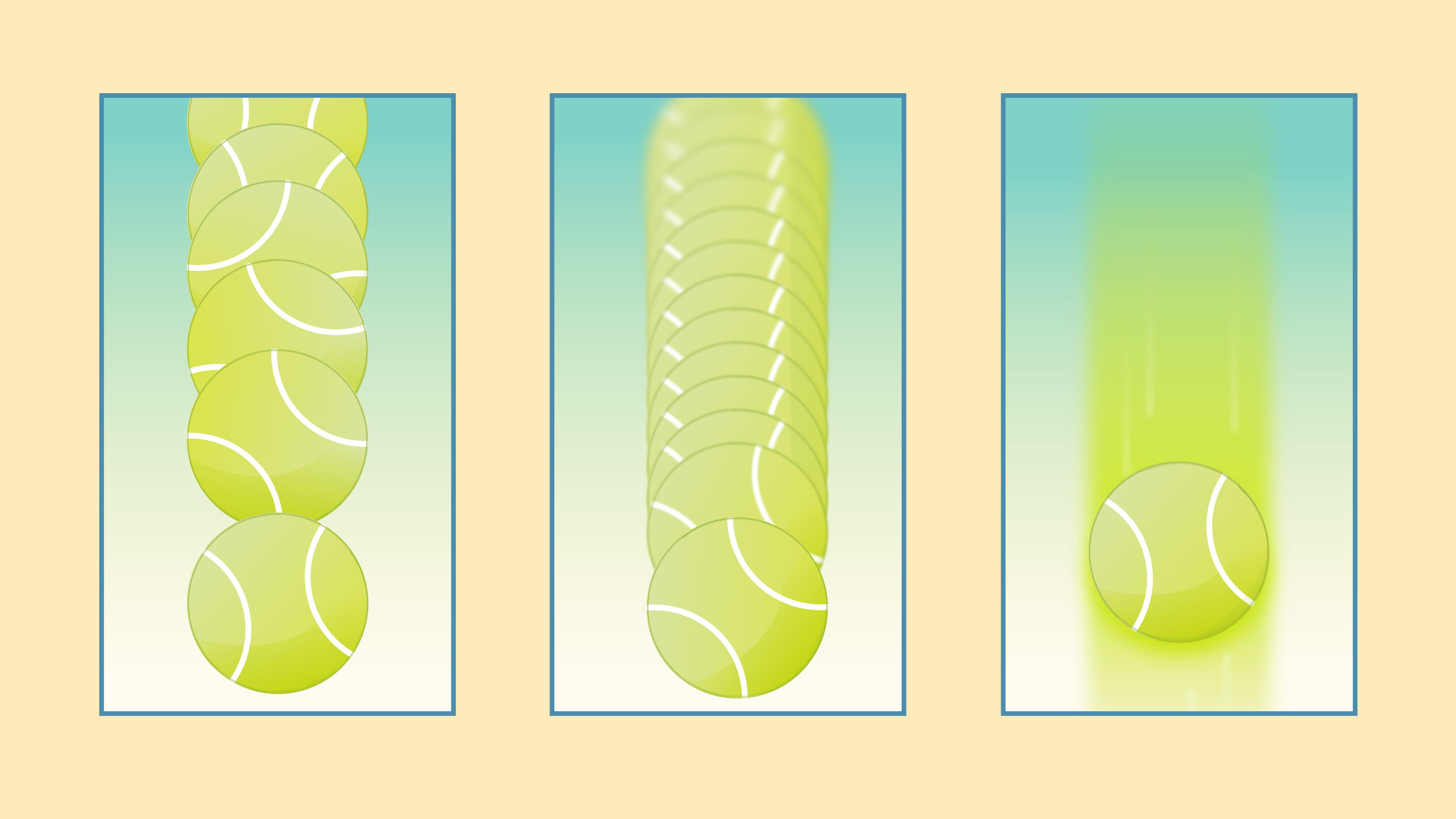
By definition, shutter speed is the length of time your camera's shutter stays open when you take a shot. While the shutter is open, light reaches the camera’s sensor, contributing to the exposure. A fast shutter speed keeps that open window brief, which lets in less light and freezes motion sharply. Slow shutter speeds gather more light, but allow anything that moves to blur.
Shutter speed is often measured in fractions of a second. For example, a speed of 500 means the shutter stays open for 1/500th of a second. A one-step change doubles or halves the light reaching the sensor. So going from 1/500 to 1/250 brings in twice the light, while switching from 1/250 to 1/500 cuts the light in half.
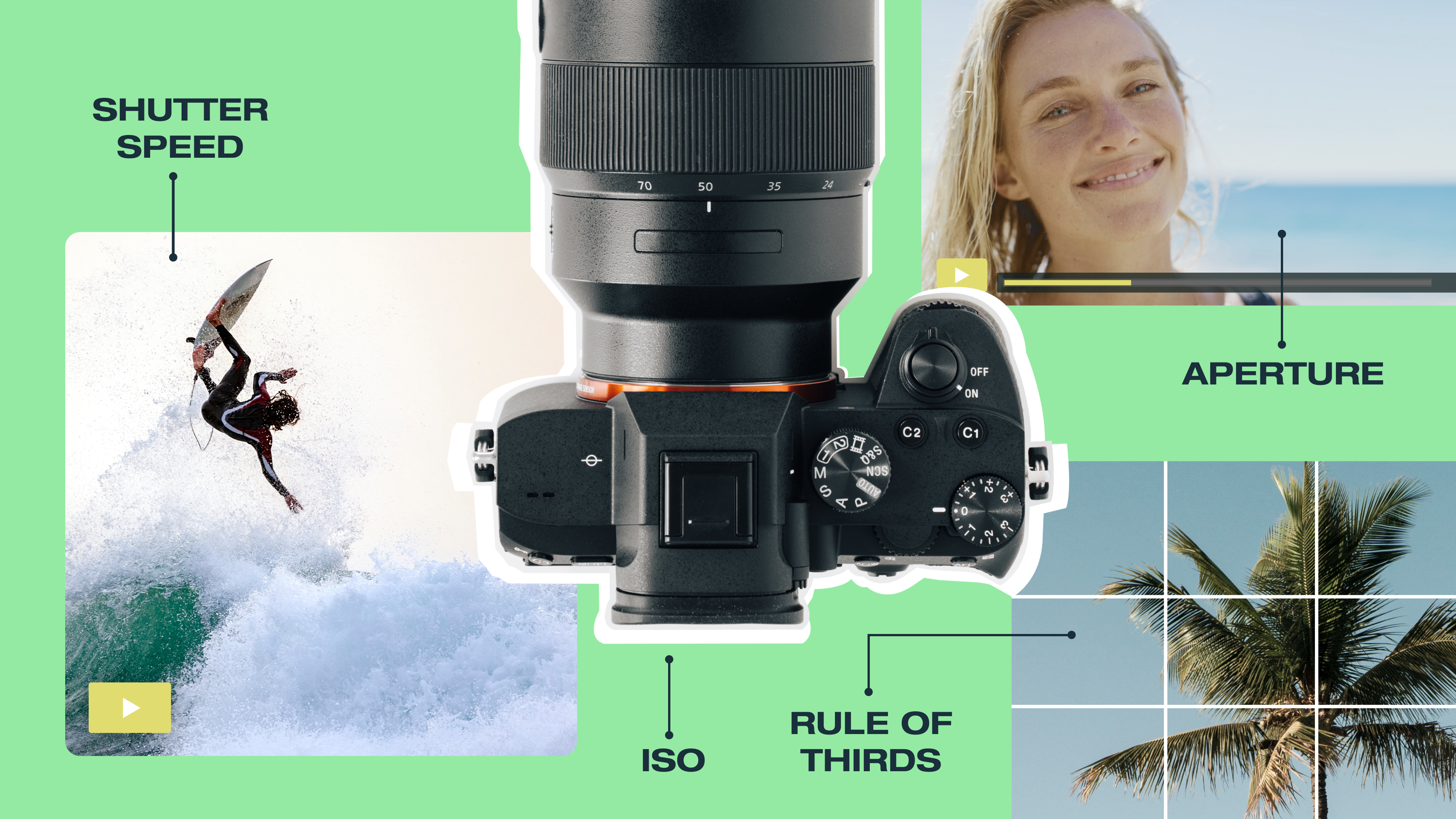
Shutter speed works alongside two other important settings, aperture and ISO, to fully control how much light reaches the sensor. Photographers refer to the relationship between these three settings as the exposure triangle, and adjusting one usually means compensating with another.
Edit your footage with Vimeo →
Effects of fast vs. slow shutter speeds
When you change shutter speed, you affect how much light hits the sensor and how much motion appears in the frame. Here’s the practical impact of common shutter speeds.
Fast speeds (1/250 and above)
At these settings, the shutter opens and closes fast enough to freeze motion in the frame. Capturing a dancer at the peak of a jump, or a car rounding a bend — this becomes possible at speeds of 1/500 or higher. But since a fast shutter speed limits the amount of light reaching the sensor, you'll often need a wider aperture or higher ISO to keep the exposure balanced.
Slow speeds (1/60 and below)
These speeds keep the shutter open long enough for moving subjects to cross the frame, resulting in motion blur in the final image. That blur isn't always a mistake, since a waterfall rendered as silky white water or city traffic leaving streaks of light across a low-light scene are deliberate stylistic choices. The trade-off is that at slow shutter speeds, any camera movement during the exposure also registers as blur, so a tripod is needed to keep the entire frame sharp.
Mid-range speeds (1/60 to 1/250)
Speeds in this range are practical for everyday handheld shooting. They're fast enough for clear, still subjects, such as portraits or landscapes, but may blur moving objects. Final quality depends on how much your subject moves, your focal length, and whether your camera has image stabilization.
How to choose the right shutter speed for your shoot
There’s no one right shutter speed, so the best setting depends on your subject and creative intent. It also matters whether you’re shooting stills or video footage. Let’s look at some best practices for common use cases.
Photography shutter speeds
When capturing still images, the most important question to ask is whether your subject will be moving, and if so, how fast. For posed subjects that stay relatively still, anything from 1/125 to 1/250 should give you a clear result, without pushing your ISO too high or requiring a tripod. The same range works well if you're filming an interview where your subject is seated.
For walking subjects and other casual movements, 1/250 to 1/500 is best to keep your images clean. Once you're shooting fast action — sports, wildlife, people running — you’ll want to use 1/500 at a minimum, and 1/1000 or faster for unpredictable movement.
Your camera shots also impact your choice of shutter speed. A wide establishing shot gives moving subjects more room to travel before they blur, so you can sometimes get away with a slower speed than you’d use for a tight closeup.
Focal length matters too, since the closer your subject is to the camera, the faster they’ll appear to move across the frame. In turn, your shutter speed needs to be faster to keep the subject sharp.
In low-light photography, when you're shooting a stationary subject using a tripod, shutter speed becomes primarily an exposure tool. You can drop the rate to 1/30, 1/15, or even one or more full seconds to gather enough light, as long as nothing in the frame is moving.
Video shutter speeds
Video adds a constraint photography doesn't have: the 180-degree shutter rule. Your shutter speed should be double your frame rate. This ratio produces the natural-looking motion blur viewers expect from cinematic footage. So if you record at 24 fps, you’ll set your shutter speed to 1/50, while shooting at 30 fps requires a speed of 1/60.
If you shoot video at a shutter speed that's too fast, movement in the frame can look unnatural. Each frame is so sharp and distinct that the motion between them appears choppy. The result tends to draw attention to itself for the wrong reasons, pulling viewers out of the experience. Some filmmakers deliberately shoot at fast shutter speeds to create hyper-real, high-tension looks, but that's a creative choice that should be made with intention.
Prepare for your next shoot with Vimeo →
Quick reference shutter speed chart
Here’s a breakdown you can use to quickly determine the best shutter speed for your next project.
Scenario | Recommended shutter speeds | Notes |
Posed portrait | 1/125 to 1/250 | Still subjects handheld |
Walking subject | 1/250 to 1/500 | Casual street or event shooting |
Sports and fast action | 1/500 to 1/2000 | Faster for unpredictable subjects |
Bird in flight | 1/1000 to 1/2000 | Small birds may need 1/2000 or faster |
Landscape | 1/30 or slower | Subject must be still |
Waterfall or light trail | 1 to 10 seconds | Tripod is essential |
Video at 24 fps | 1/50 | Produces a cinematic look |
Video at 30 fps | 1/60 | Standard broadcast and web video settings |
Video at 60 fps | 1/120 | Sports and other smooth motions |
Make the most of your video footage with Vimeo
Getting shutter speed and other key settings right is essential for producing quality images and videos. But what happens after the shoot matters just as much. Once you capture sharp action shots or smooth cinematic footage, you’ll need somewhere to edit that footage to perfection and share it with your audience.
Vimeo gives you the tools you need to turn raw footage into effective final products. The built-in Video Editor helps you cut and refine your work, while AI-powered tools like text-based editing speed up the post-production process. Your finished videos live in a centralized library where they're easy to organize and share.
Edit and publish videos with Vimeo →
FAQ
Can I shoot with a fast shutter speed in low light or at night?
If you’re shooting in low light or at night, you can still use a fast shutter speed. But you’ll need to compensate by widening your aperture, raising your ISO, or adding artificial light.
Why do my photos look too dark when using a fast shutter speed?
A fast shutter speed limits how much light reaches your camera’s sensor, reducing exposure. To brighten the image, widen your aperture, raise your ISO, or shoot in a lighter environment.
What shutter speed is best for shooting sports and fast action?
To record sporting events and other fast movements, try starting with a shutter speed of 1/500. Team sports like football or basketball may benefit from 1/1000, while very fast subjects (such as sprinters or birds in flight) usually require 1/2000 or faster.
Why might I need a tripod when using a slow shutter speed?
At slow speeds, the camera's shutter stays open long enough to capture the natural movement of your hands, which appears as a blur across the entire frame. A tripod keeps the camera still, so any blur comes only from moving objects.
How does image stabilization affect what counts as a slow shutter speed?
Image stabilization compensates for hand movement, letting you shoot at slower shutter speeds without a tripod.