Recording interviews is a common practice across a wide range of industries. You might want to create subject matter expert videos for content marketing, or capture less formal conversations for hiring or research. Either way, poor audio quality, an unstable connection, or a file saved to the wrong location can turn a useful interview into a subpar and hard-to-use draft.
Fortunately, these problems are preventable. In this guide to interview recording, we’ll cover setup and equipment, plus best practices for a strong take and key post-recording steps.
Why it’s useful to record your interviews
Relying on notes taken during an interview creates a few problems. The interviewer has to split their attention between listening and writing, affecting the quality of the exchange. And what ends up on the page is only a summary, affected by what the interviewer chose to write down in the moment.
When you record, the interviewer can stay fully present and you can capture the conversation exactly as it happened. For hiring teams, that means anyone involved in a decision can review recorded interviews personally, rather than relying on a colleague's notes. And journalists and researchers can verify quotes and details against the source instead of reconstructing them from memory.
How to record a quality interview: Best practices for a smooth session
The setup decisions you make before the interview starts, plus the steps you take during the session, determine how usable the recording is afterward. Here's what to focus on at each stage.
Before the interview
In advance of the interview, be sure to:
- Test your camera, microphone, and recording software
- Check audio levels and playback quality
- Let the interviewee know you'll be recording the interview and get their consent
It’s also important to choose your location carefully. Background noise, such as traffic or an air conditioner, can be time‑consuming to remove in post‑production and lower the audio’s quality. A quiet, enclosed space with soft furnishings absorbs echoes, producing cleaner results than a hard-walled room.
During the interview
Confirm with the interviewee that the recording is running and they’re comfortable, then set the recorder aside and focus on the conversation. Check your device occasionally to make sure it's still capturing, but don't interrupt the interview’s flow for minor issues.
Also, avoid talking over the interviewee. Cross-talk is harder to transcribe, making editing more difficult, so let responses finish before you follow up.
After the interview
Once the recording ends, confirm that the file is saved correctly before closing your software or disconnecting from the call. Then share the recording with anyone who needs access, such as an editor or hiring panel. Make note of important follow-up questions or topics that came up but weren't fully covered — both are easier to address while the conversation is still fresh in everyone’s minds.
Types of interviews you might want to record
Most interview formats benefit from recording, but the usefulness varies depending on who’s conducting the conversation and what they need afterward.
Here’s a quick look at the most commonly recorded interview categories:
- Content and journalistic interviews: Journalists and content producers rely on recordings to quote sources accurately and verify details before publication. A recorded interview also makes it easier to pull clips or segments for use across different formats, such in-article videos or social media posts.
- Job and recruitment interviews: Recording job interviews consistently means everyone on the hiring team works from the same source, rather than different sets of incomplete notes. Plus, recordings let you more easily compare responses across multiple candidates and revisit specific answers before making a final decision.
- User experience (UX) research interviews: UX researchers record interviews to capture not just what an interviewee says, but also how they say it. Recordings also let researchers share interviews with designers and product teams who weren't in the room.
- Market research and client discovery interviews: Client discovery interviews often yield details that shape strategy, such as specific pain points or particular phrases customers use to describe their problems. A recording lets you go back to search for and extract those details accurately.
Pros and cons of in-person vs. remote recording
Whether in-person or remote recording is the best choice will depend on who you're interviewing and what resources you have available.
In-person interview recording
Recording in person gives you direct control over location, mic placement, background noise, and everything else that affects how the audio turns out. The trade-off is logistics — finding a suitable space and setting up equipment takes time, and it can be challenging to coordinate schedules.
Remote interview recording
Remote interviews are easier to arrange, and most video conferencing platforms make the process simple. However, audio and video quality are harder to control when you can't manage the interviewee's environment. You won’t always be sure both parties will have stable internet connections and decent microphones.
Factor | In person | Remote |
Audio control | High | Variable |
Setup time | Longer | Minimal |
Logistics | More complex | More straightforward |
Video quality | Camera-dependent | Platform-dependent |
Best for | Formal interviews and content marketing | Fast turnarounds and distributed teams |
Essential equipment for a smooth recording session
The right gear and a bit of preparation make a big difference to your recording’s quality, whether you're using a dedicated recorder or video equipment you already own.
Make sure you have the following tools:
- Microphone: An external microphone produces noticeably cleaner audio than a built-in laptop or phone mic. A lavalier clips to the speaker's clothing and works well for sit-down interviews. Shotgun microphones are better suited to controlled indoor environments that require more directional pickup.
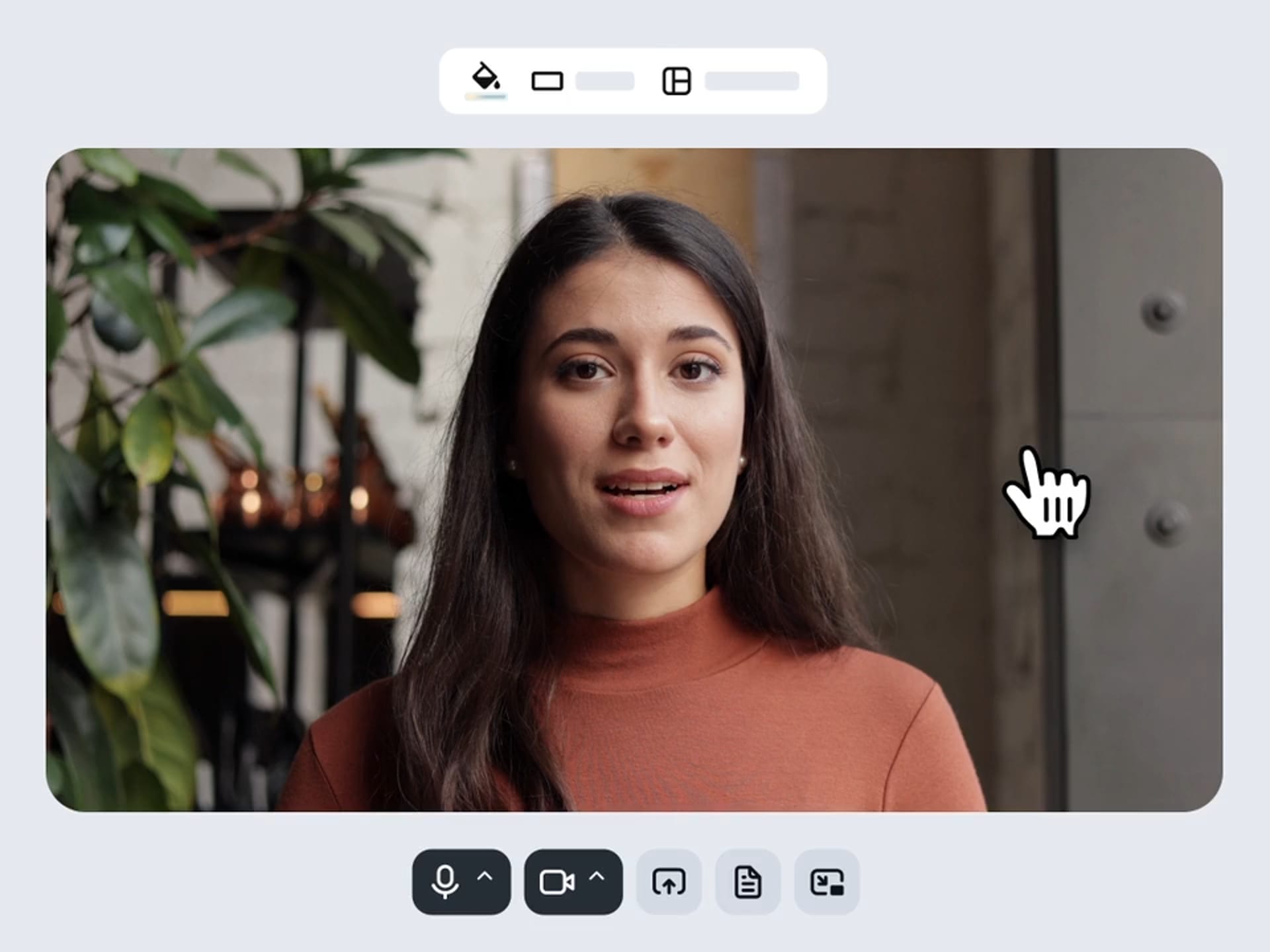
- Camera or screen recorder: For in-person interviews, a digital camera gives you the best video quality. As for remote interviews, a webcam and screen recorder can capture video and audio directly from the call. Just remember to position the camera at eye level to get a natural-looking angle.
- Headphones: Wear headphones during remote interviews to prevent audio feedback and catch sound issues early.
- Battery and power: Make sure all devices are fully charged before the interview starts, and keep a backup battery or charger within reach.
Key post-production tips
Capturing the interview is only part of the job; what you do with the recording afterward determines how useful it is. Here are some important post-production steps:
- Edit your recording: Even a light edit makes the recording easier to share and review. Trim dead air and false starts with a video editing tool, and clean up the audio if needed.
- Transcribe for searchability and reuse: A transcript turns your interview’s audio into searchable text, making it easier to find specific quotes and share findings with people who weren't in the session. Vimeo’s AI can automatically transcribe your video to save time.
- Store and back up recordings securely: Save recordings to a centralized location, rather than a personal drive. A shared video library keeps files organized and available to the right people at all times.
Enhance your recordings with Vimeo’s editor →
Simplify your interview recording workflow with Vimeo
Interview recording presents a lot of challenges, from getting clean footage to editing out background noise. How well you can turn a raw recording into something shareable depends on whether you have the right set of integrated tools.
Vimeo’s built-in screen and webcam recorder captures high-resolution video without the need for separate software. AI-powered editing handles the time-consuming parts, like removing filler words and making text-based cuts directly in the transcript. Once you finish the interview, you can share it instantly via a private link, or you can store it in a centralized Video Library that keeps everything organized and accessible.
Manage your interview recordings with Vimeo →
FAQ
How long should I keep interview recordings?
How long you should keep an interview recording depends on its purpose. Most hiring teams keep job interview recordings until they make final decisions, while journalistic and research recordings may be worth keeping even after projects are published.
What should I do if a recording fails mid-interview?
If your recording fails mid-interview, stay calm and don't draw attention to the issue. Note the timestamp where the failure occurred, then continue the interview and take notes on anything important during the affected section. Afterward, check your recording software and device storage before your next interview to find the cause.
Is it better to record audio-only interviews or audio and video?
Audio-only interview recording is a reasonable fallback when bandwidth or equipment is limited. But for most professional use cases, video is worth the extra setup time. Video gives you more to work with, like body language and visual context that audio alone can’t capture.