Small teams need live webinar tools that work smoothly with minimal effort. When headcount is tight, your webinar platform must be easy to set up and dependable once your audience joins. And if your budget is also limited, you’ll want to avoid paying for features you don’t need.
Most webinar solutions look similar on the surface, but the day-to-day experience of using these platforms can feel very different. Some tools are closer to video conferencing products with webinar-focused extras. Others give you more dedicated options, like branded registration pages and secure hosting for sharing replays.
This guide compares six live webinar tools for small teams, so you can find a platform that fits your budget and content.
Why are webinars valuable for small teams?
For a small team, webinars can:
- Build trust: A well-run event gives your team a chance to really connect with viewers to express your brand values and expertise.
- Engage your audience: Live chat, polls, Q&As, and other interactive features give attendees a reason to stay involved, making webinars useful for community sessions and similar virtual events.
- Support lead generation: A webinar platform gives you a central place where you can collect registrations and follow up with attendees after the webinar ends.
- Save time: If your team has to keep walking people through the same process or idea, webinars let you do that at scale.
- Cost less than running in-person events: You don’t need to pay for travel or venues to reach people in different locations.
- Keep working after the event ends: You can repurpose one webinar into an on-demand replay, short clips, follow-up content, or material for future sessions.
Webinar platforms compared in brief
Before we jump into these tools in detail, let’s take a quick look at what each has to offer.
Tool | Best for | Starting price |
Vimeo | Running branded webinars and hosting replays in the same place | $75 per month for up to 100 attendees |
Zoom Webinars | Moving from regular meetings to webinars without changing platforms | $83.33 per month for up to 300 attendees (also requires Zoom Workplace Pro) |
Demio | Tracking engagement and follow-ups for marketing webinars | $45 per month for up to 50 attendees |
GoTo Webinar | Managing larger events with built-in registration and email flows | $62 per month for up to 500 attendees |
WebinarNinja | Using one platform for live sessions and paid webinar content | $0.30 per attendee per month |
EasyWebinar | Building webinars into a funnel with follow-up and conversion tools | $36 per month for up to 50 attendees |
6 top webinar platforms for small teams
Now, let’s compare these six live webinar tools in full.
1. Vimeo
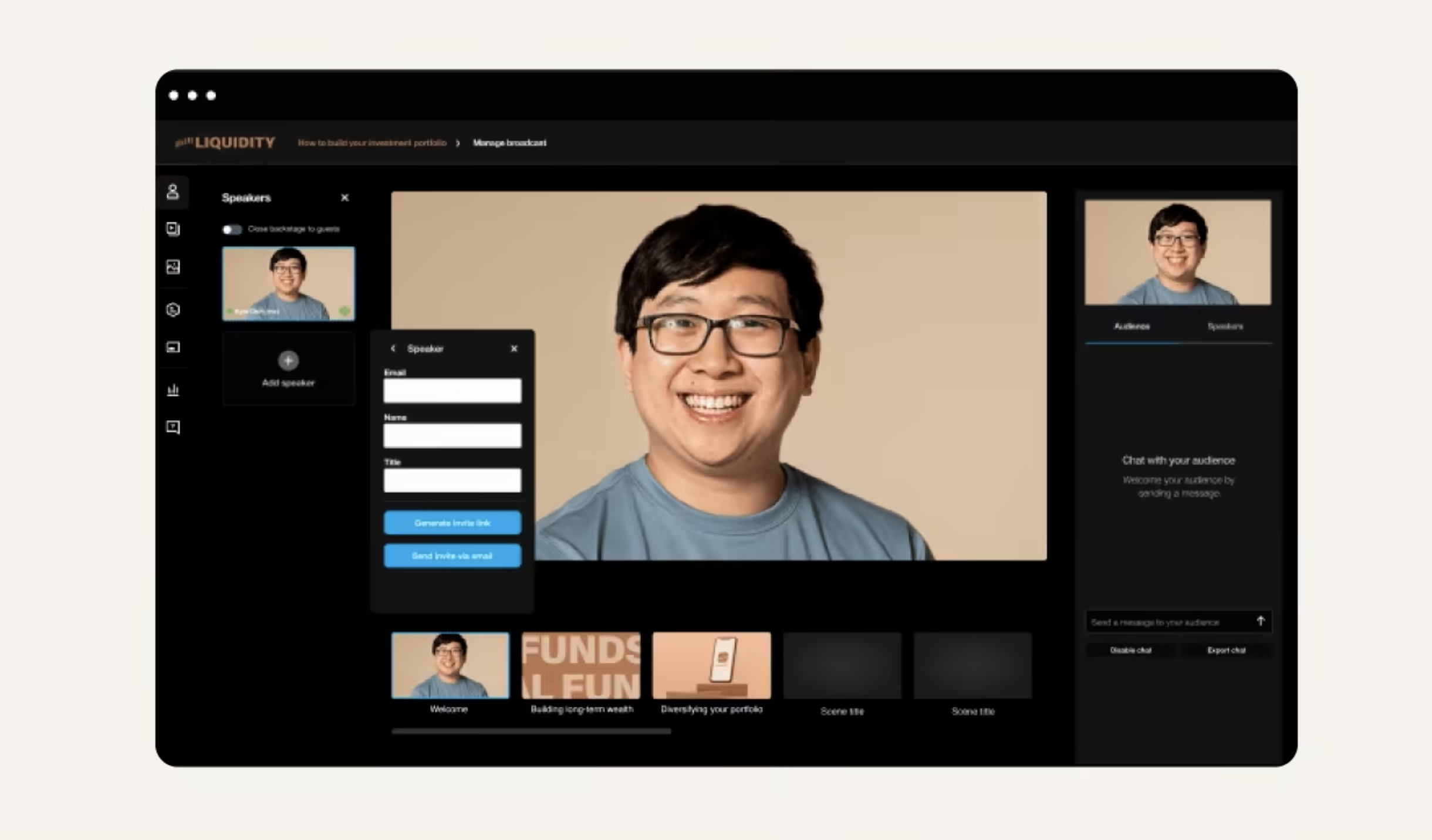
Vimeo is a browser-based platform that combines content delivery, registration, attendee management, and replay hosting. You can share prerecorded webinars or leverage Vimeo Live for high-quality virtual events. Either way, your team will benefit from powerful but easy-to-use tools and streamlined, repeatable workflows.
Key features:
- Live, pre-recorded, and hybrid webinars
- Interactive features like chats, polls, surveys, and Q&As
- Registration pages and attendee management
- Branded invite and reminder emails
- Customizable, white-labeled Video Player
- Built-in webinar hosting for replay distribution
- Domain-level privacy controls and restricted embeds
Pros:
- Centralizes live webinars and replay hosting in one workflow
- Gives you lots of control over webinar appearance and quality
- Lets you avoid ads and third-party branding
Pricing: Starts at $75 per month
Best for: Small teams looking for a customizable webinar platform that saves you from having to switch between tools, is quick and simple to use, and offers scalable pricing
Live stream now with Vimeo →
2. Zoom Webinars
Zoom Webinars extends the Zoom meeting experience into a platform with registration, engagement, and reporting tools.
Key features:
- Registration pages
- Chats, reactions, polls, and Q&As
- Custom backgrounds and branding options
- Performance reports
- AI-generated smart chapters
- Breakout rooms and screen sharing
Pros:
- Familiar platform for many hosts and attendees
- Live engagement features
Pricing: Starts at $83.33 per month, and requires Zoom Workplace Pro
Best for: Teams already using Zoom that want a basic setup and a minimal learning curve
3. Demio
Demio is a browser-based platform for live, automated, and on-demand webinars, with a focus on engagement reporting and follow-up visibility.
Key features:
- Live webinars and event series
- Chats, polls, featured actions, and handouts
- Engagement analytics
- Custom rooms and email branding
- Registration source tracking
Pros:
- No-download join option keeps access simple for attendees
- Focus on engagement metrics
- Built-in branding and source tracking features support follow-up campaigns
Pricing: Starts at $45 per month
Best for: Marketing teams that want a browser-based webinar tool with engagement options and ROI tracking
4. GoTo Webinar
GoTo Webinar is an all-in-one platform for live events and large online sessions, combining registration, attendee engagement, analytics, and follow-up tools.
Key features:
- Custom registration pages and forms
- Automated email invitations, confirmations, and reminders
- Polls, live Q&As, and breakout rooms
- Practice mode to prepare for live events
- Paid webinar support
- Browser-based attendee joining
Pros:
- Covers registration, live delivery, and follow-ups in one platform
- Makes it easy for attendees to join and participate
- Scalable plans
Pricing: Starts at $62 per month
Best for: Teams that want a webinar platform with built-in registration, automated email messaging, and room to grow
5. WebinarNinja
WebinarNinja supports live, automated, and hybrid webinars, and with a focus on training events and other educational content.
Key features:
- Built-in landing pages
- Email notifications and reminders
- Recordings and replays
- Multi-function chat
- Audience presenters
- Monetized webinars
Pros:
- Covers live, automated, and hybrid webinars in one platform
- Includes built-in landing pages, email messaging, and replays
- Supports paid webinars and course-style sessions
Pricing: Starts at $0.30 per attendee per month
Best for: Teams that want multiple webinar formats and the option to run live courses or paid events
6. EasyWebinar
EasyWebinar offers a range of tools for registration, attendance, follow-ups, and conversions, helping you build revenue-focused webinar campaigns.
Key features:
- Live and evergreen webinars
- Built-in customer relationship management
- AI-generated webinar funnels
- Web pages, emails messaging, and follow-up workflows
- Lead capture and scoring
- Co-host and moderator controls
Pros:
- Connects live webinars and follow-ups in one workflow
- Tool stack designed for monetized webinars
Pricing: Starts at $36 per month
Best for: Teams that want webinars tied closely to lead management and evergreen conversion workflows
How to choose the best live webinar software for your small team
Use these questions to narrow down your list and choose a webinar platform that aligns with your team's workflow:
- How many attendees do you need to support? Some platforms look affordable until you hit a viewer cap or need advanced features. Check the room size and know what each paid plan unlocks. It also helps to decide early whether a free webinar service is enough or if your team wants a premium tier with more branding and replay options.
- Do you need a webinar platform or an upgraded video conferencing solution? If you’re running a simple online meeting or webinar with no registration requirements, a video conferencing tool may be enough. If you need registration pages and replay hosting, consider using a dedicated webinar hosting platform instead.
- How much branding control do you need? Some teams make do with a standard event page, while others need branded registration forms and video players.
- Which engagement features matter to you? Some webinars only require chat and Q&A tools, while more immersive events rely on polls or breakout rooms to keep attendees involved.
- What happens after the webinar ends? If you want to reuse your webinars, check for replay hosting, easy integrations, privacy options, and quality control.
Get the most from your webinars with Vimeo
Live webinars are moving past the basic meeting link model, so even small teams running online events need robust setups. Look for a tool that handles registration, live delivery, engagement, and replay hosting, without forcing you to switch platforms once the event ends.
Vimeo supports live, pre-recorded, and hybrid webinars in a browser-based workflow, with branded viewing experiences and interactive features built right in. With Vimeo Live, your team can run higher-quality streams with browser-based production or encoder workflows. Plus, you can repurpose video recordings into clips and other follow-up content, so sessions keep driving value.